
Loading Backgrounds
With this mod you will be able to customize the background of the loading screens of the Minecraft games, placing any type of customizable image.
截图
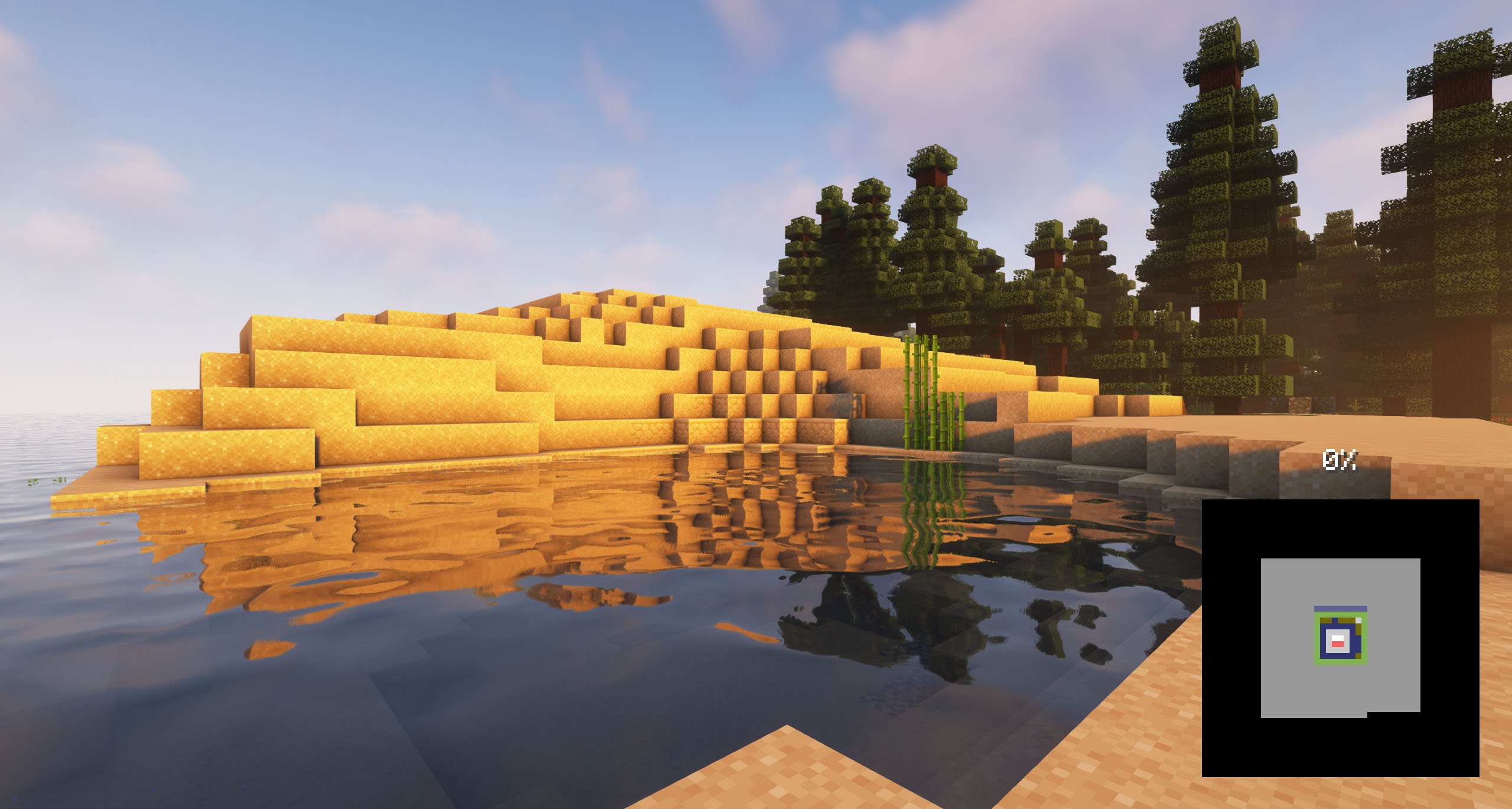
介绍
With this mod you will be able to customize the background of the loading screens of the Minecraft games, placing any type of customizable image.
It is recommended for all those creators of modpacks who want to give a better sensation to their contents, loading images of the modpack and placing them as background.
Do you need a server to play with your friends?

For exceptional server hosting services, look no further than BisectHosting. Of course, you can install all the mods or modpacks you want, and their support team is always available to help you.
With the code “Lupin” you will get a 25% discount! Click here!

To add background images, you’ll want to create a resource pack with the folder /assets/minecraft/textures/gui/backgrounds/ and put .png image files in there. Ideally you’d name them image1.png, image2.png, image3.png, etc.
You can include background images in any resource pack and easily pack them in with any other resources.
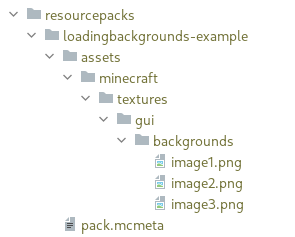
It is essential to place the pack.mcmeta. Create a notepad with that name and put the following text:
{
  "pack": {
    "pack_format": 15,
    "description": "Loading Backgrounds images"
  }
}
Also, you can look at this resourcepack as an example.

Does it work on servers?
###
Sure! Remember that the best way to play with mods and friends is with BisectHosting, and by clicking on this link you can get a 25% discount.
Can this mod be used in modpacks?
###
Of course! As long as it is published only on Modrinth or CurseForge. Uploading it to any other platform would be violating our rights and is not allowed at all.
However, we are really grateful if you consider adding it to your Modrinth or CurseForge modpack. If you need any small changes or have any questions, contact us!

.
常见问题
Loading Backgrounds 支持哪些 Minecraft 版本?
Loading Backgrounds 支持 Minecraft Java 版 1.20–26.1.2,共 15 个版本,可用的加载器:Fabric / Forge / NeoForge。下载时注意选择和你游戏版本一致的文件。
Loading Backgrounds 怎么安装?
先用 PCL2 或 HMCL 启动器安装对应版本的 Fabric / Forge / NeoForge,再把下载的 .jar 文件放进游戏目录的 mods 文件夹,重新启动游戏即可。开启了版本隔离的,mods 文件夹在 versions/版本名 下面。运行环境:仅客户端。
Lupin 的其他作品
查看全部 →
MonoLib
一个适用于 Fabric、Forge 和 NeoForge 的非侵入式前置库模组。

Dis-Enchanting Table
从附魔武器或附魔书中回收附魔!

Medieval Buildings [End Edition]
为末地带来全新的中世纪风格建筑!

Medieval Buildings – New Structures!
为世界添加激动人心的中世纪建筑,其中藏有隐藏的敌人和宝藏!
评论
登录后评论和评分