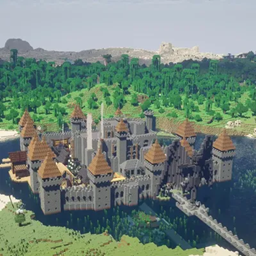
RayTrace ShaderPack
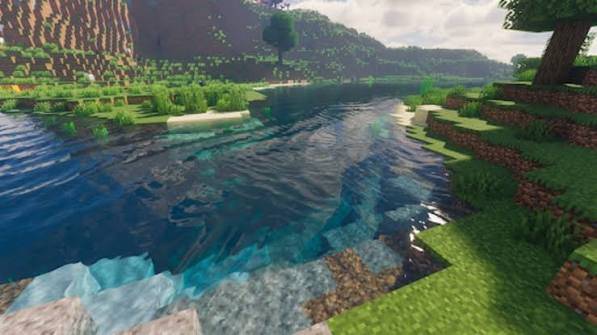
Screen-space ray-marched reflections, GI, and shadows for a "ray traced" look on OptiFine/Iris.
截图
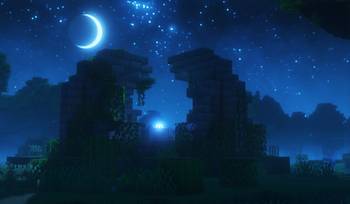
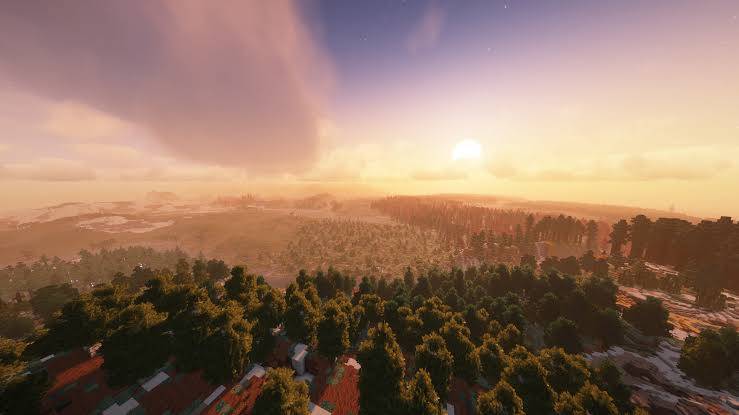
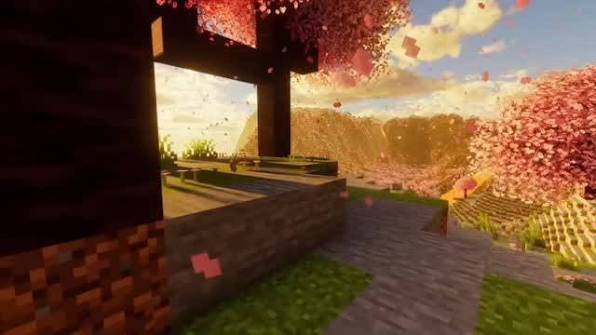
介绍
A shaderpack that simulates RTX-style ray tracing using screen-space ray marching — the same technique used by SEUS PTGI, Complementary Reimagined, and BSL. True hardware ray tracing isn’t accessible from Java Edition shaderpacks (they run on OpenGL, not DXR/Vulkan RT), so this marches rays against the depth buffer each frame to build reflections and a one-bounce GI approximation.
Features
- Ray-marched reflections and diffuse global illumination, temporally denoised
- Real sunlight diffuse lighting with ray-traced-style soft shadows
- Near-mirror water reflections
- Two-pass bloom, ACES tonemapping
- 4 quality profiles (Low/Medium/High/Ultra) plus individually adjustable sliders
Requirements: OptiFine or Iris (Sodium+Iris also works)
Install: drop the zip into .minecraft/shaderpacks/, select it from Video Settings → Shaders.
常见问题
RayTrace ShaderPack 支持哪些 Minecraft 版本?
RayTrace ShaderPack 支持 Minecraft Java 版 1.16–26.2,共 39 个版本,可用的加载器:OptiFine。下载时注意选择和你游戏版本一致的文件。
RayTrace ShaderPack 怎么安装?
光影需要先装 OptiFine。把下载的 .zip 文件(不用解压)放进游戏目录的 shaderpacks 文件夹,进游戏后在「选项 → 视频设置 → 光影包」里选中它。光影对显卡要求较高,卡顿可以调低光影设置或渲染距离。
TaeVersePlayz 的其他作品
查看全部 →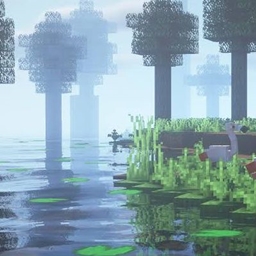
RealisticRemake
A lightweight realistic shader with soft mist, sun shadows, god rays, and swaying leaves — built for smooth performance on modest GPUs.
HolaBlocks
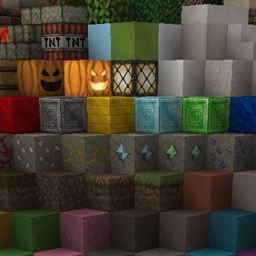
A detailed medieval-style Minecraft resource pack featuring realistic textures, enhanced block detail, improved materials, and immersive visuals
TheHolShader Shader
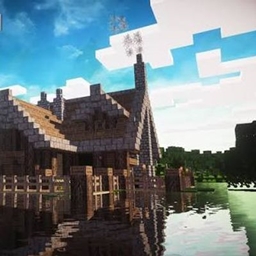
A realism-focused shaderpack with dynamic shadows, animated water, volumetric god rays, drifting clouds, and full in-game customization — built for OptiFine and Iris.

DreadShade
A dread-soaked post-processing shaderpack for Minecraft — creeping fog, bleak color grading, and tunnel-vision vignette built to make every torch feel like it's not enough.
评论
登录后评论和评分