
Custom Crosshair Mod circle fix
Changes the logic of drawing a circle for Custom crosshair mod
截图

介绍
Custom Crosshair Mod Fix
A small compatibility patch for Minecraft 1.21.11 that fixes broken circle crosshair rendering (https://modrinth.com/mod/custom-crosshair-mod).
This mod does not replace the original mod and requires the original mod to be installed.
How that works?
The render was broken because the original mod drew the circle using an old line-based approach: it generated points around the circle and submitted them as a line render state.
Original idea:
for (int i = startAngle; i <= endAngle; i++) {
    float radians = (i - 90) * ratio;
    points.add(x + cos(radians) * radius);
    points.add(y + sin(radians) * radius);
}
The problem was that the original ModLinesGuiElementRenderState used a debug/line pipeline with lineWidth(2.0F). In Minecraft 1.21.11’s newer GUI render-state system, that line rendering path became unreliable: the circle could break into chunks, disappear, or render with incorrect thickness.
So this mod overrides old circle rendering replaces it with RingGuiElementRenderState
The rendering is different from the original in older versions!
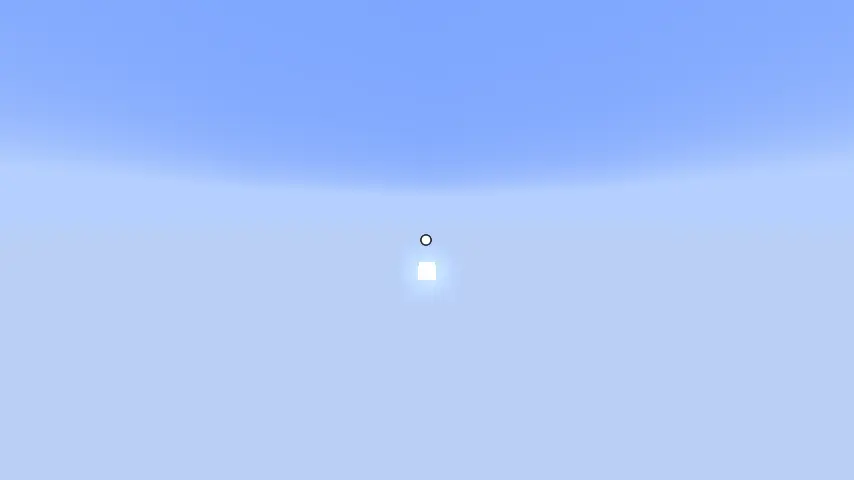
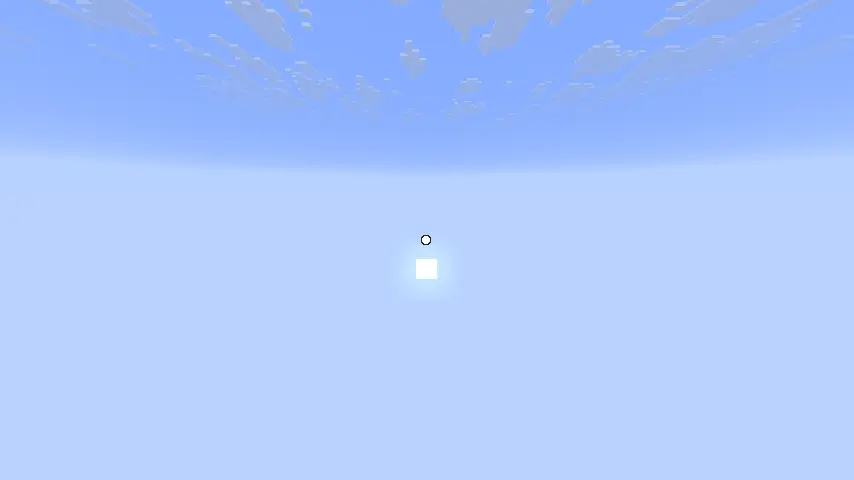
Comparing
old:
new:
常见问题
Custom Crosshair Mod circle fix 支持哪些 Minecraft 版本?
Custom Crosshair Mod circle fix 支持 Minecraft Java 版 1.21.11,可用的加载器:Fabric。下载时注意选择和你游戏版本一致的文件。
Custom Crosshair Mod circle fix 怎么安装?
先用 PCL2 或 HMCL 启动器安装对应版本的 Fabric,再把下载的 .jar 文件放进游戏目录的 mods 文件夹,重新启动游戏即可。开启了版本隔离的,mods 文件夹在 versions/版本名 下面。运行环境:仅客户端。


评论
登录后评论和评分