
Create: LazyTick
A commitment to optimizing Create lag in large quantities!
截图
介绍
Create: Lazy Tick ⚙️
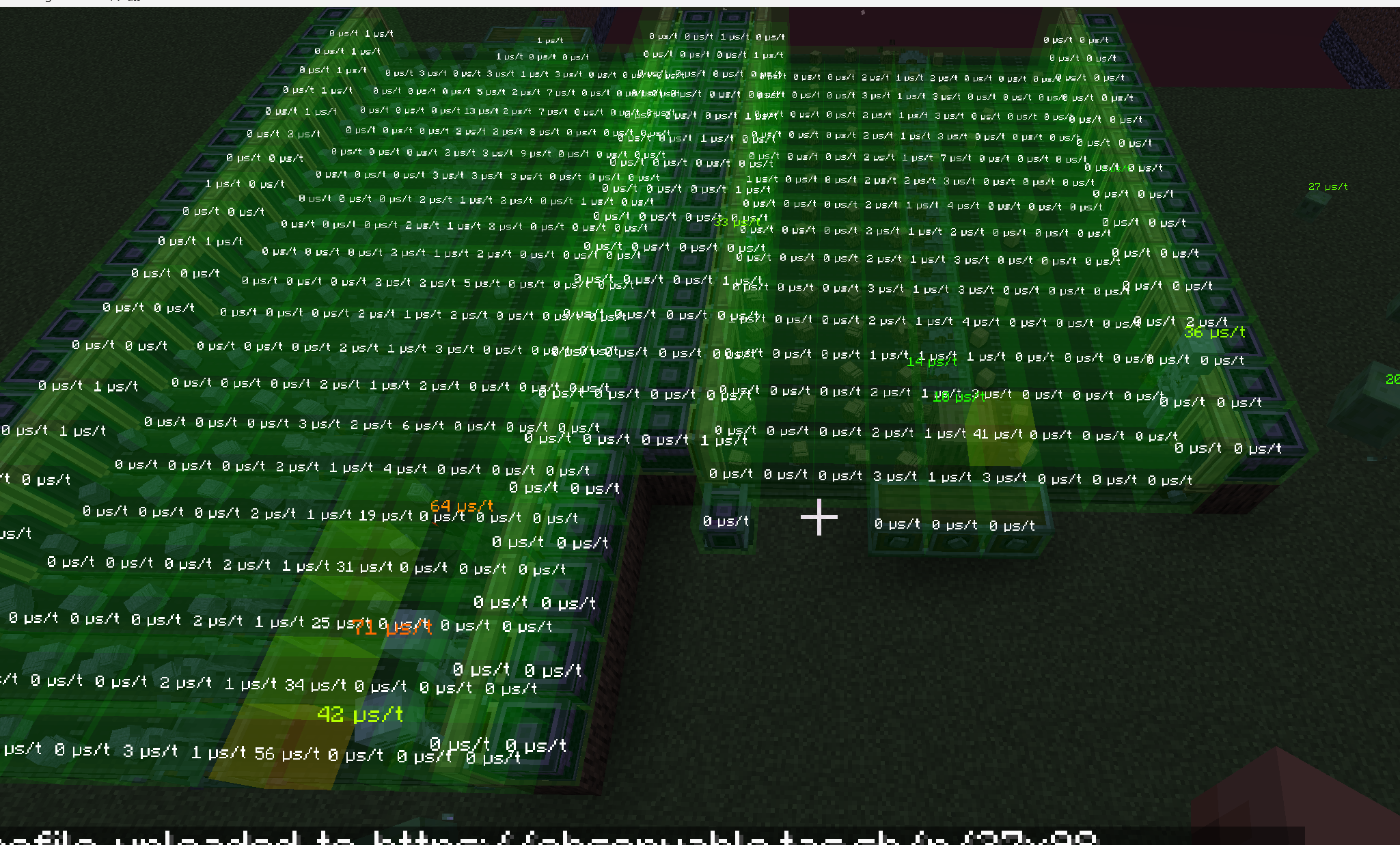
A highly optimized mod based on Lazy Tick, designed to significantly reduce the workload of Create components and their constant usage 🔄. This allows servers to support 2-3 times more Create power production lines compared to pure Create!
🔧 Core Optimizations
🧱 Logistics Components
- Belt / Funnel / Chute / Depot
- 50%–95% reduction in idle overhead
- 40%–80% reduction in dynamic extra workload
- Significant gains in large-scale storage and filtering systems
🏭 Processing Components
- Mechanical Crafter / Mechanical Mixer / Mechanical Saw / Basin
- Introduces recipe caching mechanisms
- Performance improvement scales with recipe count
- 70%–95% reduction in active workload
- In extreme cases, workload drops from ~300µs to ~2–10µs
🤖 Interaction Components
- Mechanical Arm / Deployer
- Reduces frequent checks and repeated searches
- 20%–60% workload reduction
- Greater gains when interacting with Belts
🌊 Fluid System Optimization
- Global fluid ticking reduced to 1/k of vanilla (default: 1/5)
- Multiplier configurable via config
- Significant improvements in large pipe networks
📊 Real-World Performance
In live server testing environments:
- Supports 2–3× more fully active production lines
- Semi-idle structures can scale beyond 5× vanilla capacity
- Optimization strength increases with larger recipe datasets
⚠️ Important Notes
- Reduced tick frequency may cause slight animation delays (configurable)
- Some logic checks have been modified; contraptions relying on strict vanilla tick synchronization may require adjustment using the LazyTick Clock
- Always test and back up your world before deploying to production servers
常见问题
Create: LazyTick 支持哪些 Minecraft 版本?
Create: LazyTick 支持 Minecraft Java 版 1.19.2–1.21.1,共 9 个版本,可用的加载器:Fabric / Forge / NeoForge。下载时注意选择和你游戏版本一致的文件。
Create: LazyTick 怎么安装?
先用 PCL2 或 HMCL 启动器安装对应版本的 Fabric / Forge / NeoForge,再把下载的 .jar 文件放进游戏目录的 mods 文件夹,重新启动游戏即可。开启了版本隔离的,mods 文件夹在 versions/版本名 下面。运行环境:客户端和服务端都要装。
PInk_Cats 的其他作品
查看全部 →
Create: SchematicChecker
一个用于修复机械动力及所有附属模组中所有蓝图问题的模组!

Create: FastSchematicCannon
A mod for make schematic cannon more fast and fix cannon delay from server.

Create: EntityControl
A simple Create add-on that allows for customizable block entity configurations!

Create:LazyTick
A commitment to optimizing Create lag in large quantities!
评论
登录后评论和评分