
Barrel Harvest
adding automatic tree harvesting, simple, effective, always active, fully configurable
截图

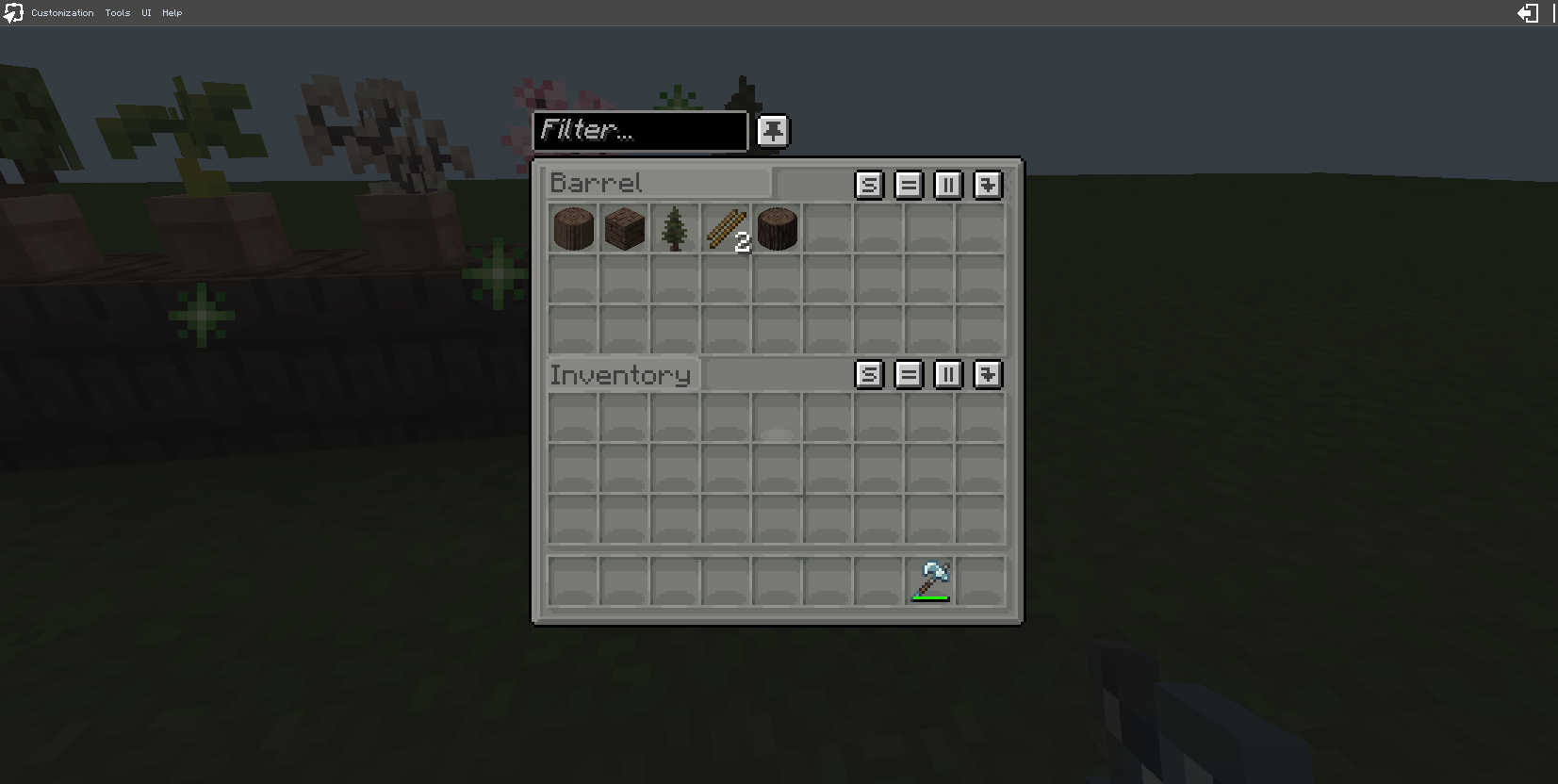
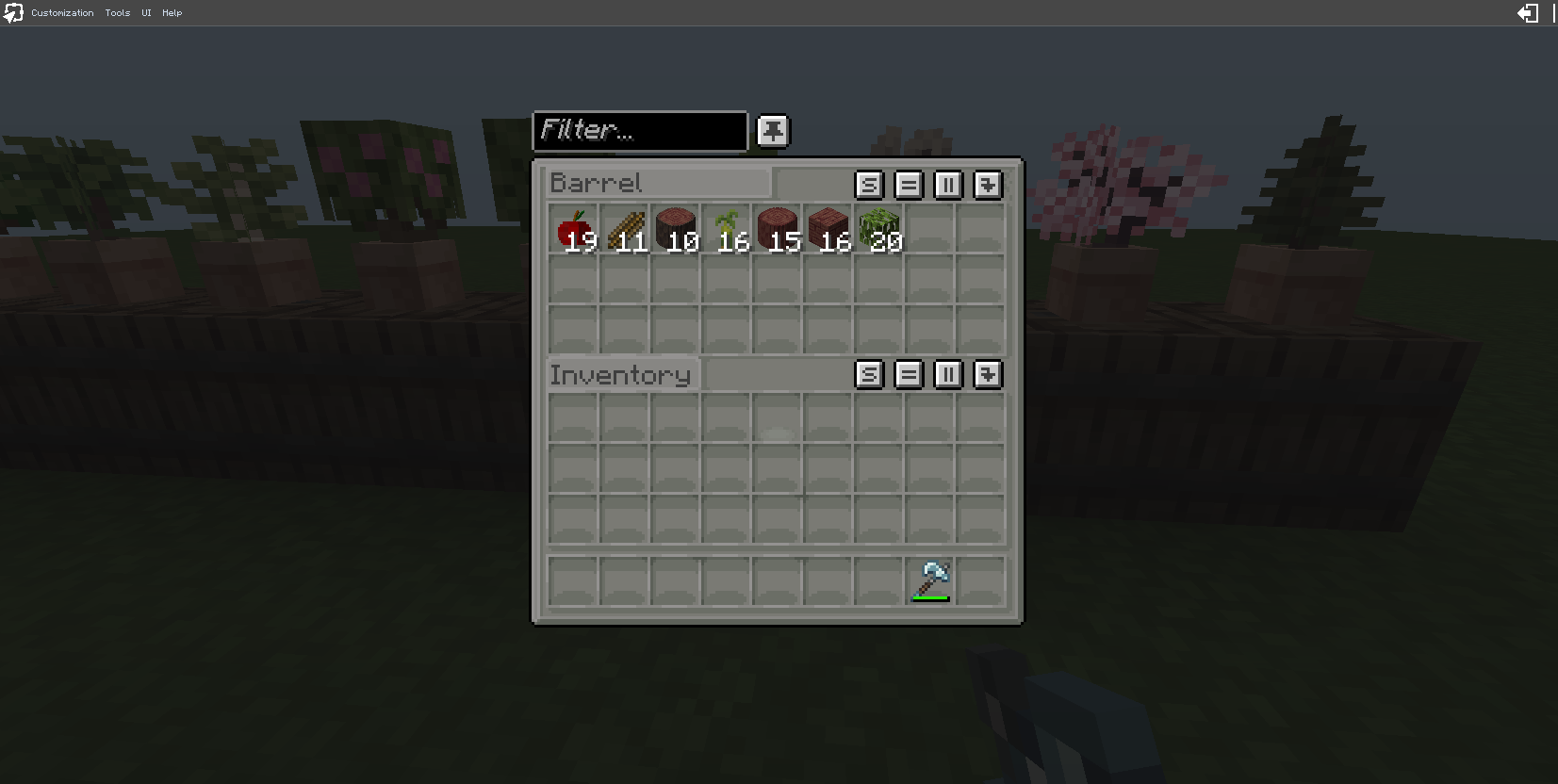
介绍
Barrel Harvest v1.4.0
Open the settings menu (Book UI)
/trigger bh_trigger set 1This gives you a clickable written book — right-click to open it. Click any button to toggle that setting. Feedback appears as a single line in chat when you close the book. No more chat spam from the old 90-line menu re-print.
The book has 5 pages:
- Main Controls — enable/disable, interval presets, chance presets, fine-tune buttons
- Select Wood Type — pick which wood you want to configure loot for
- Loot Toggles — enable/disable log, planks, stripped log, stick, sapling, leaves, apple for the selected wood
- Shelf Upgrades — explains the shelf upgrade system
- Help — quick reference and uninstall command
If your inventory is full, the book drops on the ground — pick it up and right-click to open.
Server note: The book uses
/give, which requiresfunction-permission-level≥ 2 (the default). If your server has it set lower, the book won’t appear — use the trigger shortcuts below instead.
Bugs
- May miss pots if they are outside the scan radius (default 10×10×4 volume around each player).
- Barrel must have space for loot; harvests are skipped when full.
Commands
Trigger menu shortcuts (non-OP)
These match the clickable buttons in the menu book.
/trigger bh_trigger set 1   Open menu book
/trigger bh_trigger set 2   Toggle datapack enabled/disabled

# Interval presets (how often harvest attempts happen)
/trigger bh_trigger set 7   Interval Fast   (100 ticks / 5s)
/trigger bh_trigger set 24  Interval Medium (400 ticks / 20s)
/trigger bh_trigger set 8   Interval Slow   (1200 ticks / 60s)
/trigger bh_trigger set 3   Increase interval (+20 ticks)
/trigger bh_trigger set 4   Decrease interval (-20 ticks)

# Chance presets (odds per harvest attempt)
/trigger bh_trigger set 25  Chance Fast   (100%)
/trigger bh_trigger set 26  Chance Medium (50%)
/trigger bh_trigger set 27  Chance Slow   (20%)
/trigger bh_trigger set 5   Increase chance (+5%)
/trigger bh_trigger set 6   Decrease chance (-5%)

# Loot toggles (affect the currently selected wood type)
/trigger bh_trigger set 9   Toggle Log loot
/trigger bh_trigger set 10  Toggle Planks loot
/trigger bh_trigger set 11  Toggle Stripped Log loot
/trigger bh_trigger set 12  Toggle Stick loot
/trigger bh_trigger set 13  Toggle Sapling loot
/trigger bh_trigger set 14  Toggle Leaves loot
/trigger bh_trigger set 15  Toggle Apple loot

# Wood type selection
/trigger bh_trigger set 16  Select Oak
/trigger bh_trigger set 17  Select Spruce
/trigger bh_trigger set 18  Select Birch
/trigger bh_trigger set 19  Select Mangrove
/trigger bh_trigger set 20  Select Jungle
/trigger bh_trigger set 21  Select Acacia
/trigger bh_trigger set 22  Select Dark Oak
/trigger bh_trigger set 23  Select Cherry
Uninstall (OP/admin) — run BEFORE removing the pack
/function barrelharvest:uninstallThis stops the pack and removes the three scoreboard objectives (bh_timer, bh_config, bh_trigger) so nothing lingers in the world. After running it, disable/delete the datapack:
/datapack disable barrelharvestDirect config functions (OP/admin)
/function barrelharvest:uninstall
/function barrelharvest:config/menu
/function barrelharvest:config/toggle_enabled

# Interval presets and fine-tune
/function barrelharvest:config/fast_preset
/function barrelharvest:config/medium_preset
/function barrelharvest:config/slow_preset
/function barrelharvest:config/interval_up
/function barrelharvest:config/interval_down

# Chance presets and fine-tune
/function barrelharvest:config/chance_fast
/function barrelharvest:config/chance_medium
/function barrelharvest:config/chance_slow
/function barrelharvest:config/chance_up
/function barrelharvest:config/chance_down

# Loot toggles
/function barrelharvest:config/toggle_log
/function barrelharvest:config/toggle_planks
/function barrelharvest:config/toggle_stripped_log
/function barrelharvest:config/toggle_stick_generic
/function barrelharvest:config/toggle_sapling
/function barrelharvest:config/toggle_leaves
/function barrelharvest:config/toggle_apple_generic

# Wood type selectors
/function barrelharvest:config/select_oak
/function barrelharvest:config/select_spruce
/function barrelharvest:config/select_birch
/function barrelharvest:config/select_mangrove
/function barrelharvest:config/select_jungle
/function barrelharvest:config/select_acacia
/function barrelharvest:config/select_dark_oak
/function barrelharvest:config/select_cherry
Interval and Chance Presets
Interval and chance are controlled independently. Pick a preset for each, or fine-tune with the +/- buttons.
Interval presets (how often harvest attempts happen)
| Preset | Interval | Real time |
|——–|———-|———–|
| Fast | 100 ticks | 5 seconds |
| Medium | 400 ticks | 20 seconds |
| Slow | 1200 ticks | 60 seconds |
Fine-tune: +/- 20 ticks per click (min 100, max 4000).
Chance presets (odds per harvest attempt)
| Preset | Chance |
|——–|——–|
| Fast | 100% (every attempt harvests) |
| Medium | 50% |
| Slow | 20% |
Fine-tune: +/- 5% per click (min 5%, max 100%).
Combining presets
Since interval and chance are independent, you can mix them:
- Fast interval + Fast chance — harvests every 5 seconds, always succeeds (very high output)
- Slow interval + Fast chance — harvests every 60 seconds, always succeeds (steady, low maintenance)
- Fast interval + Slow chance — attempts every 5 seconds, only 20% succeed (frequent but unreliable)
- Medium interval + Medium chance — balanced default
Shelf Upgrades (Minecraft 26.2+)
Place a Shelf block (any wood variant: oak, spruce, birch, jungle, acacia, dark oak, mangrove, cherry, pale oak, bamboo, crimson, warped) directly adjacent to the barrel — north, south, east, or west side. Put upgrade items into the shelf’s 3 slots. The datapack reads the shelf contents during each harvest and applies bonuses:
| Item | Effect |
|——|——–|
| Diamond | Double drops — the harvest produces a second copy of whatever was rolled |
| Glowstone Dust | Extra log — guarantees one additional log drop per harvest (if logs are enabled for that wood) |
| Bone Meal | 50% chance to duplicate the dropped item — more output per harvest cycle |
| Lapis Lazuli | Extra leaves — guarantees one additional leaves drop per harvest (if leaves are enabled) |
How it works
- The pack checks all 4 horizontal sides of each barrel for shelf blocks (
#minecraft:wooden_shelvestag). - It reads the shelf’s
Items[]NBT to detect which upgrade items are present. - Multiple upgrades stack — a shelf with both diamond and glowstone gives double drops AND an extra log.
- You can mix items across multiple shelves (e.g. diamond on the north shelf, lapis on the east shelf).
- Upgrades only work on Minecraft versions that have the Shelf block (snapshot 25w31a / 26.2+). On older versions, shelves simply don’t exist and upgrades are silently skipped — the pack still works normally.
Setup example
[Shelf: Diamond] [Barrel] [Pot: Oak Sapling]
                  [Shelf: Glowstone Dust]
This barrel would get double drops + an extra oak log every harvest cycle.
Compatibility
- Targets Java Edition 1.21.4 through 26.2 (
pack_format 107,supported_formats 48–107). - The pack never summons entities (no armor stands, markers, or display entities), so there is nothing to clean up in the world itself — only the three scoreboard objectives, which
barrelharvest:uninstallremoves. - Tested syntax surface on 26.2:
random,loot insert,data get block ... Items,potted_*block IDs,written_book_contentcomponent, SNBT text components, scoreboard,return. - If anything behaves oddly on 26.2, disable the pack before removing it (
/datapack disable barrelharvest), then run/function barrelharvest:uninstallwhile it’s still loaded, then delete the folder.
Notes
- Most settings are easiest to change via the menu book.
- Harvest attempts are per-player and scan a 10×10×4 volume around each player.
- Debug mode can be toggled with
/scoreboard players set #debug bh_config 1to see harvest attempts in chat. - A particle-only scan (
detect/scan_5x5_area) runs every 100 ticks per player to sparkle on valid pot+barrel combos. If you want maximum performance on a busy server, you can disable this visual feedback by gating it behind#debug(seetick.mcfunction). - check out WASD Bonsai pots also, very cool pack with its own models, mine is just vanilla
License
© pnksounds. Licensed under Creative Commons Attribution-NonCommercial 4.0 International (CC BY-NC 4.0).
You may share, copy, adapt, and build upon this datapack for non-commercial purposes, provided you give appropriate credit to the original author (pnksounds). Commercial use is prohibited without explicit permission.
This is provided “as is”, without warranty of any kind.
Support me
https://www.patreon.com/c/pnksounds
https://buymeacoffee.com/pnksounds
常见问题
Barrel Harvest 支持哪些 Minecraft 版本?
Barrel Harvest 支持 Minecraft Java 版 1.21–1.21.11,共 12 个版本。下载时注意选择和你游戏版本一致的文件。
Barrel Harvest 怎么安装?
新建世界时在「数据包」里把下载的 .zip 拖进去;已有的存档,把文件放进存档目录下的 datapacks 文件夹,进游戏输入 /reload 即可生效。服务器同样放在世界目录的 datapacks 里。
pnksounds 的其他作品
查看全部 →
TreeStumps & FlowerPotForests ComboPack
experience forests from flower pots and regrow your fav tree again and again

CropMatic
automatic crop harvest

Tree Stumps
chop a tree, get a stump - standalone

Flower Pot Forests
plant your pot, wait some time, watch the forests grow
评论
登录后评论和评分