
Bloomy Settings Import
A mod that allows you to import and export your options.txt file! Allowing to keep your settings and keybinds between instances.
截图
介绍
Introduction
Are you sick of needing to reset your settings everytime you make a new instance of minecraft? Bloomy Settings Import offers the solution!
What is Bloomy Settings Import
Bloomy Settings Import is a mod originally made for the Bloomy Modpack, but is also perfectly usable as a standalone mod!
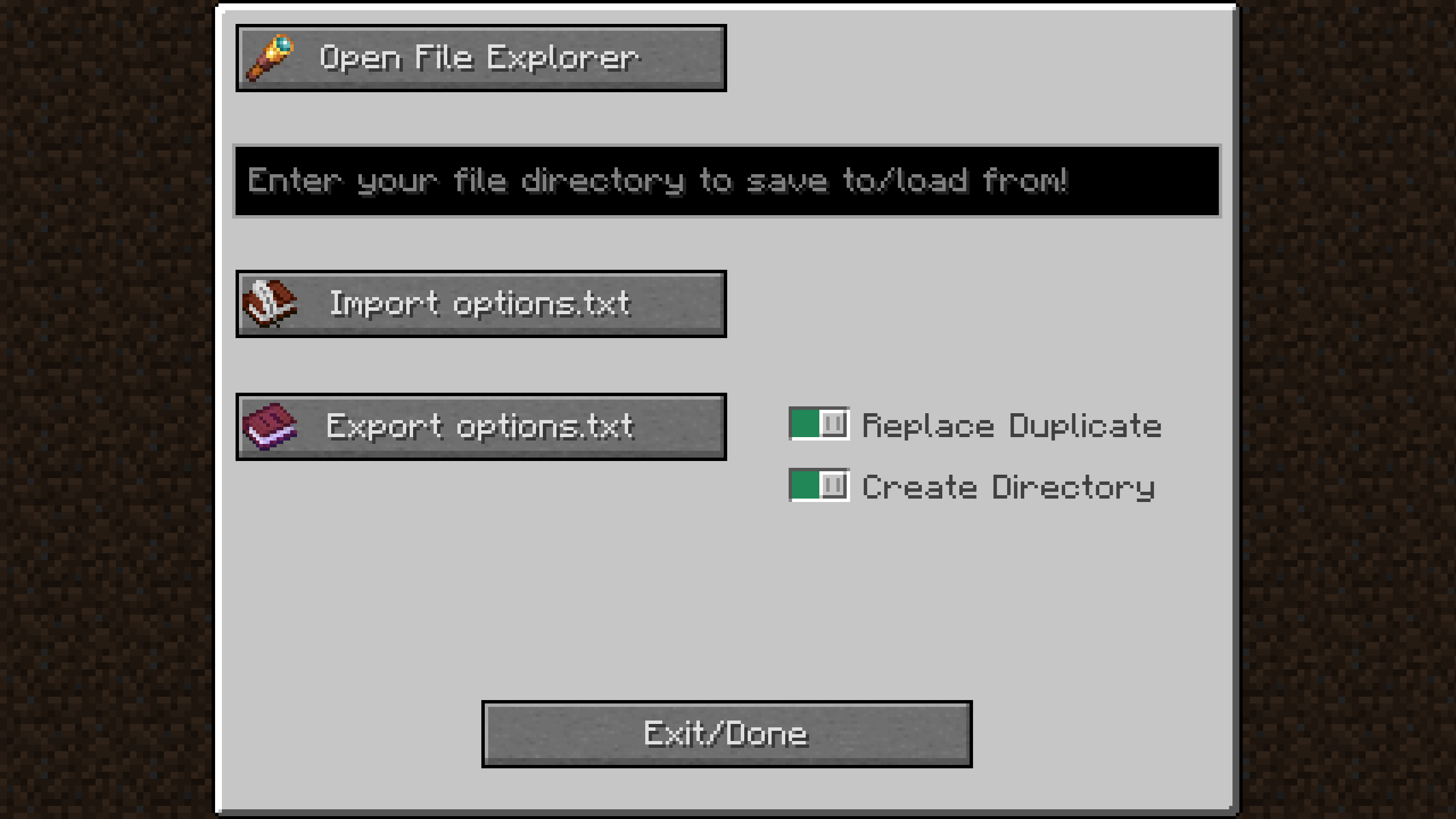
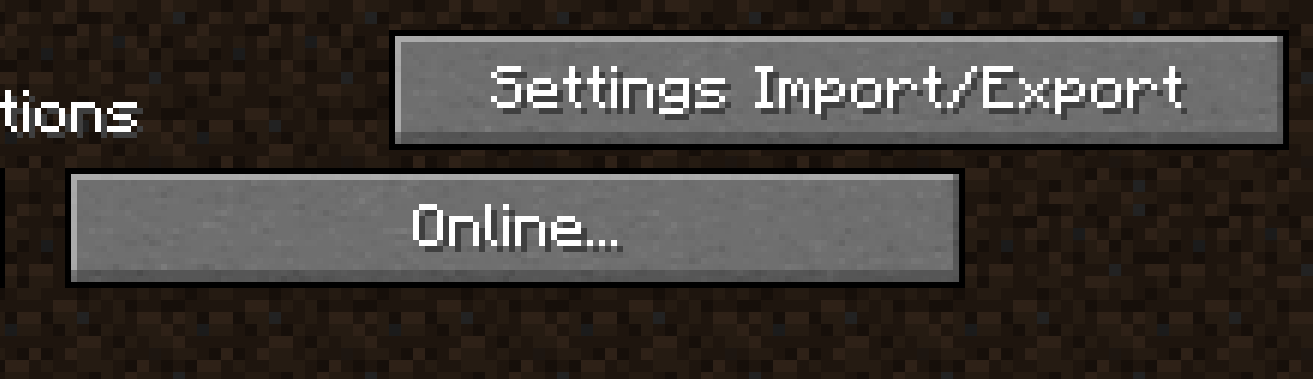
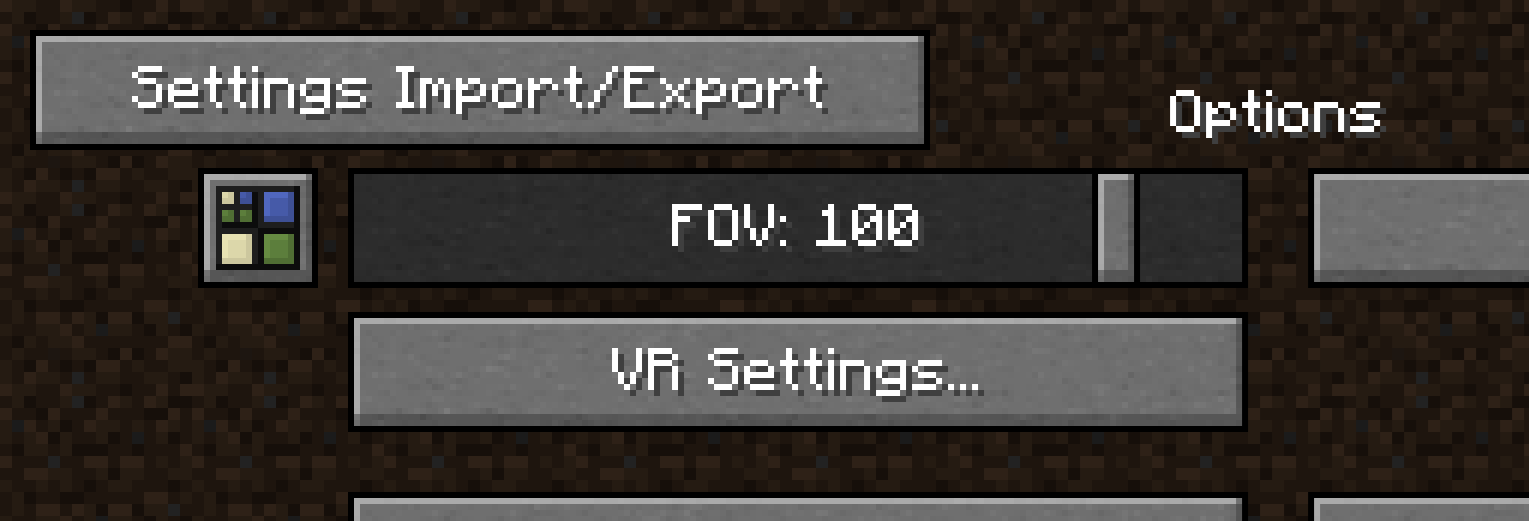
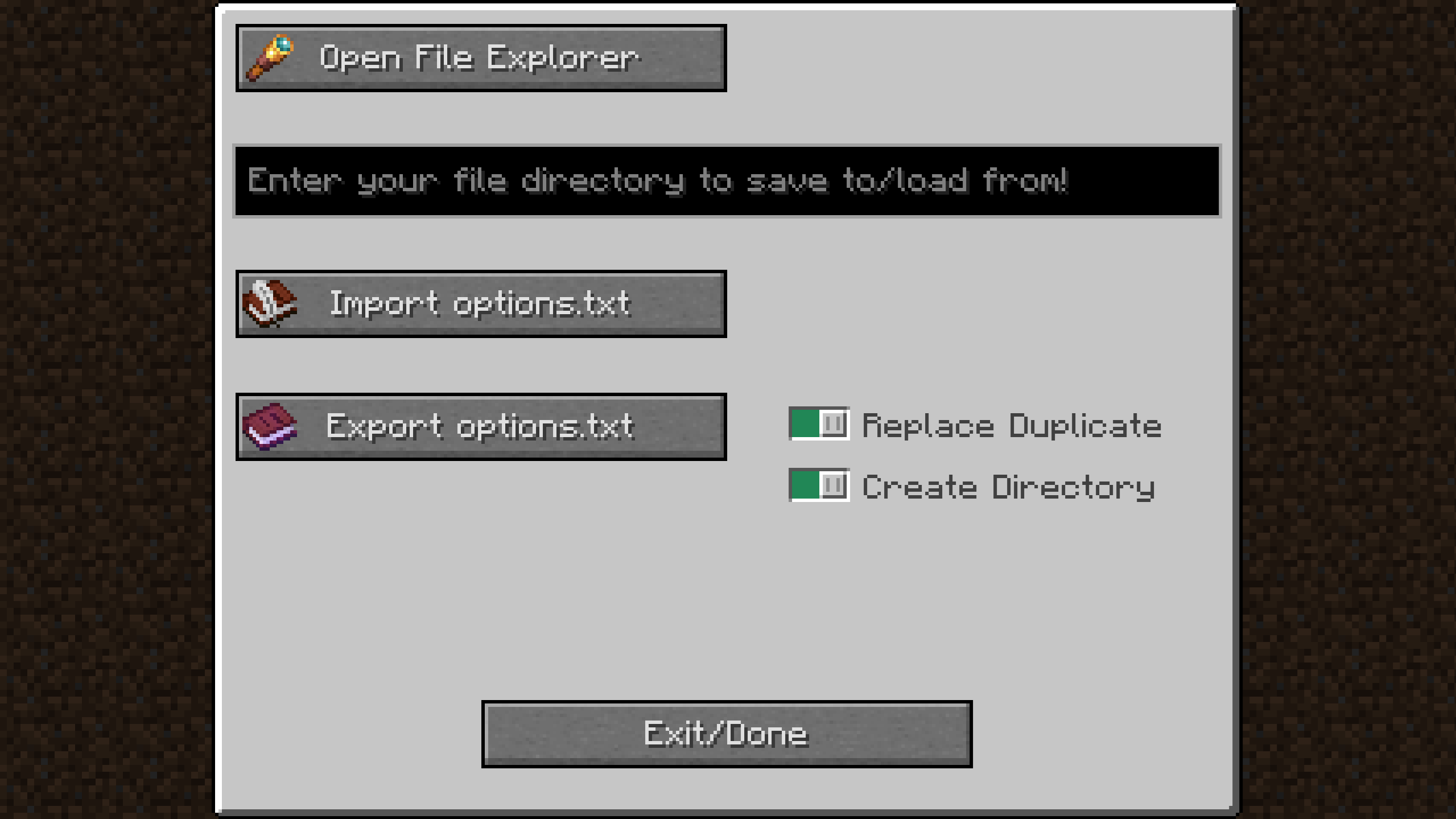
The mod adds a button in your settings where you can import and export your options.txt file. This little file has the information about what your keybinds are, your graphics settings, your mouse sensitivity, your sound settings, etc.
How does it work
By copying your file paths you can easily make a directory where you want store your options.txt file, without ever leaving the game! In the same way, by copying a file path from anywhere on your computer you can easily import an options.txt file, restoring the settings you had previously configured.
常见问题
Bloomy Settings Import 支持哪些 Minecraft 版本?
Bloomy Settings Import 支持 Minecraft Java 版 1.20.1–1.21.8,共 2 个版本,可用的加载器:Fabric。下载时注意选择和你游戏版本一致的文件。
Bloomy Settings Import 怎么安装?
先用 PCL2 或 HMCL 启动器安装对应版本的 Fabric,再把下载的 .jar 文件放进游戏目录的 mods 文件夹,重新启动游戏即可。开启了版本隔离的,mods 文件夹在 versions/版本名 下面。运行环境:仅客户端。
toent 的其他作品
查看全部 →
Bloomy Experience
Extention mod for Bloomy Modpack and LevelZ, which grants LevelZ experience to the player by breaking blocks

Bloomy Modpack
A modpack for 1.20.1 that aims to enhance, but not destroy the vanilla experience.

Bloomy Wooden Tools Compatibility
An extension mod for the Bloomy Mod pack, allowing Biomes O' Plenty be compatible with Wooden Tool Variants.
评论
登录后评论和评分