
Snake Game Clientside
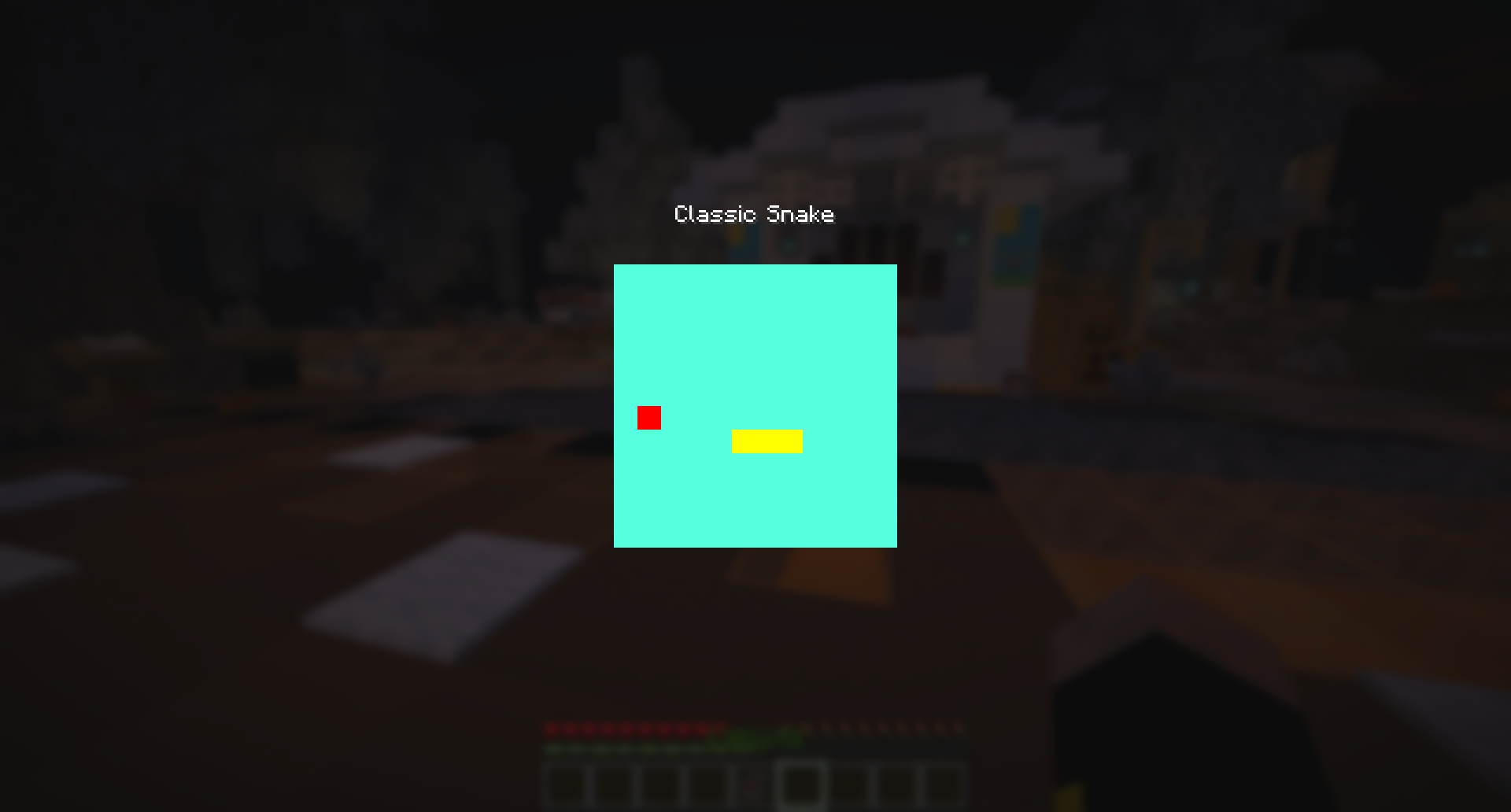
Adds a clientside snake game which you can play if you get bored or are waiting for something.
截图
介绍
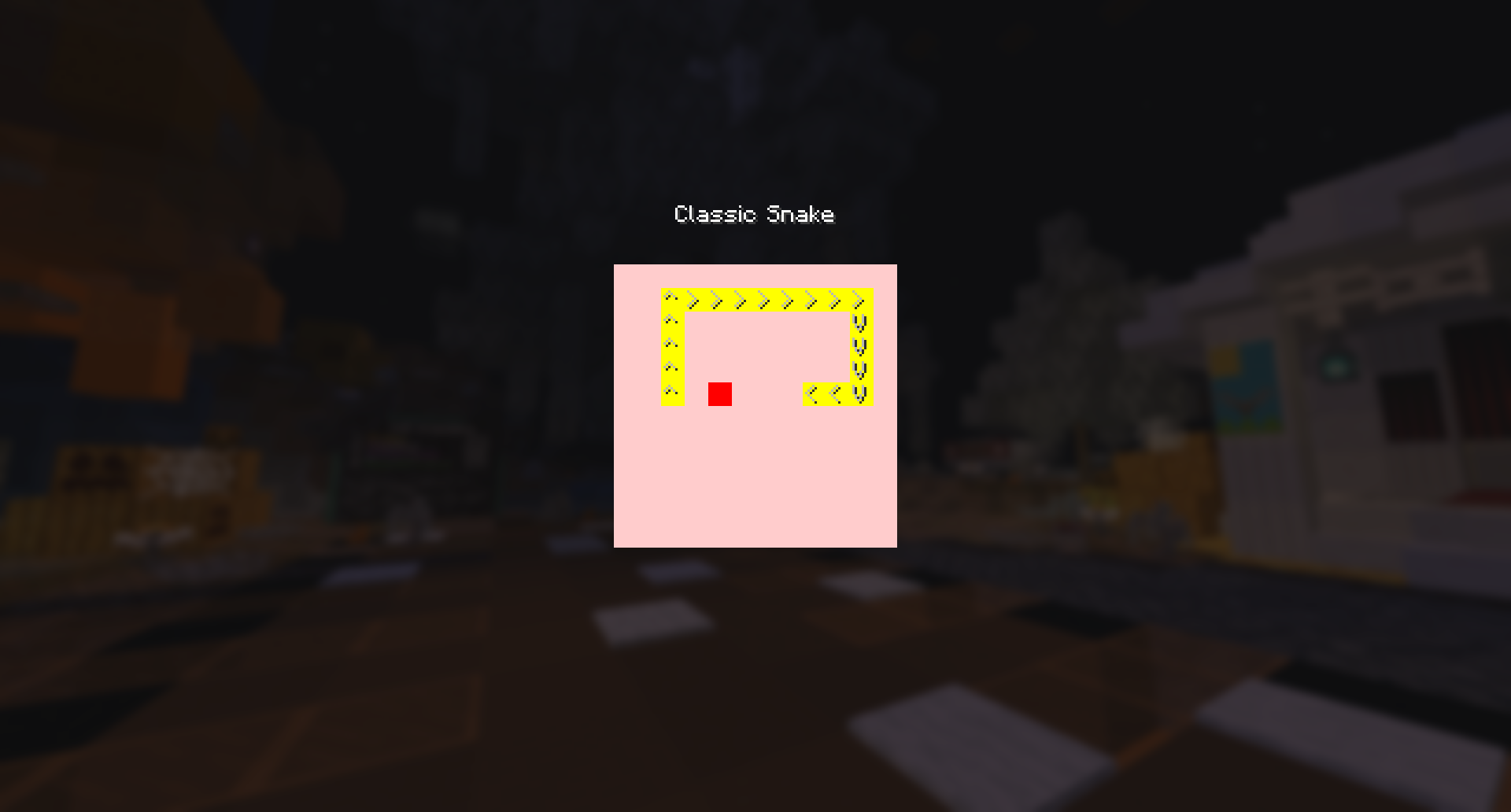
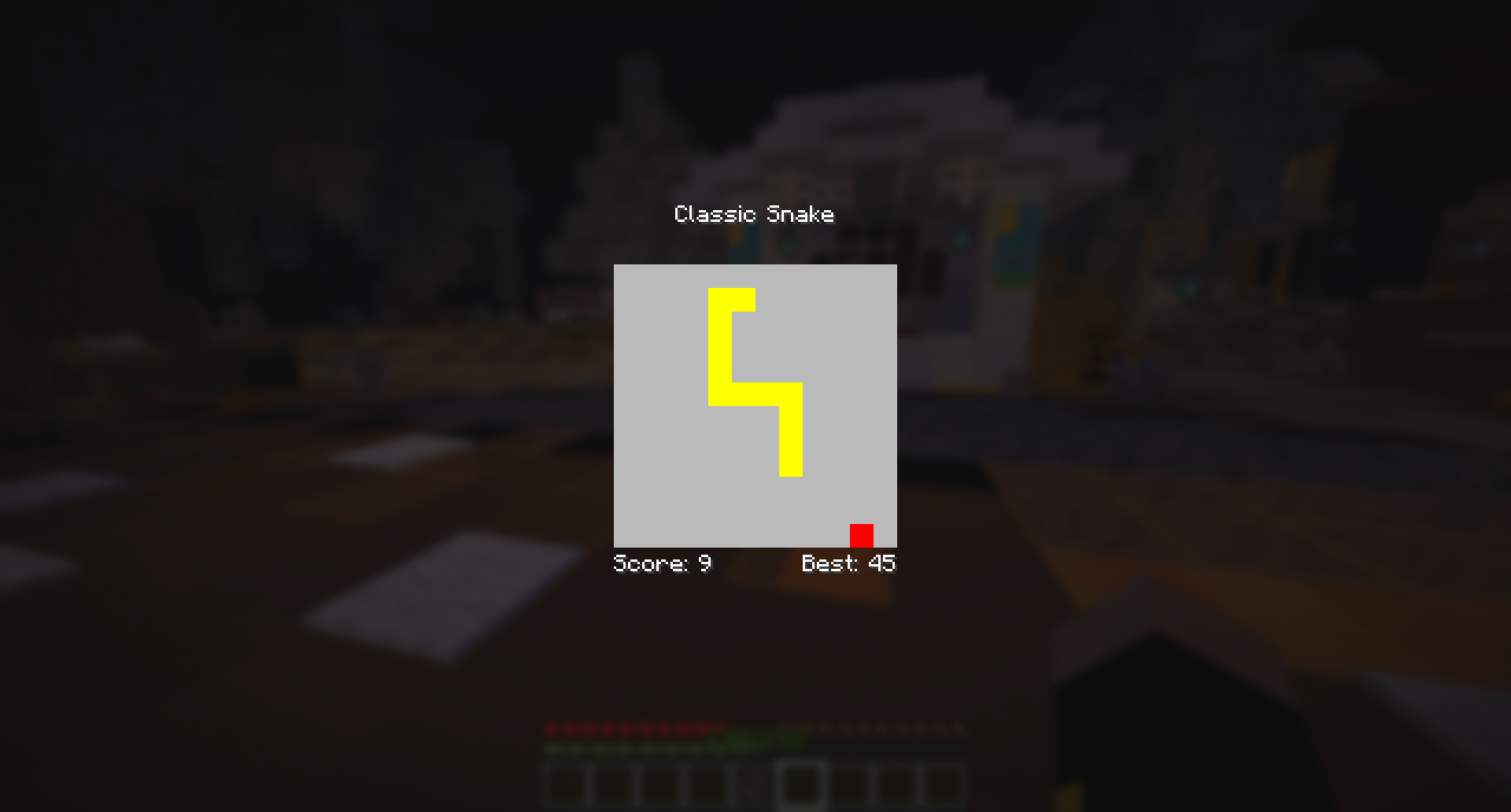
Adds the classic snake game to Minecraft, which you can play using the /clientsnake command. It is purely clientside and so nice if you are waiting for something or bored.

Has a few persistent settings:
- Speed: The number of milliseconds between snake updates
- Show Pointers: Wether to show the direction of each snake element using the and V characters
- Show In Chat: Whether to inform you of your score when you die
- Show Stats: Whether to display your current & highest scores as you play
- Digest: Whether to show the eating animation
To open the game, type the command /clientsnake
To move use the 4 arrow keys
For help type /clientsnake help
To set the speed type /clientsnake speed
The speed is the rate at which the snake game updates, in milliseconds, meaning a speed of 1000 is one update per second, whereas 50 is 20 updates per second. It defaults to 120.
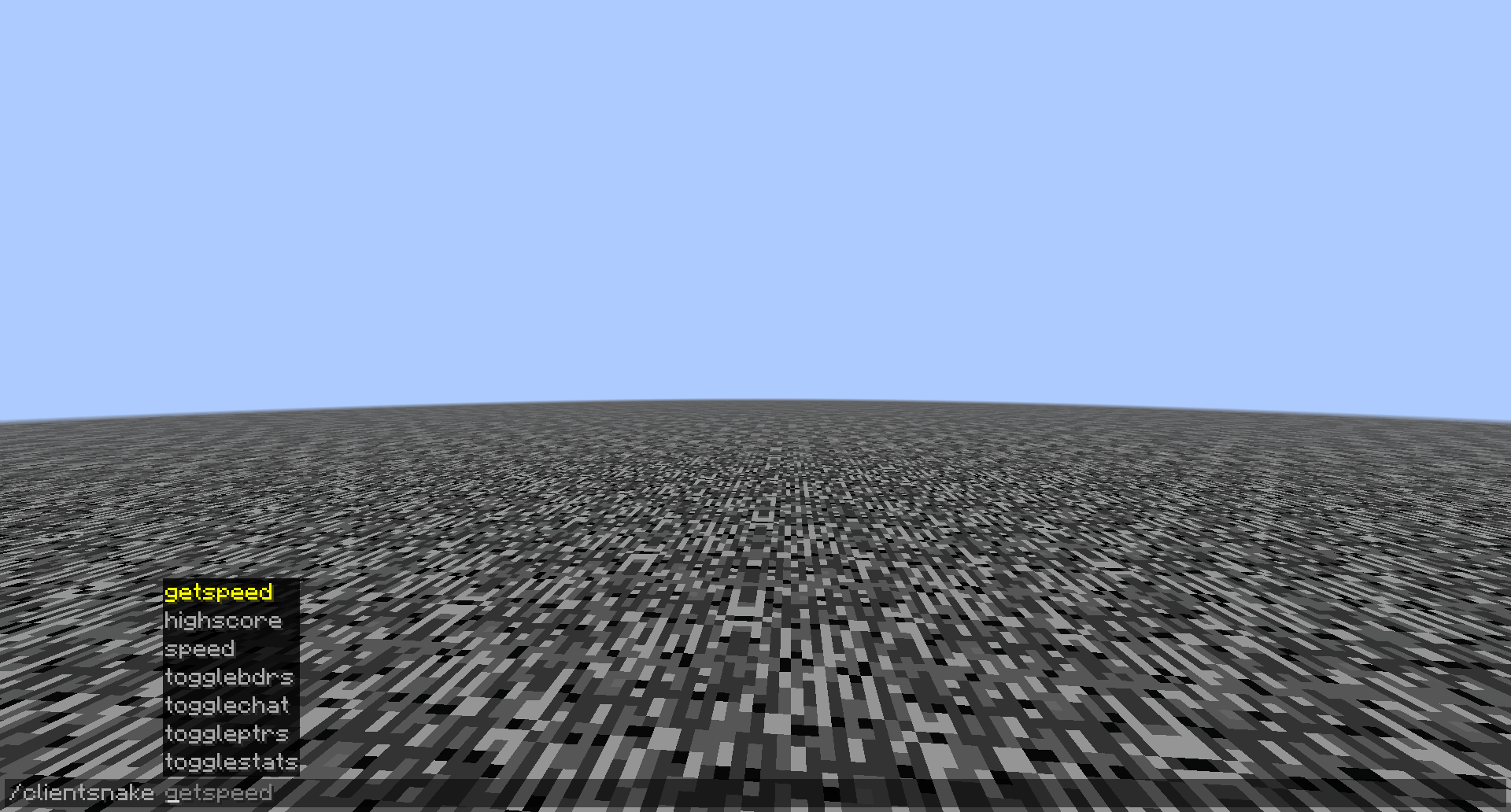
To toggle the other settings use the command /clientsnake , the options will show as suggestions.
To see your highest score use the commmand /clientsnake highscore

常见问题
Snake Game Clientside 支持哪些 Minecraft 版本?
Snake Game Clientside 支持 Minecraft Java 版 1.21.10–1.21.11,共 2 个版本,可用的加载器:Fabric。下载时注意选择和你游戏版本一致的文件。
Snake Game Clientside 怎么安装?
先用 PCL2 或 HMCL 启动器安装对应版本的 Fabric,再把下载的 .jar 文件放进游戏目录的 mods 文件夹,重新启动游戏即可。开启了版本隔离的,mods 文件夹在 versions/版本名 下面。运行环境:仅客户端。
JustGnat 的其他作品
查看全部 →
Modern Map Tooltip
在工具提示中显示地图组件

Server Resource Pack Ignorer
在“确认服务器资源包”界面添加按钮,让你拒绝下载服务器资源包,同时不会被断开连接。

No Loading Bar
Removes the new loading bar on the world loading screen that appeared in 1.21.9 snapshot 25w31a
No Loading Bar
Removes the new loading bar on the world loading screen that appeared in 1.21.9 snapshot 25w31a
评论
登录后评论和评分