
截图
介绍
Team Auras
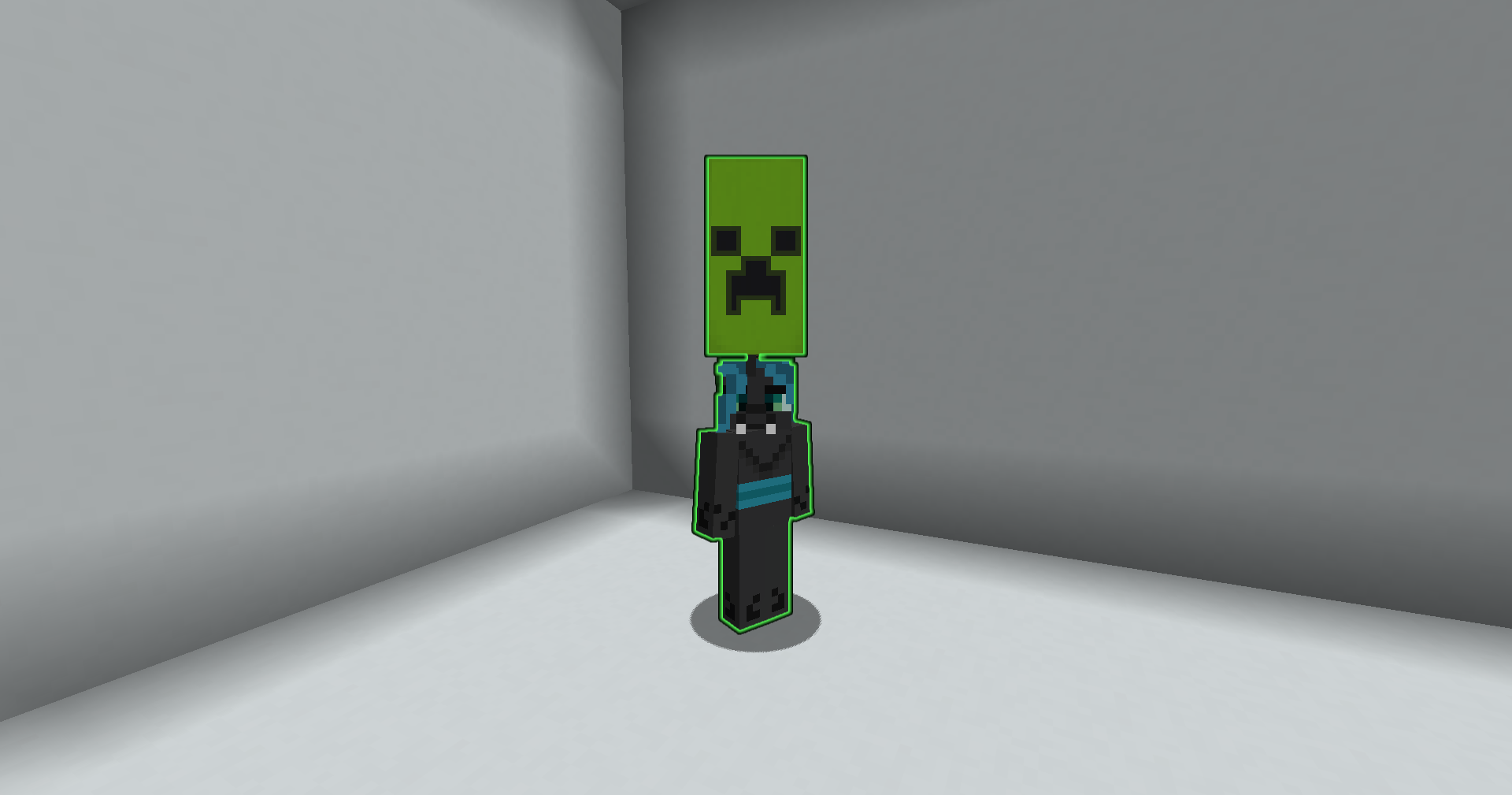
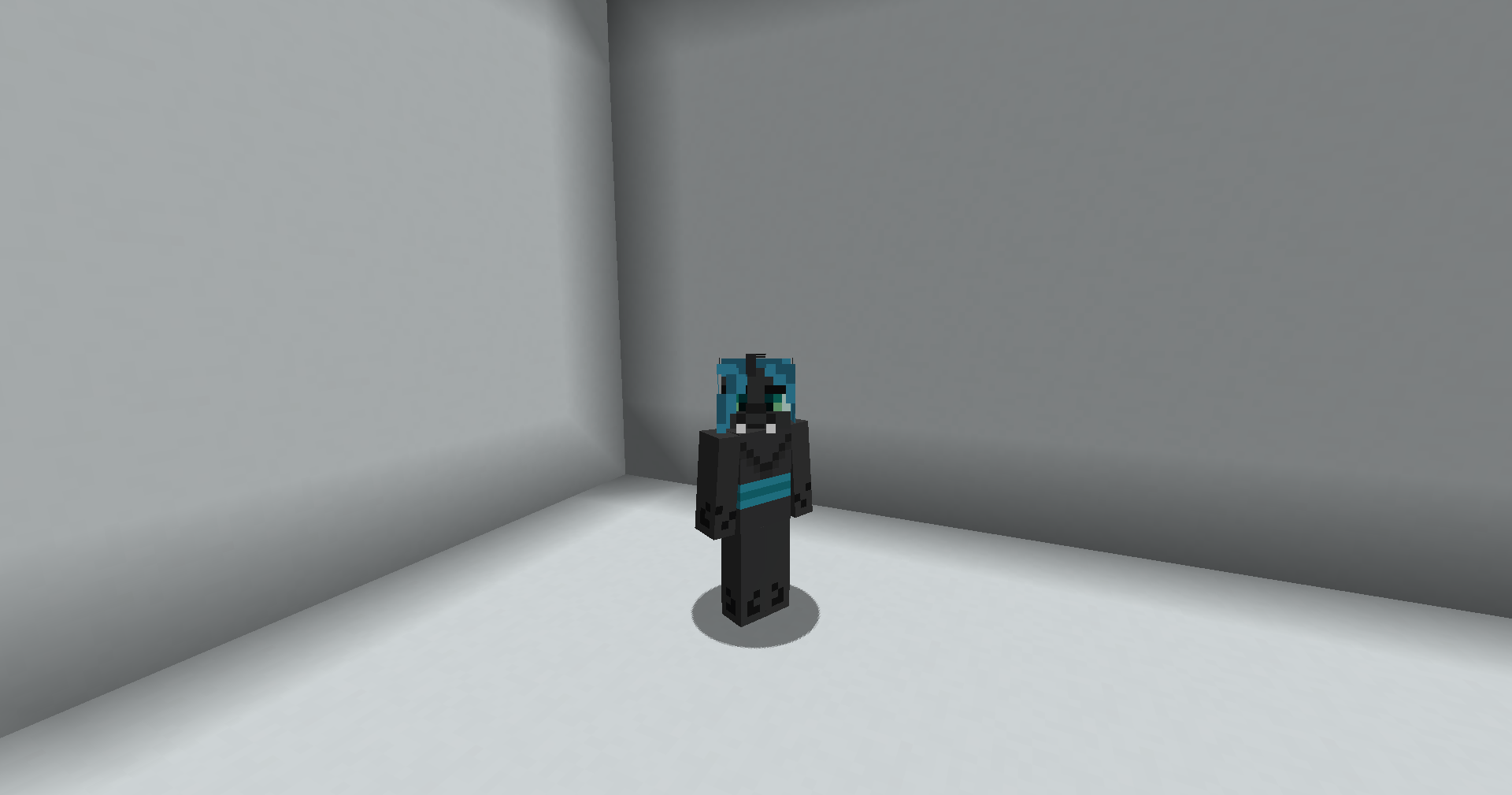
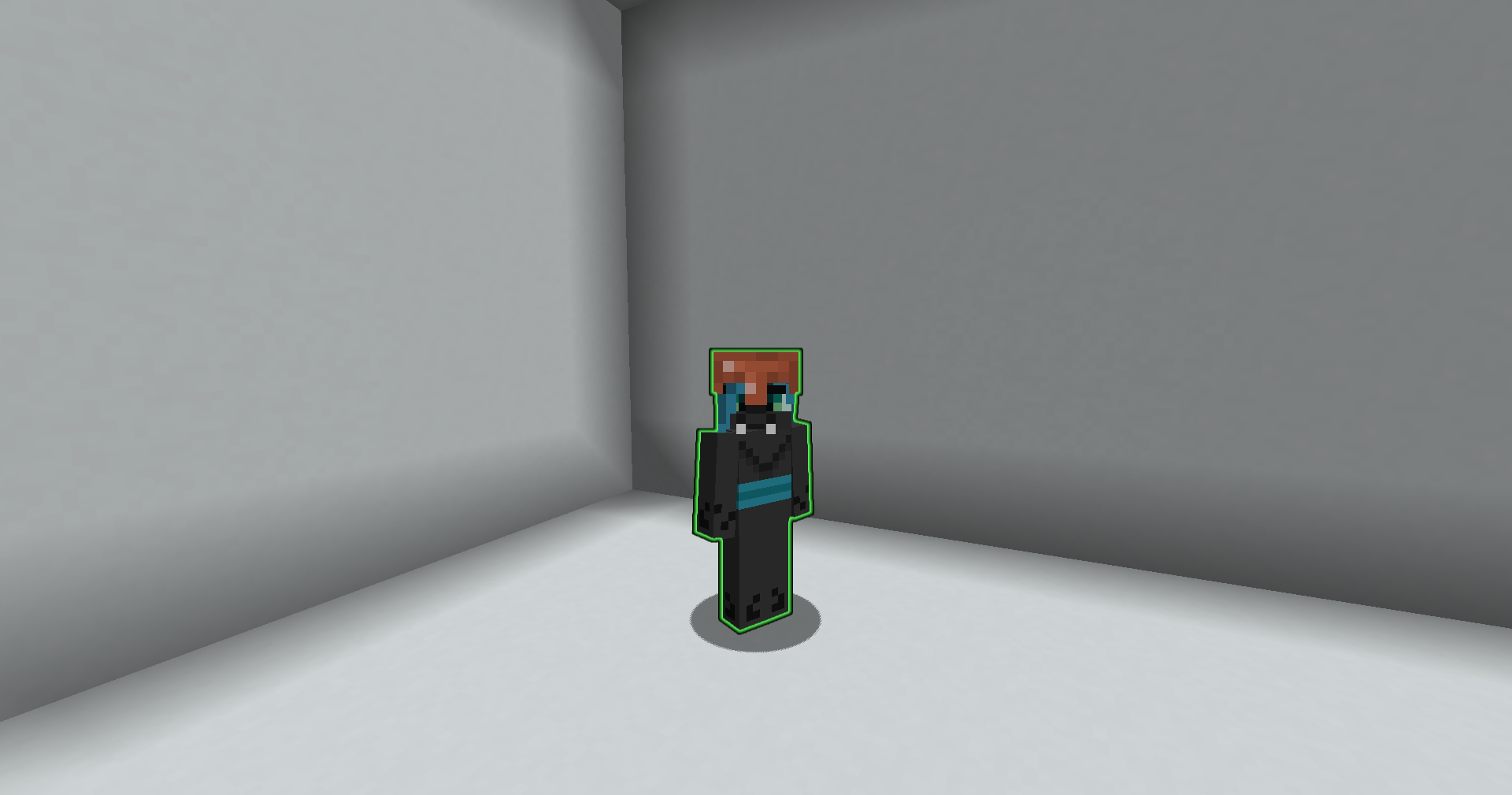
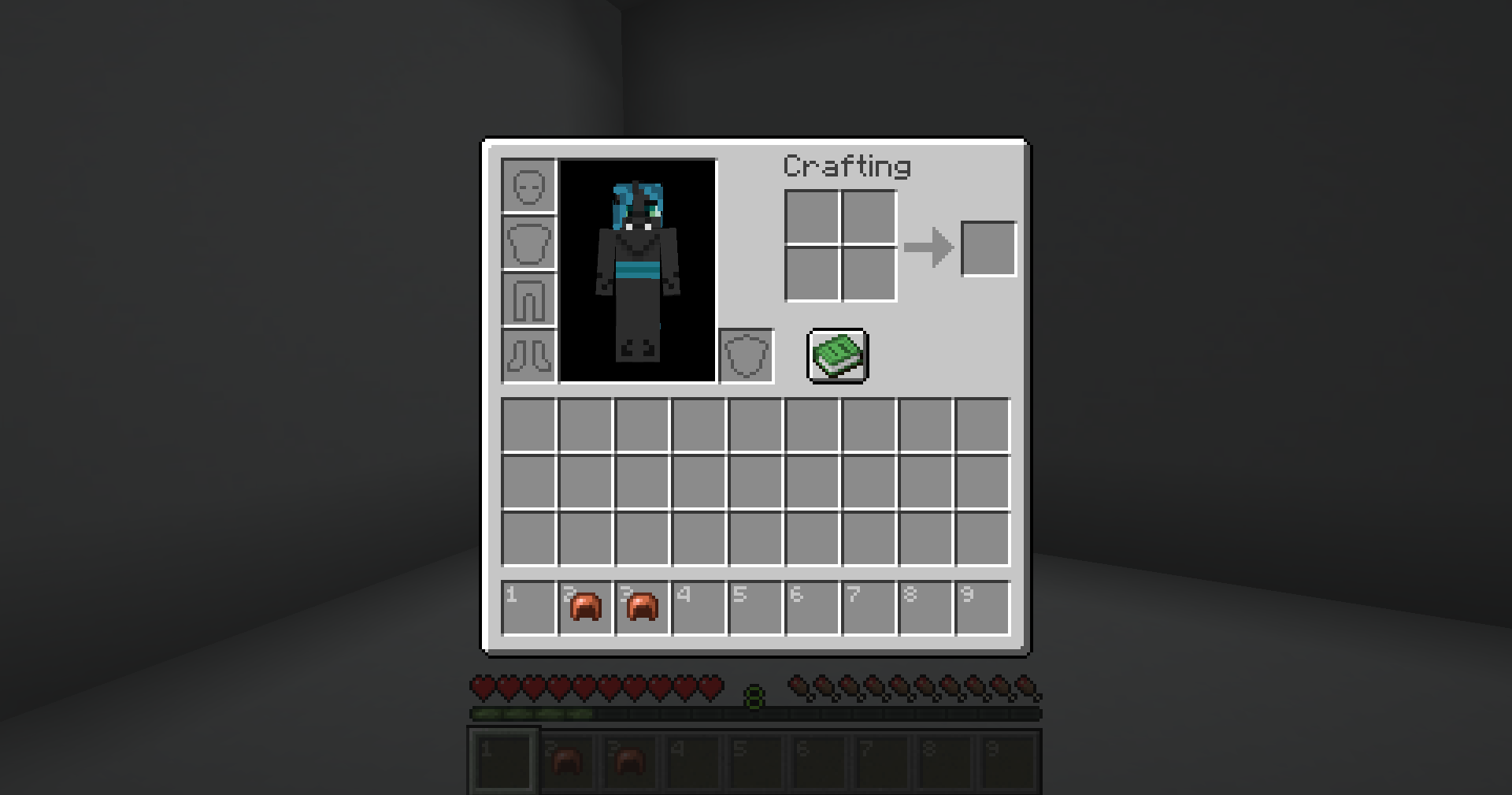
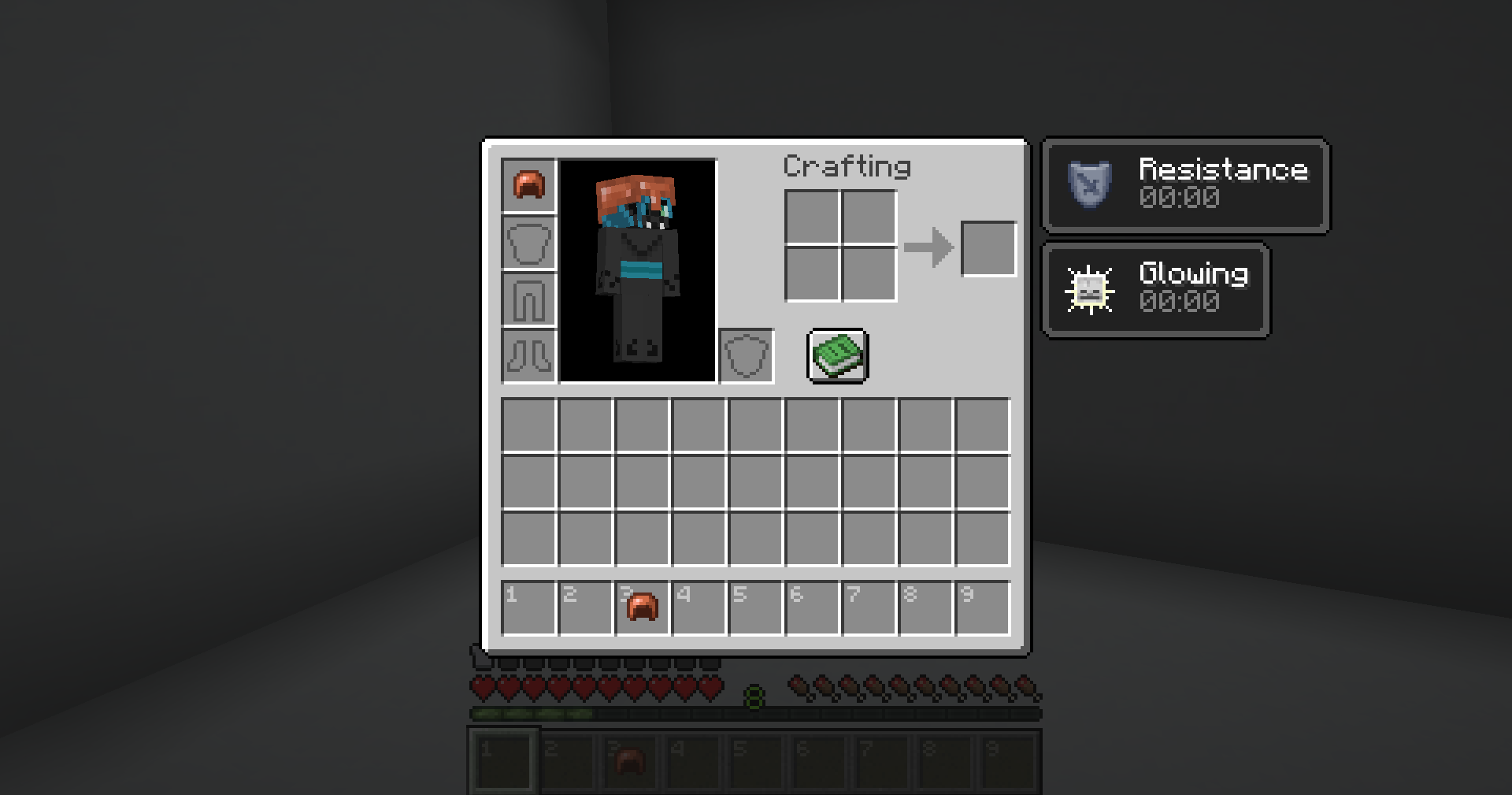
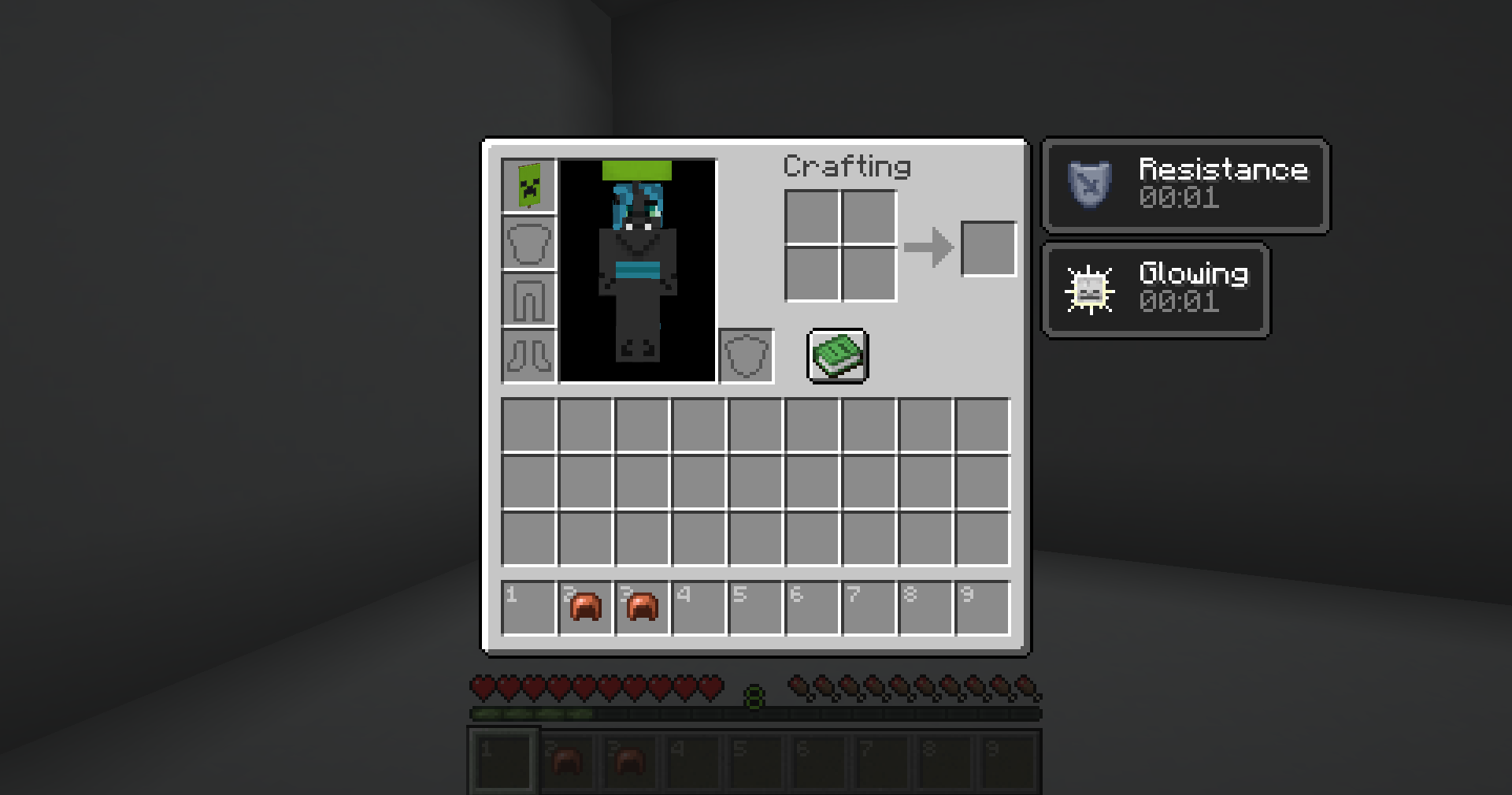
A Minecraft datapack that lets you create team-based aura helmets. Players wearing an aura helmet grant configurable potion effects to themselves and nearby teammates.
Features
- Supports 8 configurable teams (
team1toteam8) - Turn any wearable helmet item into an aura helmet
- Configurable self and nearby teammate potion effects
- Configurable aura radius and effect amplifier
- Vanilla-compatible team customization
- Simple setup functions for creating teams and assigning aura helmets
- Compatible with Minecraft 1.20.1 and from 1.21.11 to 26.3
Installation
- Download the latest release.
- Place the datapack into your world’s
datapacksfolder. - Run:
/reloadSetup
Create the default teams:
/function team_auras:setup/create_teamsTo turn the item in your main hand into a Team 1 aura helmet:
/function team_auras:item_apply/team1Replace team1 with any team from team1 to team8.
Note: Aura items only grant their effects while equipped in the helmet slot. The
/function team_auras:apply/teamXfunctions only assign the aura to the held item. They do not make the item wearable as a helmet if it isn’t already.
If you want to use an item that is not normally wearable as a helmet, you can use Minecraft’s
/givecommand with theequippableitem component to make it wearable in the helmet slot. This is a vanilla feature.
Team Customization
The datapack creates the default teams (team1 to team8).
You can freely customize these teams using vanilla Minecraft’s team modify command, including:
- Display name
- Prefix
- Suffix
- Team color
- Friendly fire
- Collision rules
- Name tag visibility
- Death message visibility
- Any other supported
team modifyoptions
For example:
team modify team1 displayName {"text":"Red Team","color":"red","bold":true}
team modify team1 prefix {"text":"[RED] ","color":"red"}
team modify team1 color red
These customizations do not affect the aura system. As long as players remain on the correct team (team1 to team8), the datapack will continue to function normally.
Configuration
Each team’s aura is configured in its corresponding function:
data/team_auras/function/team1.mcfunction
...
data/team_auras/function/team8.mcfunction
By default, each aura grants:
- Self: Glowing I
- Nearby teammates (10 block radius): Resistance I
Each team’s function contains two commands:
- One that applies the effect to the wearer.
- One that applies the effect to nearby teammates.
For example:
# Self effect
execute as @a[team=team1,gamemode=!spectator] if items entity @s armor.head *[custom_data~{team:"team1"}] run effect give @s minecraft:glowing 2 0 true

# Nearby teammates
execute as @a[team=team1,gamemode=!spectator] if items entity @s armor.head *[custom_data~{team:"team1"}] at @s run effect give @a[team=team1,gamemode=!spectator,distance=..10] minecraft:resistance 2 0 true
You can customize:
- Potion effects
- Effect duration
- Effect amplifier (
0 = Level I,1 = Level II, etc.) - Aura radius (
distance=..10,distance=..20, etc.)
For example, to make Team 1 grant Speed II to the wearer and Regeneration I to teammates within 20 blocks:
execute as @a[team=team1,gamemode=!spectator] if items entity @s armor.head *[custom_data~{team:"team1"}] run effect give @s minecraft:speed 2 1 true

execute as @a[team=team1,gamemode=!spectator] if items entity @s armor.head *[custom_data~{team:"team1"}] at @s run effect give @a[team=team1,gamemode=!spectator,distance=..20] minecraft:regeneration 5 0 true
常见问题
Team Auras 支持哪些 Minecraft 版本?
Team Auras 支持 Minecraft Java 版 1.20.1–26.3,共 7 个版本。下载时注意选择和你游戏版本一致的文件。
Team Auras 怎么安装?
新建世界时在「数据包」里把下载的 .zip 拖进去;已有的存档,把文件放进存档目录下的 datapacks 文件夹,进游戏输入 /reload 即可生效。服务器同样放在世界目录的 datapacks 里。
DootMan27 的其他作品
查看全部 →
Extra Items Pack
Rename vanilla tools and weapons to unlock 100+ custom models - Claymores, Katanas, Scythes, and more. No mods or datapacks required.
Heart and Stone: Vanilla Edition
A vanilla-friendly overhaul of equipment progression.

Trader Mirage
A minecraft datapack/mod that makes wandering traders have a chance to be illusioners in disguise!

Verdant Shell Edition
A data pack based off of Matcha Flavoured with a signifincant amount of changes made (balance changes and core game mechanics changes).
评论
登录后评论和评分