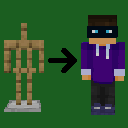
Mannequin-Stand
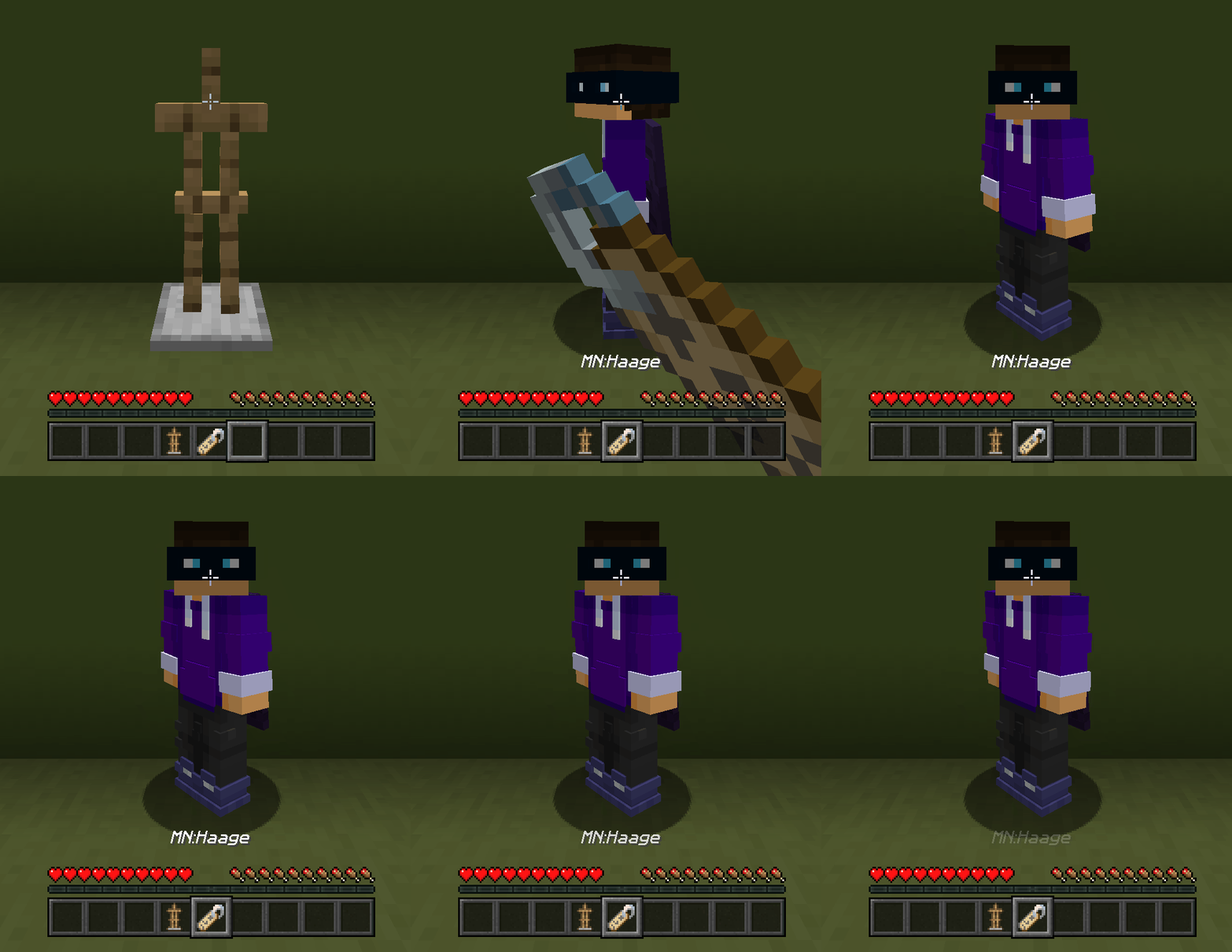
Name an Armor stand the name of a player and it will turn into a mannequin of them.
截图
介绍
src=”https://cdn.modrinth.com/data/cached_images/44ff730831c4cd4353c5f7bd9c9bf809417e83d3.png”
alt=”website”
width=”750″
loading=”lazy”
/>
Mannequin Stand
Summon a mannequin using a player’s skin by naming an armor stand with a name tag.
How to Use
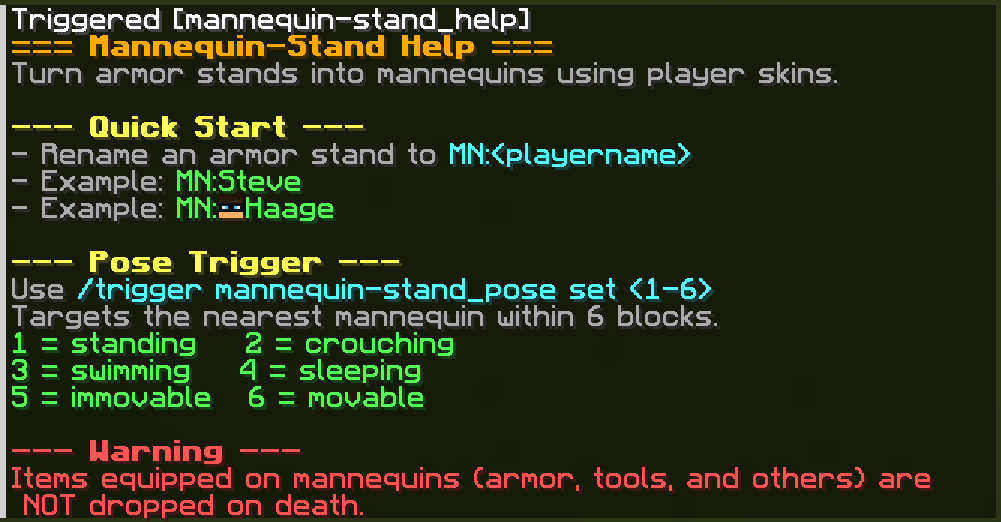
Rename an armor stand to:
MN:<playername>Examples
- MN:Steve
- MN:Haage
- MN:Jeb_
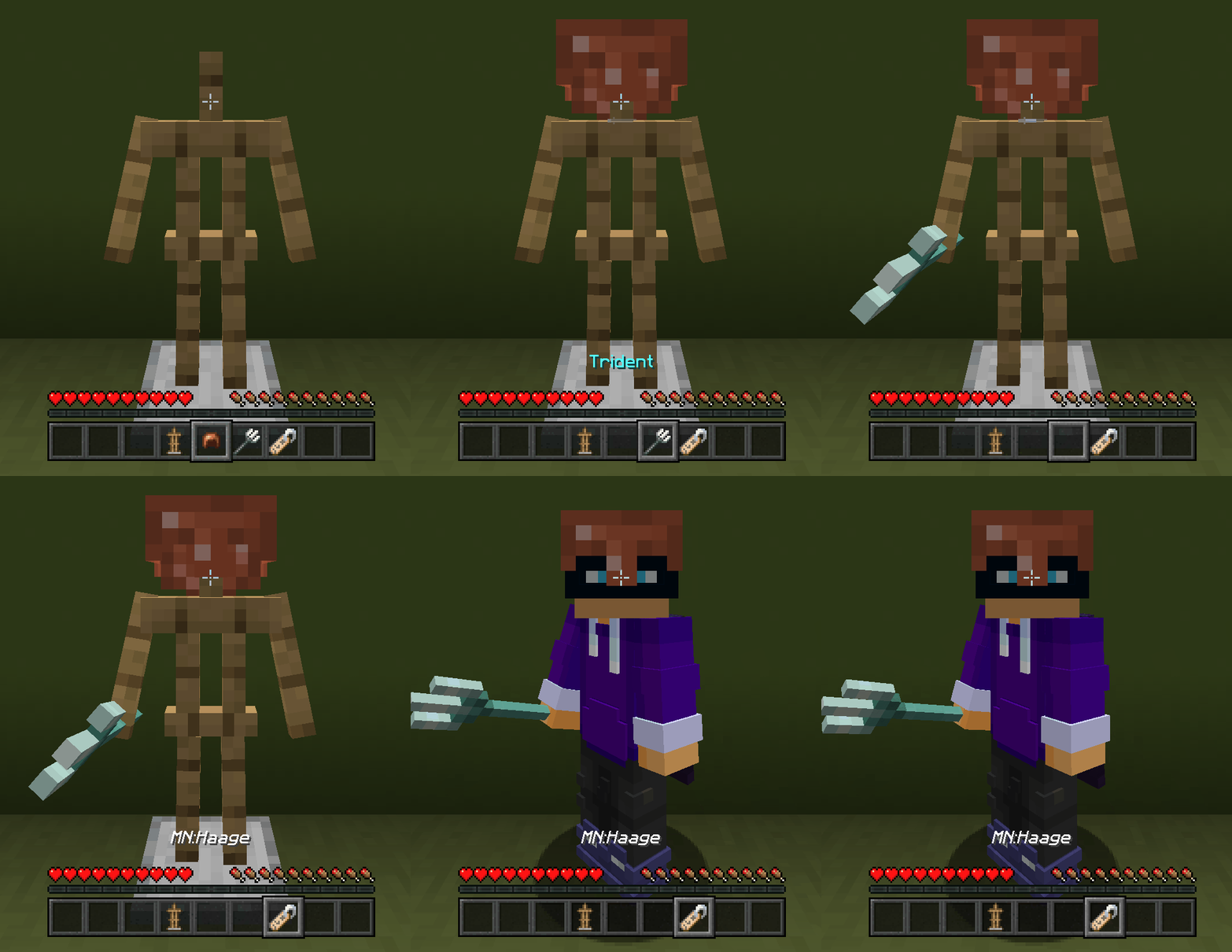
On the next tick, the datapack replaces that armor stand with a mannequin summoned using that player’s profile.
Help
Use this command anytime for in-game help:
/trigger mannequin-stand_helpFeatures
- Summon mannequins with player skins
- Matches the direction the armor stand’s facing
- Copies the armor stand’s equipment
⚠️ Warning
Armor, tools, and other items equipped on mannequins are NOT dropped on death.
Screenshots
常见问题
Mannequin-Stand 支持哪些 Minecraft 版本?
Mannequin-Stand 支持 Minecraft Java 版 26.1–26.2,共 4 个版本。下载时注意选择和你游戏版本一致的文件。
Mannequin-Stand 怎么安装?
新建世界时在「数据包」里把下载的 .zip 拖进去;已有的存档,把文件放进存档目录下的 datapacks 文件夹,进游戏输入 /reload 即可生效。服务器同样放在世界目录的 datapacks 里。
Haage 的其他作品
查看全部 →
Locator Heads
Show player heads on the locator bar and other usefull settings.

Hidden Armour
Toggle visibility of armor and other render stuff.

GUI Time
clock hud and a 24-hour digital clock, and an optional sleep indicator to show when you can sleep.

Lunge Launch
Auto-deploy your elytra when you use a Lunge spear mid-jump for even smoother movement tech.
评论
登录后评论和评分