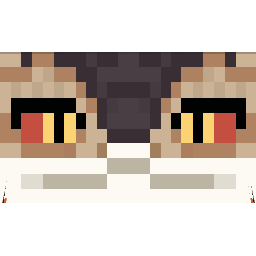
截图
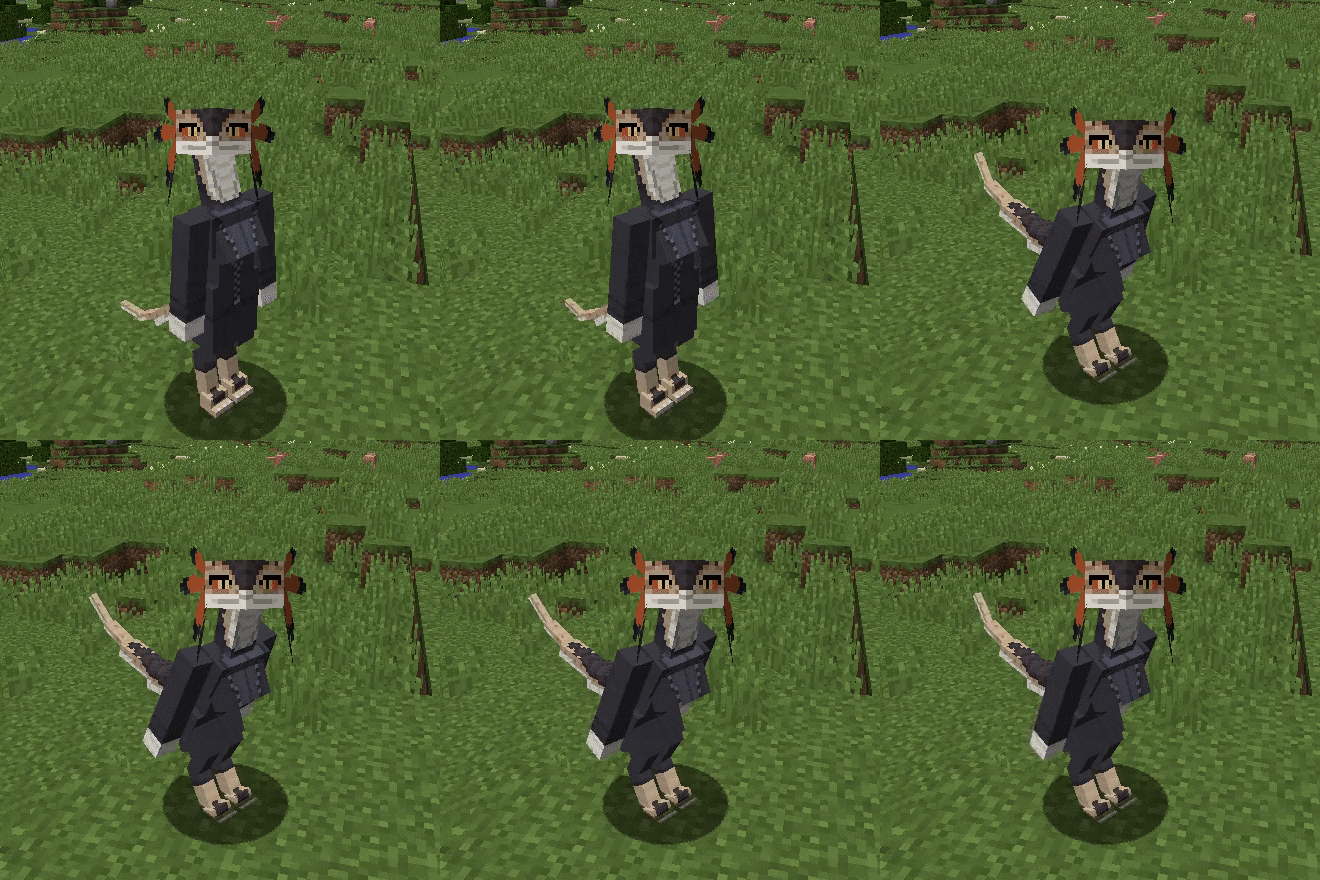
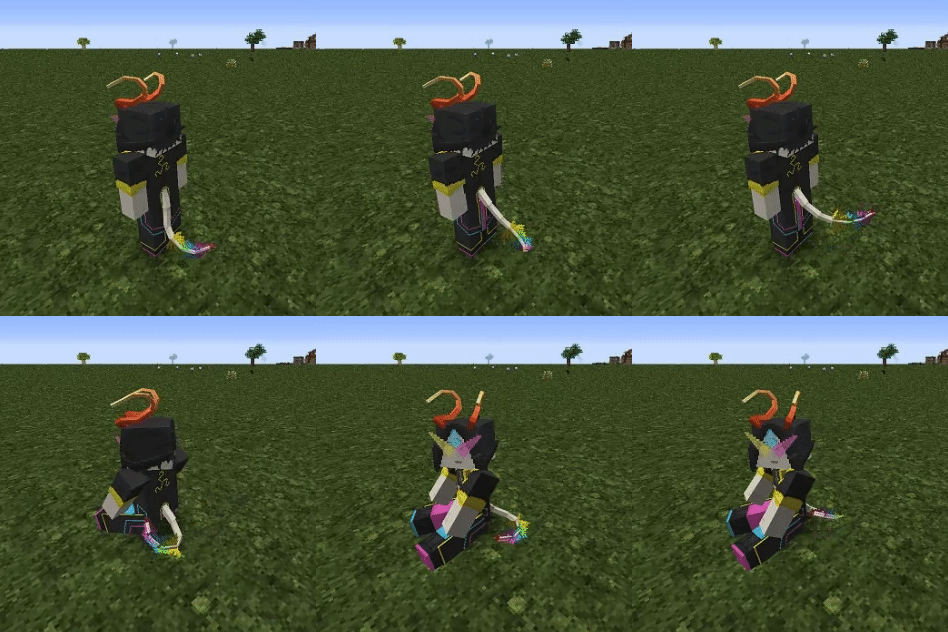
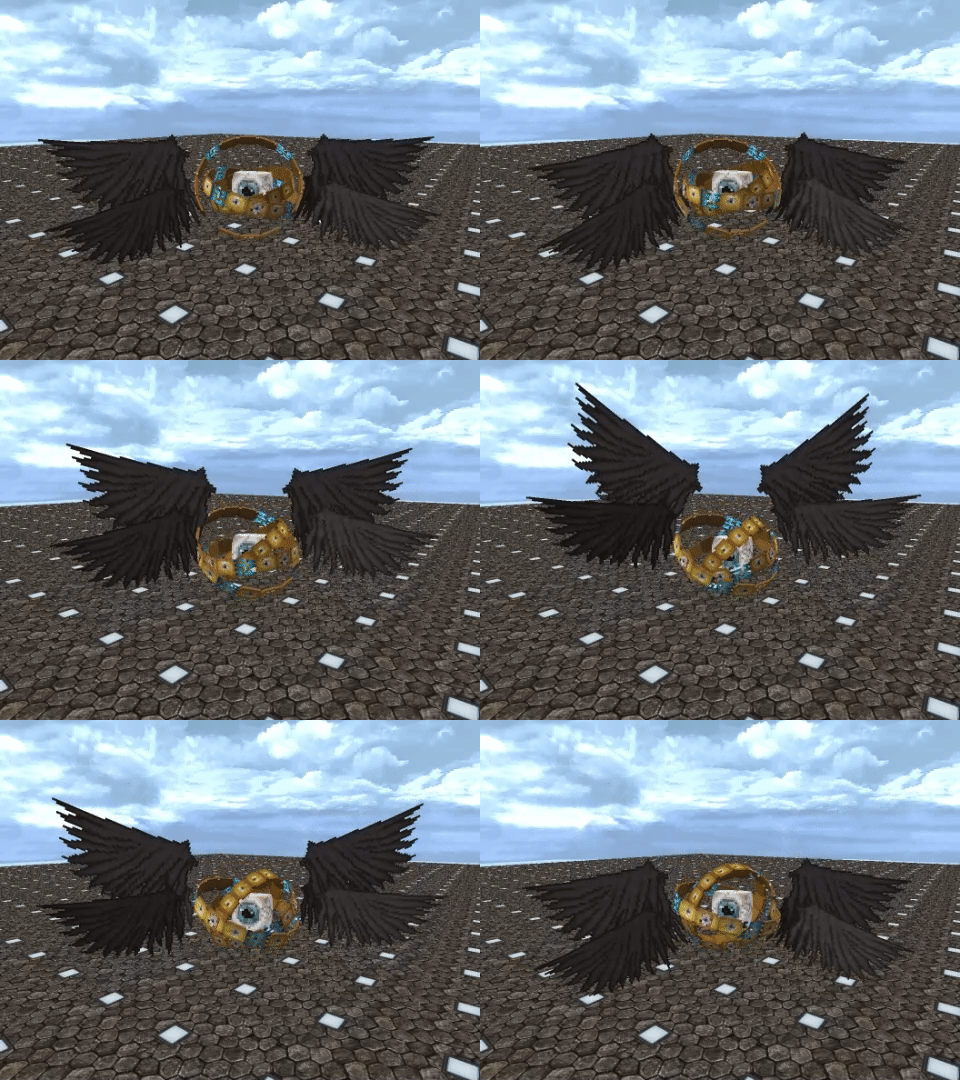
介绍
中文介绍正在准备中,下面暂时显示原文。
Makriva
The custom player model mod.
- Supports Blockbench modelling via plugin (load plugin from this URL)
- Animations with math expressions and conditions
- HD skins via URL
- Custom bounding boxes in different poses
- User-hosted models (no need to upload)
- Automatic model refresh on file change
- MorePlayerModels poses (sit, crawl, etc.) and skin integration
Shape model usage
- Copy shape model (.json file) into
.minecraft/makriva(folder can be opened from the next step) - Ingame press “shapes menu” button (default HOME)
- If shape model is correct then it should appear in list
- Click on model name and press Select. Done!
Shape model creation workflow
Preparation
- Get Blockbench
- Install Makriva plugin via File->Plugins->Load Plugin from URL
- Paste this URL
- Download boilerplate steve model from here
Modelling
- Open base-steve.bbmodel
- Add your groups and cubes in existing root groups. This will bind your cubes to the different body parts.
- Organize your cubes on texture and paint them
- Export shape model via File->Export->Export Makriva Shape into makriva folder
- Check out your model ingame and repeat
Documentation
- In english (Translation)
- На русском
Examples
TODO
- OBJ meshes via Blockbench import
- Blockbench keyframe animations
- Support more Minecraft versions?
常见问题
Makriva 支持哪些 Minecraft 版本?
Makriva 支持 Minecraft Java 版 1.12.2,可用的加载器:Forge。下载时注意选择和你游戏版本一致的文件。
Makriva 怎么安装?
先用 PCL2 或 HMCL 启动器安装对应版本的 Forge,再把下载的 .jar 文件放进游戏目录的 mods 文件夹,重新启动游戏即可。开启了版本隔离的,mods 文件夹在 versions/版本名 下面。运行环境:客户端和服务端都要装。
评论
登录后评论和评分