
Eggcrafts
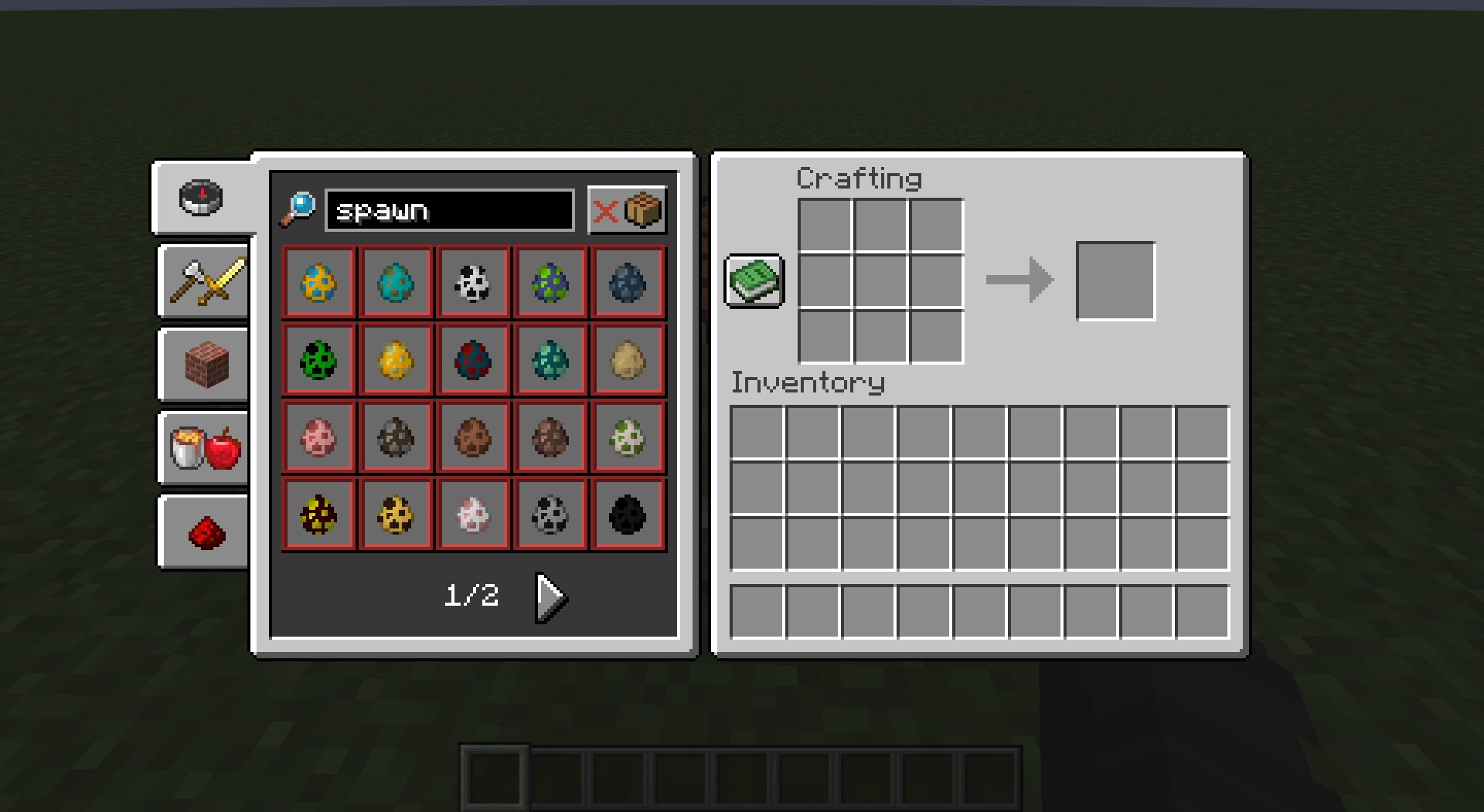
EggCrafts is a simple Data Pack for the game Minecraft that adds in recipes for majority of the spawn eggs in the vanilla game as well as for the mob spawner.
截图

介绍
<img src="https://github.com/irtsa-dev/eggcrafts/assets/139963912/a06f4f5d-18c4-4022-8acf-a7df0502a166"
height=”300″>
EggCrafts is a simple Data Pack for the game Minecraft that adds in recipes for majority of the spawn eggs in the vanilla game as well as for the mob spawner.
Reference the Releases for public releases.
Installation
- You will first need to download the eggcraft.zip file in releases. After this, you will need to extract the zip file so
that all you have is the folder eggcraft with the contents of data, pack.mcmeta, and pack.png inside.
Again, it should not be a zip file, it should be a normal folder.
- On World Creation, you will now have 3 tabs along the top of your screen: Game, World, More.
<img src="https://github.com/irtsa-dev/eggcrafts/assets/139963912/e667bbb4-4d00-4295-b10f-8b4c255c5f4e"
height=”300″>
- You will navigate to the More tab where you will find the buttons: Game Rules, Experiements, Data Packs
<img src="https://github.com/irtsa-dev/eggcrafts/assets/139963912/ea9e7d69-32bc-4a01-9983-e62a8720e8c0"
height=”300″>
- You will click on the Data packs button where you will now find yourself on the screen to select data packs.
<img src="https://github.com/irtsa-dev/eggcrafts/assets/139963912/f3965da5-9bc2-4c61-866c-259f707d82ec"
height=”300″>
- At the bottom will be a Open Pack Folder button. After clicking this folder, a folder will pop up. You will simply drag
and drop the eggcrafts folder into this folder.
<img src="https://github.com/irtsa-dev/eggcrafts/assets/139963912/9386a82f-ea3c-4225-aa71-ee1fb3f820b1"
height=”300″>
- You will now be able to click the data pack. After validation it will appear on the right side. If it fails validation, make sure
that eggcrafts is not a zip file (eggcrafts.zip).
<img src="https://github.com/irtsa-dev/eggcrafts/assets/139963912/52599294-64b7-43f6-92ad-2b1c6fbde0b1"
height=”300″>
Congratulations! You should be able to play with the data pack and enjoy the new recipes.
常见问题
Eggcrafts 支持哪些 Minecraft 版本?
Eggcrafts 支持 Minecraft Java 版 1.20.6。下载时注意选择和你游戏版本一致的文件。
Eggcrafts 怎么安装?
新建世界时在「数据包」里把下载的 .zip 拖进去;已有的存档,把文件放进存档目录下的 datapacks 文件夹,进游戏输入 /reload 即可生效。服务器同样放在世界目录的 datapacks 里。
评论
登录后评论和评分