
Z Apocalypse – A Modern Zombie Apocalypse
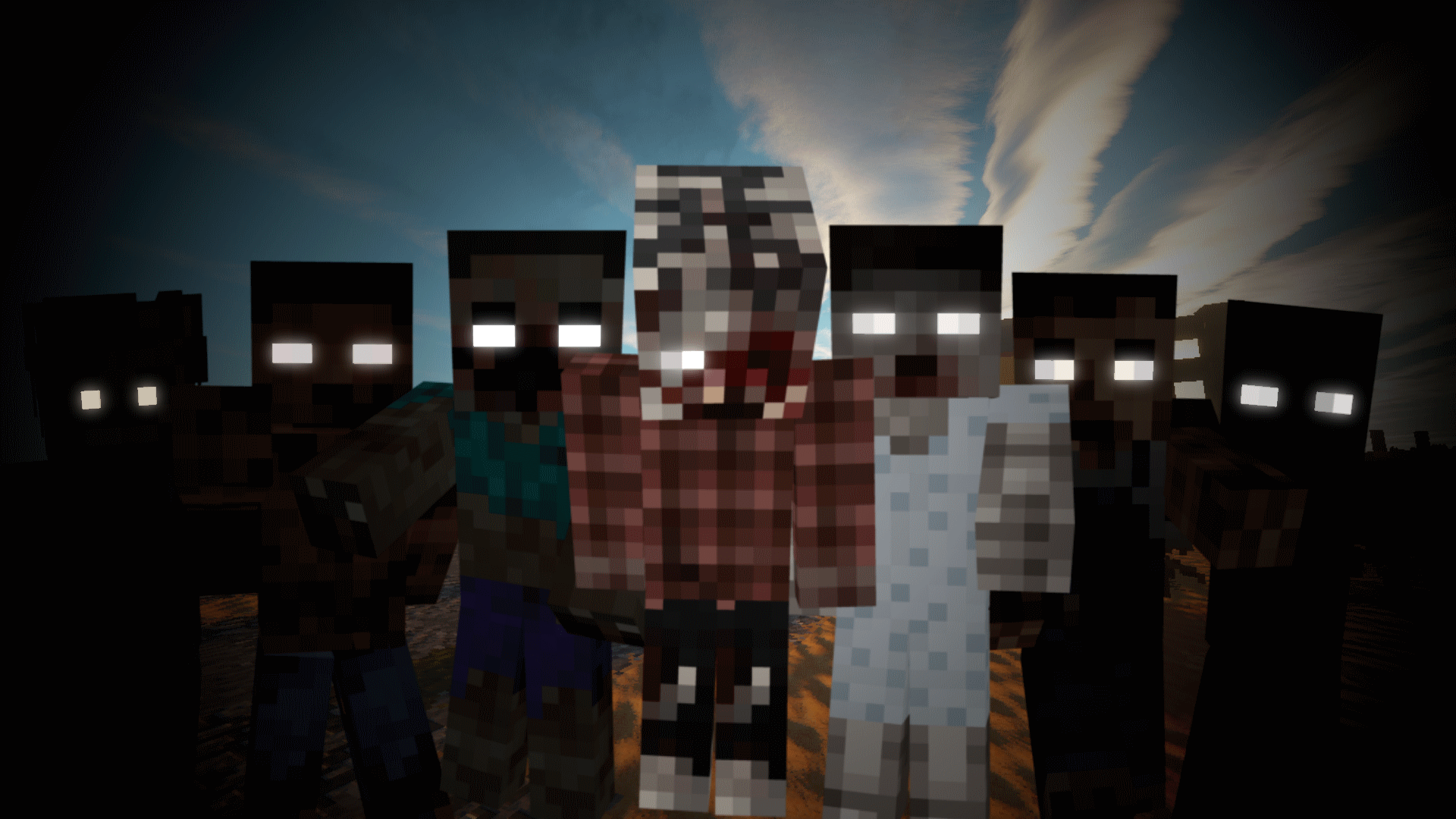
Explore. Loot. Survive. Z Apocalypse transforms Minecraft into an immersive zombie survival experience with abandoned cities, weapons, bunkers and intense progression.
截图
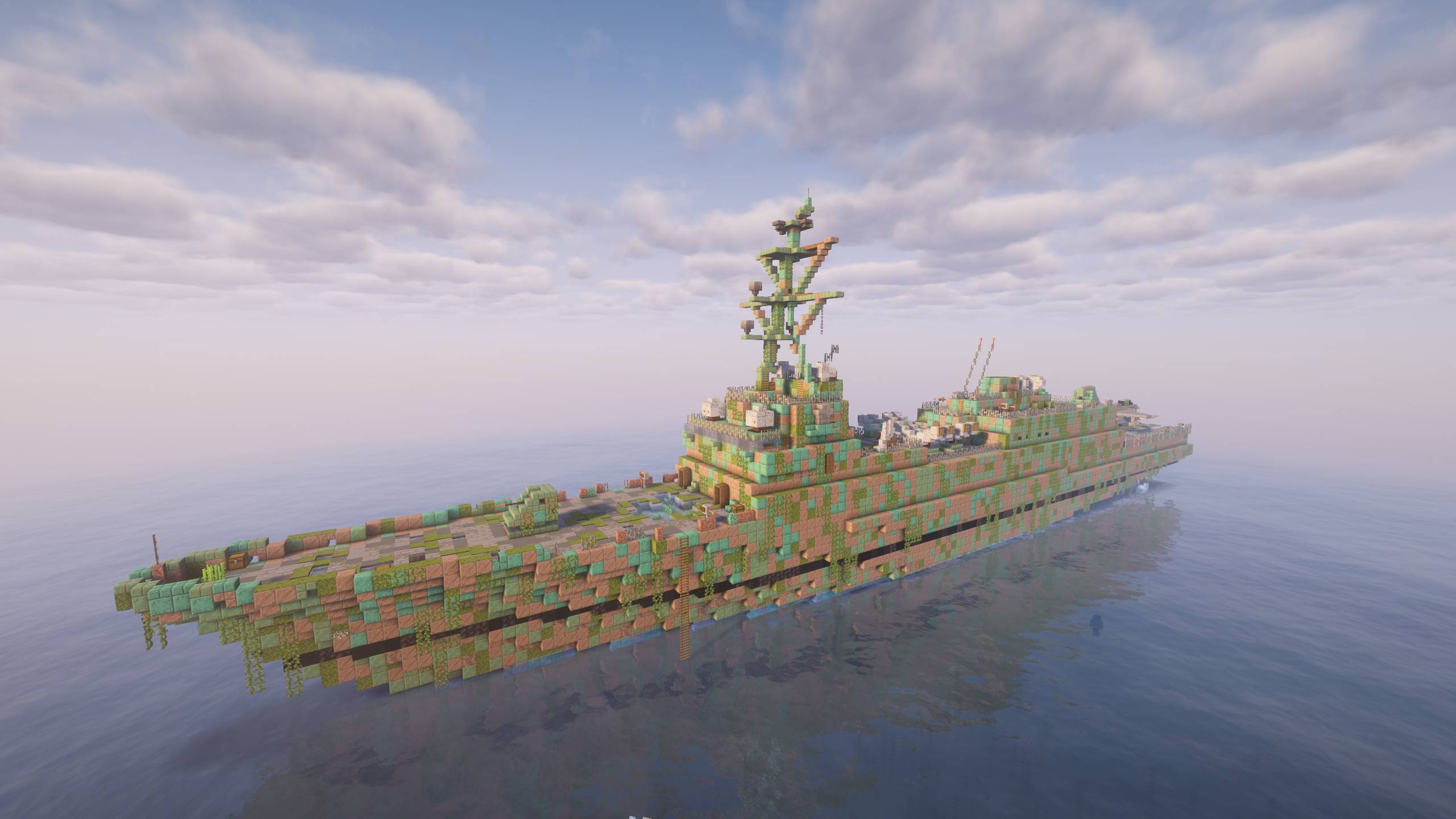
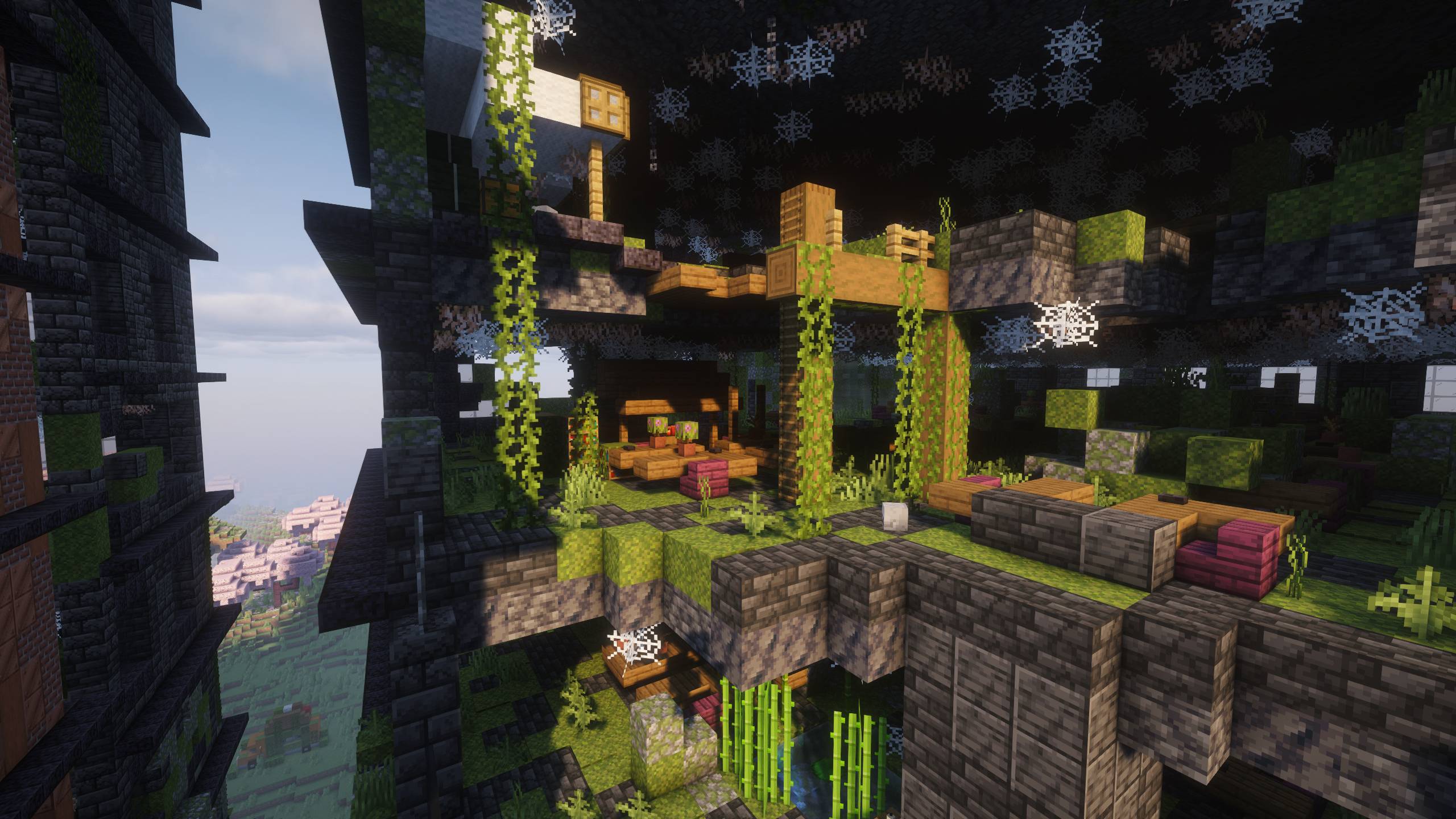
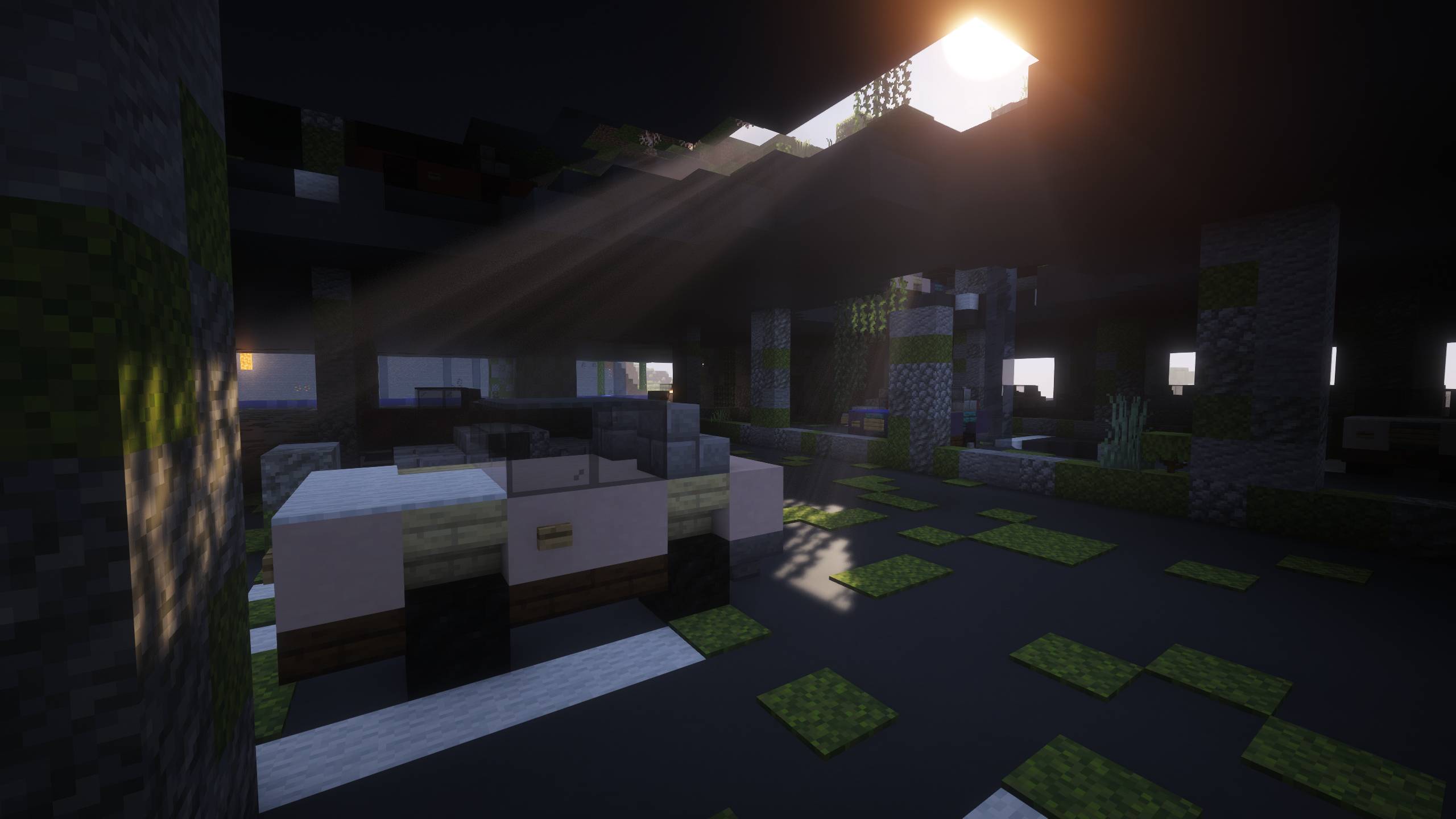
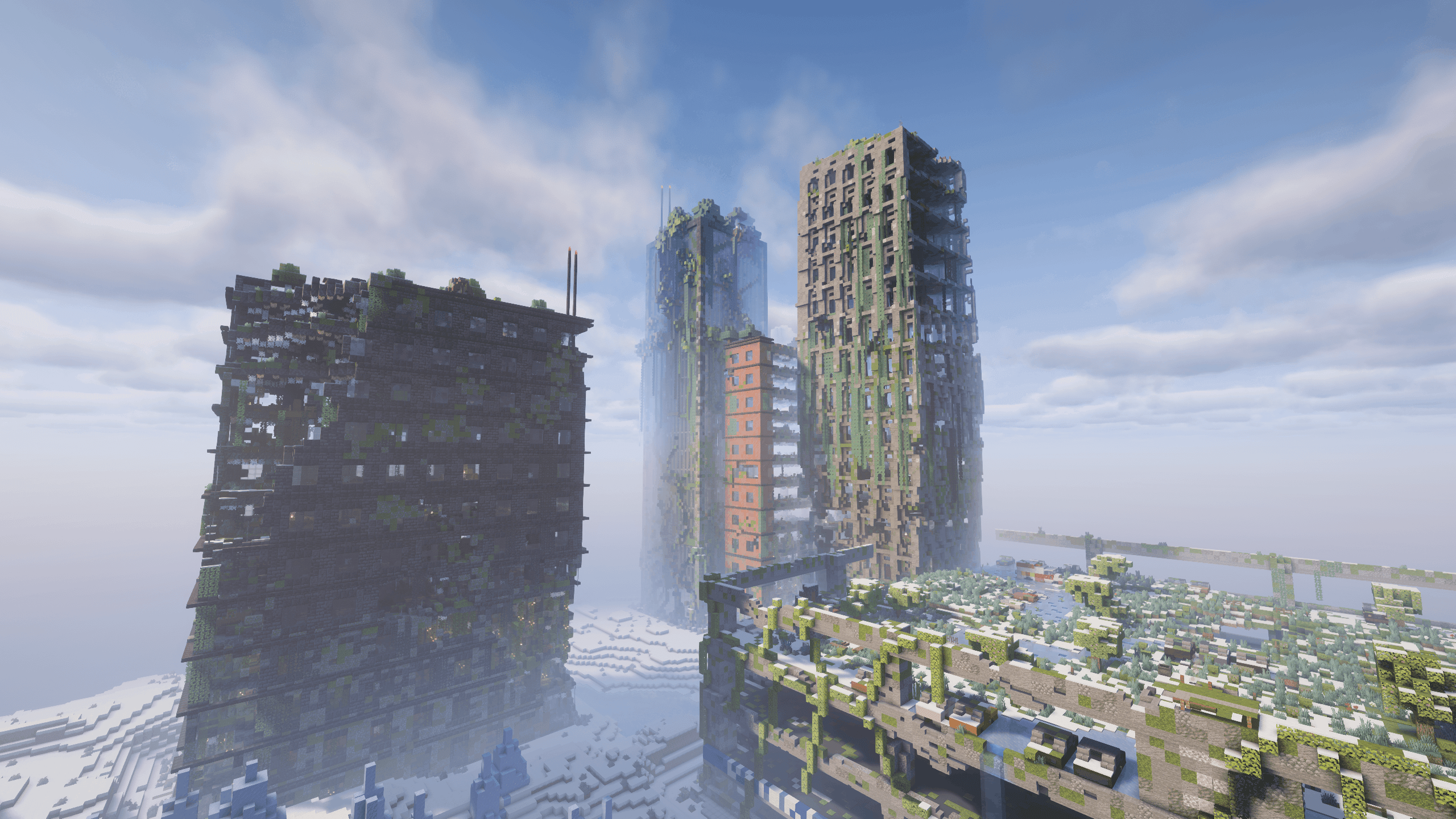
介绍
Z Apocalypse
A brutal zombie survival experience built around exploration, progression and survival.
The world has fallen.
Cities stand abandoned, supplies are limited, and every expedition outside your shelter is a risk. In Z Apocalypse, Minecraft becomes a tense post-apocalyptic survival experience where preparation matters as much as combat.
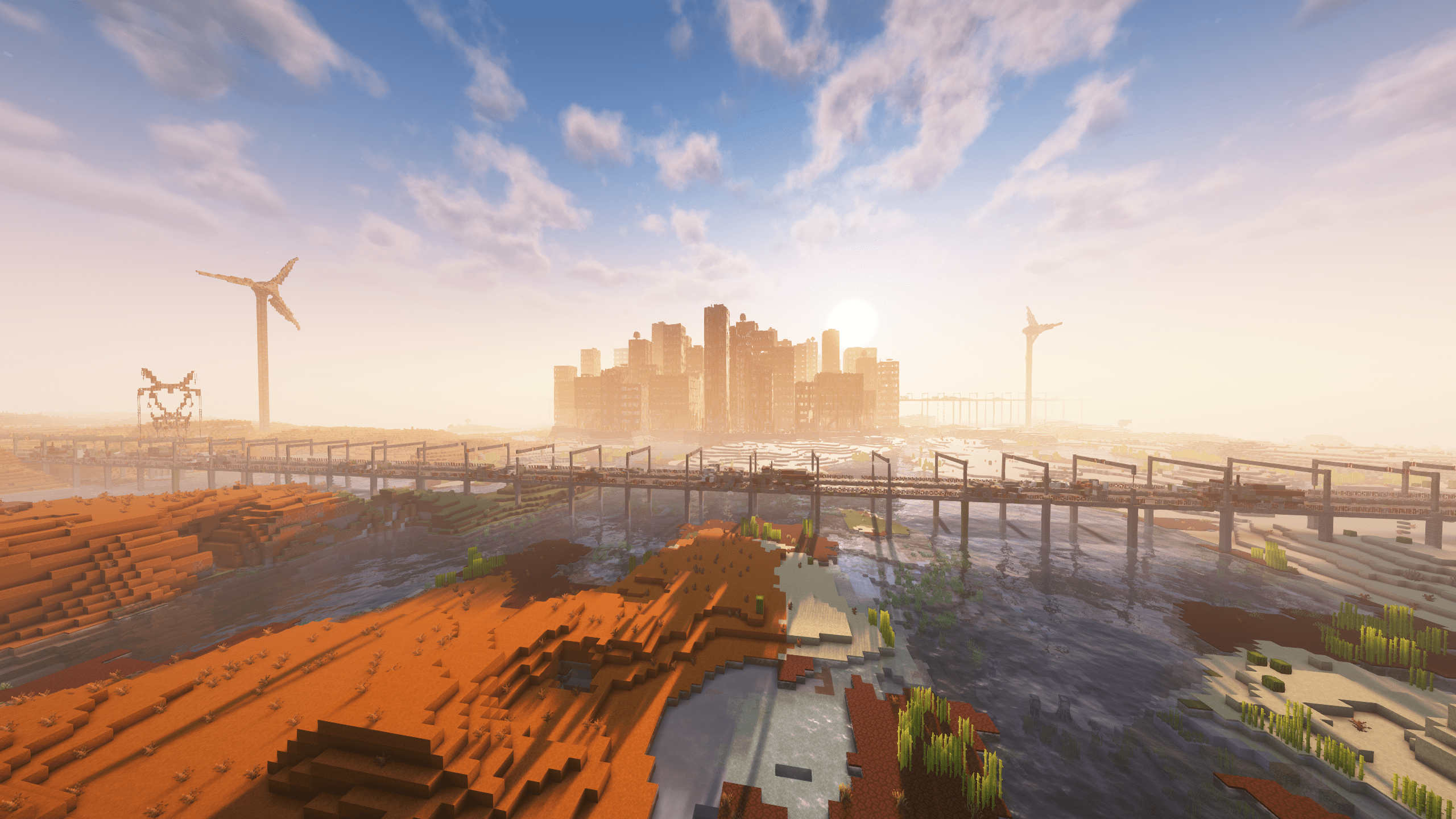
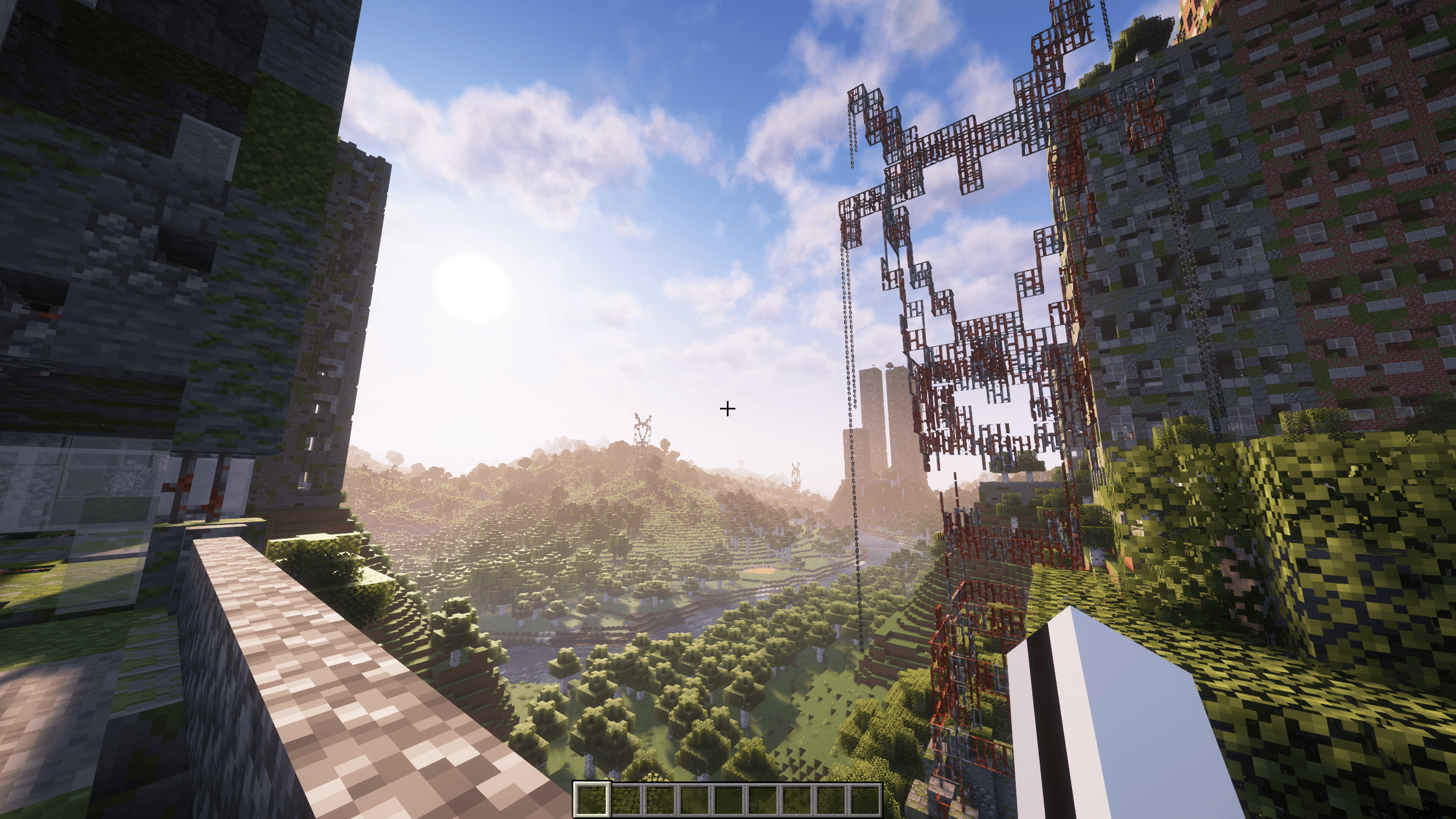
Explore a world filled with massive ruined cities, underground bunkers, military locations and abandoned structures while searching for equipment, resources and a way to survive one more day.
But surviving won’t be easy.
Zombies are more dangerous, more aggressive and capable of turning a simple scavenging run into a fight for your life. Build defenses, manage your supplies, improve your gear and adapt to a world that does not forgive mistakes.
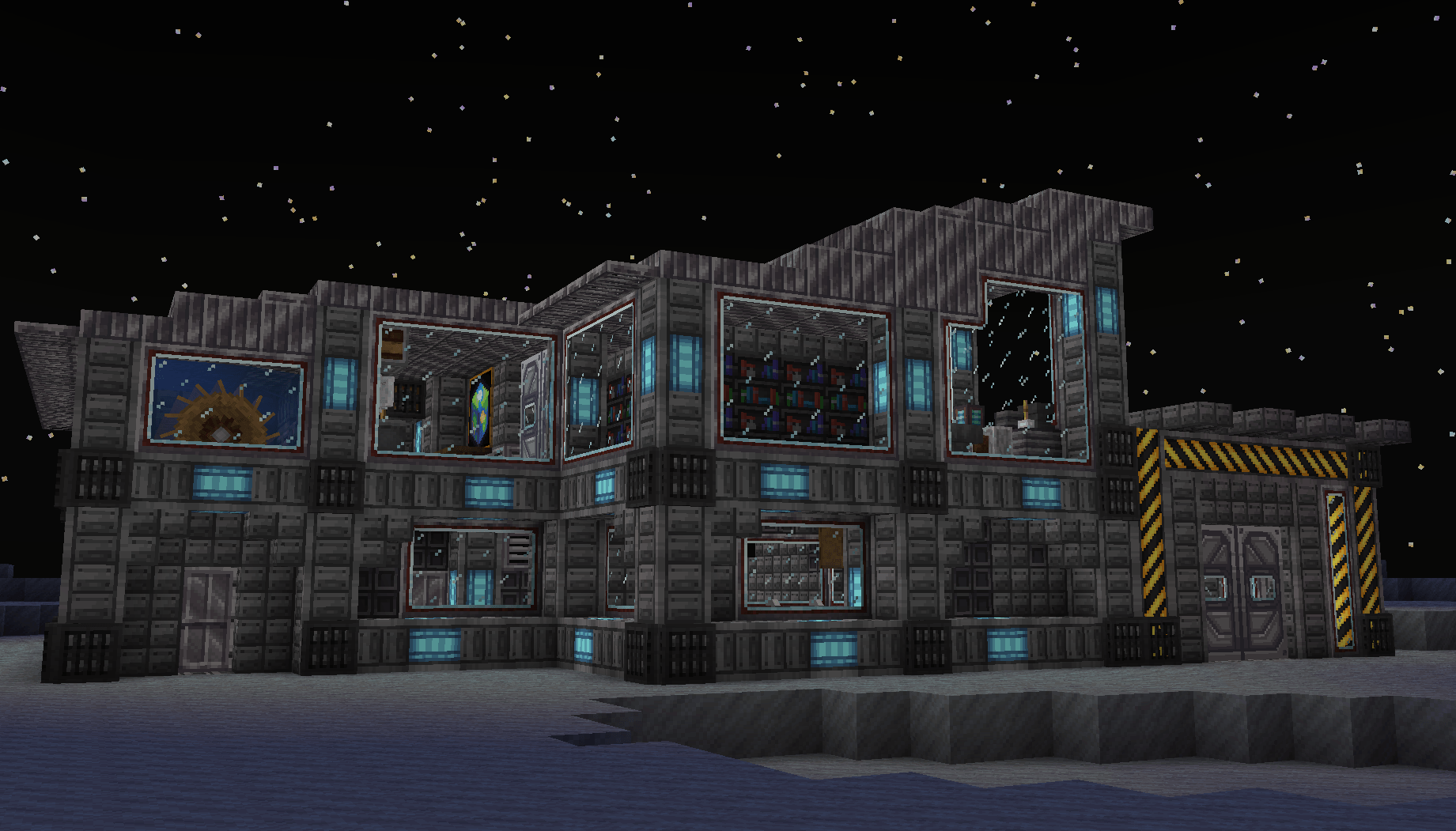
Progress through technology, secure your base and turn abandoned ruins into your own stronghold.
Features
• Enhanced zombie survival experience
• Large post-apocalyptic cities and abandoned locations
• Modern firearms and tactical equipment
• Bunkers, loot zones and dangerous exploration
• Technology progression and automation
• Vehicles and long-distance travel
• Immersive atmosphere with improved sounds and environments
• Survival-focused gameplay with meaningful progression
How to play
1.To get started, go to the files tab and look at the different versions of the Z Apocalypse modpack that are available.
2. Next, start the modpack. Once the Minecraft launcher opens up, check how much RAM you have allocated and make sure to set it to at least 4GB, preferably 6GB. This modpack is pretty RAM demanding, and if you are playing with shaders or at a higher render distance you may need to allocate up to 8GB of RAM. Watch this video if you are unsure how to allocate RAM. If you are experiencing lag spikes in game, it is most likely because you have not allocated enough RAM.
3. If you are playing single player, create a new world. In the world creation menu, you have the option to enable city generation by clicking the button at the top right that says “Cities.” In this menu you can choose from a variety of different city presents, or customize city generation manually.
4. To enable the resource packs that are available with this modpack, go to settings>resourcepacks then move the resource packs that are available on the left, to the right, by clicking on the arrow.
常见问题
Z Apocalypse – A Modern Zombie Apocalypse 支持哪些 Minecraft 版本?
Z Apocalypse – A Modern Zombie Apocalypse 基于 Minecraft Java 版 1.20.1,使用 Forge 加载器。
Z Apocalypse – A Modern Zombie Apocalypse 怎么安装?
点本页「前往下载」拿到整合包文件(Modrinth 的是 .mrpack,CurseForge 的是 .zip),在 PCL2 或 HMCL 启动器里选择「导入整合包」,启动器会自动装好 Minecraft、加载器和全部模组。建议在启动器里给游戏分配 4–6 GB 内存。
Z Apocalypse – A Modern Zombie Apocalypse 开服需要多大内存?
推荐服务器内存 12 GB。在线人数多、或者建了大量机器和区块加载器时,可以再加 2–4 GB。
怎么和朋友一起玩 Z Apocalypse – A Modern Zombie Apocalypse?
点本页的「一键开服」,选好配置后会自动安装 Z Apocalypse – A Modern Zombie Apocalypse 的服务端,几分钟就能开好。把服务器地址发给朋友,大家用同一个版本的整合包连进去就行。
DrBlackout 的其他作品
查看全部 →
The Broken Script chp1
You installed it out of curiosity. An unknown version of the game, with no name, no creator. Since then, everything has changed. Your computer is behaving strangely, files are changing on their own, and Minecraft isn't what it used to be.

The Broken Script chp2
You installed it out of curiosity. An unknown version of the game, with no name, no creator. Since then, everything has changed. Your computer is behaving strangely, files are changing on their own, and Minecraft isn't what it used to be.
The Broken Script Origines
You found it, he will find you.

The Broken Script: Moonfall
Enter an ARG experience and discover the mysteries of a corrupted world.
评论
登录后评论和评分