
截图
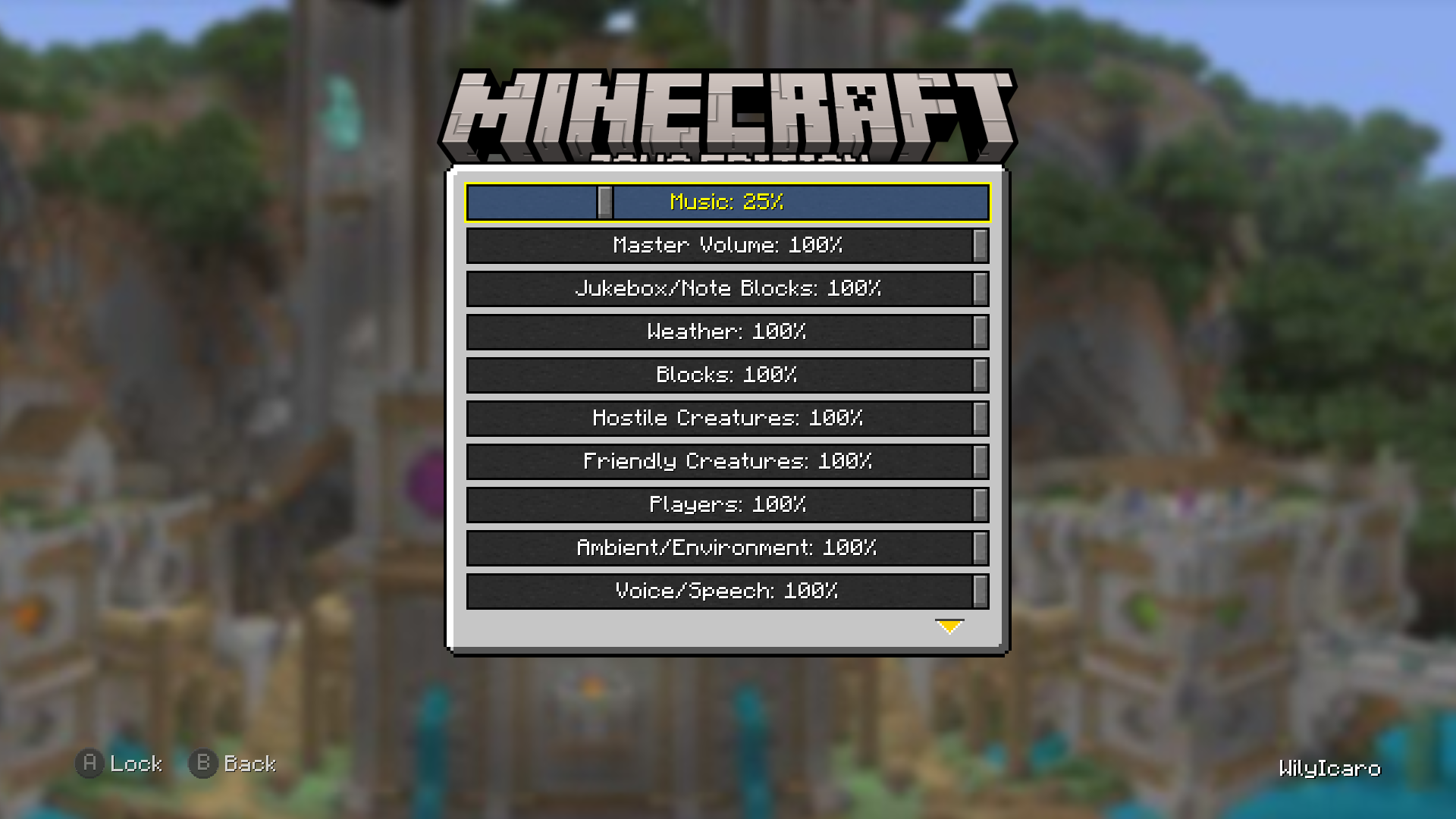
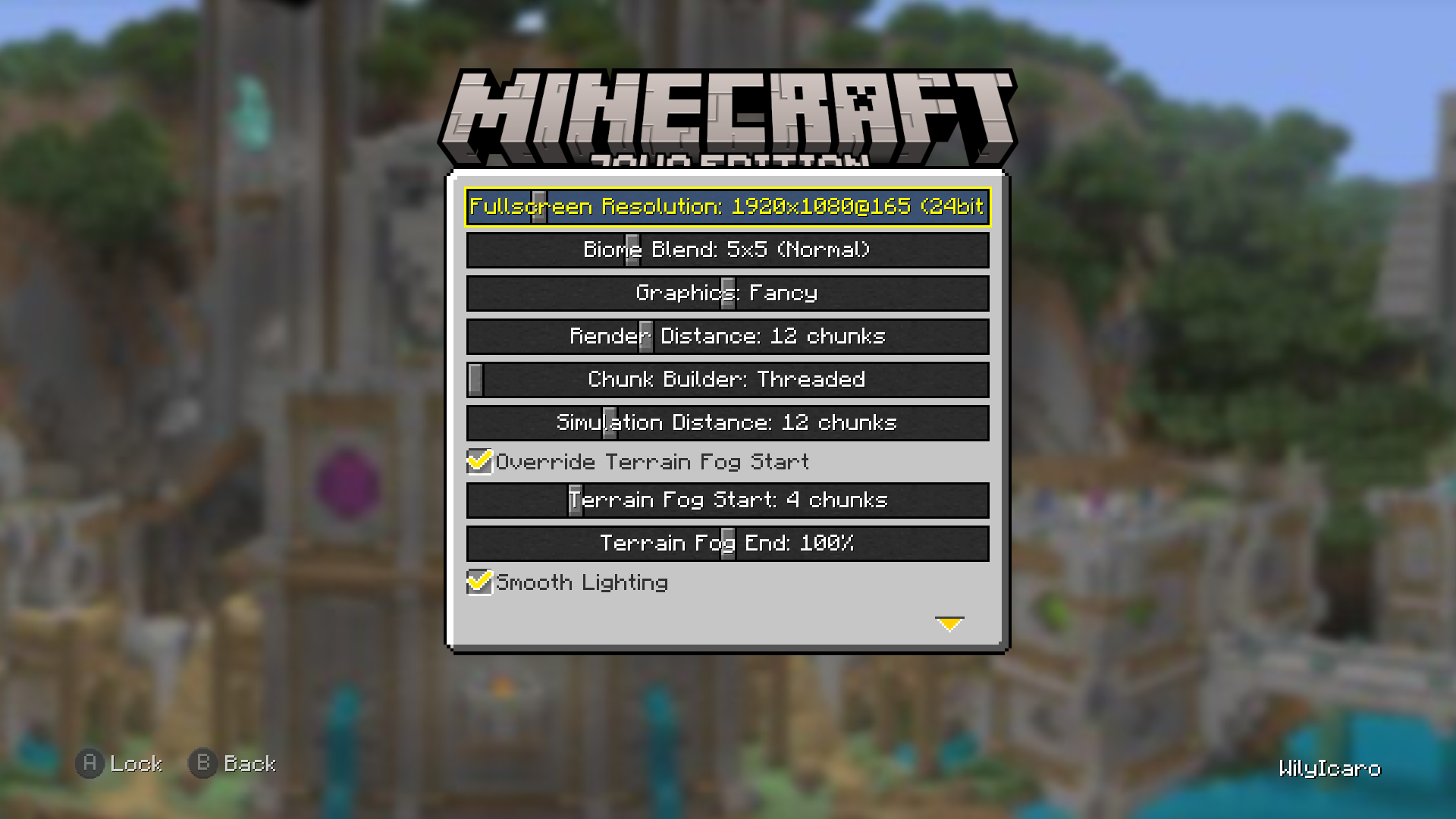
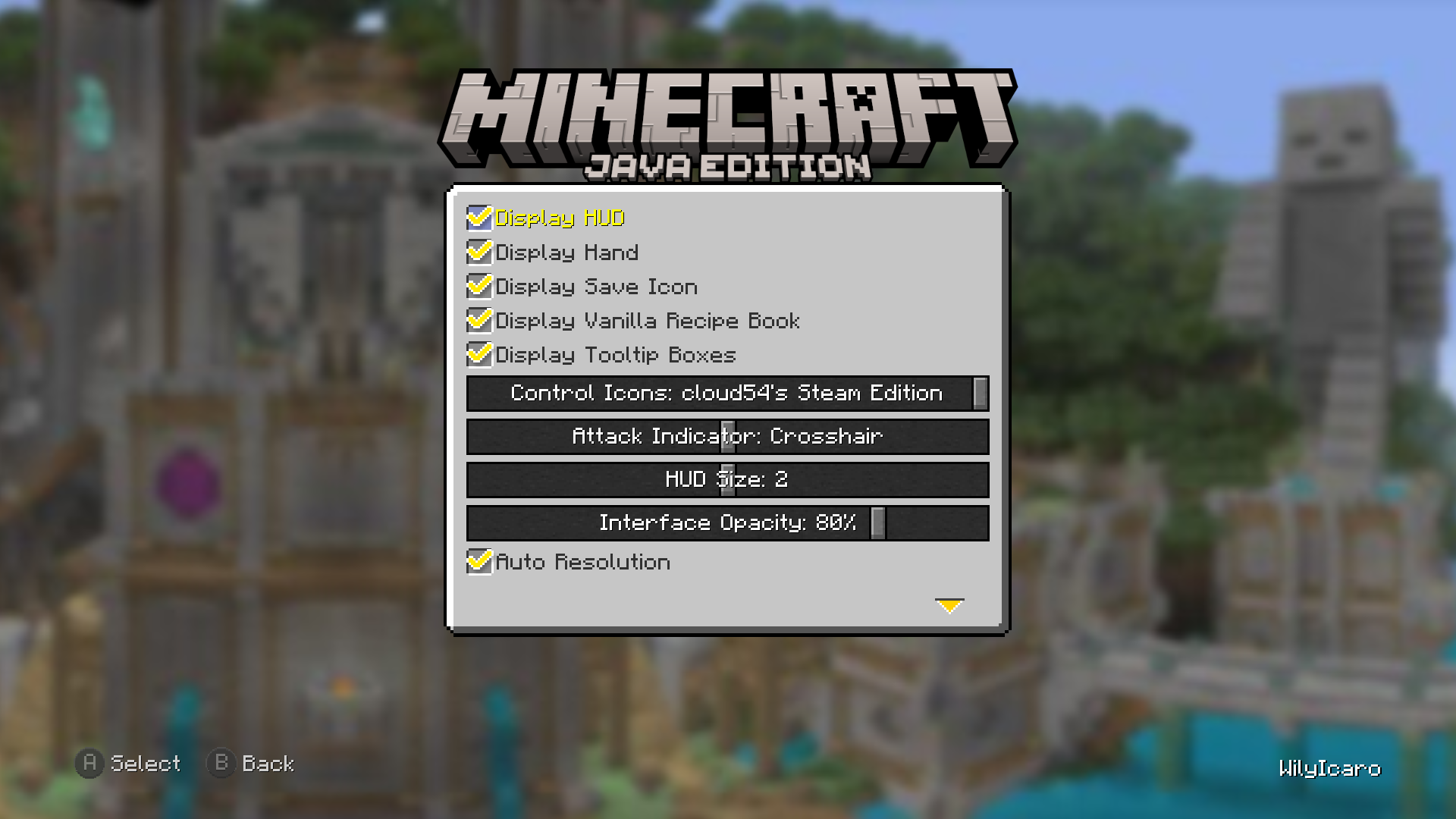
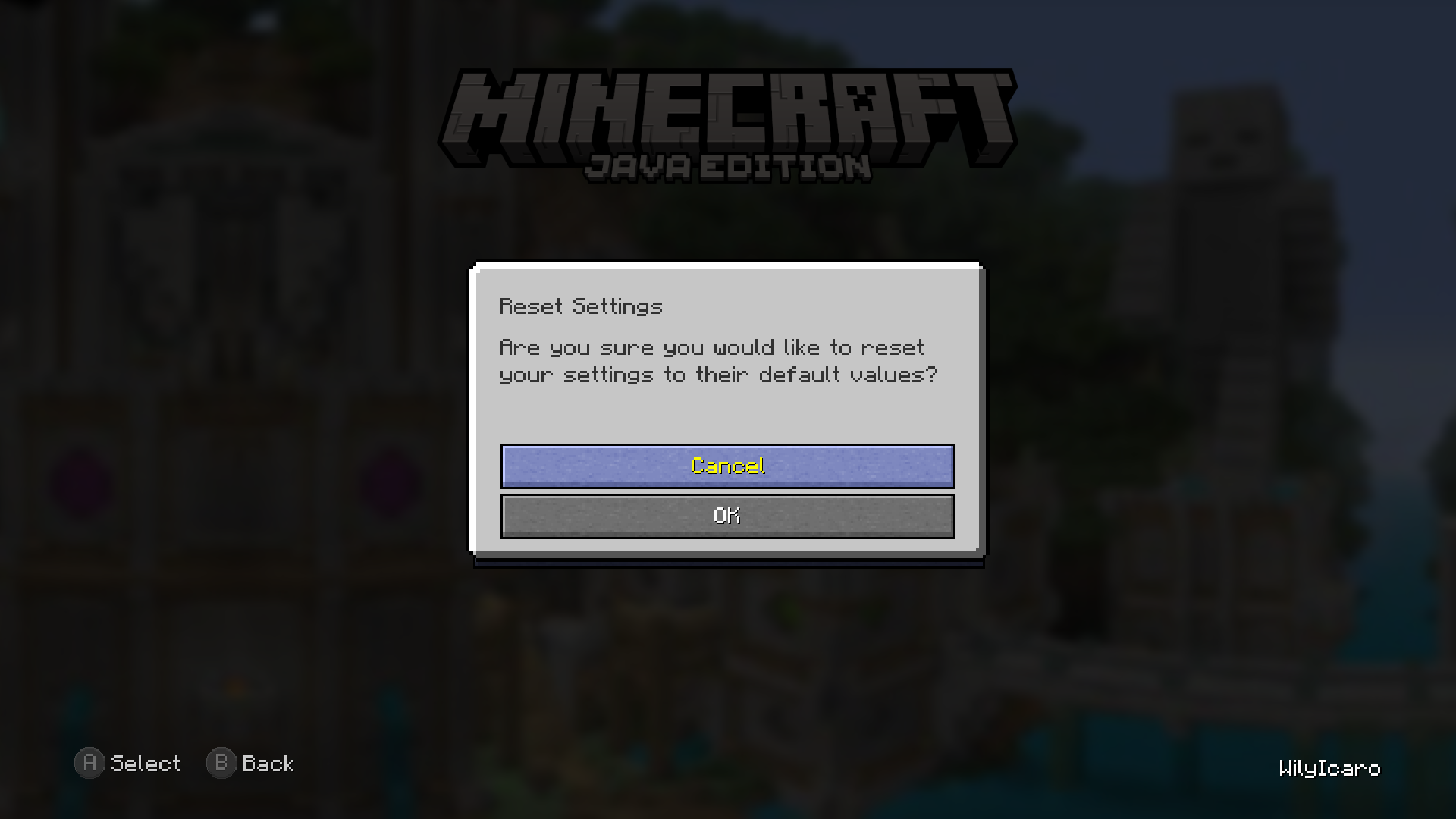
介绍


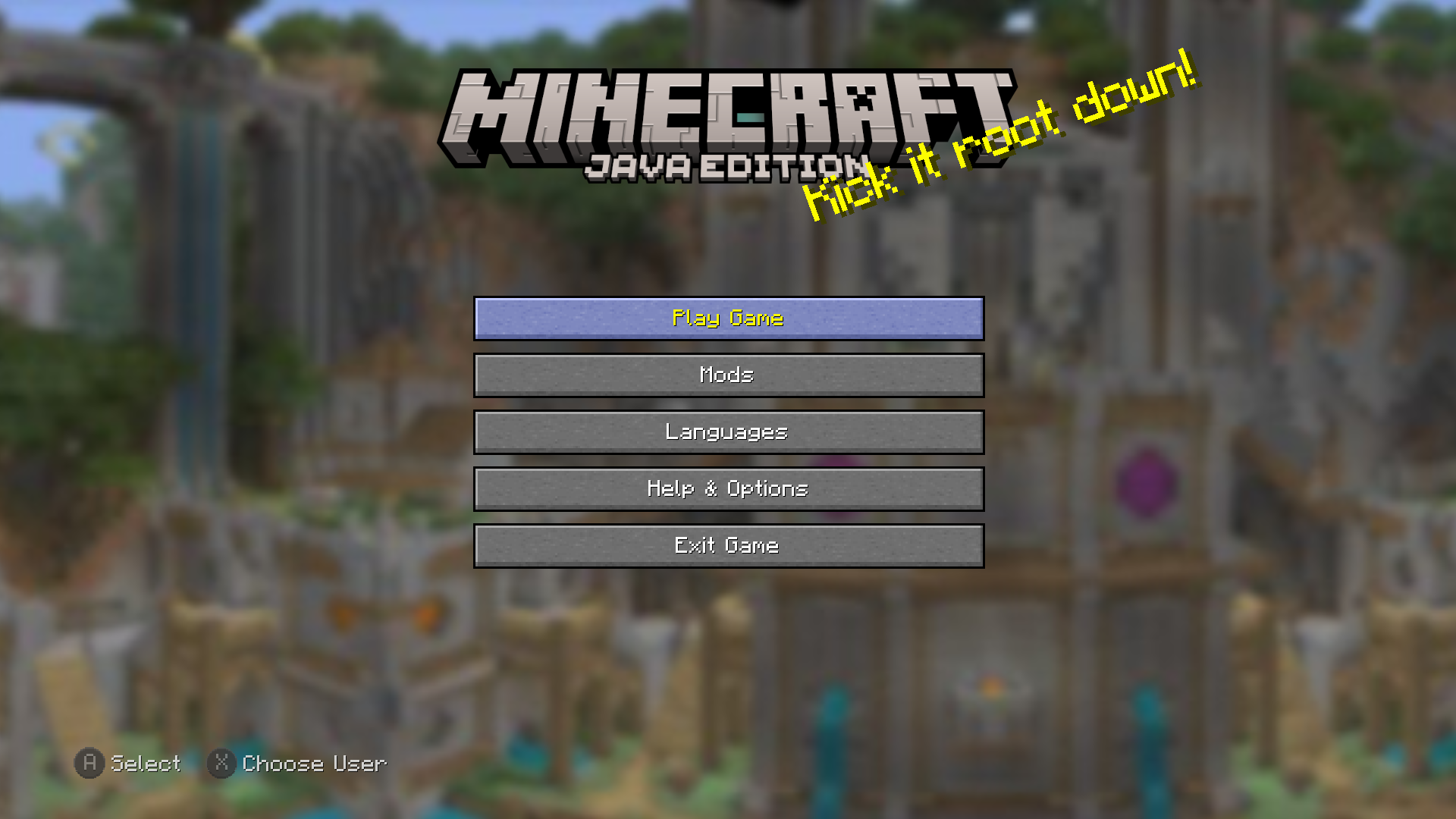
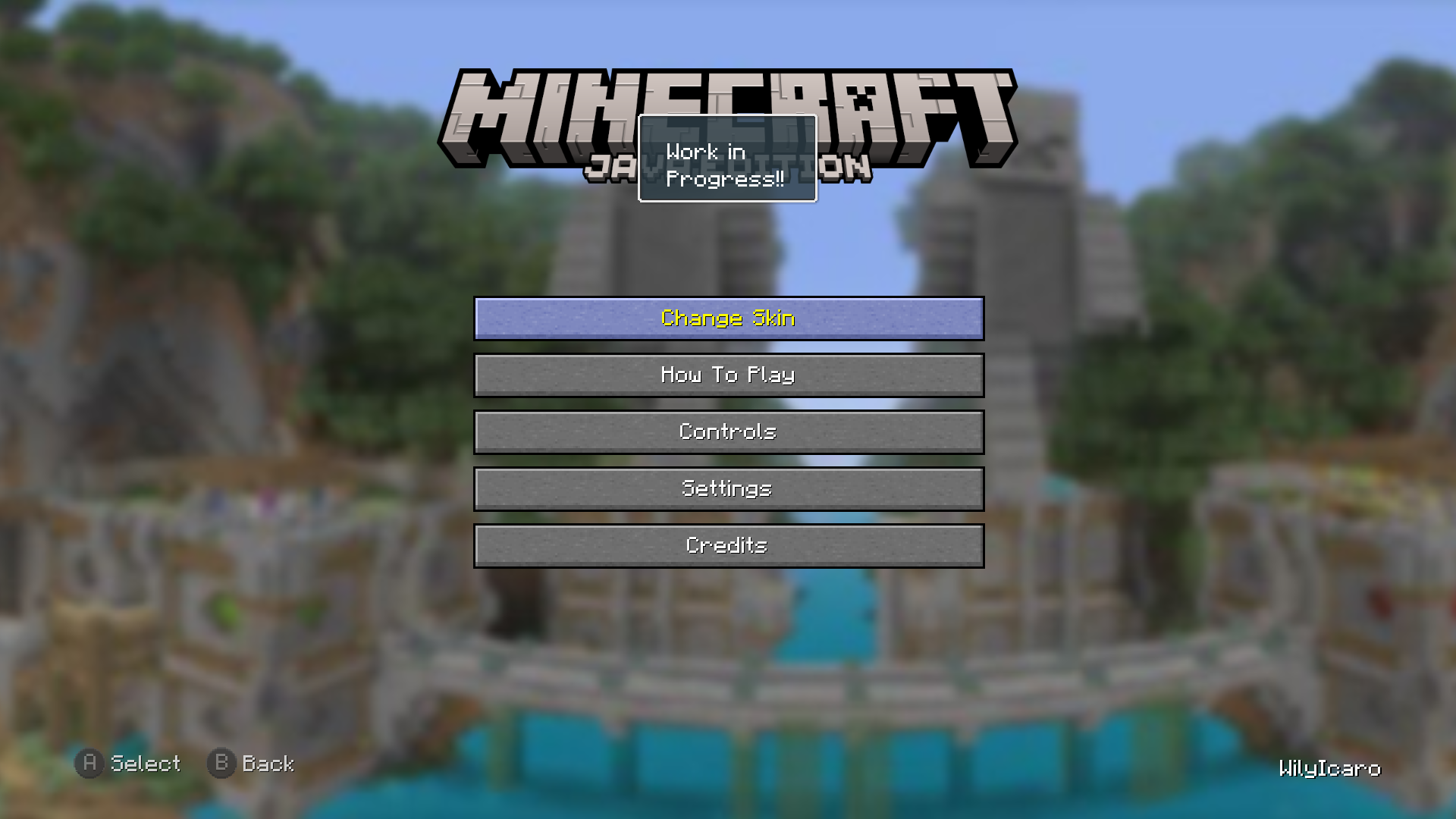
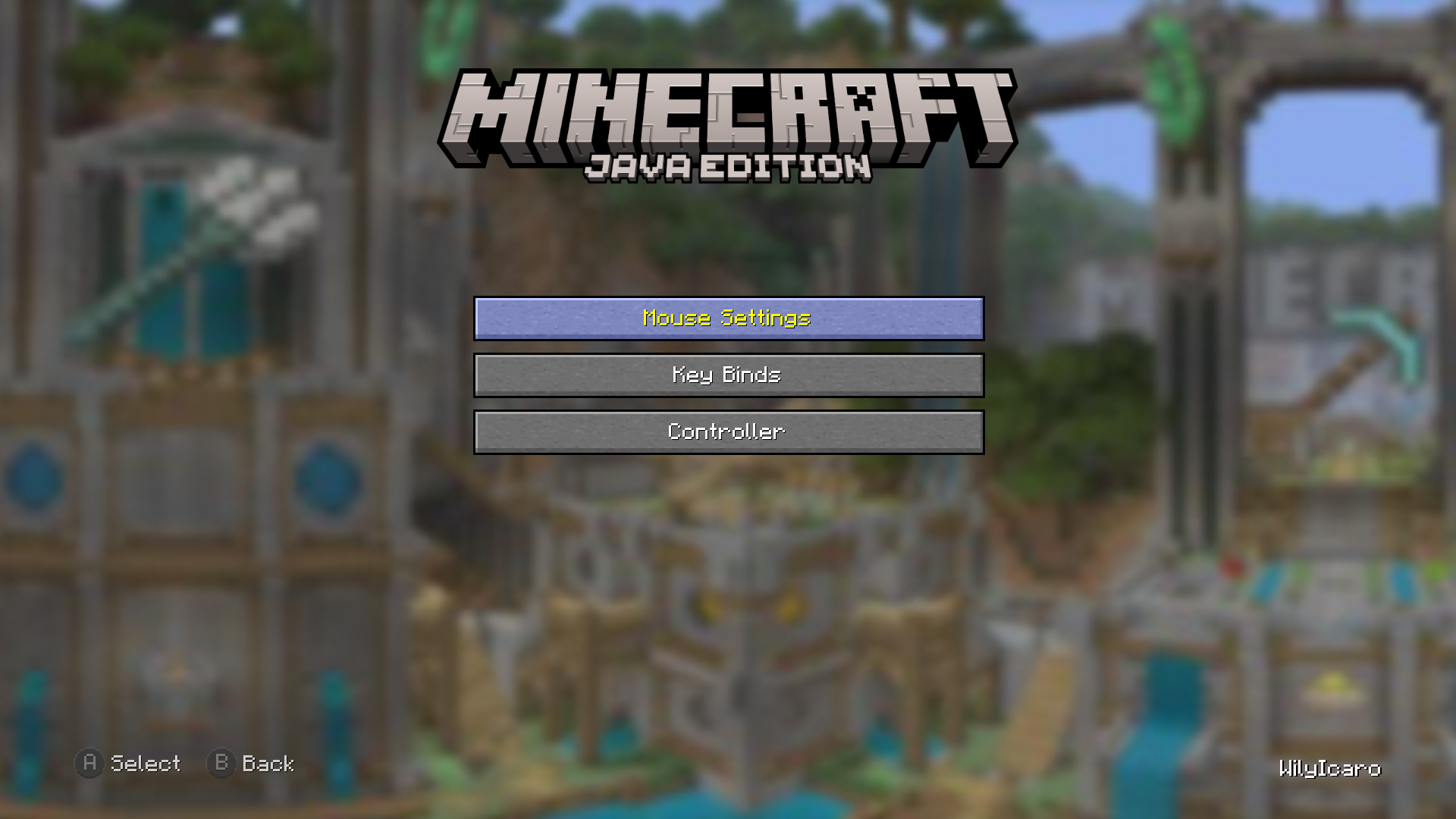
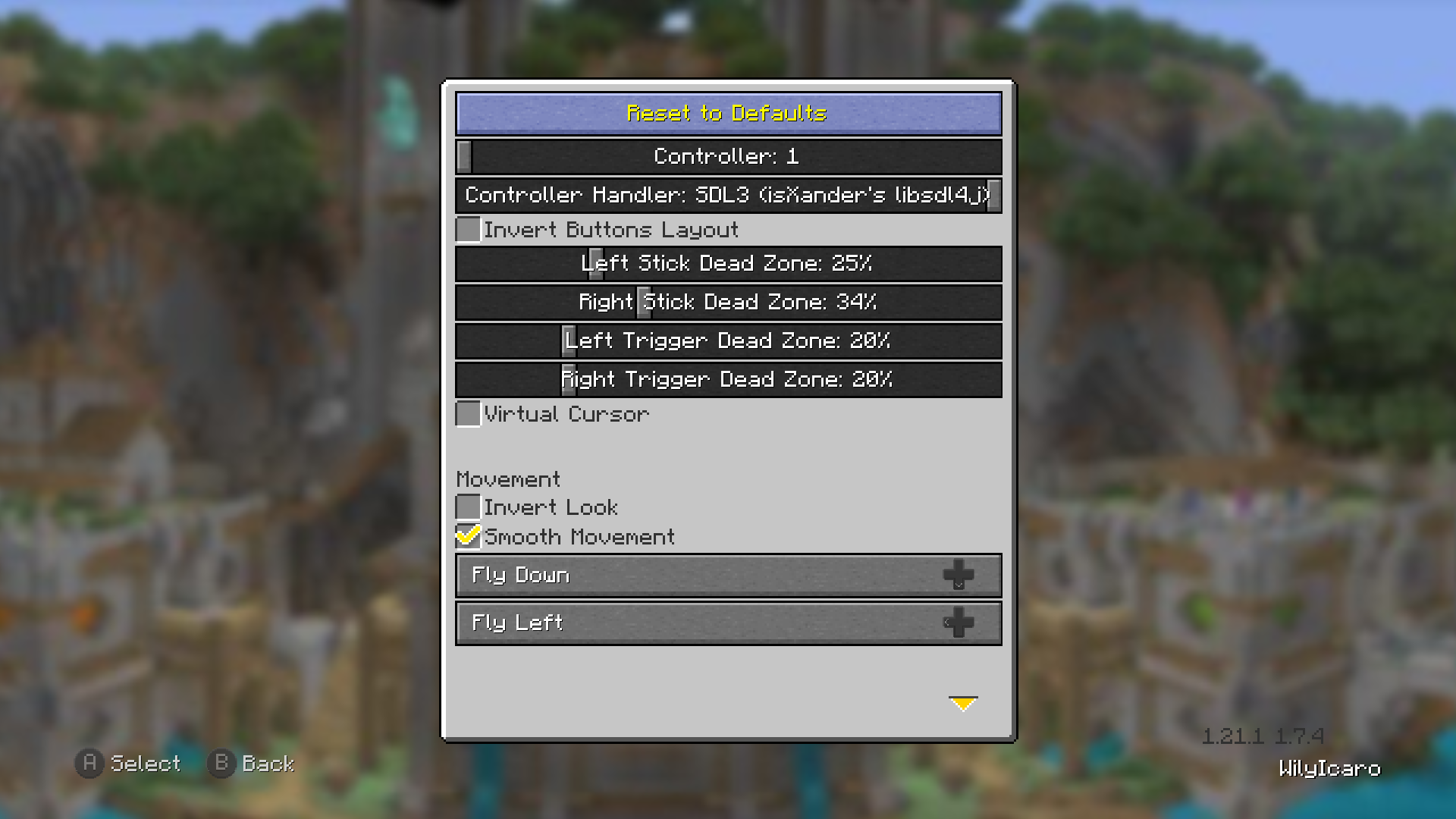
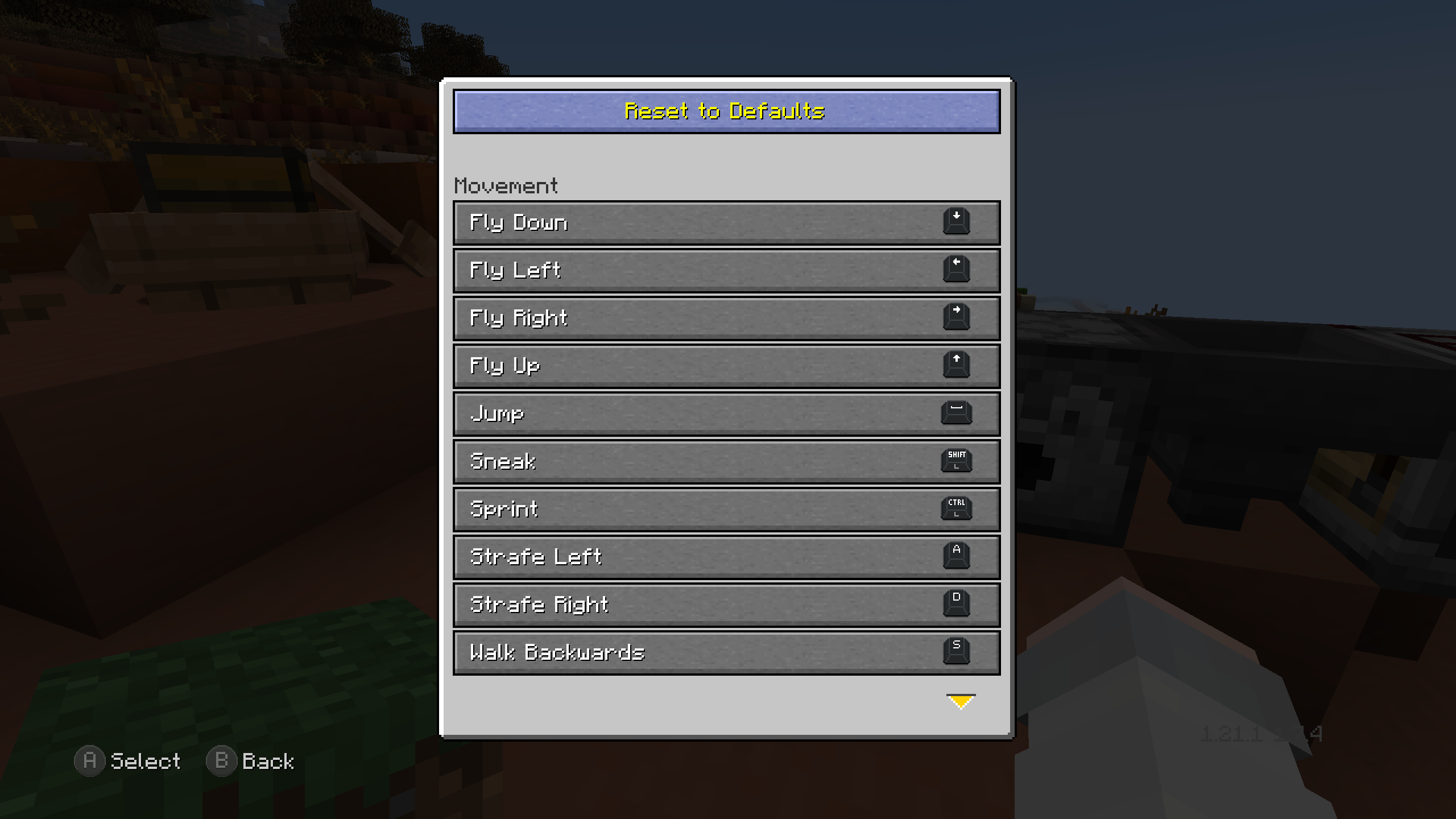
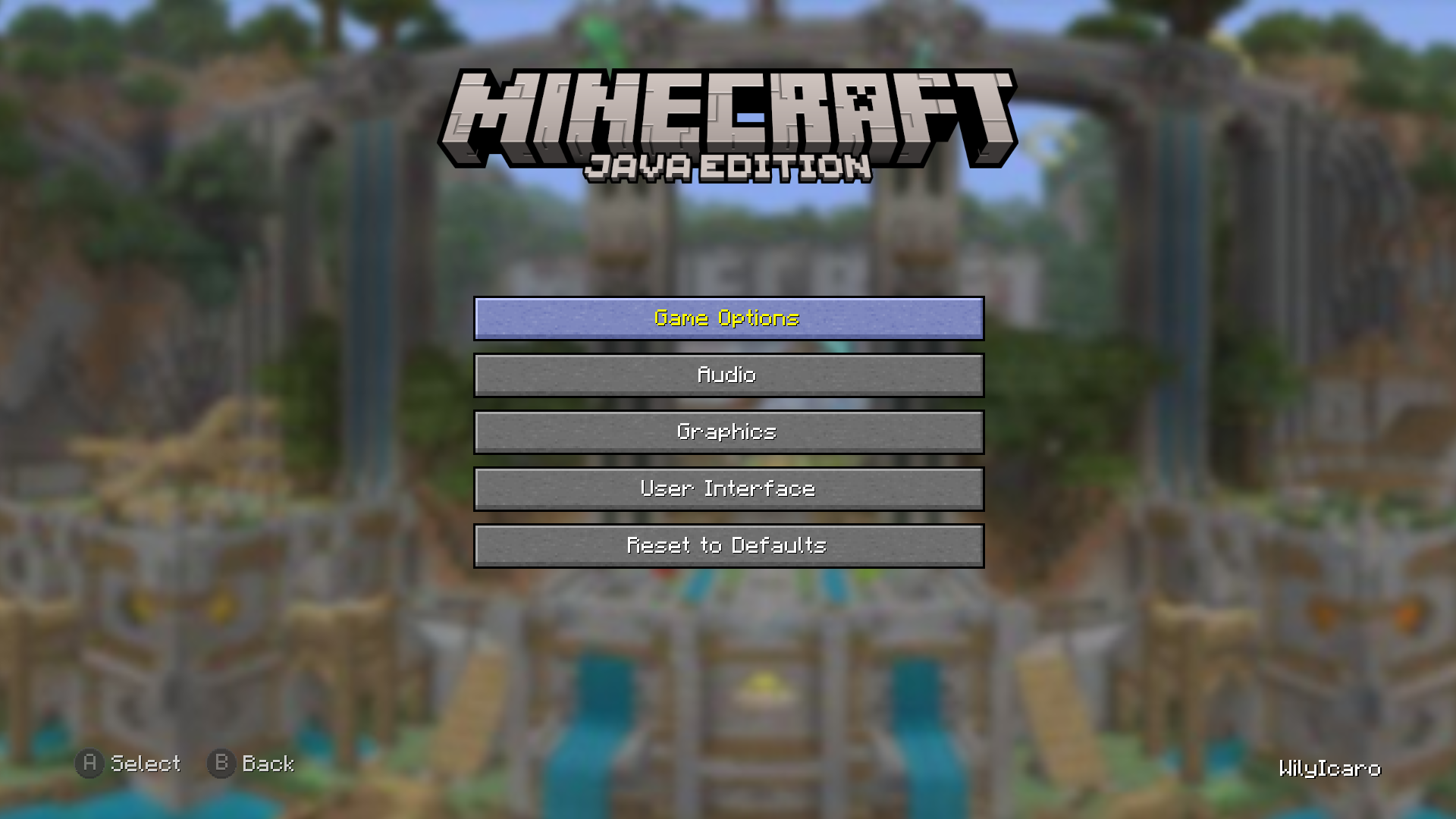
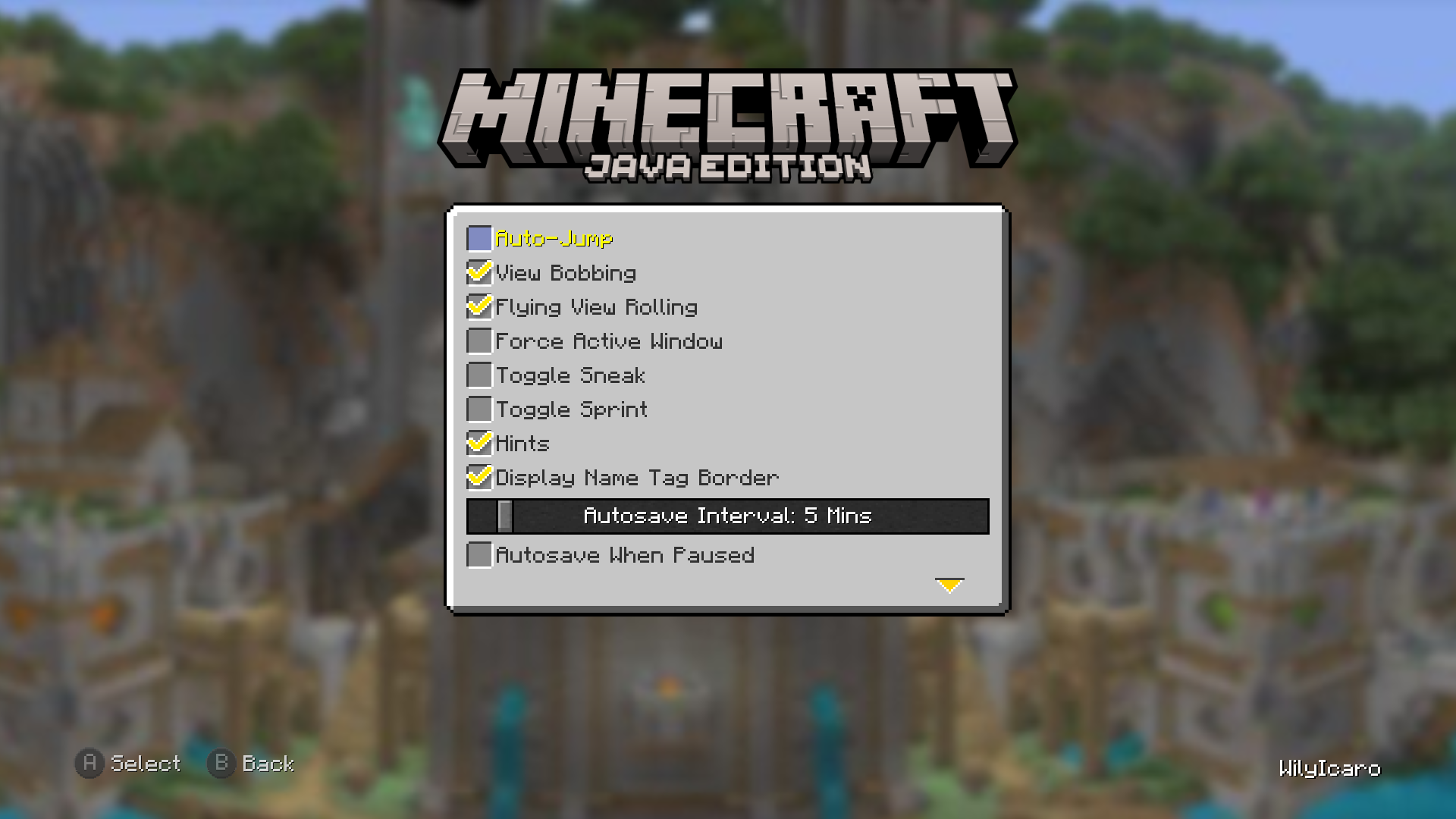
Legacy4J is a mod about the nostalgia of the old 4J Studios Minecraft Legacy Edition. The main objective of this mod is to remake every aspect of Legacy Console Edition in a near 1:1 way for our current Java Edition versions, adding its exclusive features, and bringing it to modern versions.
This includes accurate controller support, control tooltips, crafting menu, creative flight, gamma shader, hud scaling, the GUI, and more!

Not only that, but several QOL features have been added in addition to those already present in the Legacy Edition, such as Resource Albums, Global Packs, World Templates, an integrated Mods screen, options related to terrain fog and more.
You can see more about this on the project wiki!
Feel free to report issues or contribute here, or to use this mod in modpacks!
Nostalgica Reverie
Consider joining the Nostalgica Reverie Discord for sneak peeks and updates on development! By joining, you can:
- Get installation help and technical support for alot of nostalgic projects
- Get the latest updates about development
- Talk with and collaborate with our team
- And just hang out with the rest of our community!

- AlphaJam | A Quality of Life mod for a1.2.6 with a bit of Legacy Console Edition flavor.
- Re-Console | A continued Legacy Console Edition experience, expanded upon with modern Java Edition content and QoL!
- Re-Console SMP | The official Re-Console Survival Multiplayer server! smp.nostalgica.net
- Rekindled Legacy | A faithful re-creation of older Legacy Console Edition versions!
- Simply Legacy | A faithful, fully-featured continuation of the vanilla Legacy Console Edition experience for PCs, Steam Decks and more!
- 2000s Edition | Legacy Console Edition if it was made for 2000s-era PC’s and the 6th Generation of Video Game Consoles!

- AgentMindStorm for providing the built-in resource packs: Console Aspects & Programmer Console Aspects (NeoForge and Forge)
- Moutardx for providing the How To Play text from TU69
- RedRain0o0 for doing almost all the How To Play UI Definitions, and the screenshot toasts
- cloud54 and Cjnator38 for providing Steam Control Icons and sounds for the keyboard screen
- AzaleaCatgirl99 and ItzJustAPlayer for helping with the PlayStation® 5 Control Icons
- NicSonic-_- for providing the Stadia Control Icons
- Cjnator38 for providing the LE default font converted to JE, and the 1.21.x credits background, and helping with the 1.21.6 port
- Cjnator38 and NicSonic for making HD Control Icons for Xbox 360, Playstation 5, Switch and Stadia
- Androser for contributing to the controller bindings
- pizzart for contributing with some QOL and accuracy changes
- Nabouna32 for contributing with option tooltips and controller LED RGB options
- Creepereater201 for adding legacy mobcaps, decay potions, accurate elytra momentum and other tweaks
- BrandonItaly for adding downloadable content offers

- VDX: Legacy Console UI | An experimental resource pack by CrisXolt that converts Legacy Edition UI designs to Bedrock Edition with high accuracy
- Legacy Skins | Combines CPM, Figura, and L4J to allow skin switching like the old days!
- Mash-up ports | A collection of every ported mash-up pack and texture pack!
- Skin pack ports | A collection of every ported skin pack (and some custom ones!)
- Minimega | Legacy Console Edition Minigames ported to Java Edition! (Glide & Battle as of 2026)
- Project4J | Experience a timeline where Legacy Console Edition had mods!
📝 Planned and Implemented Features
| Feature | Implemented | Planned |
|:—————————————————————————|:———–:|:——-:|
| All Interfaces | ✅ | ✅ |
| Animated Character (Paper doll in Bedrock Edition) | ✅ | ✅ |
| Auto-Save Icon | ✅ | ✅ |
| Backports to earlier versions (Currently 1.20.1) | ✅ | ✅ |
| Create or load the world with open LAN (Online Game if using World Host) | ✅ | ✅ |
| Integration with World Host | ✅ | ✅ |
| HUD distance from the bottom (Configurable) | ✅ | ✅ |
| HUD opacity setting | ✅ | ✅ |
| LE-style tooltips | ✅ | ✅ |
| LE GUI blocks Lighting | ✅ | ✅ |
| LE Creative Flight | ✅ | ✅ |
| Superflat in-GUI customizer | ✅ | ✅ |
| Tutorial World | ✅ | ✅ |
| How To Play Interface | ✅ | ✅ |
| Patch/Update Notes Interface | ✅ | ✅ |
| Advanced Hints/Tutorial | ❌ | ✅ |
| Improved Change Skin Interface | ✅ | ✅ |
| Legacy Edition Minigames Compatibility | ❌ | ✅ |
| Backports that would need a full remake (<=1.16.5) | ❌ | ❌ |
🚫 LEGACY4J CAN BE CONSIDERED A HACK IN SERVERS EQUIPPED WITH ANTI-CHEATS
WE ARE NOT RESPONSIBLE FOR PUNISHMENTS RECEIVED IN ANY SERVER
常见问题
Legacy4J 支持哪些 Minecraft 版本?
Legacy4J 支持 Minecraft Java 版 1.20–26.1.2,共 18 个版本,可用的加载器:Fabric / Forge / NeoForge / Quilt。下载时注意选择和你游戏版本一致的文件。
Legacy4J 怎么安装?
先用 PCL2 或 HMCL 启动器安装对应版本的 Fabric / Forge / NeoForge / Quilt,再把下载的 .jar 文件放进游戏目录的 mods 文件夹,重新启动游戏即可。开启了版本隔离的,mods 文件夹在 versions/版本名 下面。运行环境:客户端和服务端都要装。
Lasting Legacy 的其他作品
查看全部 →
Plastic Texture Pack
让你的世界变得简单、多彩又充满活力! 移植自主机版。
Re-Console
延续 Legacy Console Edition 体验,并加入现代 Java 版内容和便捷性优化!(Legacy4J 官方项目)

Halloween Mash-up
万圣节快乐!穿上应景的恐怖装扮,准备迎接 Minecraft 终极万圣节惊险之旅! 移植自 Legacy Console Edition。

Natural Texture Pack
让你的世界看起来更自然。一款基于柔和色彩与线条的材质包。 移植自主机版。
评论
登录后评论和评分