
SkinLibrary
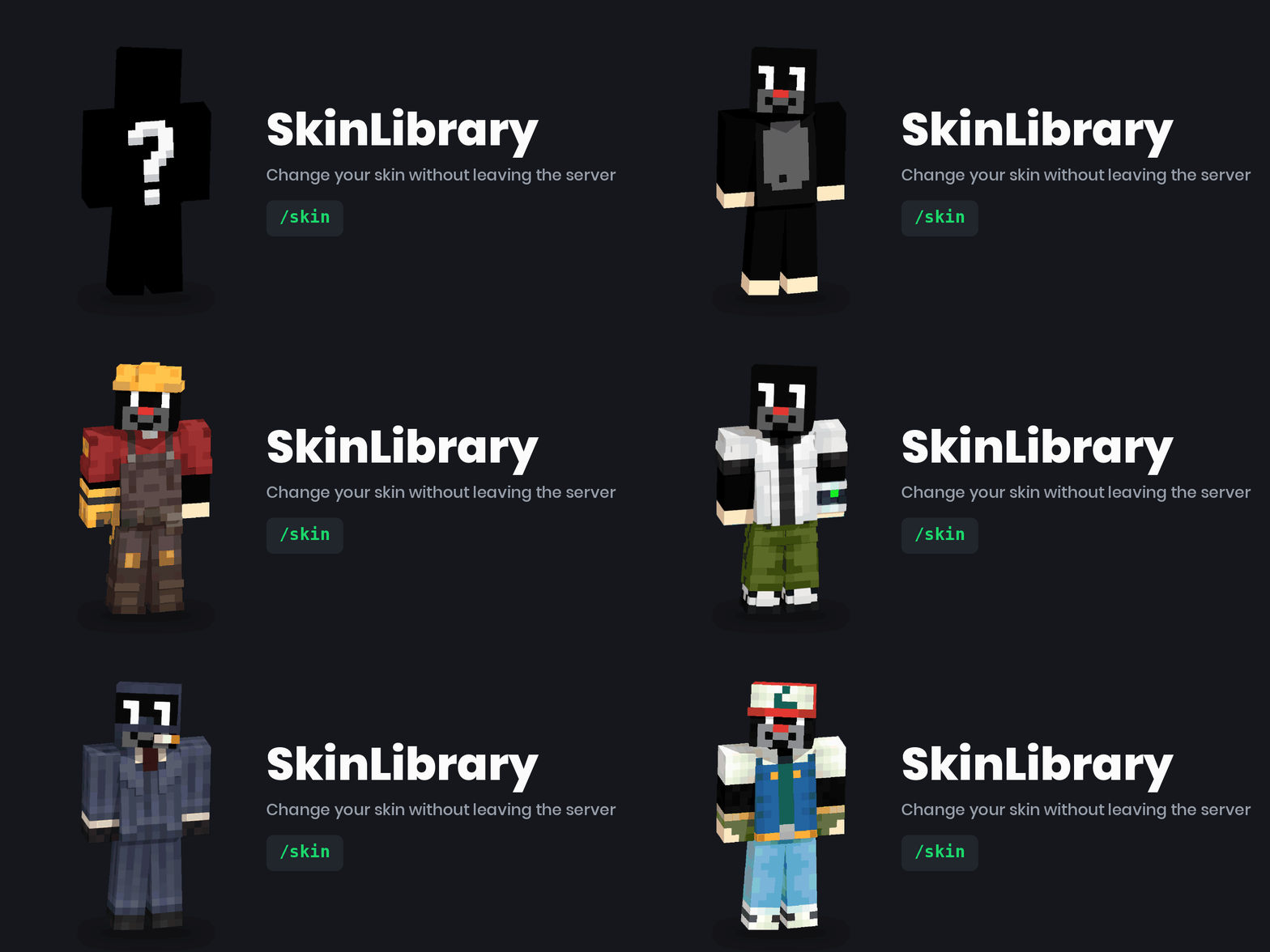
Server-side skin library for Fabric: drop PNG files in a folder and let players pick skins from a clickable in-chat list with /skin.
截图

介绍
🎭 SkinLibrary
Server-side skin library for Fabric — players pick a skin from a clickable list in chat.
Drop .png files into a folder; players join with a vanilla client and type /skin.
Nothing to install on their side, no web service to host, no API keys.
What it does
| Command | What happens |
|—|—|
| /skin | Browse the library — paged, grouped by author, entries are clickable |
| /skin <name> | Wear a skin from the library |
| /skin random | Wear a random one |
| /skin player <nick> | Wear the skin of any Minecraft account |
| /skin url <address> | Wear a skin from a PNG link |
| /skin reset | Back to your own account skin |
| /skin reload | Reload the library (operators) |
FabricTailor does the actual skin swapping and the
MineSkin upload; SkinLibrary adds the curated library and the in-chat browser on top of it.
Features
- 🖱️ Clickable in-chat list — paged, grouped by author, with “◀ Previous / Next ▶” navigation and 🎲 Random / ↺ Original shortcuts.
- ⌨️ Tab-complete for skin names — nobody has to memorise the library.
- 📁 The library is just a folder — the file name becomes the skin name, then
/skin reload. - 🌐 Skins from outside the library —
/skin player <nick>and/skin url <address>, both switchable in the config. - 🧠 Texture cache — a texture fetched once is not sent to MineSkin again.
- 🗣️ Translations —
en_usandpl_plbuilt in, your own language without a rebuild. - 📦 One jar for 1.21+ — no mixins, no per-version builds.
- 🔌 Optional HTTP catalogue (
libraryUrl) — if you already run a skin service.
Requirements
A Fabric server on 1.21 or newer, Java 21, and in mods/:
Fabric API and FabricTailor.
Server-side only — players join with a vanilla client and need nothing installed.
Quick start
- Put
fabric-api,fabrictailorandskinlibraryinto your server’smods/folder. - Start the server once — it creates
config/skinlibrary/. - Drop
.pngskins (64×64 or 64×32) intoconfig/skinlibrary/skins/. /skin reload, and they are live.
The file name becomes the skin name: pirate.png → /skin pirate.
Configuration
config/skinlibrary/config.json, created on first start:
{
  "language": "en_us",
  "allowPlayerSkins": true,
  "allowUrlSkins": true,
  "cooldownSeconds": 5,
  "requireOperator": false,
  "pageSize": 8,
  "slimByDefault": false,
  "libraryUrl": "",
  "commandAliases": ["skin", "skins"]
}
Nothing here is required — the defaults work. Notable options:
commandAliases— rename the command if another mod already owns/skin.slimByDefault— treat file skins as the slim (Alex) model.libraryUrl— optional HTTP catalogue, if you already run one. It must answer with{"skins": [{"name": "...", "value": "...", "signature": "...", "author": "..."}]}; entries may useurlinstead ofvalue.
Richer entries
For anything beyond “a PNG in a folder”, add config/skinlibrary/skins.json:
{
  "notch":  { "player": "Notch",                      "author": "mojang" },
  "banner": { "url": "https://example.com/skin.png",  "author": "alice"  },
  "alex":   { "file": "alex.png", "slim": true,       "author": "bob"    }
}
Entries are grouped by author in the browser, so a shared server can see who added what.
Translations
Built in: en_us, pl_pl. Set language in the config.
To add your own, drop config/skinlibrary/lang/<code>.json with the same keys as
en_us.json — no rebuild needed.
Minecraft versions
One jar covers 1.21 and up. The mod has no mixins and stays off the parts of the API that
shift between releases, so it does not need a rebuild per point release.
The single exception is clickable chat: Minecraft 1.21.5 replaced the click/hover event API.
On 1.21.5+ the list is clickable; on older releases the same list prints without click support
and everything else works unchanged.
Source & license
github.com/PiotrKajor/skinlibrary — MIT.
A Polish README is in the repository (README.md).
常见问题
SkinLibrary 支持哪些 Minecraft 版本?
SkinLibrary 支持 Minecraft Java 版 1.19–26.2,共 25 个版本,可用的加载器:Fabric。下载时注意选择和你游戏版本一致的文件。
SkinLibrary 怎么安装?
先用 PCL2 或 HMCL 启动器安装对应版本的 Fabric,再把下载的 .jar 文件放进游戏目录的 mods 文件夹,重新启动游戏即可。开启了版本隔离的,mods 文件夹在 versions/版本名 下面。运行环境:仅服务端。

评论
登录后评论和评分