
Continue Button Continued
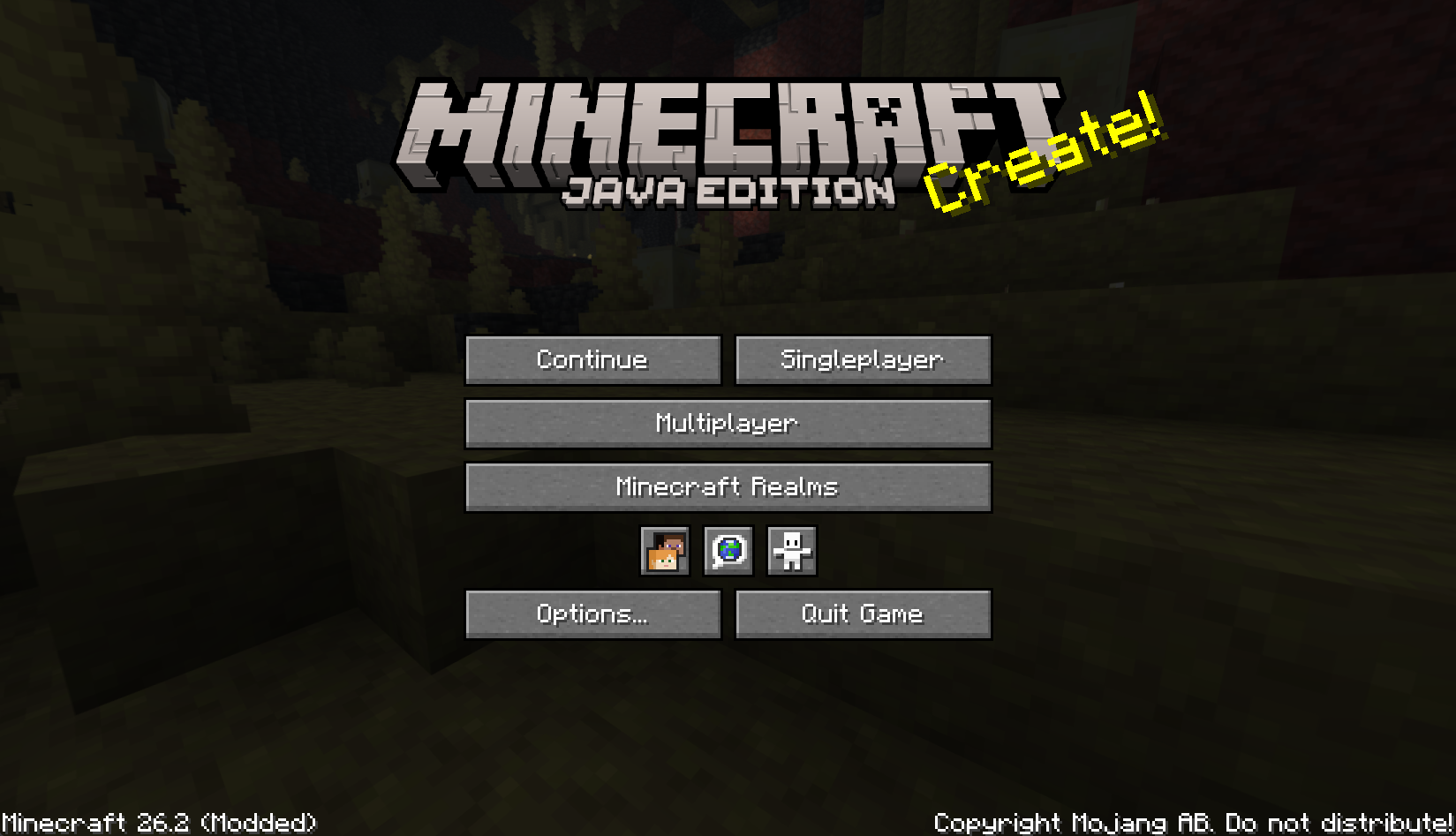
Continue the last save or server you played from the main screen. Continuation version of the Continue Button.
截图
介绍
Continue Button Continued


A lightweight Fabric and NeoForge client-side mod that adds a compact Continue button to
Minecraft’s main menu.
Continue Button Continued remembers the last singleplayer world or multiplayer server you joined,
then lets you jump back in with one click from the title screen.
Features
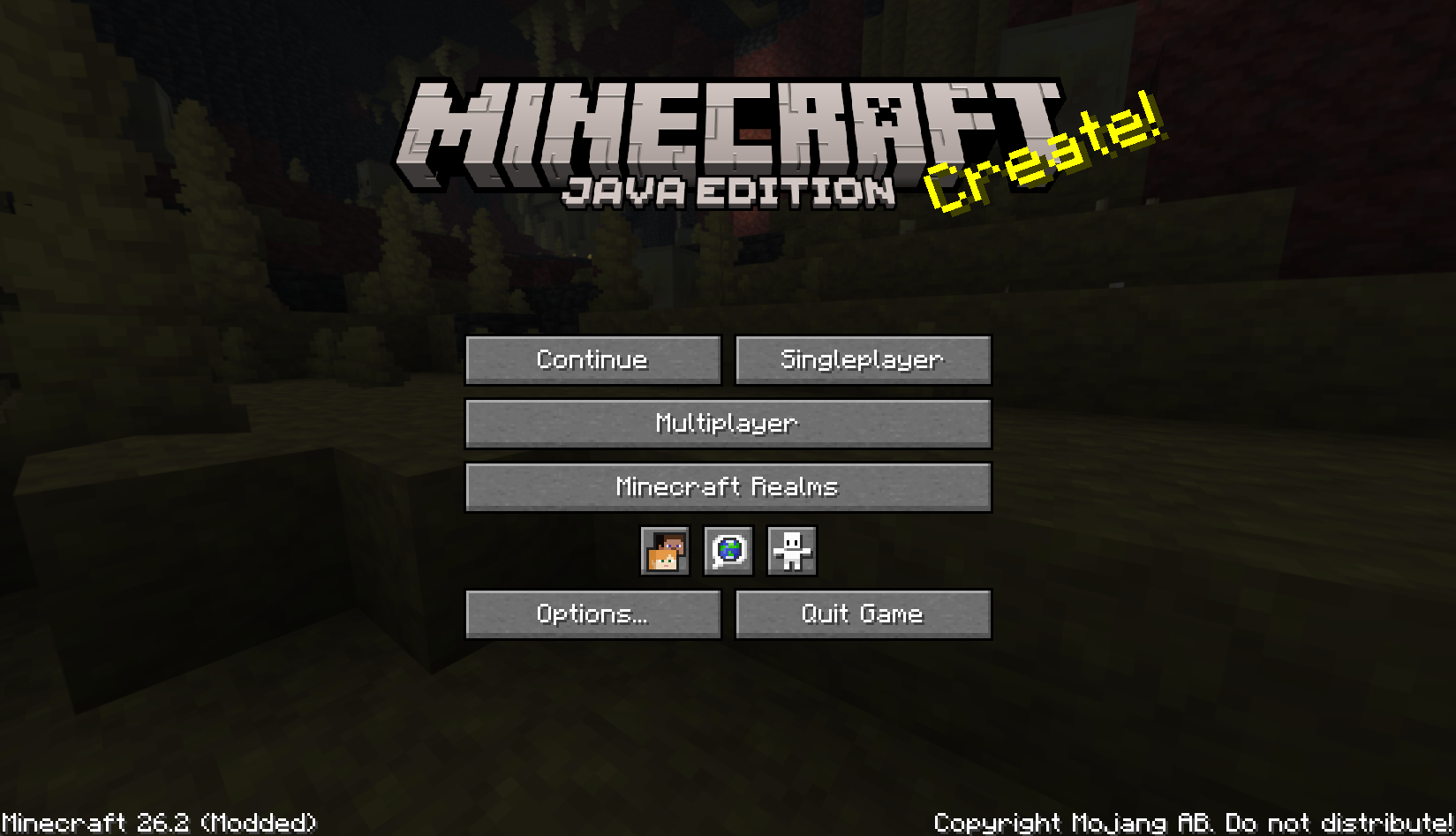
- Adds a compact Continue button to the main menu.
- Opens the last played singleplayer world automatically.
- Reconnects to the last joined multiplayer server automatically.
- Falls back to the world/server selection screen when the saved target is missing.
- Shows helpful tooltips for the saved world or server.
- Pings the last multiplayer server before showing its status tooltip.
- Migrates legacy
continuebuttonconfiguration tocontinuebuttoncontinuedwhen possible. - Client-side only; servers do not need to install this mod.
- Includes translations for multiple languages.
Installation
- Put the Continue Button Continued
.jarfile into your.minecraft/modsfolder. - Start the game and use the Continue button on the main menu.
Configuration
The mod stores its last target in:
.minecraft/config/continuebuttoncontinued/config.propertiesOlder Continue Button installations used:
.minecraft/config/continuebutton/config.propertiesOn first launch, Continue Button Continued attempts to copy the legacy configuration into the new
location so existing users can keep their last saved world or server.
Credits
Continue Button Continued is a continued fork of
Continue Button by umollu.
License
This project is licensed under the MIT License.
The original Continue Button copyright notice is preserved in
LICENSE, and the
continued project copyright notice has been added there as well.
常见问题
Continue Button Continued 支持哪些 Minecraft 版本?
Continue Button Continued 支持 Minecraft Java 版 1.21.11–26.3,共 6 个版本,可用的加载器:Fabric / NeoForge。下载时注意选择和你游戏版本一致的文件。
Continue Button Continued 怎么安装?
先用 PCL2 或 HMCL 启动器安装对应版本的 Fabric / NeoForge,再把下载的 .jar 文件放进游戏目录的 mods 文件夹,重新启动游戏即可。开启了版本隔离的,mods 文件夹在 versions/版本名 下面。运行环境:仅客户端。
Likos-Lupus 的其他作品
查看全部 →
Chromatic Subtitles
Unoffical continuation fork of Colorful Subtitles. Changes the color of subtitles based on their sound category.
AE2 Objects
Introduces high-density Deep Storage Cells with no type limits. A continuation and derivative work based on AE2 Things.
评论
登录后评论和评分