
List Craft
Never forget what you need again - create, save, and share inventory checklists with live progress tracking
截图
介绍
What is this?
Ever started building something massive in Minecraft, only to realize halfway through that you forgot half the materials? Or spent ages wandering around trying to remember what you still needed for that complex recipe? Yeah, me too. That’s why I made ListCraft.
It’s basically a to-do list for your inventory. You tell it what you need, it keeps track of what you have, and shows you the progress in real time. Simple as that.
Default Keybind: I
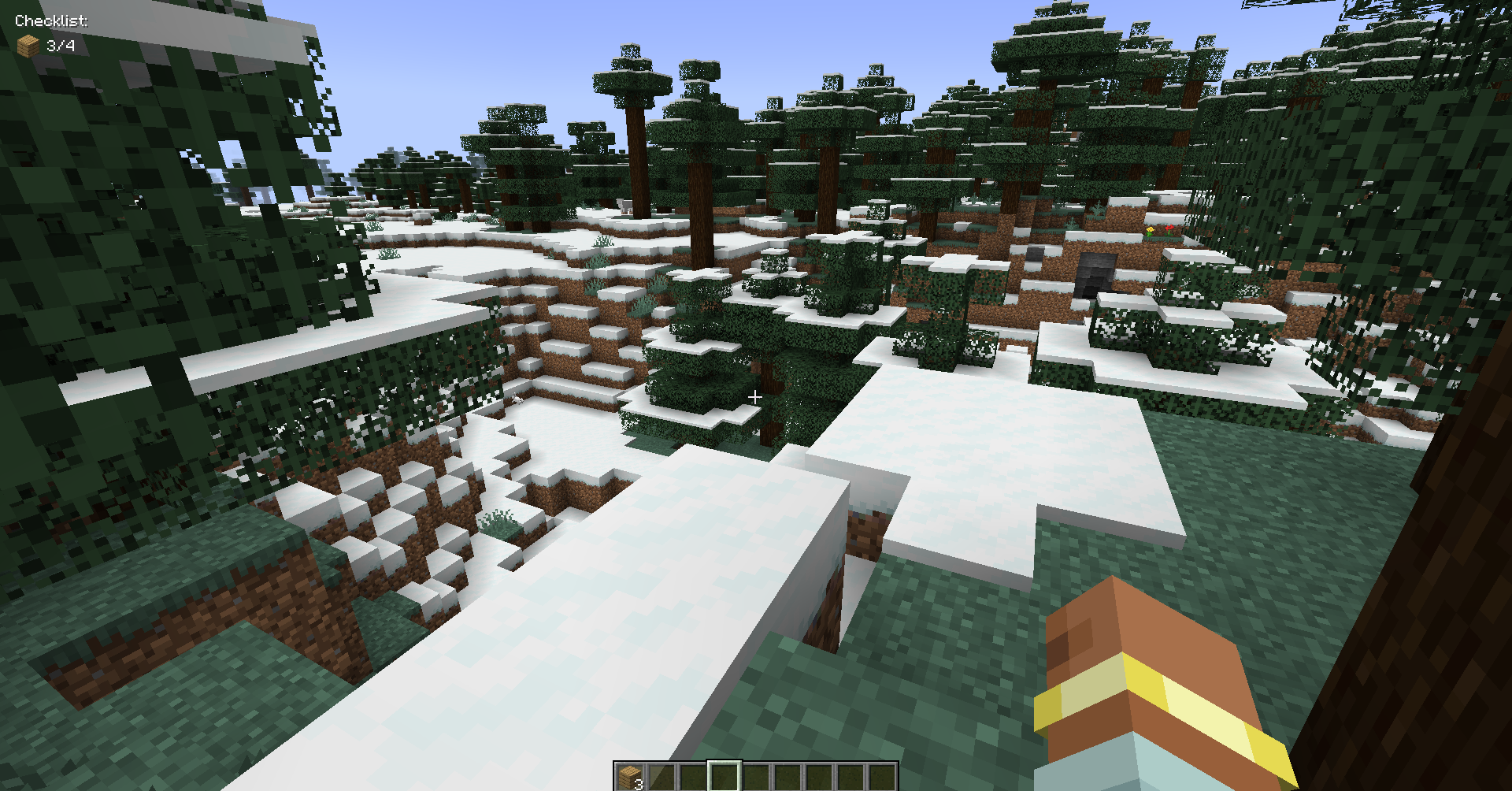
- Make lists of items you need (with amounts)
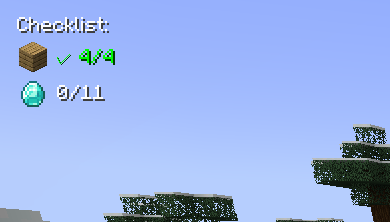
- See your progress live as you collect stuff
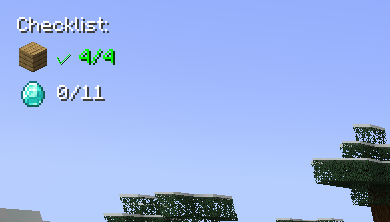
- Items show up like “32/64 Oak Planks” or get a green checkmark when done
- Everything appears as a small overlay in the corner of your screen
- Auto-suggests items as you type (works with modded items too! so you can even use create mod items)
- Click on any item in your list to change how many you need
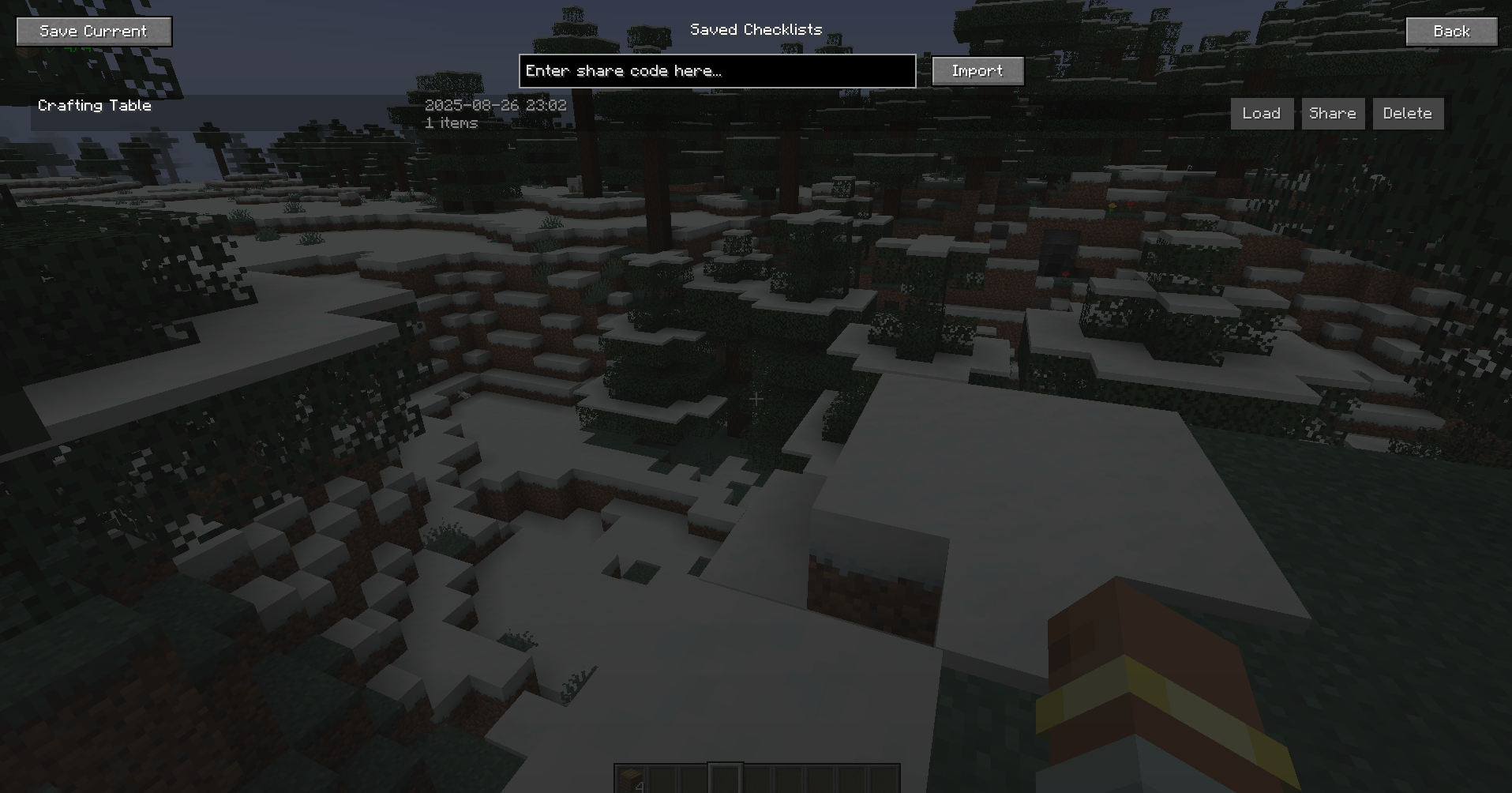
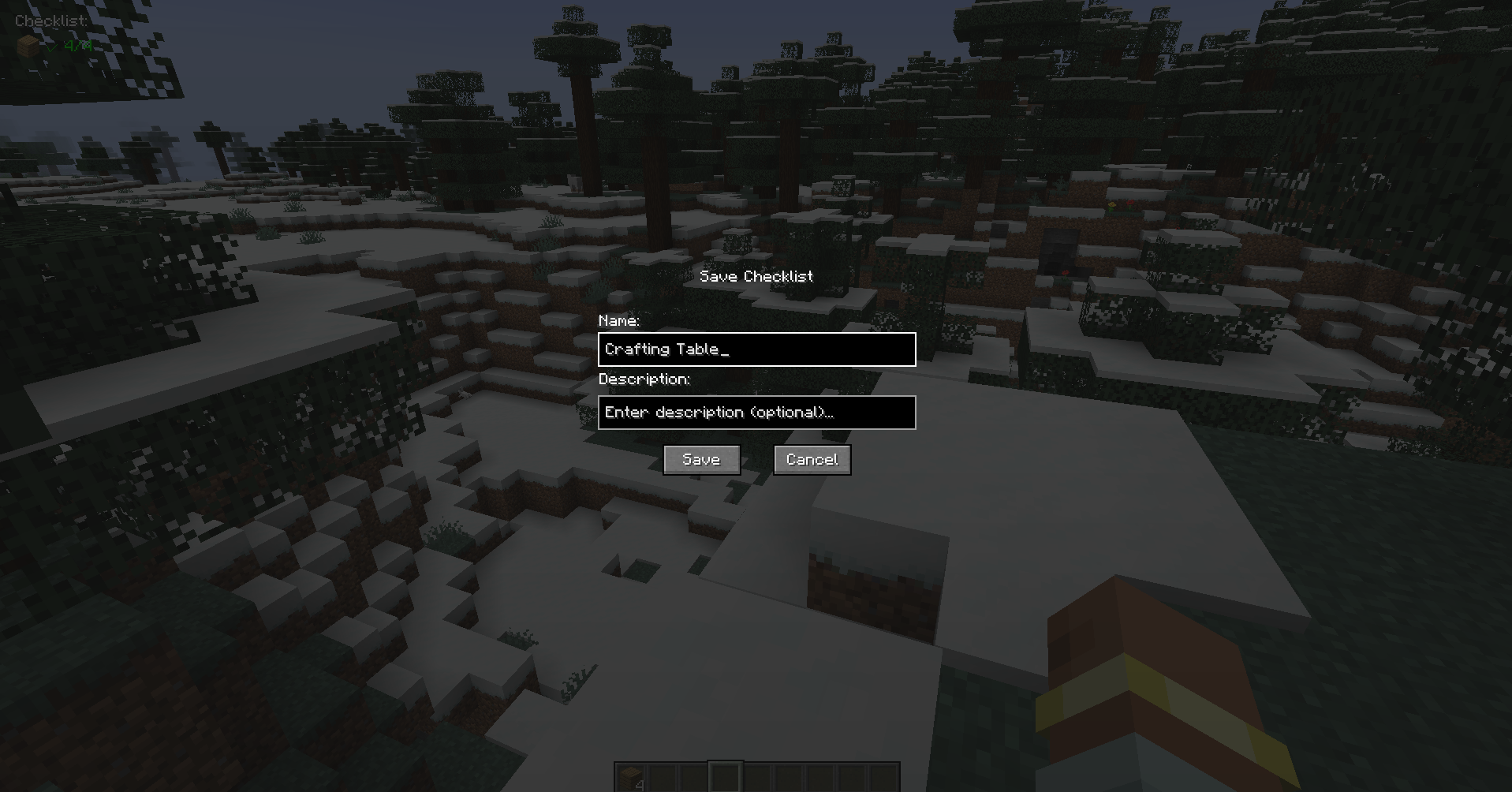
- Save your lists with names
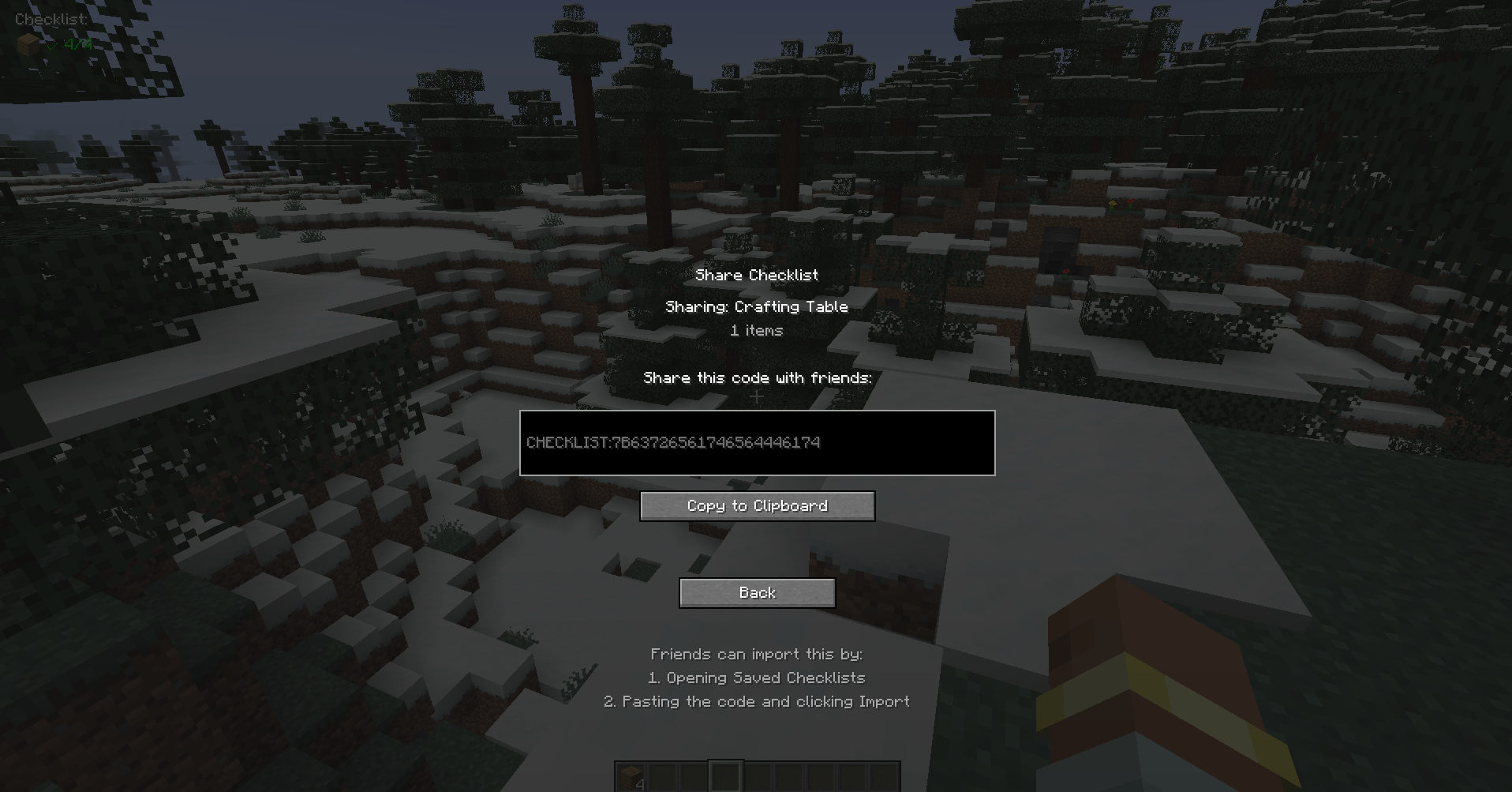
- Share lists with friends using simple codes
- Works on any server since it’s client-side only
Common questions
“Does this work with [insert mod here]?” Probably yes. It automatically finds items from any mod.
“Can I use this on servers?” Yep, since it’s client-side only.
“What if I want to change the hotkey?” Controls menu, look for “Inventory Checklist”
“Found a bug” Let me know! I actually read the comments and try to fix stuff.
Contact Me: X Link
常见问题
List Craft 支持哪些 Minecraft 版本?
List Craft 支持 Minecraft Java 版 1.19.2–1.20.6,共 9 个版本,可用的加载器:Forge。下载时注意选择和你游戏版本一致的文件。
List Craft 怎么安装?
先用 PCL2 或 HMCL 启动器安装对应版本的 Forge,再把下载的 .jar 文件放进游戏目录的 mods 文件夹,重新启动游戏即可。开启了版本隔离的,mods 文件夹在 versions/版本名 下面。运行环境:仅客户端。


评论
登录后评论和评分