
Weather Tweaks
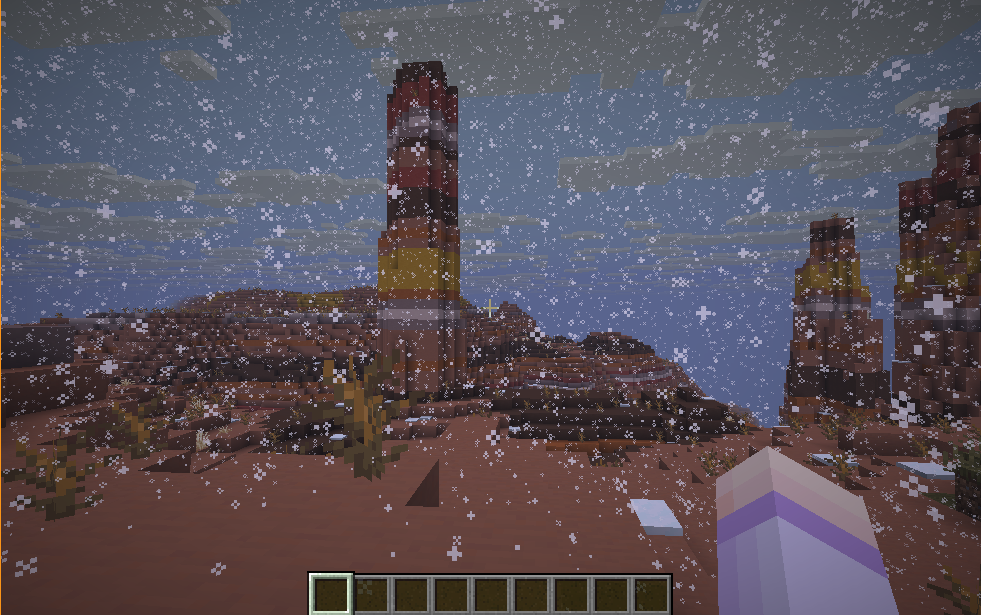
A client-side Minecraft mod that gives you complete control over weather rendering. Override weather conditions, customize precipitation types, adjust intensity, and create the perfect atmosphere for your gameplay!
截图
介绍
Weather Tweaks
A client-side Minecraft mod that gives you complete control over weather rendering. Override weather conditions, customize precipitation types, adjust intensity, and create the perfect atmosphere for your gameplay!
Features
- Complete Weather Control: Override weather rendering with multiple modes
- Flexible Precipitation: Choose between rain and snow, or use biome defaults
- Customizable Intensity: Fine-tune precipitation and thunder effects
- Thunderstorm Mode: Create dramatic storms with configurable sky darkness and thunder frequency
- Precipitation Radius: Limit weather effects to a specific area around you
- Client-Side Only: Works on any server without requiring server-side installation
- Real-Time Updates: All settings apply instantly with no restart needed!
Configuration
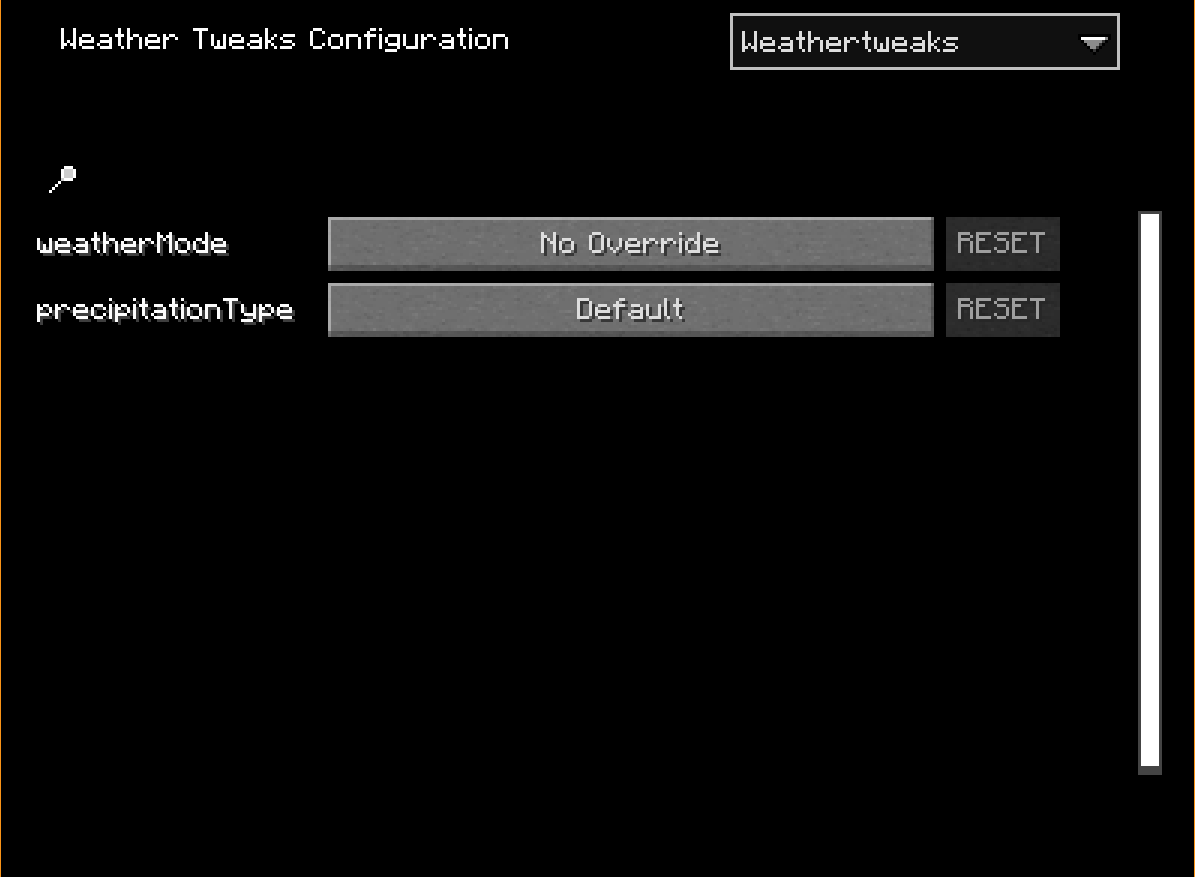
Access the configuration menu through Mod Menu (requires the Mod Menu mod to be installed).
Configuration Options
Weather Override
Choose how weather is rendered in your world:
- No Override (Default): Use the world’s natural weather
- When active, you can also set Precipitation Type to override rain/snow rendering
- Always Clear: Force clear skies with no precipitation or thunder
- Always Rain: Continuous rainfall with customizable intensity
- Always Snow: Continuous snowfall with customizable intensity
- Thunderstorm: Create a dramatic storm with rain or snow, thunder, and dark skies
Precipitation Type
Available when Weather Override is set to “No Override” or “Thunderstorm”
Choose what type of precipitation to render:
- Default: Use the biome’s natural precipitation type
- Rain: Force rain particles
- Snow: Force snow particles
Precipitation Intensity
Available when Weather Override is set to “Always Rain”, “Always Snow”, or “Thunderstorm”
- Adjust the intensity of precipitation from 1% to 100%
- Default: 100%
Sky Darkness
Available when Weather Override is set to “Thunderstorm”
- Control how dark the sky becomes during thunderstorms
- Range: 1% to 100%
- Default: 100%
Thunder Frequency
Available when Weather Override is set to “Thunderstorm”
- Adjust how often thunder and lightning occur
- Range: 0 (Never) to 100 (Maximum)
- Default: 50 (Vanilla frequency)
Precipitation Radius
Available when Weather Override is set to “Always Rain”, “Always Snow”, or “Thunderstorm”
- Limit precipitation to a specific radius around your player
- Range: 0 (Everywhere) to 500 blocks
- Default: 0 (precipitation appears everywhere)
Requirements
- Minecraft: 1.21.9 or higher
- Fabric Loader: 0.14.21 or higher
- Fabric API: Required
- MaliLib: Required (dependency for configuration)
- Mod Menu: Recommended (for easy access to configuration)
常见问题
Weather Tweaks 支持哪些 Minecraft 版本?
Weather Tweaks 支持 Minecraft Java 版 1.21.9–1.21.11,共 3 个版本,可用的加载器:Fabric。下载时注意选择和你游戏版本一致的文件。
Weather Tweaks 怎么安装?
先用 PCL2 或 HMCL 启动器安装对应版本的 Fabric,再把下载的 .jar 文件放进游戏目录的 mods 文件夹,重新启动游戏即可。开启了版本隔离的,mods 文件夹在 versions/版本名 下面。运行环境:仅客户端。
评论
登录后评论和评分