
Just Enough Chromium
Adds Chromium ore, powerful tools, and a unique cave biome to explore!
截图

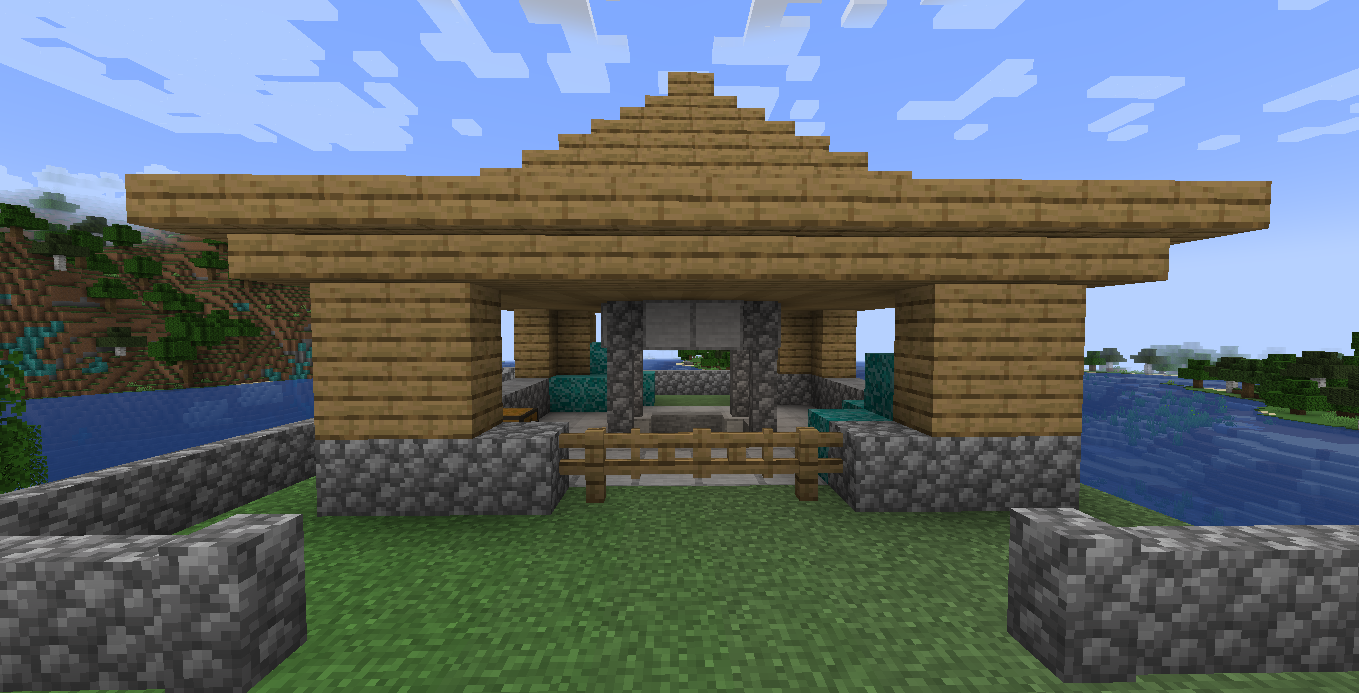


介绍
🚨THIS IS MY FIRST MOD IN MINECRAFT YOU CAN EXPECT BUGS!🚨
IF YOU WANNA REPORT BUGS MY DISCORD NAME: mr.whiteiron
Just Enough Chromium is a comprehensive technology and exploration mod that brings a versatile new material to your Minecraft world: Chromium. From deep underground ores to unique dimension, this mod expands your endgame experience with a sleek, metallic touch.
Main Features:
⛏️ New Resources: Discover Chromium Ore in the depths of your world. Process it into Piece of Chromium and refine it for high-tech crafting.
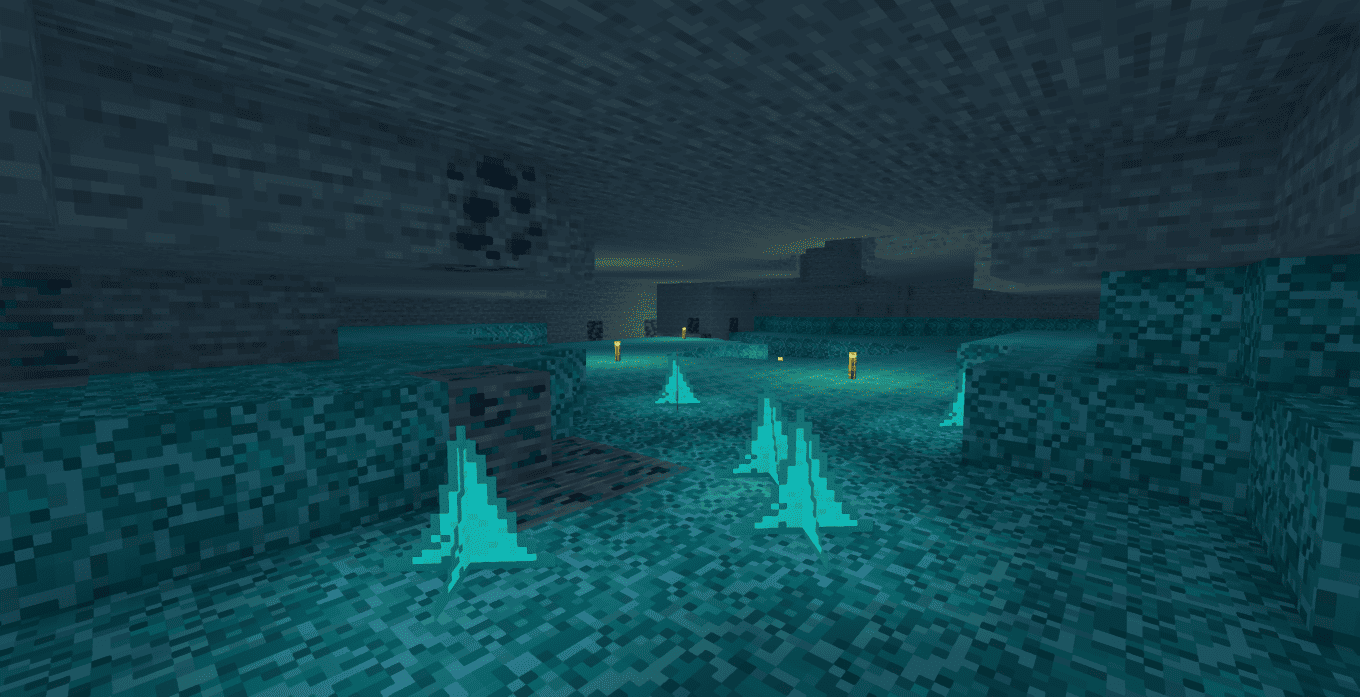
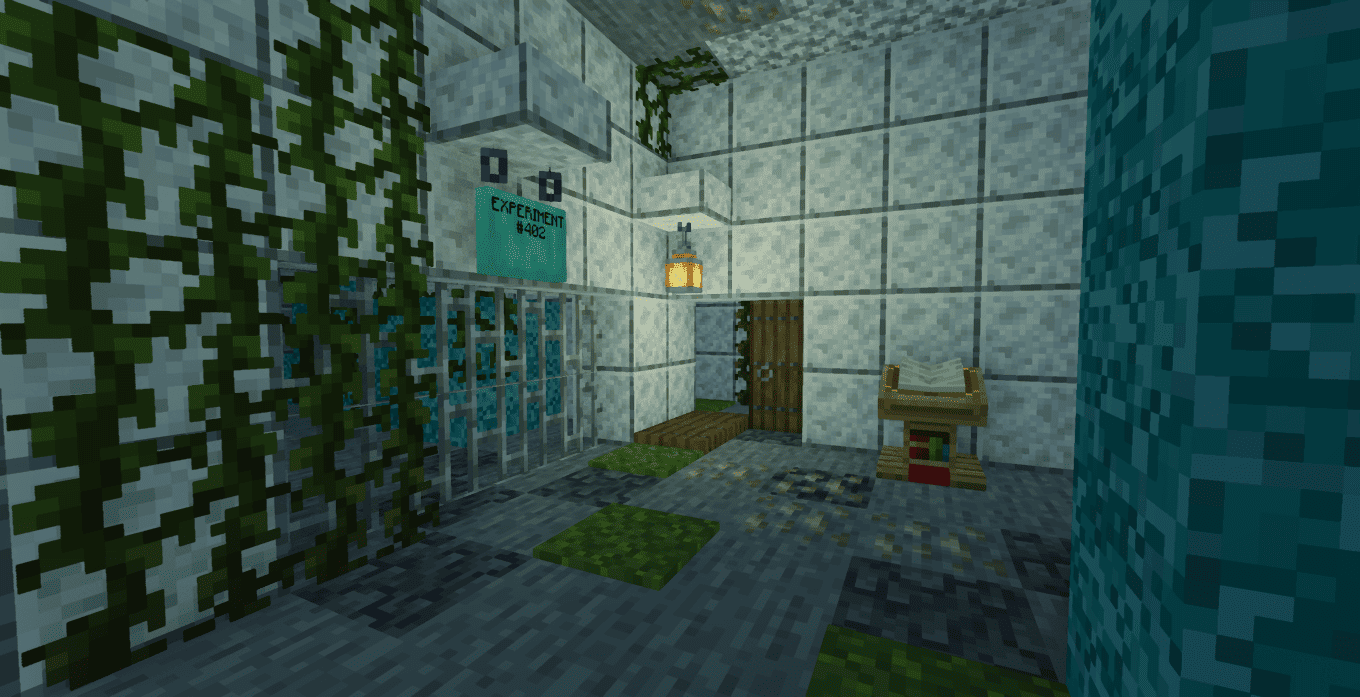
🧪 The Laboratory: Explore procedurally generated secret laboratories. Uncover the lore of metallic experiments and find rare loot.
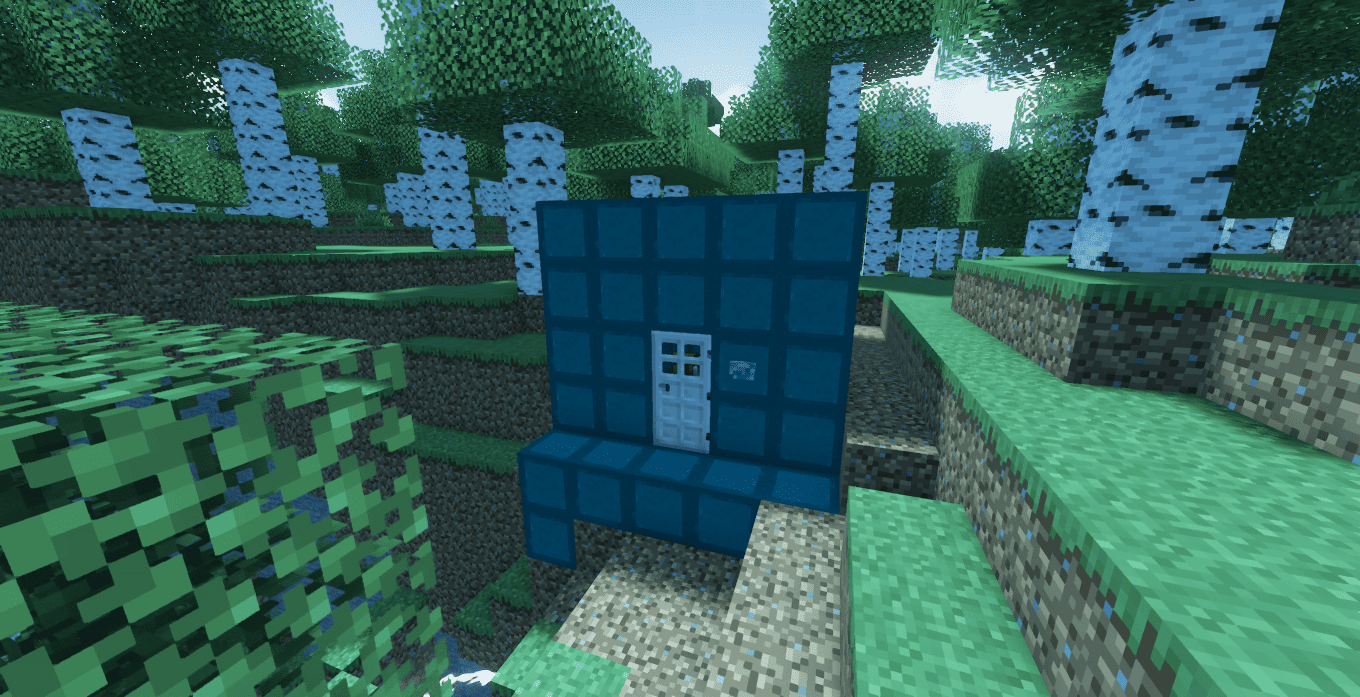
🏭 Chromium Foundry: A dedicated workstation for advanced smelting and alloy processing (New features coming soon!).
🛡️ Gear Up: Craft the durable Chromium Armor set and The Chromium Tools.
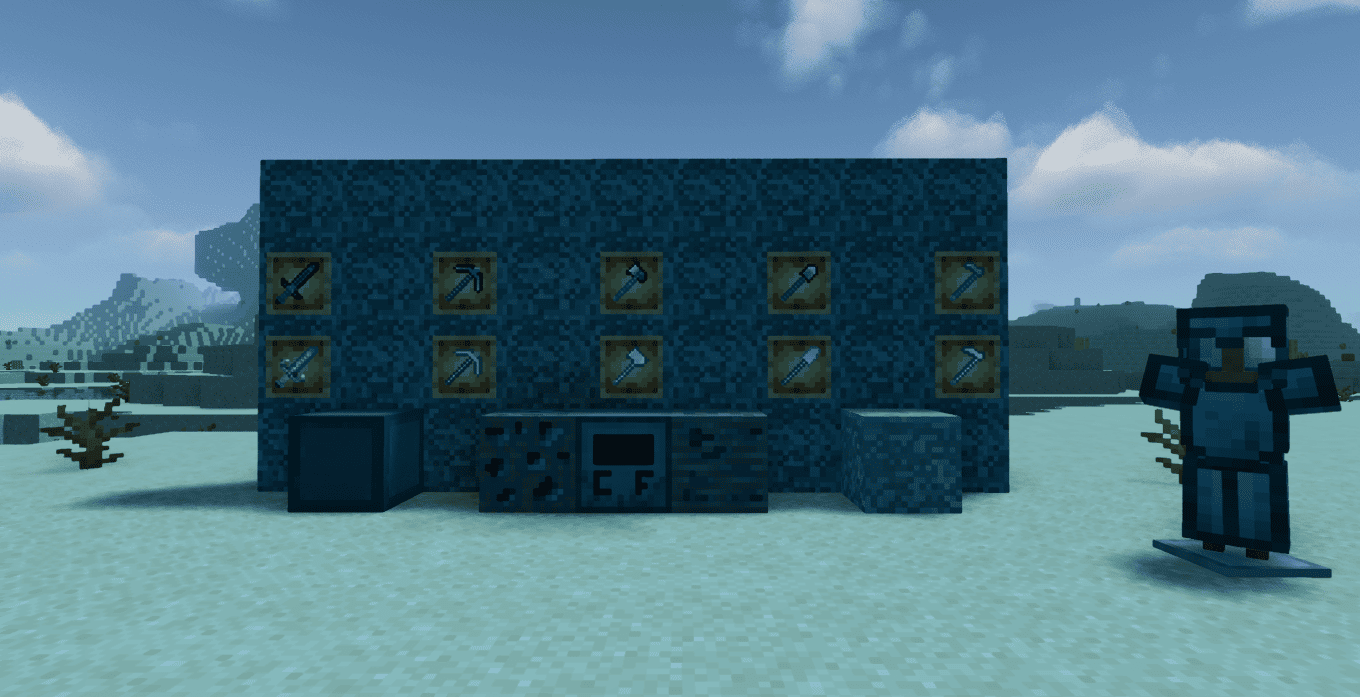
🏗️ Building Blocks: Use Chromium to decorate your base with new metallic Stairs, Slabs, Walls, Buttons and also with chromium woods
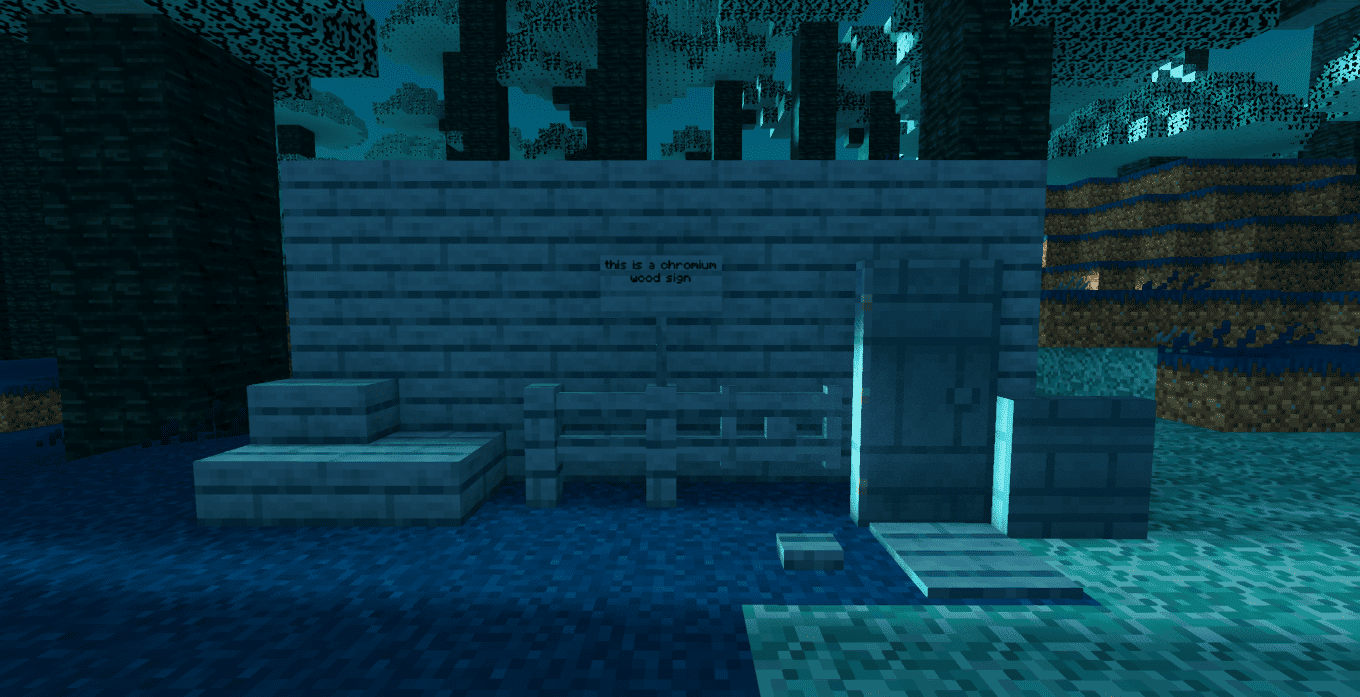
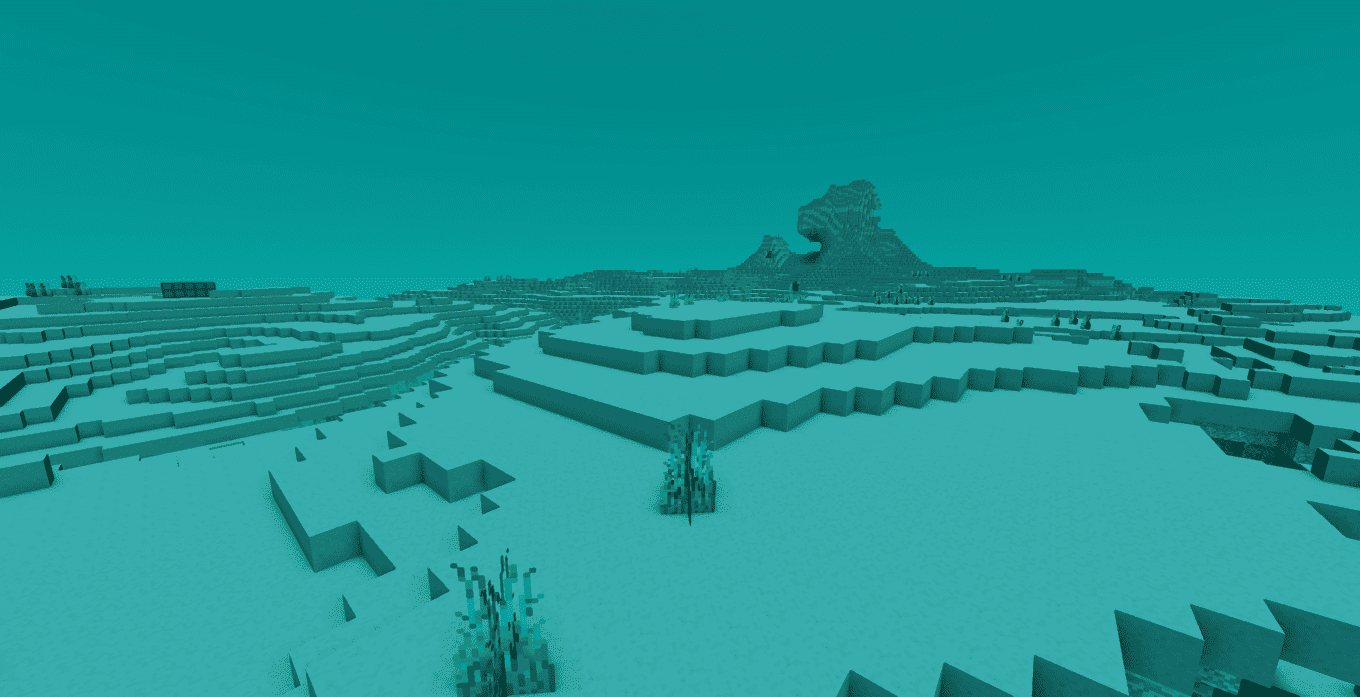
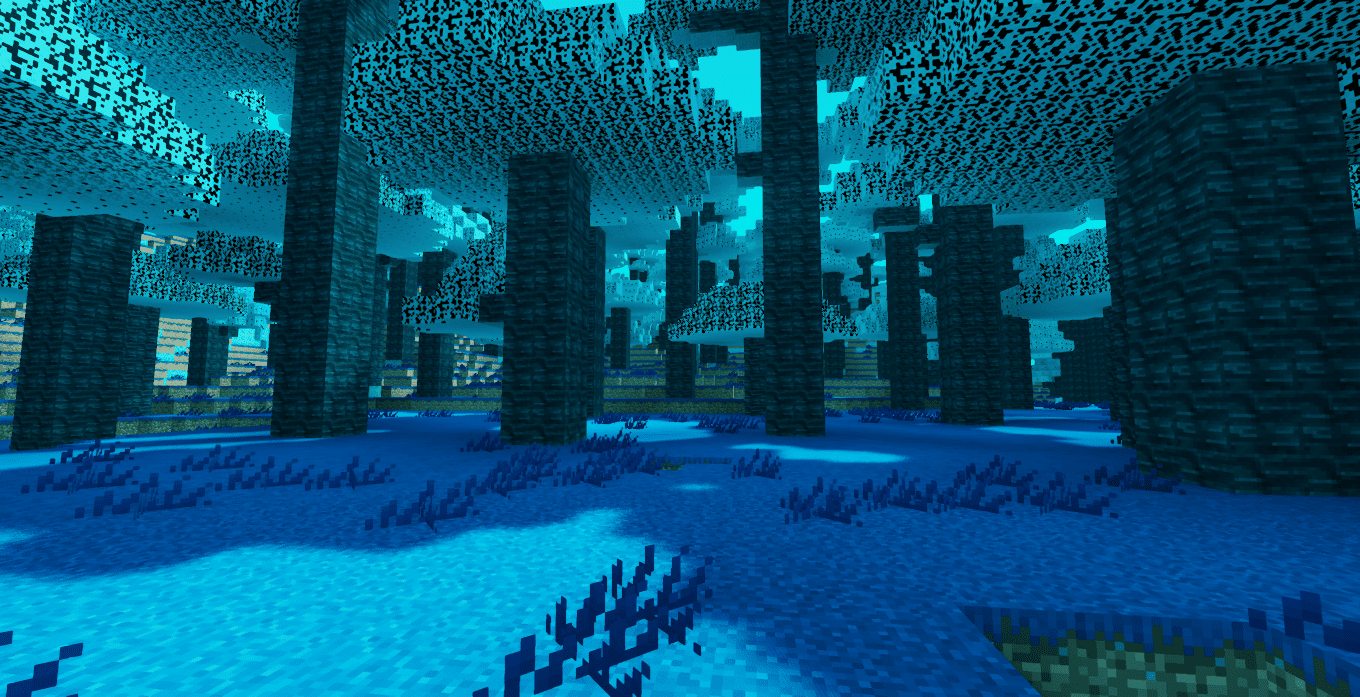
💧 New Environment and Dimension: Encounter Chromium Dripstones in the caves, adding a unique industrial vibe to your underground explorations and a unique chromium dimension biomes
Progression & Achievements:
Follow the custom advancement tree to master the mod:
🏆 Metallic echoes: Discover the Chromium Cavern
🏆 Why this tastes chromium?: Consume the Chromium Apple
🏆 Chromium Age: Obtain the first Chromium Gem
🏆 World Of Chromium: Enter to Chromium Dimension
Note: This mod is currently in active development. Stay tuned for more updates, including complex machinery, liquid chromium mechanics, and new metallic entities!
常见问题
Just Enough Chromium 支持哪些 Minecraft 版本?
Just Enough Chromium 支持 Minecraft Java 版 1.20.1–26.1.2,共 7 个版本,可用的加载器:Forge / NeoForge。下载时注意选择和你游戏版本一致的文件。
Just Enough Chromium 怎么安装?
先用 PCL2 或 HMCL 启动器安装对应版本的 Forge / NeoForge,再把下载的 .jar 文件放进游戏目录的 mods 文件夹,重新启动游戏即可。开启了版本隔离的,mods 文件夹在 versions/版本名 下面。运行环境:客户端和服务端都要装。

评论
登录后评论和评分