
Frisk In Minecraft!
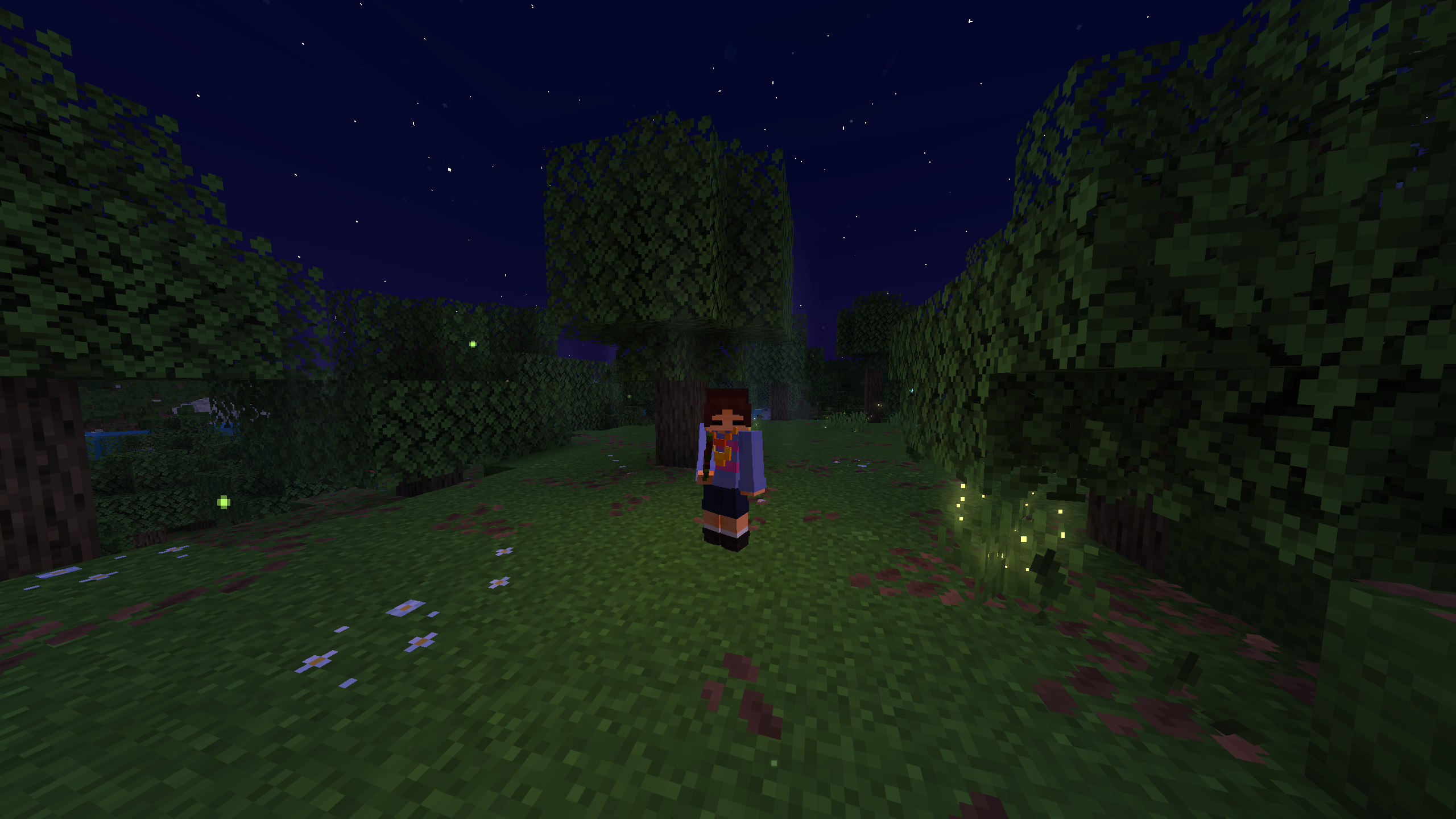
A Minecraft Datapack that adds Frisk from the hit game Undertale to the game!
截图

介绍
This is a Datapack that adds the character Frisk from Undertale in Minecraft!
Includes:
Saving and Loading
Custom Armour
Custom Weapons
Increasing Stats By Killing Enemies
!only one player can be Frisk at once, or else it causes glitches!
How to use it: Simply install the Datapack and put it in your datapacks and resourcepacks and enable it. (if you’re playing on a server put it as a required Resource pack.) and use this command once for the player you want to be Frisk!
/tag add frisk
and that’s it!
How to use:
Spoiler
Kill enemies to gain EXP, once you get enough EXP your LOVE will increase.
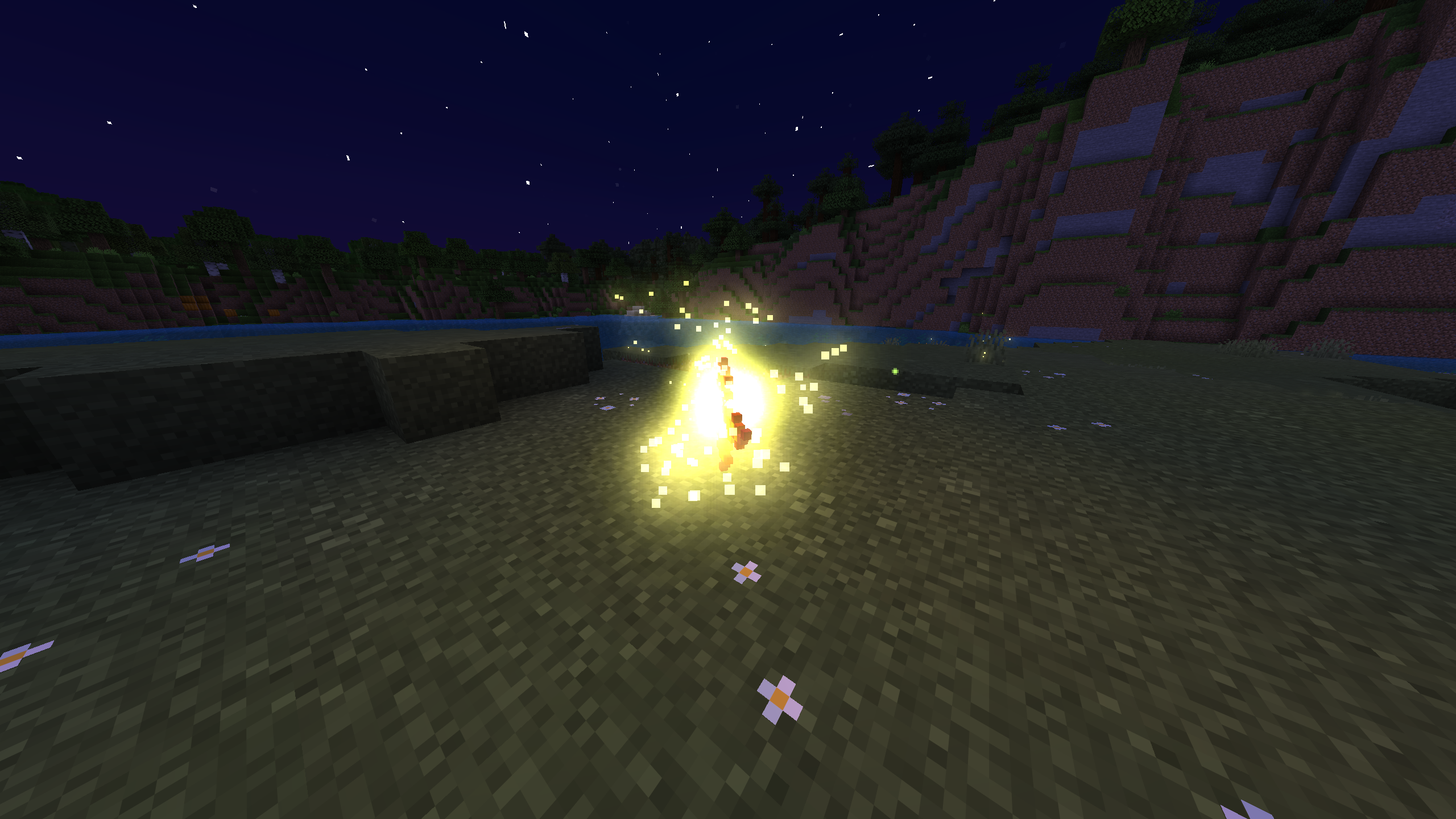
Once you have saved at least once, hold shift until you hear a sound and firefly particles appear and then press right click to load.
run /trigger inventory to change your equipment and view your stats.
run /trigger reset to reset your EXP, LOVE, weapons, armour, and stats back to zero.
run /trigger tutorial to reread the tutorial
常见问题
Frisk In Minecraft! 支持哪些 Minecraft 版本?
Frisk In Minecraft! 支持 Minecraft Java 版 1.21.11。下载时注意选择和你游戏版本一致的文件。
Frisk In Minecraft! 怎么安装?
新建世界时在「数据包」里把下载的 .zip 拖进去;已有的存档,把文件放进存档目录下的 datapacks 文件夹,进游戏输入 /reload 即可生效。服务器同样放在世界目录的 datapacks 里。
Mushroomage 的其他作品
查看全部 →
Hornet In Minecraft
A Minecraft Datapack that adds Hornet from the hit game Silksong to the game!
Hornet In Minecraft
A Minecraft Datapack that adds Hornet from the hit game Silksong to the game!

Noelle In Minecraft!
A Minecraft Datapack that adds Noelle from the hit game Deltarune to the game!
评论
登录后评论和评分