
截图
介绍
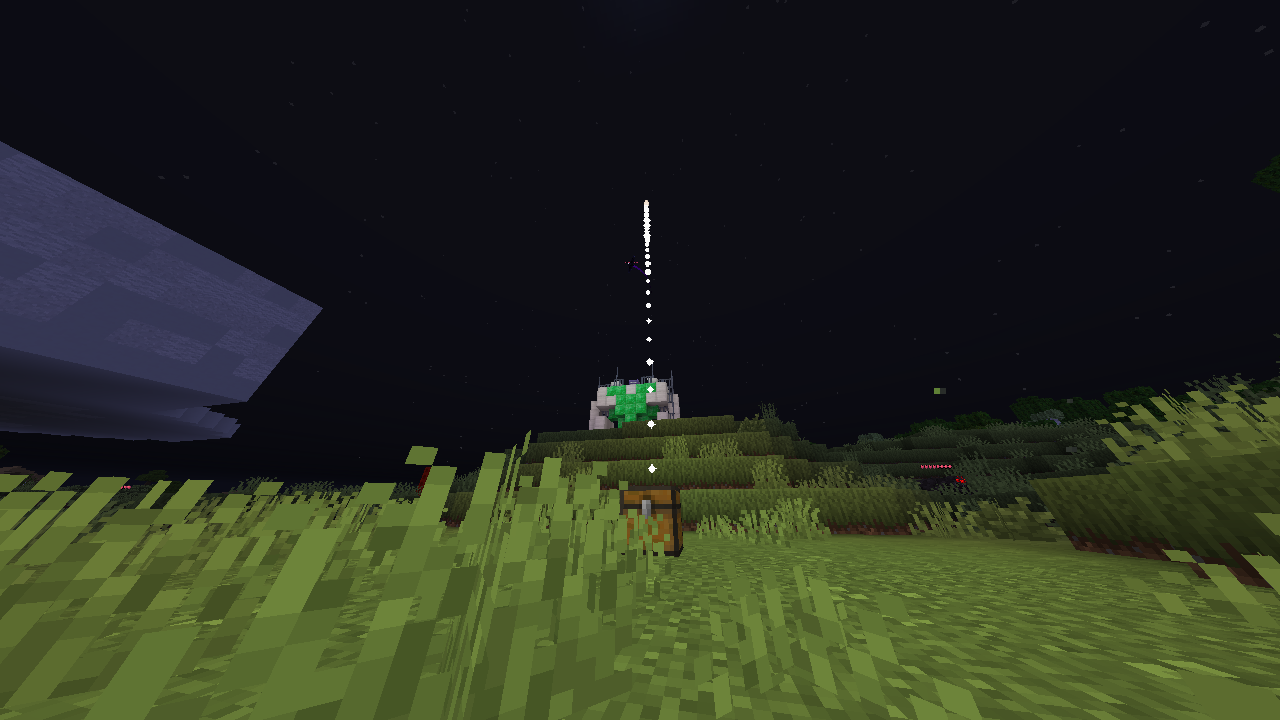
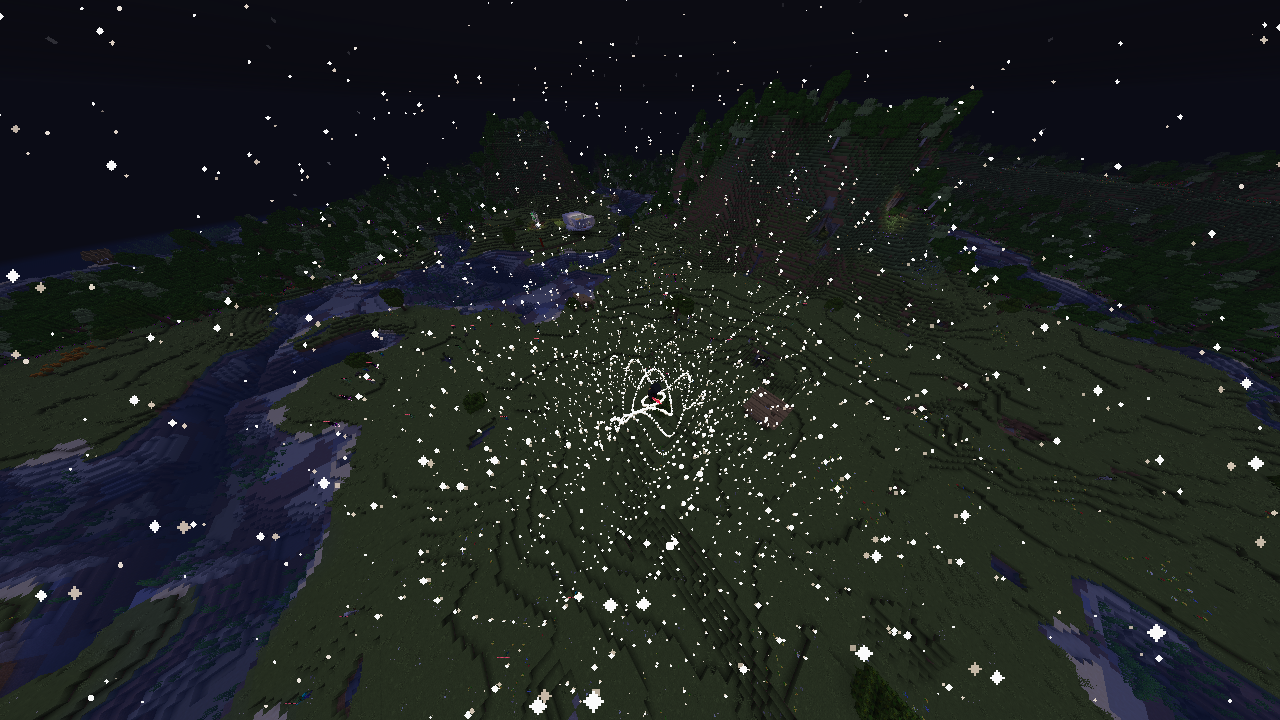
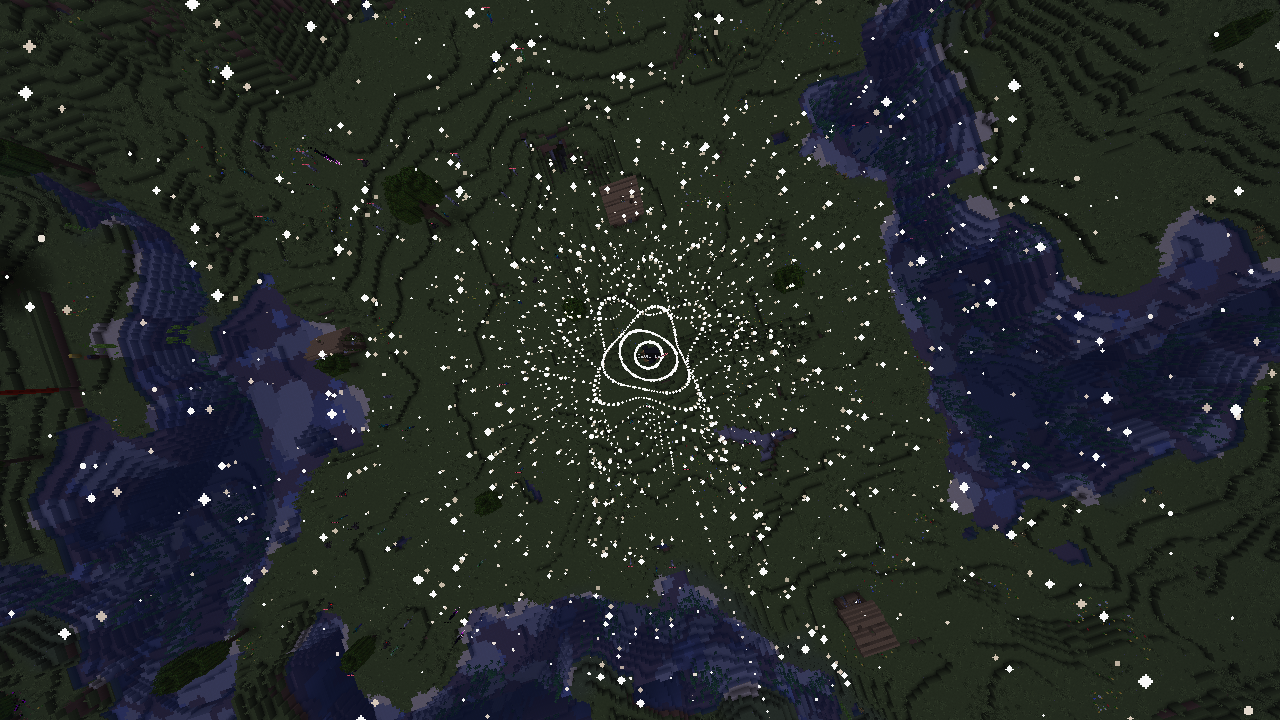
A bunch of cool effects that you can get by naming debug sticks different names!
All Effects
Rename a Debug Stick to the Effect Name of the effect you want in an Anvil and hold that stick (which we will call a “wand”) to “equip” the effect.
| Effect Name | Description |
| ————————– | —————– |
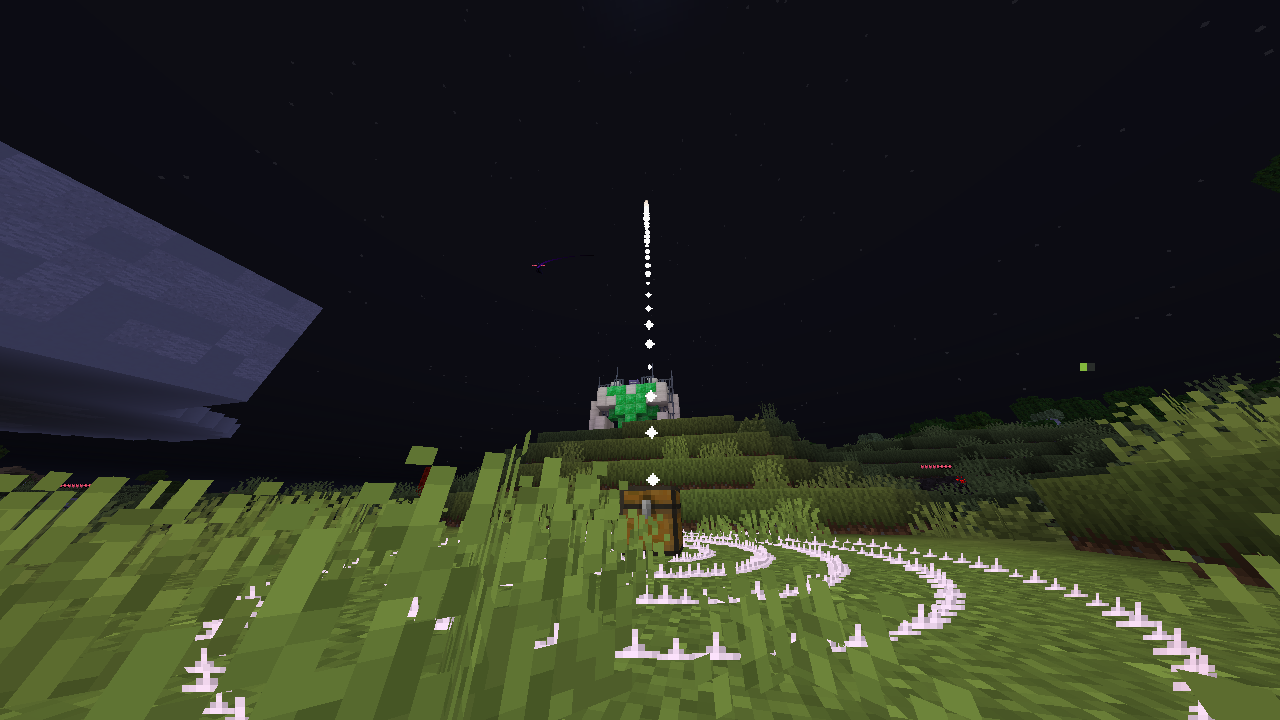
| Circle \| Default | A circle around you. |
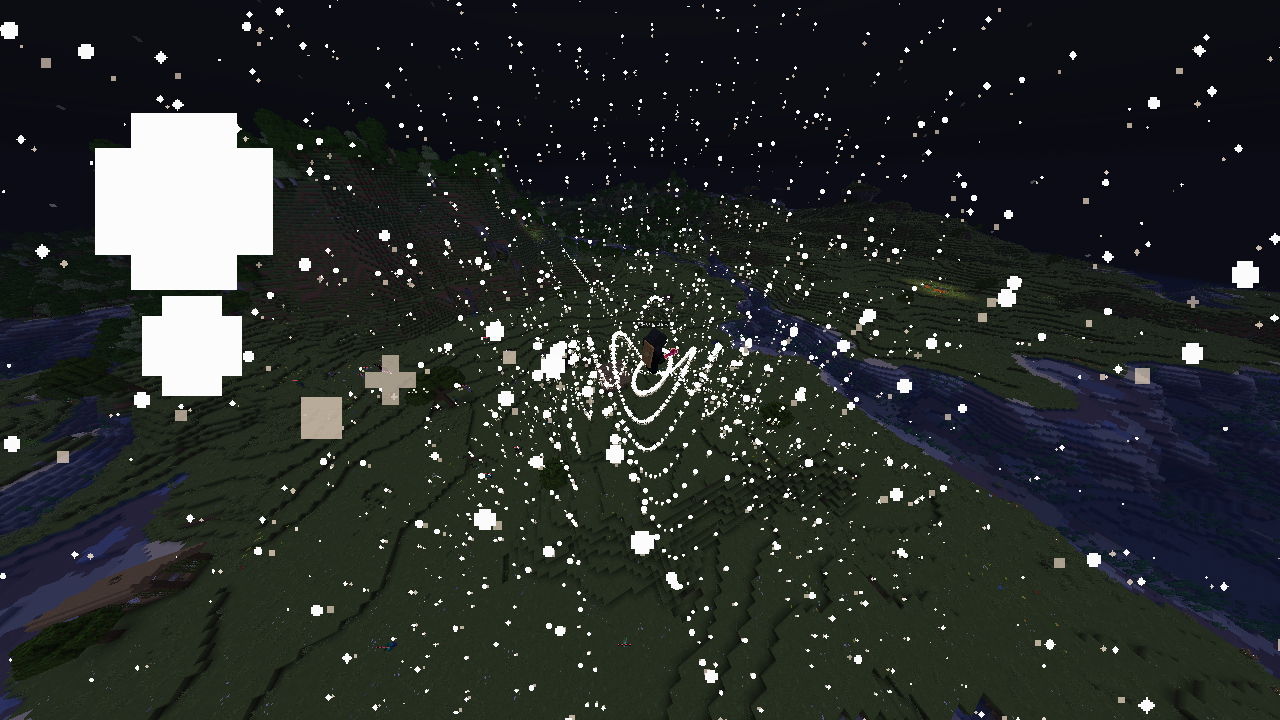
| Circle \| Swiggly | CIRCLE DEFAULT but in an interesting shape. |
| Circle \| Aura | CIRCLE DEFAULT that is changing color from red and black. | Circle \| Swiggly Aura | CIRCLE AURA and CIRCLE SWIGGLY combined. |
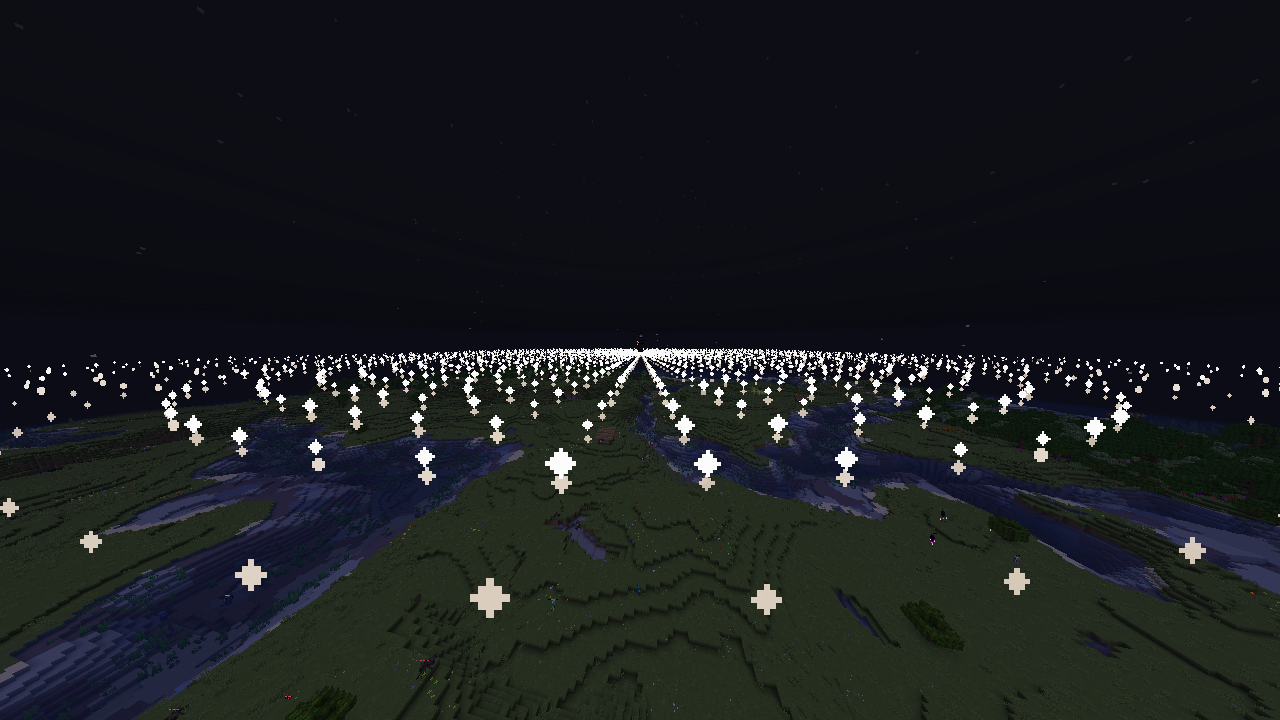
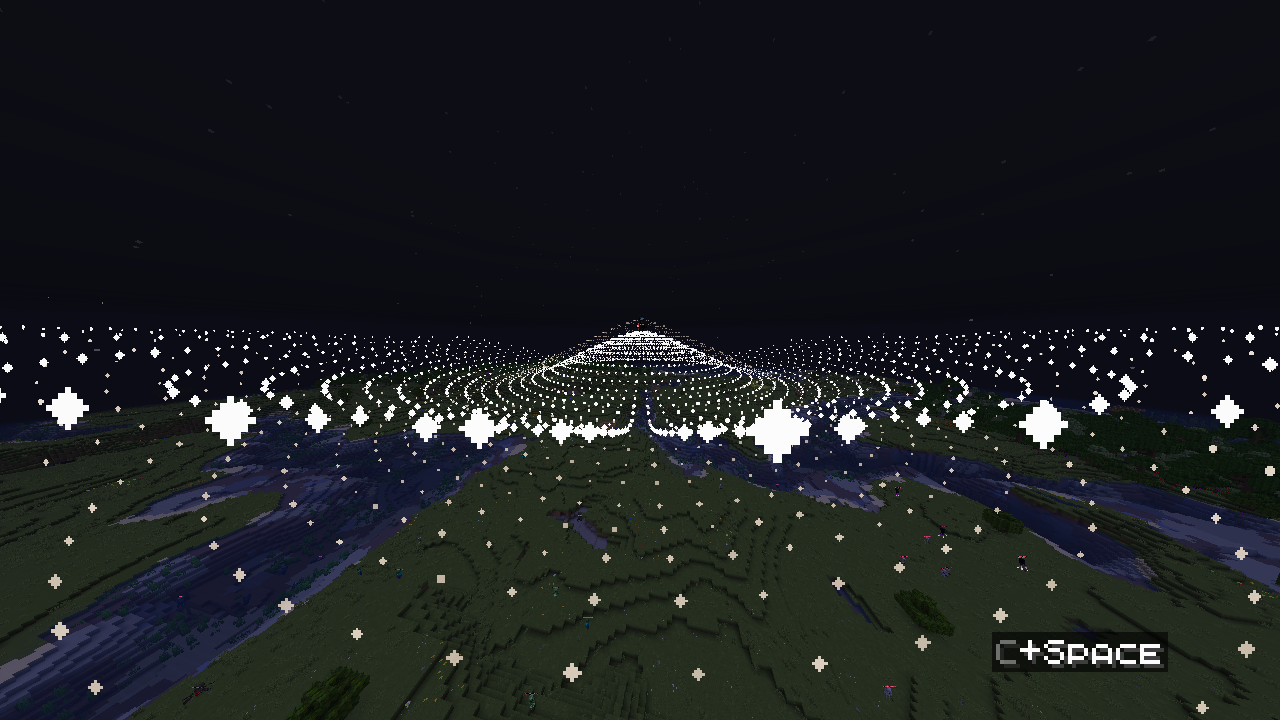
| Vortex \| Default | Multiple rings of circles around you. |
| Vortex \| Swiggly | VORTEX DEFAULT but each ring is in an interesting shape. |
| Vortex \| Aura | VORTEX DEFAULT that is changing color from red and black. |
| Vortex \| Swiggly Aura | VORTEX AURA and VORTEX SWIGGLY combined. |
| Vortex \| Menace | Multiple rings of particles that are in interesting shapes and sizes that span x, y, AND z instead of only one plane of dimension. |
| Vortex \| Menace Aura | VORTEX MENACE that is changing color from red and black. |
| Vortex \| Electric | VORTEX DEFAULT but using the lightning rod sparks particles. |
| Vortex \| Electric Menace | VORTEX ELECTRIC and VORTEX MENACE combined. |
| Vortex \| Electric Swiggly | VORTEX ELECTRIC and VOTEX SWIGGLY combined. |
| Laser Vision | Sets blocks on fire OR damages mobs. (depends on hit) |
常见问题
Aura Effects 支持哪些 Minecraft 版本?
Aura Effects 支持 Minecraft Java 版 1.21.6–1.21.10,共 5 个版本。下载时注意选择和你游戏版本一致的文件。
Aura Effects 怎么安装?
新建世界时在「数据包」里把下载的 .zip 拖进去;已有的存档,把文件放进存档目录下的 datapacks 文件夹,进游戏输入 /reload 即可生效。服务器同样放在世界目录的 datapacks 里。
error_dev_yt 的其他作品
查看全部 →
Wormhole Items
All of the CUSTOM items (that require multiple command blocks) from the Wormhole by Spoke, improved, and packed as a datapack.

Infinilib
The required library for all Infini-projects.

Infiniresources
The required resourcepack for all Infini-projects.

Glowberry (Cactus Mod Addon)
Cactus Mod Addon that adds various features
评论
登录后评论和评分