
Magpie Bridge Notification
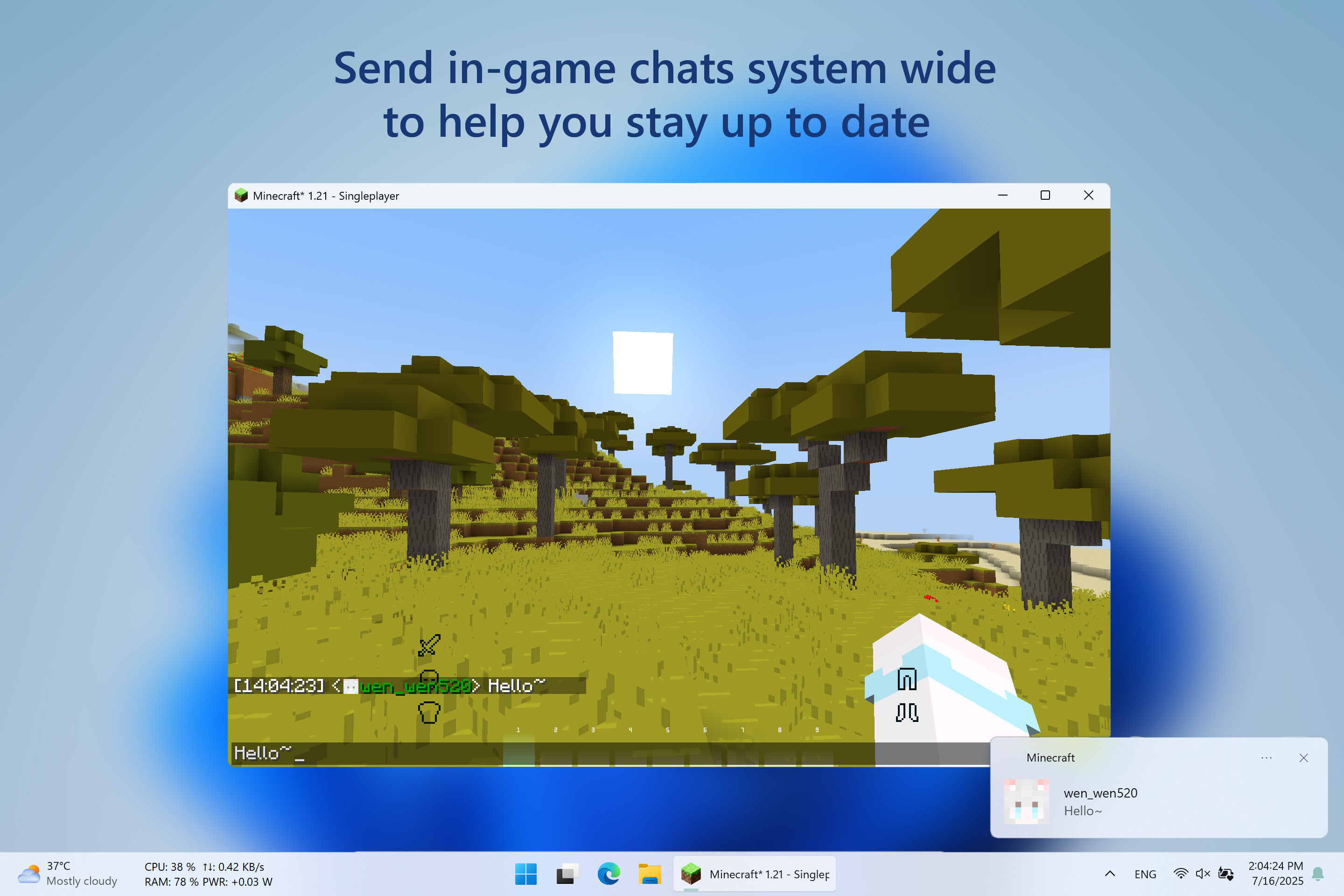
A Minecraft mod that sends in game chats as System Notifications.
截图
介绍

Magpie Bridge
A Minecraft mod that sends in game chats as System Notifications.
📋 Overview
Magpie Bridge is a lightweight Minecraft mod that brings your in-game chat messages directly to your desktop as system notifications!
❇️ Features
- Native Windows Notifications: Seamlessly integrates with Windows 10 and 11 notification systems.
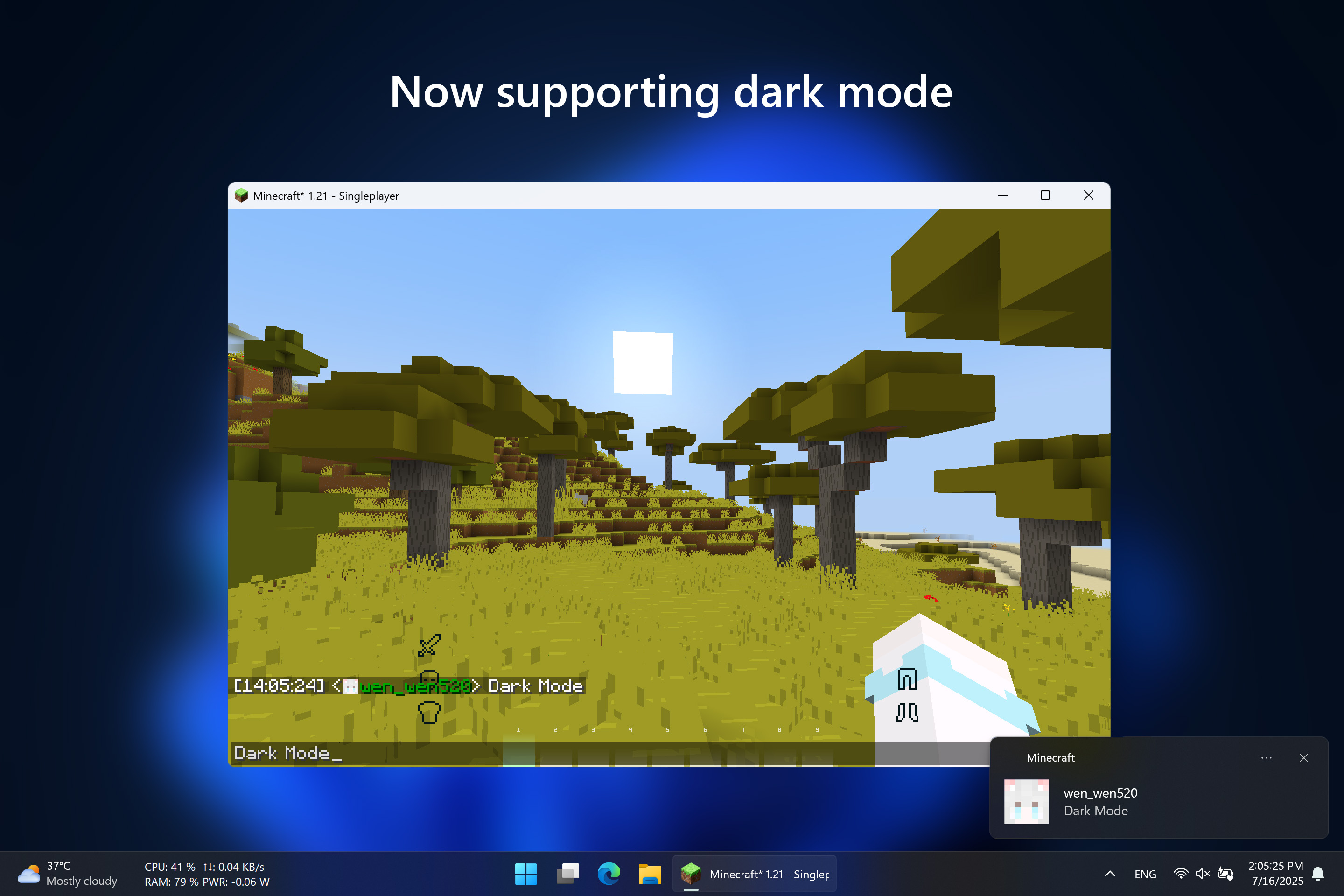
- Dark Mode Support: Notifications match your system theme, including dark mode.
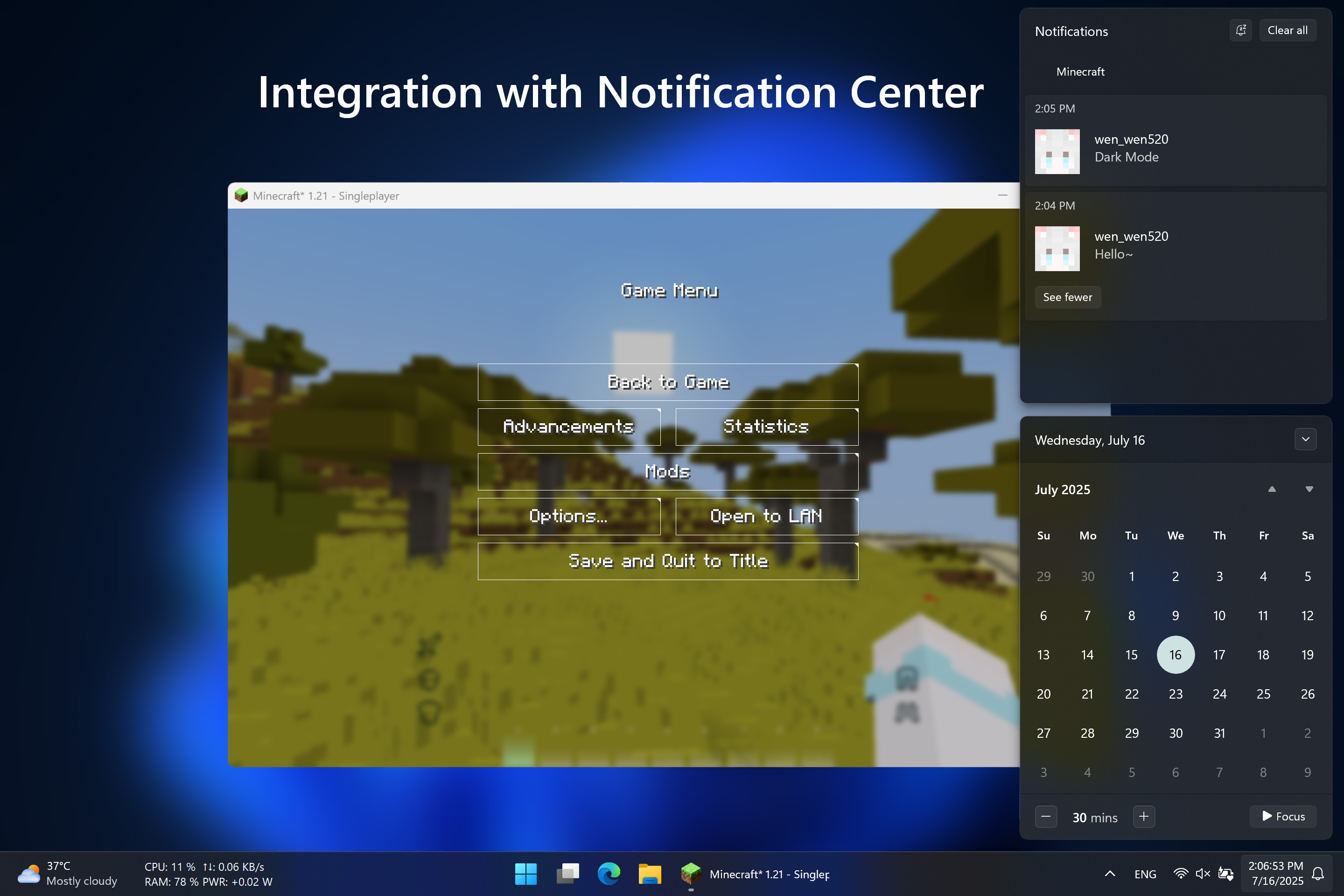
- Unified Notification Center: All Minecraft chat notifications appear in your Windows Notification Center for easy management and review.
🖼️ Gallery
⚙️ Requirements
Architecture: x64\
System: Windows 10 version 15063.0 or higher\
Java: Java 21\
Minecraft: 1.21 – 1.21.8\
Fabric: 0.16.10 or higher
✅ Installation
Modrinth [[⬇️ Download]](https://modrinth.com/mod/magpiebridge/versions) provides a modern UI to choose and download this mod
Github [[📦 Releases]](https://github.com/wen-wen520/Minecraft.Mod-MagpieBridge/releases) Page is good to get the source code and pack them by self
⚙️ Configuration
File Location:
.minecraft\config\magpiebridge\
Not recommended to edit, will reset to default when mod updates or downgrades,\
unless keepConfigDir is set to true in magpiebridge.json
Config Options:
| Key | Description | Range | Default | In-game Edit Command |
|—–|————-|——-|———|———|
| modVersion | Current mod version | System | Current | Not Editable |
| keepConfigDir | Keep config directory when mod updates or downgrades | System | false | magpiebridge config general keepConfigDir [Enable: Boolean] |
| notificationsEnabled | Toggle all desktop notifications | All | true | magpiebridge config general desktopNotifications [Enable: Boolean] |
| playerNotifications | Toggle player chats | Hypixel Skyblock | true | magpiebridge config notifications skyblock player [Enable: Boolean] |
| bazaarNotifications | Toggle bazaar messages | Hypixel Skyblock | true | magpiebridge config notifications skyblock bazaar [Enable: Boolean] |
| auctionNotifications | Toggle auction messages | Hypixel Skyblock | true | magpiebridge config notifications skyblock auctions [Enable: Boolean] |
📃 Feeadbacks
Welcome to 📑Issue Page to submit any bugs or featuers.
📜 License
🎉 Thanks & Related Resource
Go Toast / Toast used to send system notifications.\
Under the MIT License.
常见问题
Magpie Bridge Notification 支持哪些 Minecraft 版本?
Magpie Bridge Notification 支持 Minecraft Java 版 1.20–1.21.11,共 12 个版本,可用的加载器:Fabric / Forge。下载时注意选择和你游戏版本一致的文件。
Magpie Bridge Notification 怎么安装?
先用 PCL2 或 HMCL 启动器安装对应版本的 Fabric / Forge,再把下载的 .jar 文件放进游戏目录的 mods 文件夹,重新启动游戏即可。开启了版本隔离的,mods 文件夹在 versions/版本名 下面。运行环境:仅客户端。
wen_wen 的其他作品
查看全部 →
Ore Plus (Legacy)
This datapack incresses vanilla ores generation in Minecraft by adding custom configurations for the Vanilla Ores, making them generate more frequently.

Ore Plus x4
This datapack increasing the spawn rates of vanilla minerals more.

Ore Plus x2
This datapack increasing the spawn rates of vanilla minerals slightly.

Ore Plus Ultra
This datapack increasing the spawn rates of vanilla minerals to the maximum limit of game
评论
登录后评论和评分