REM-Shaders
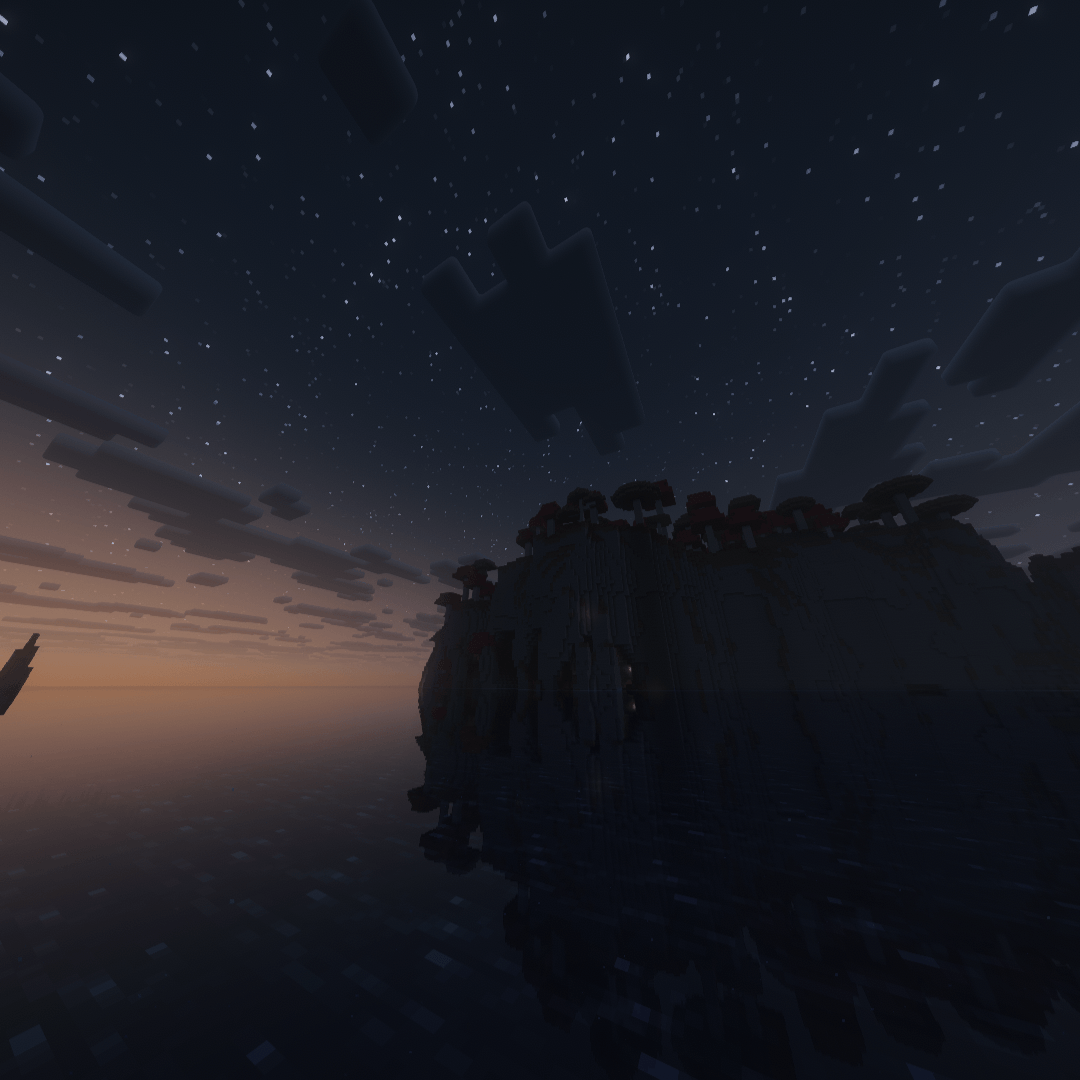
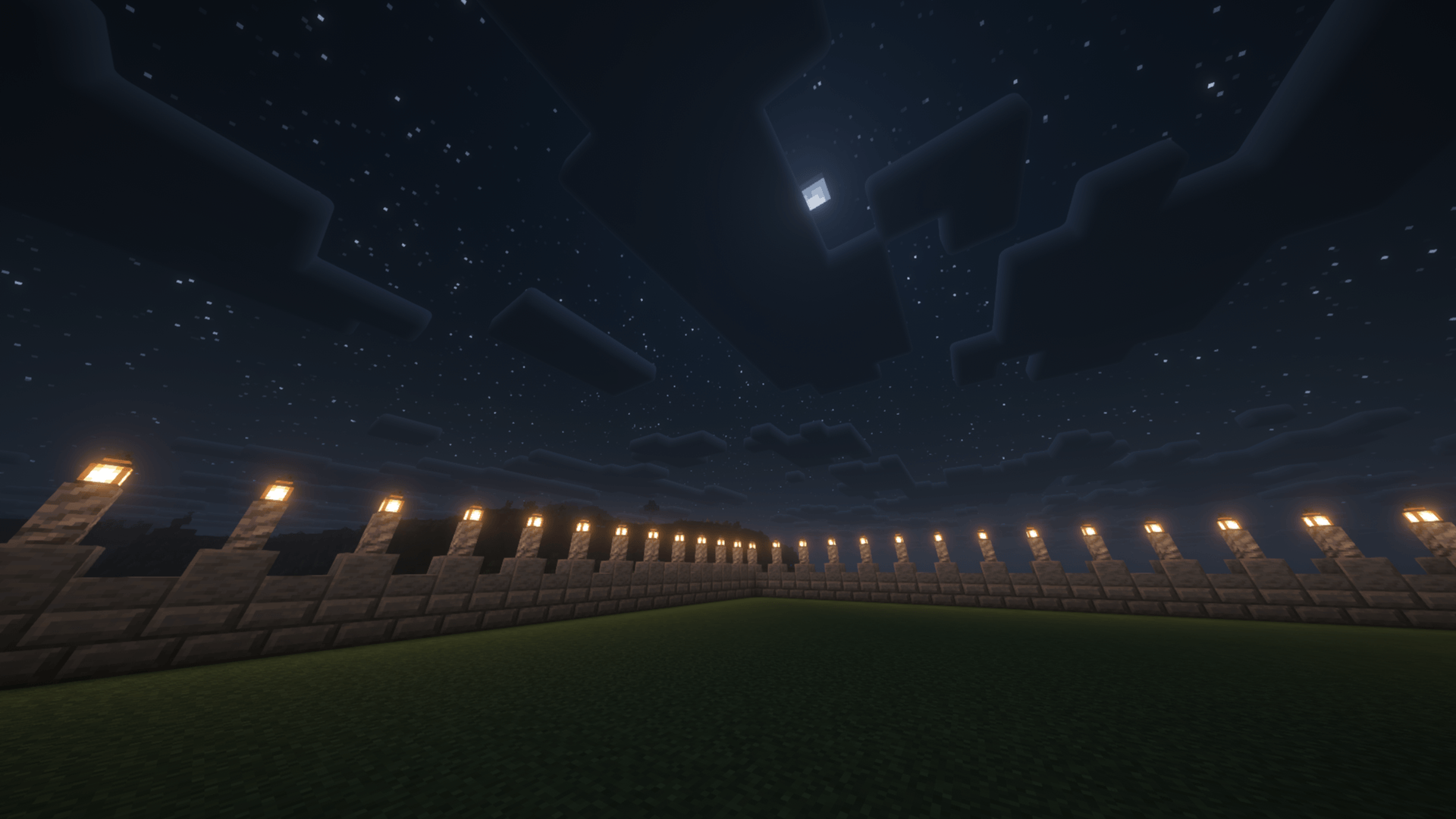
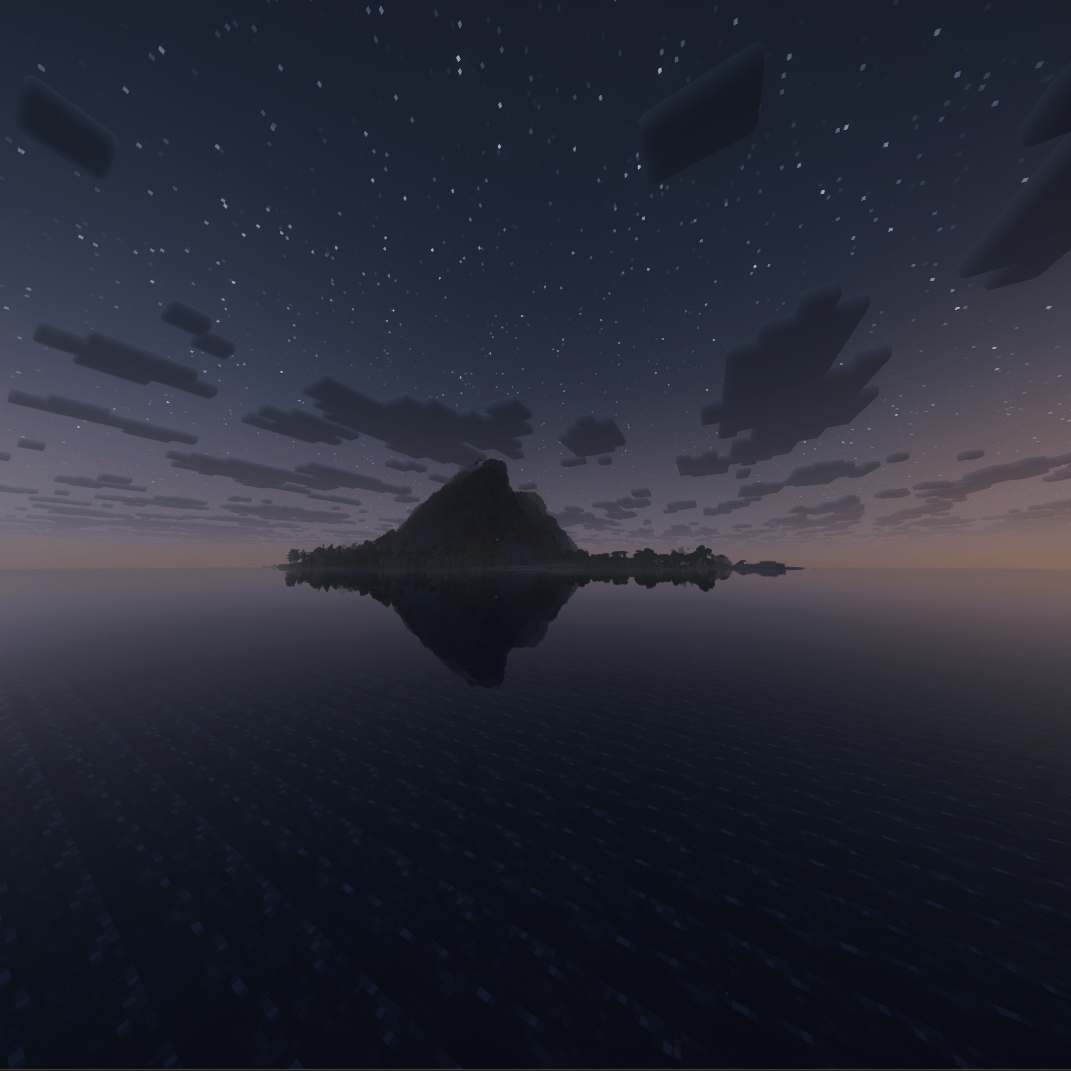
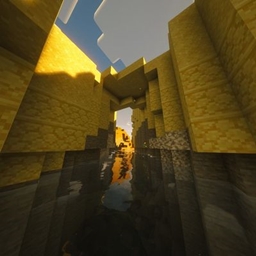
REM Shader gives Minecraft a soft, dreamlike glow — warm bloom, gentle shadows, and hazy autumn light that make every world feel half-remembered, like waking from a dream. Cozy, lightweight, and calming. By Autumn_Minecraft_2
截图
介绍
REM Shader is built around one idea: Minecraft should feel like the last few seconds of a dream, right before you wake up. Instead of chasing hyper-realism, this pack leans into softness — hazy light, warm color grading, and gentle motion that make every biome feel a little unfocused, in the best way.
Key features
- Warm, autumn-leaning color grading — sunsets lean deep orange and rose, daylight sits warm and golden, and even midday skies carry a faint dreamlike haze
- Soft bloom and glow — light sources bleed gently into their surroundings instead of sitting as harsh points, giving lanterns, torches, and the sun itself a soft aura
- Gentle, low-contrast shadows — shadows are present but never harsh, keeping the world readable while still feeling atmospheric
- Calm water reflections — lakes and oceans pick up warm sky tones and reflect them with a soft ripple, rather than a sharp mirror finish
- Lightweight performance profile — designed to run smoothly on mid-range setups; the dreamy look comes from color and light tuning, not expensive ray-traced effects
- Best paired with slower, exploration-focused gameplay — autumn builds, cozy cabins, lakeside builds, and golden-hour screenshots
Whether you’re building a quiet lakeside home, taking screenshots at sunset, or just want your world to feel warmer and softer, REM Shader turns ordinary Minecraft lighting into something that lingers like a memory.
Created by Autumn_Minecraft_2.
常见问题
REM-Shaders 支持哪些 Minecraft 版本?
REM-Shaders 支持 Minecraft Java 版 1.21–26.2,共 16 个版本,可用的加载器:Iris / OptiFine。下载时注意选择和你游戏版本一致的文件。
REM-Shaders 怎么安装?
光影需要先装 Iris / OptiFine。把下载的 .zip 文件(不用解压)放进游戏目录的 shaderpacks 文件夹,进游戏后在「选项 → 视频设置 → 光影包」里选中它。光影对显卡要求较高,卡顿可以调低光影设置或渲染距离。
Autumn_Minecraft_2 的其他作品
查看全部 →
Better Glass 2.0!
Better Glass 2.0! Experience modern, clear, connected glass only by Better Glass. This amazing pack removes all annoying borders, giving your builds a sleek, flawless, and seamless aesthetic.
HongJin Ultra Shaders
This shader delivers a rich, vintage classic Chinese cinematic style with warm yellow lantern glows and golden amber highlights. Deep jade shadows, soft bloom diffusion, and authentic film grain recreate an evocative, painterly period look.
评论
登录后评论和评分