Vault Hunters Compressium
Enables compression of Vault Stone and Vault Cobblestone for the Vault Hunters 3 modpack
截图
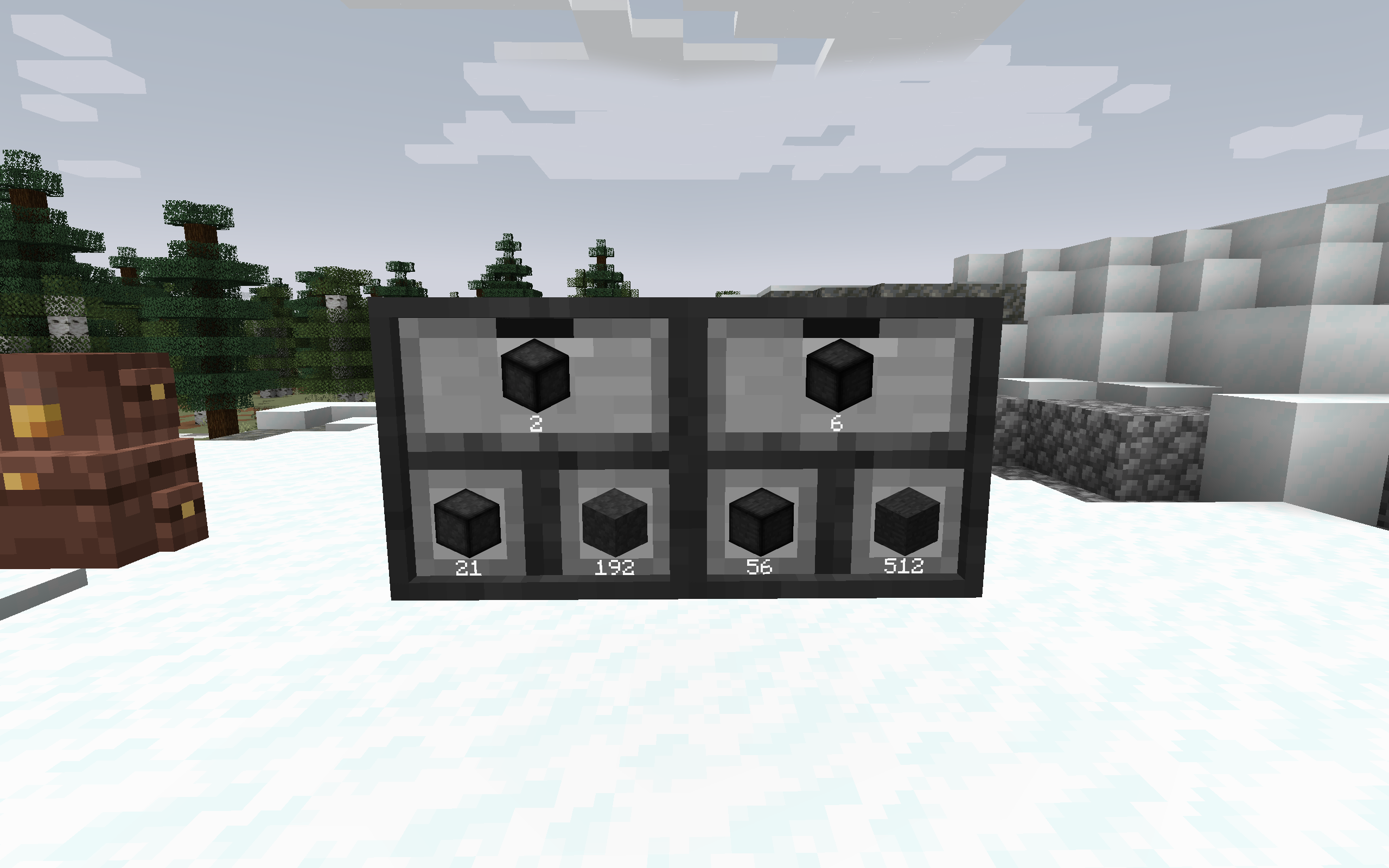
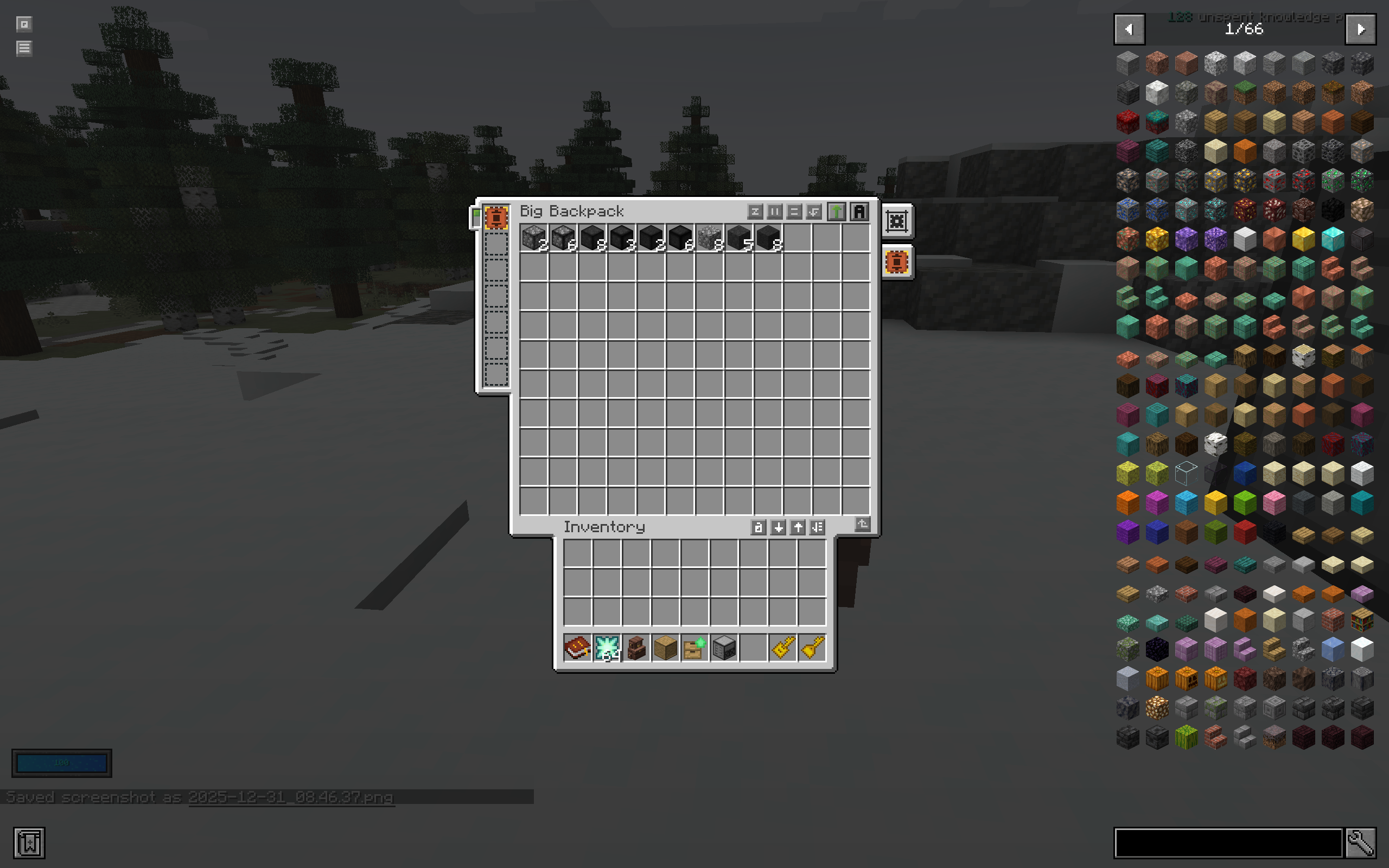
介绍
Adds compression support for Vault Hunters Vault Stone and Vault Cobblestone blocks to Compressium.
Supported Blocks
- Vault Cobblestone (9 compression levels: 9 → 387,420,489 blocks)
- Vault Stone (9 compression levels: 9 → 387,420,489 blocks)
Requirements
Required:
- Minecraft 1.18.2
- Forge
- Compressium (any version)
- The Vault Hunters Modpack Version 3
Optional:
- Inventory Profiles Next (for automatic chest sorting with defined rules)
Installation
1. Config Entries
Open your config/compressiumblocks.json file and add the following to the existing array:
[
...
  {
    "name": "vault_cobblestone",
    "nestedDepth": 9,
    "isBlockOf": false,
    "baseResourceLocation": "the_vault:vault_cobblestone",
    "particlePath": "the_vault:block/vault_cobblestone",
    "baseBlockModel": "the_vault:block/vault_cobblestone",
    "type": "block"
  },
  {
    "name": "vault_stone",
    "nestedDepth": 9,
    "isBlockOf": false,
    "baseResourceLocation": "the_vault:vault_stone",
    "particlePath": "the_vault:block/vault_stone",
    "baseBlockModel": "the_vault:block/vault_stone",
    "type": "block"
  }
]
Important: Merge the entries, don’t replace the entire file!
2. CraftTweaker Scripts
Extract the crafttweaker_compressium_scripts.zip to the scripts/ folder so that the following files are available with the other crafttweaker scripts:
compressium_vault_cobblestone.zscompressium_vault_stone.zs
5. Datapack
Copy the vault-compression-datapack.zip folder to your world’s datapacks/ folder:
- Location:
saves/[YourWorldName]/datapacks/ - For servers:
[ServerFolder]/[WorldName]/datapacks/
4. Resourcepack
Copy the Vault-Compression.zip resourcepack to your instances’ resourcepack/ folder and enable it in-game (Options > Video Options > Resource Packs).
Usage
Compress: Place 9 blocks in a 3×3 crafting grid to compress one level
Decompress: Place 1 compressed block in crafting grid to get 9 of the previous level
Compression Levels:
- 1x: 9 blocks
- 2x: 81 blocks
- 3x: 729 blocks
- 4x: 6,561 blocks
- 5x: 59,049 blocks
- 6x: 531,441 blocks
- 7x: 4,782,969 blocks
- 8x: 43,046,721 blocks
- 9x: 387,420,489 blocks
Troubleshooting
Blocks don’t appear in JEI/Creative:
- Make sure you added the config entries to compressiumblocks.json
- Restart the game after adding config entries
Can’t craft compressed blocks:
- Ensure CraftTweaker scripts are in the scripts folder
- Check CraftTweaker logs for errors
Blocks have missing textures:
- Make sure the resourcepack is enabled
- Check that resourcepack files are in the correct location
Blocks don’t drop when mined:
- Ensure the datapack is installed in your world’s datapacks folder
- Use
/datapack listto verify it’s loaded
Credits
Created for the Vault Hunters modpack community.
License
This addon is provided as-is for use with the Vault Hunters modpack and Compressium mod.
常见问题
Vault Hunters Compressium 支持哪些 Minecraft 版本?
Vault Hunters Compressium 支持 Minecraft Java 版 1.18.2。下载时注意选择和你游戏版本一致的文件。
Vault Hunters Compressium 怎么安装?
新建世界时在「数据包」里把下载的 .zip 拖进去;已有的存档,把文件放进存档目录下的 datapacks 文件夹,进游戏输入 /reload 即可生效。服务器同样放在世界目录的 datapacks 里。
Eloquence2781 的其他作品
查看全部 →
Safe Zone Claims
仅需服务端安装的 Minecraft 领地保护模组,支持原版客户端兼容的领地、信任管理菜单和管理员工具。

Private Chests
用墙上的告示牌保护箱子和木桶!添加 [private] 锁定容器,列出玩家名字以共享访问权限。可阻止漏斗、爆炸和未经授权的开启。仅服务端生效。
Private Chests
用墙上的告示牌保护箱子和木桶!添加[private]来锁定容器,列出玩家名字来共享访问权限。阻止漏斗、爆炸和未经授权的打开。仅服务端。
评论
登录后评论和评分