
截图
介绍

Updated 19 September 2026. Works with 26.3. Version 26.2 should work with everything from MC 1.21.2, but not guaranteed. Version 26.3 is NOT backwards compatible, nor is prior other version compatible with MC 26.3 or later.
If specific versions are needed, please join the Discord and ask in the data-pack-suggestions forum.
Purpose
Villager breeders are relatively simple builds and can easily be made to be infinite. Wrangling the resultant villagers is a hassle. This makes for high frustration at negligible cost. This data pack provides a method to reduce the frustration at a less neglible cost by letting the player build their villagers.
‘It’s alive!’ -some version of Dr Frankenstein
Directions for Use
- Install the data pack.
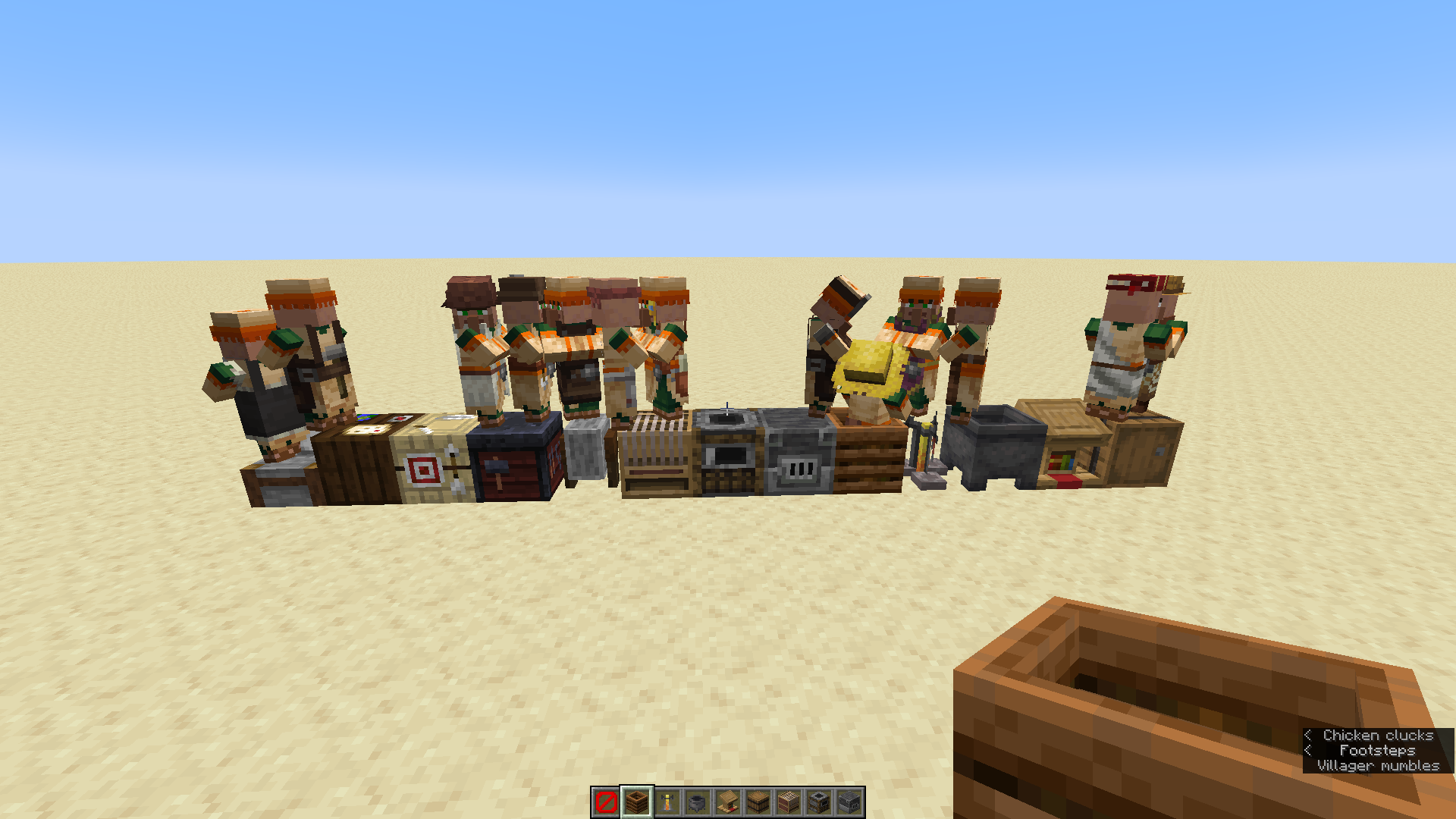
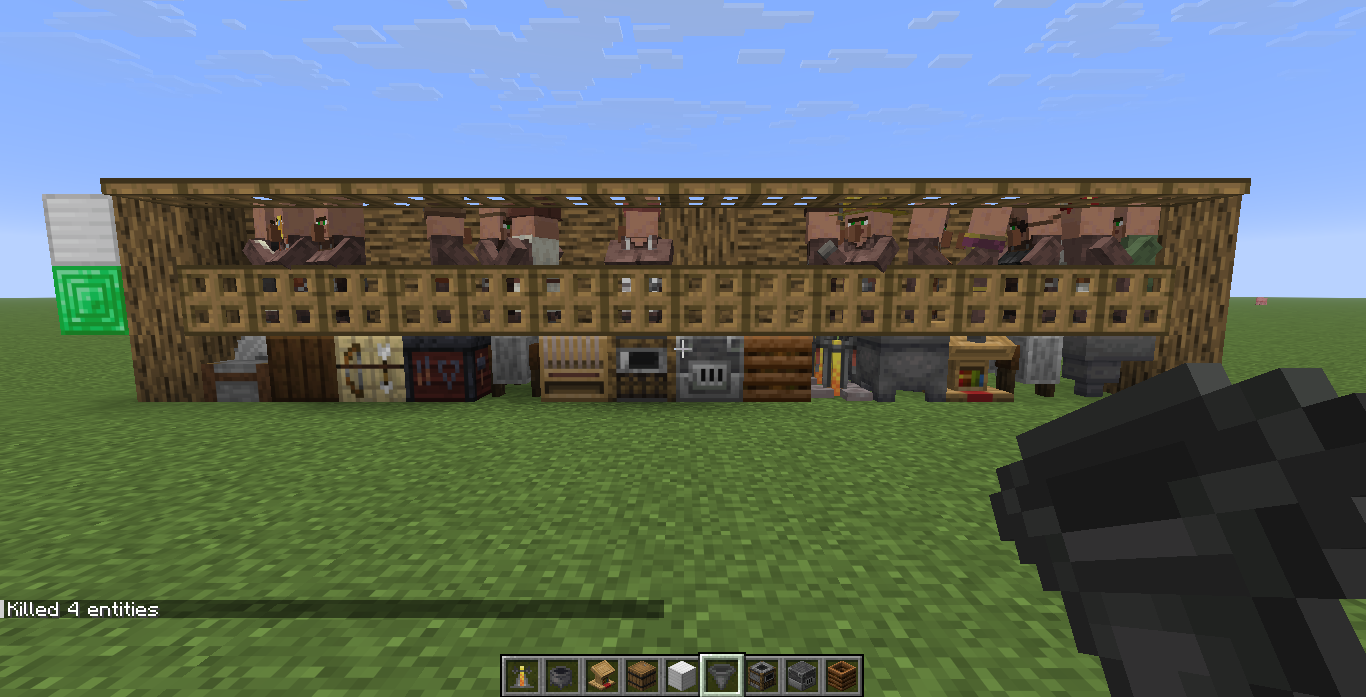
- Place an iron block on an emerald block.
- Place a workstation under the emerald block, and a villager will replace the iron and emerald. A special case occurs if a hopper is used instead of a workstation; a nitwit is generated instead of a general villager.
Notes
The nitwit spawning mechanic allows this pack to work very well with my other pack, Iron Wit which causes nitwits to drop iron ingots when they’re on hoppers.
Known Issues
- Planned feature: in-game toggles to prevent abuse.
Support and Links
Bug Reporting and Update Notifications
To report bugs and to keep up to date with new versions and additional packs from me, please join our Discord.
Links
Check out my other packs on Modrinth.
Help support ongoing development at Patreon or Ko-Fi.
Watch development (generally troubleshooting) and gameplay with the packs in use on my Twitch Channel.
常见问题
Blocky Villagers 支持哪些 Minecraft 版本?
Blocky Villagers 支持 Minecraft Java 版 1.21.2–26.3,共 15 个版本。下载时注意选择和你游戏版本一致的文件。
Blocky Villagers 怎么安装?
新建世界时在「数据包」里把下载的 .zip 拖进去;已有的存档,把文件放进存档目录下的 datapacks 文件夹,进游戏输入 /reload 即可生效。服务器同样放在世界目录的 datapacks 里。
Artecie 的其他作品
查看全部 →
HopperGolem (NLAM)
Build an iron farm without wrangling villagers.

Looting the Village (NLAM)
Villager trade loot tables for supporting other datapacks.

Art’s Torches
Light your torches at the campfire and light another campfire with it.

Art’s CLA
A datapack that allows chickens to lay anything with some restrictions to reduce abuse and server lag. Based on helmo2019's Chickens Lay Anything.
评论
登录后评论和评分