
No Barrier Outline 🚫
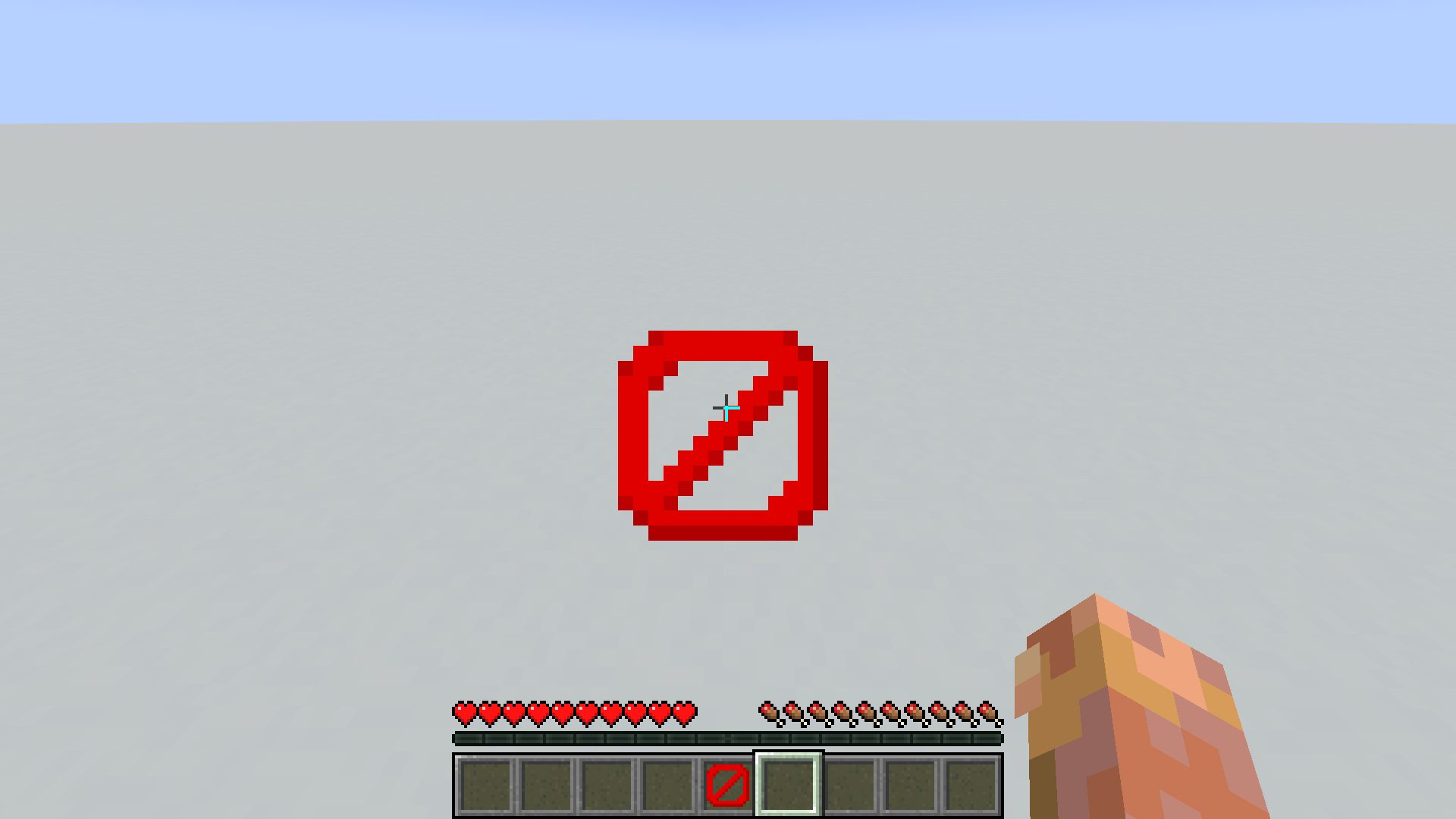
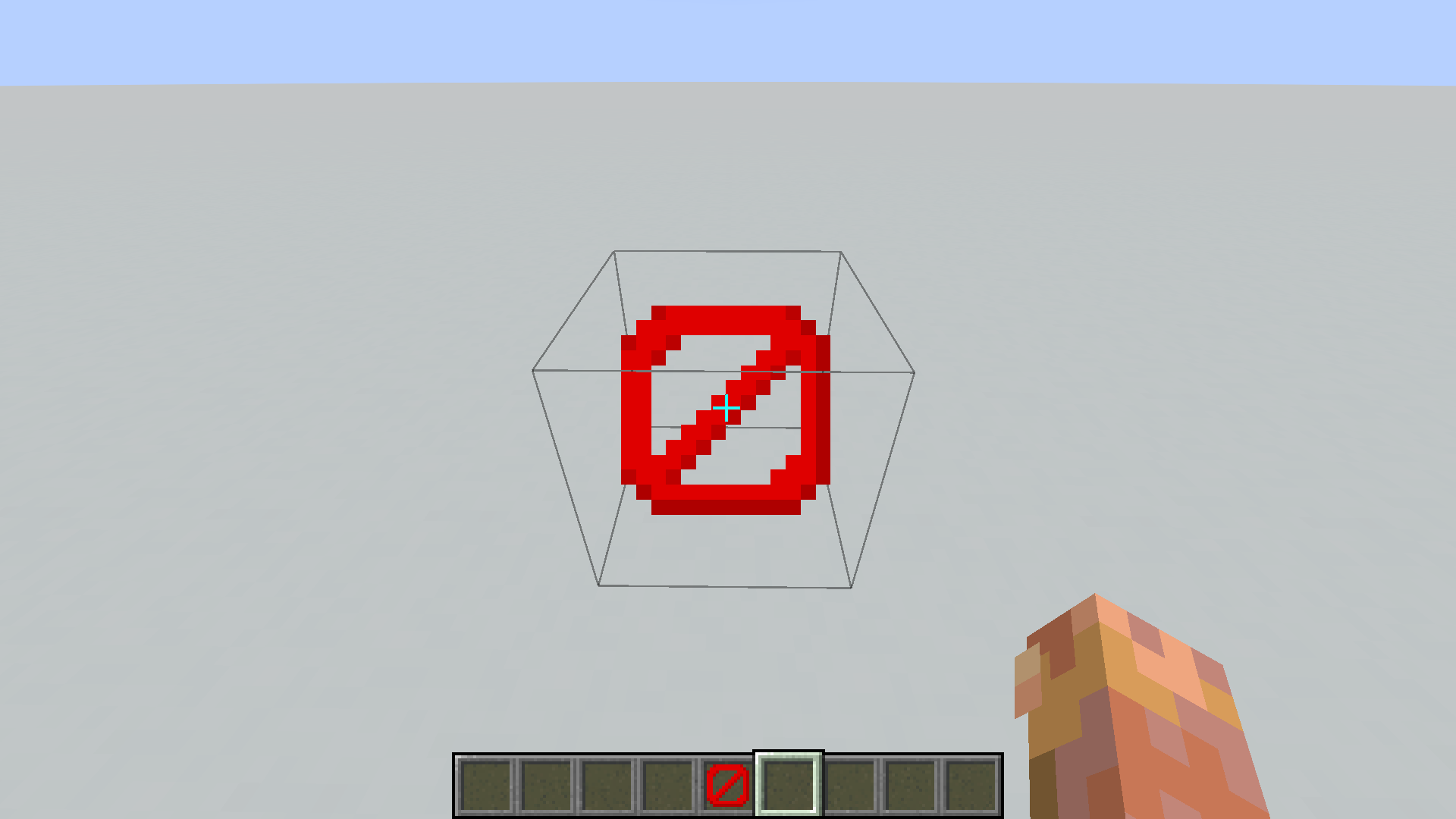
Removes the block outline when looking at barrier blocks. The feature can be enabled or disabled in a config file, and you can choose which game modes should hide the outline.
截图

介绍
Created by fenny (fenny013)

This is a client-side mod that hides the block outline when aiming at specific blocks.
Originally designed for barrier blocks, it now supports any block you want by using a configurable list.
The mod allows you to fully control when and where the outline should disappear:
- Enable or disable the feature at any time
- Choose which game modes should hide the outline
- Add or remove any blocks from the hide list
- All config changes apply immediately in-game without restarting
Because the mod affects only rendering, it does not need to be installed on the server and does not affect gameplay or world data.
Perfect for map creators, adventure maps, lobby design, cinematic use, or any situation where block outlines break immersion.
Config Guide
The config file is located at: config/no_barrier_outline-client.toml
1. Enable or disable the mod
enabled = trueSet to false to completely turn off the mod.
2. Choose game modes where the outline is hidden
game_modes = ["survival", "adventure"]Supported values:
survivalcreativeadventurespectator
If the player is not in one of these modes, the outline will render normally.
3. Select which blocks should hide their outline
hidden_blocks = [
    "minecraft:barrier",
    "minecraft:glass",
    "minecraft:stone"
]
Use full block IDs from the Minecraft registry:
"minecraft:barrier""minecraft:glass""minecraft:oak_planks""minecraft:bedrock"
You can add as many as you want.
How it works
When the player looks at a block, the mod checks:
- If the mod is enabled
- If the current game mode is allowed
- If the block is in the hidden block list
If all conditions match, the default white outline is canceled.
Changes to the config become active almost instantly during gameplay.
常见问题
No Barrier Outline 🚫 支持哪些 Minecraft 版本?
No Barrier Outline 🚫 支持 Minecraft Java 版 1.20.1–1.20.6,共 6 个版本,可用的加载器:Forge。下载时注意选择和你游戏版本一致的文件。
No Barrier Outline 🚫 怎么安装?
先用 PCL2 或 HMCL 启动器安装对应版本的 Forge,再把下载的 .jar 文件放进游戏目录的 mods 文件夹,重新启动游戏即可。开启了版本隔离的,mods 文件夹在 versions/版本名 下面。运行环境:仅客户端。
fnn 的其他作品
查看全部 →
Stupid Block Animations
Minecraft 方块放置与破坏动画
Stupid Block Animations
Minecraft方块放置与破坏动画

DO NOT SAY THE NAME OF THIS BLOCK!
只要说出区块的名字,就能移除其中的所有方块!

MinePersist
MinePersist prevents block-breaking progress from resetting when you switch the item in your hand
评论
登录后评论和评分