
Chest Door Lock
Lock is a lightweight and multiplayer-friendly Minecraft datapack that allows you to easily secure your items and structures.
截图
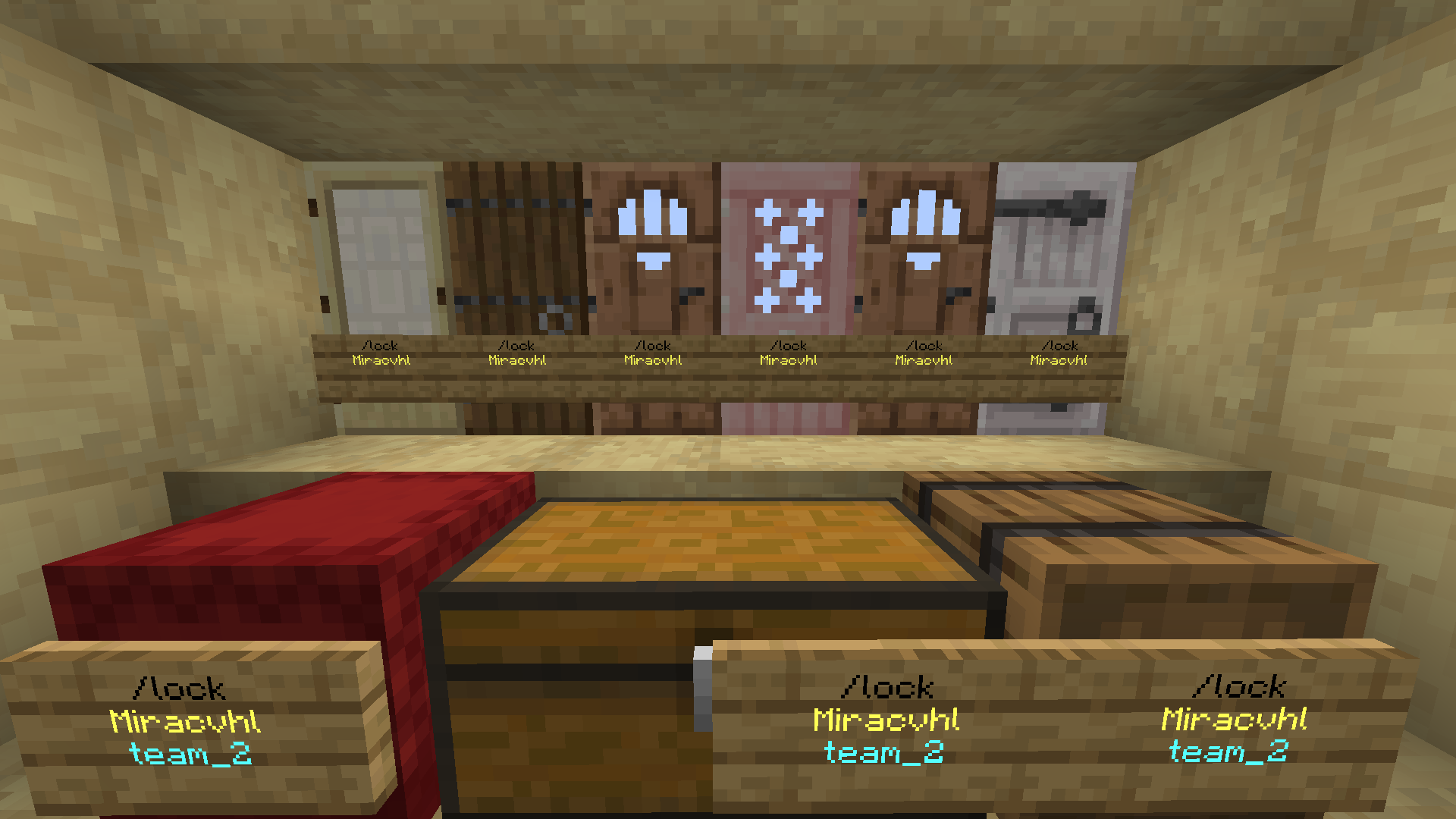

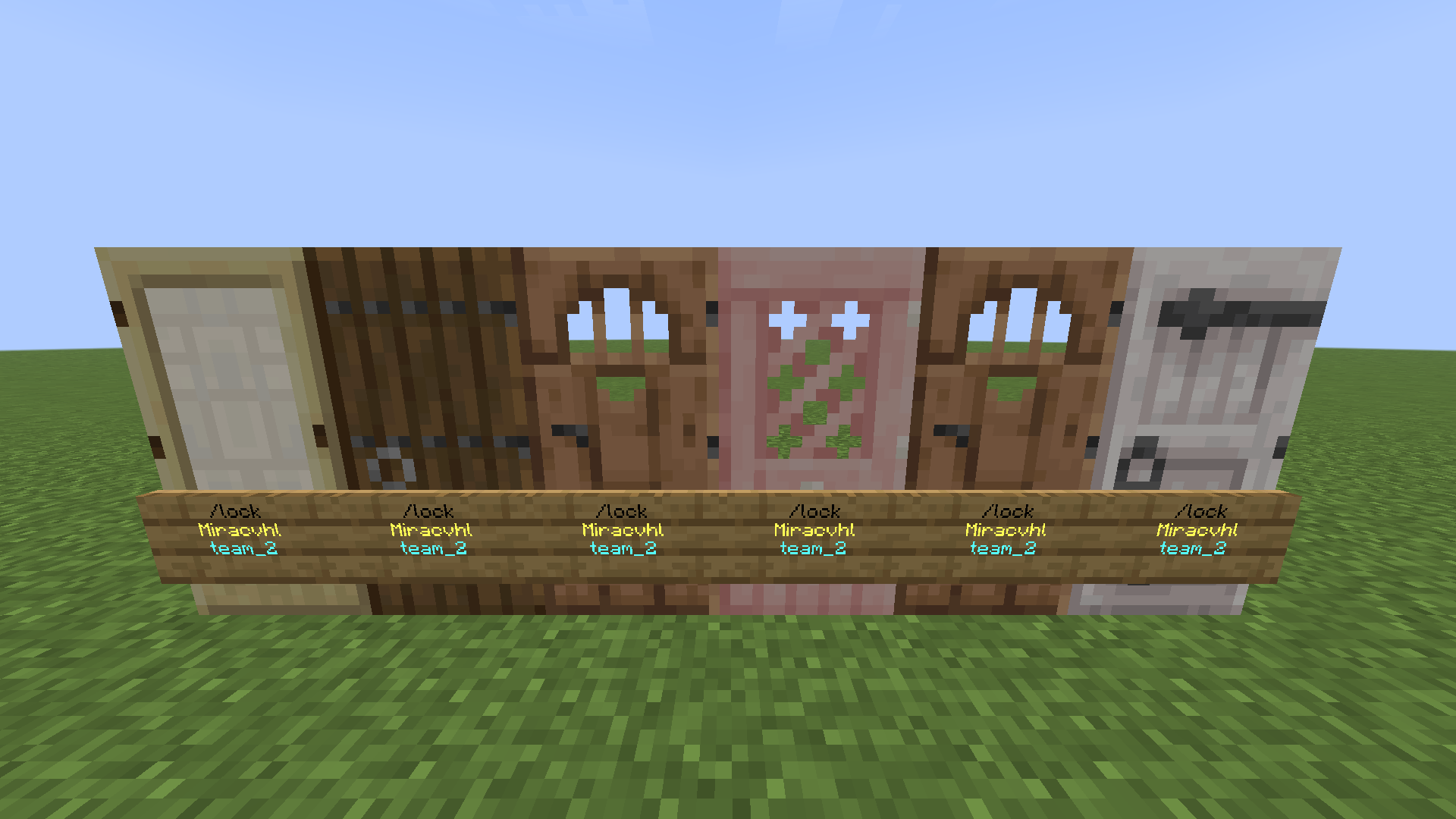
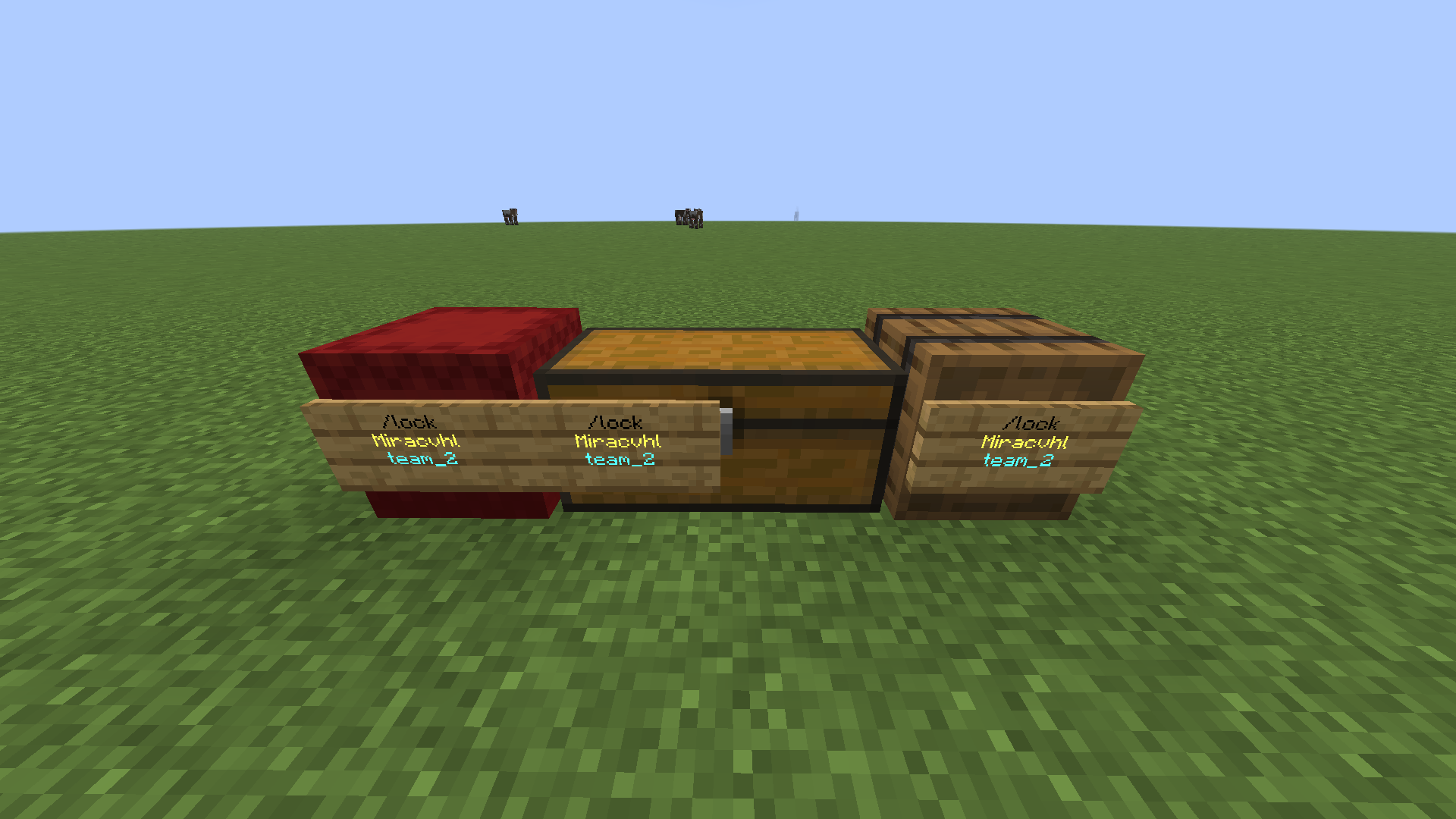
介绍
Discord Team Lock is a comprehensive and multiplayer-friendly datapack designed to secure your belongings and structures. Whether you are playing with a group of friends or running a multiplayer server, this datapack ensures your items stay yours while offering advanced team-sharing capabilities.
✨ Key Features
Universal Locking: Easily lock doors single and double chests barrels, and other containers
Sign-Based Interaction: Lock your blocks intuitively using signs and interact with them easily through clicks or hits.
Advanced Anti-Grief Protection
Hopper Protection: Prevents items from being drained using hoppers beneath locked chests
Explosion Resistance: Locked blocks are protected from TNT and End Crystal damage
Team System: Don’t want to play alone? Create a teamsend invites and share access to your locked doors and chests with your team members
🛠️ Admin & Server Utility
Server admins have full control over the system to prevent abuse and manage abandoned locks
Lock Breaking & Overrides: Admins can forcefully break or reset locks if needed
Team Management: Ability to delete teams or manage players
Diagnostics: Built-in tools to check system health and fix errors
Safe Uninstallation: A dedicated uninstall function ensures the datapack can be removed safely without corrupting your world
⚙️ How to Use
🔒 Locking Process:
Place a sign on the door, chest, or barrel you want to lock.
Write /lock on the sign and place it.
Right-click once on the sign to confirm the lock.
Your item is now locked! Only you and your team members can open it.
🔑 Accessing & Unlocking:
To Open: Simply right-click the locked item normally.
To Remove the Lock: You can break the sign while sneaking (holding Shift).
👥 Team System:
If you want to share your items with your friends, you can create a team! Invite your friends to your team, and once they accept the invite, they will automatically have access to all your locked items.
📚 In-Game Guide:
If you forget how to use the system or want to see all the commands, simply type the following command in the chat:
/trigger Tutorial
This command will open the in-game guide that explains everything about the system
常见问题
Chest Door Lock 支持哪些 Minecraft 版本?
Chest Door Lock 支持 Minecraft Java 版 1.21.9–26.2,共 7 个版本。下载时注意选择和你游戏版本一致的文件。
Chest Door Lock 怎么安装?
新建世界时在「数据包」里把下载的 .zip 拖进去;已有的存档,把文件放进存档目录下的 datapacks 文件夹,进游戏输入 /reload 即可生效。服务器同样放在世界目录的 datapacks 里。
softoryce 的其他作品
查看全部 →
Cute Cats
Adds cute cats

Clean Fog
Tired of Minecraft’s dense, vision-limiting fog? With Clean Fog, you can see the horizon crystal clear in both the Overworld and the treacherous atmosphere of the Nether!

Cute Cats
Adds cute cats

Gliding Wings
adds wings for gliding
评论
登录后评论和评分