
截图
介绍
中文介绍正在准备中,下面暂时显示原文。
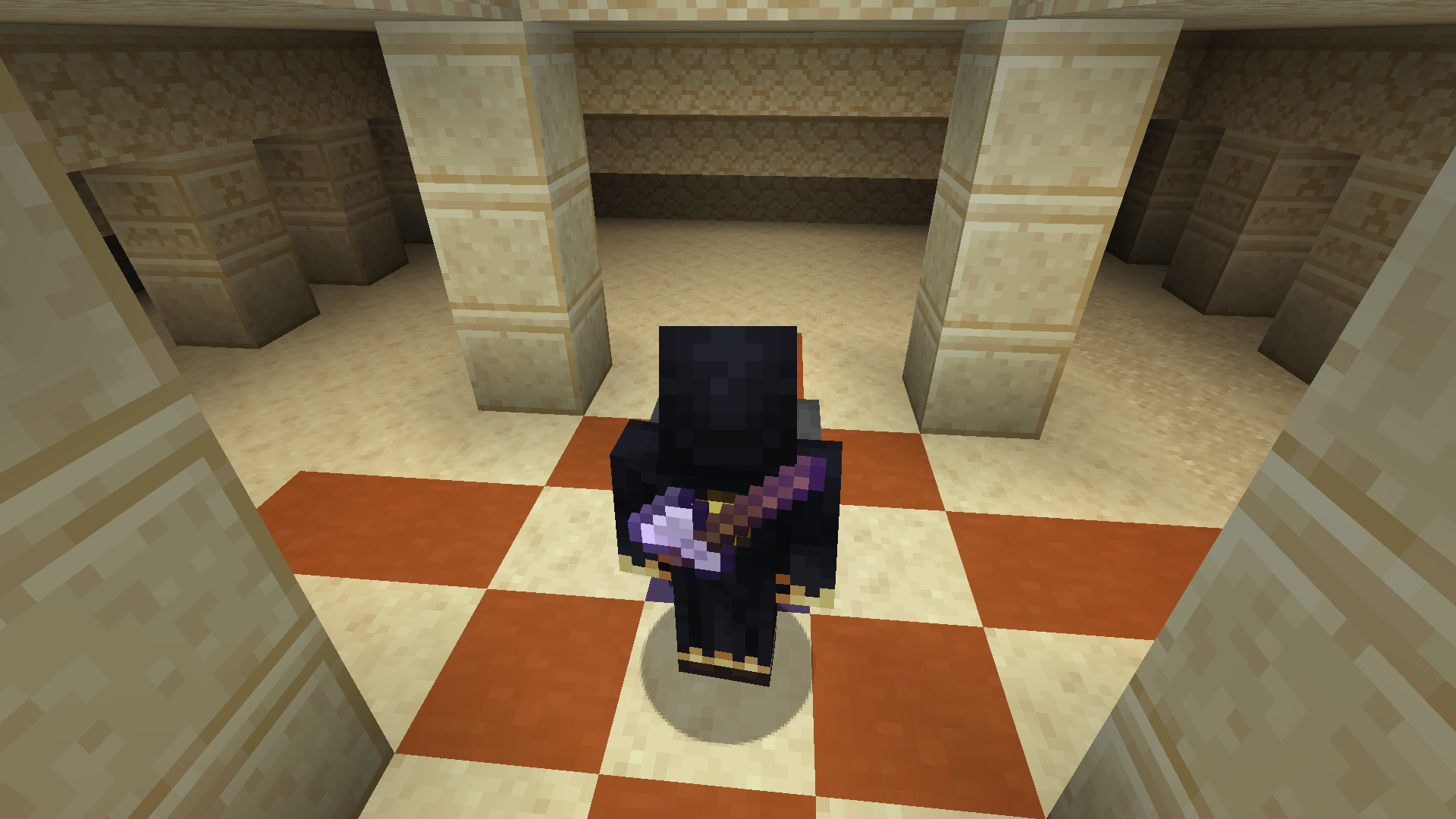
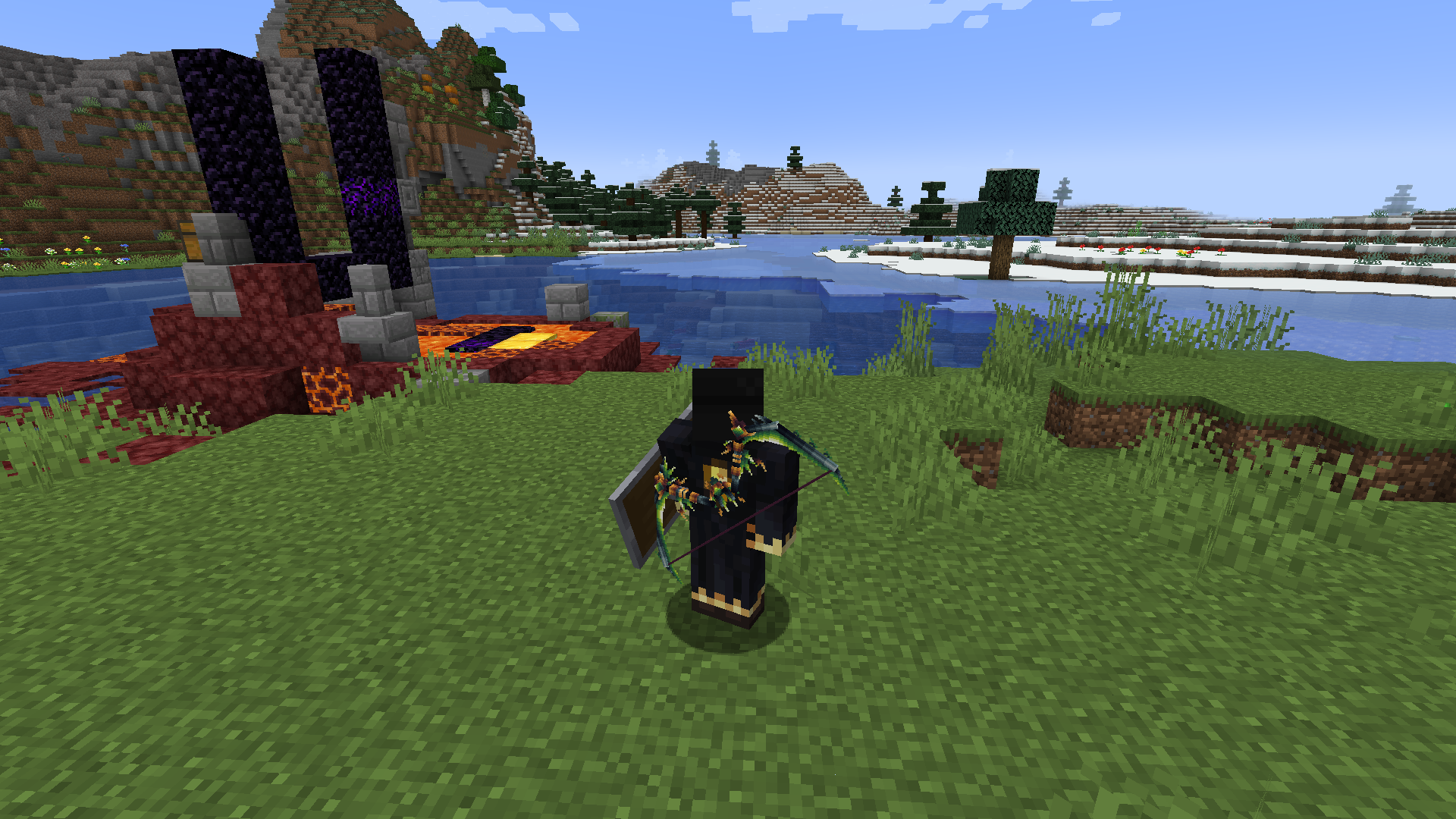
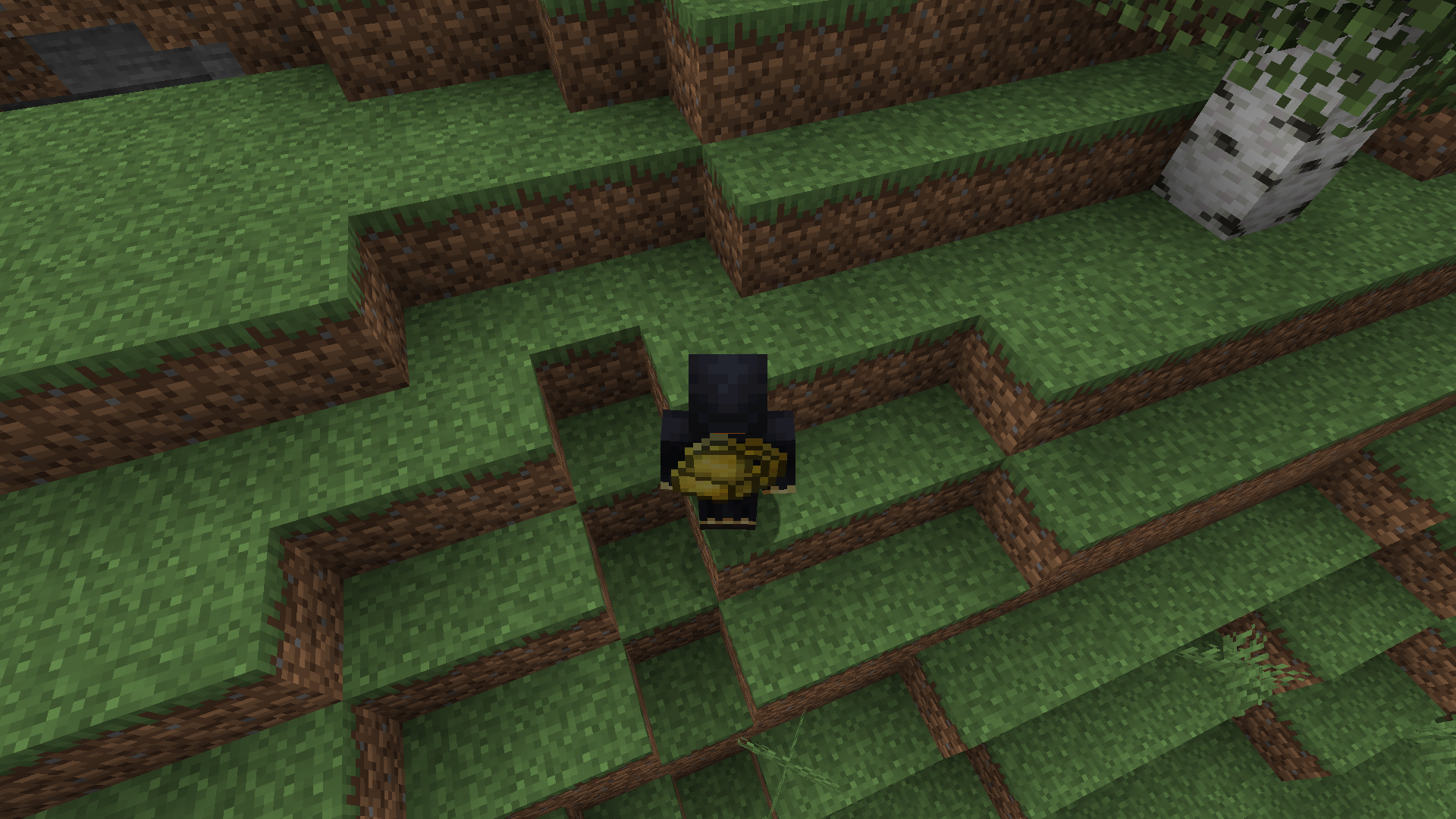
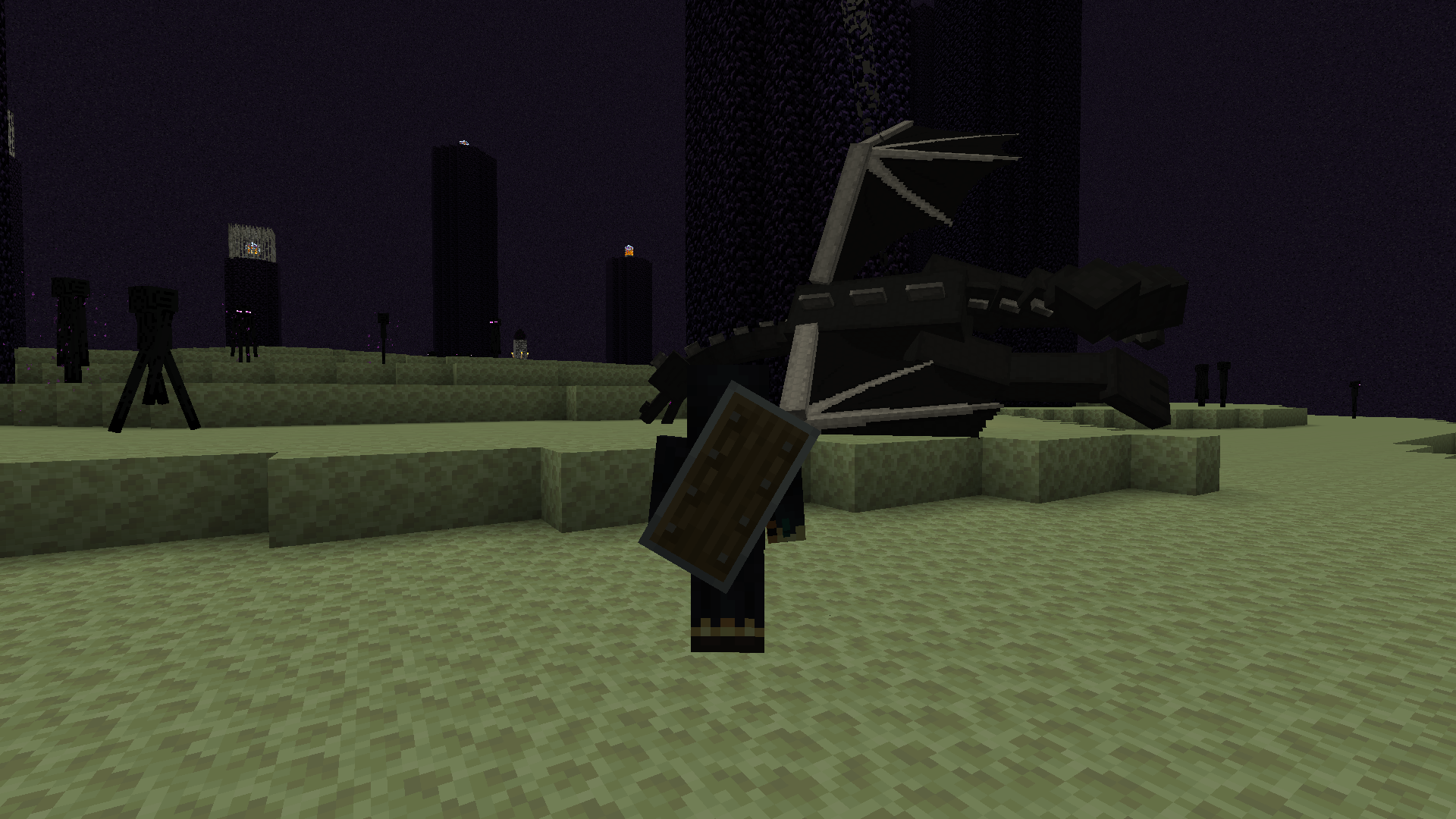
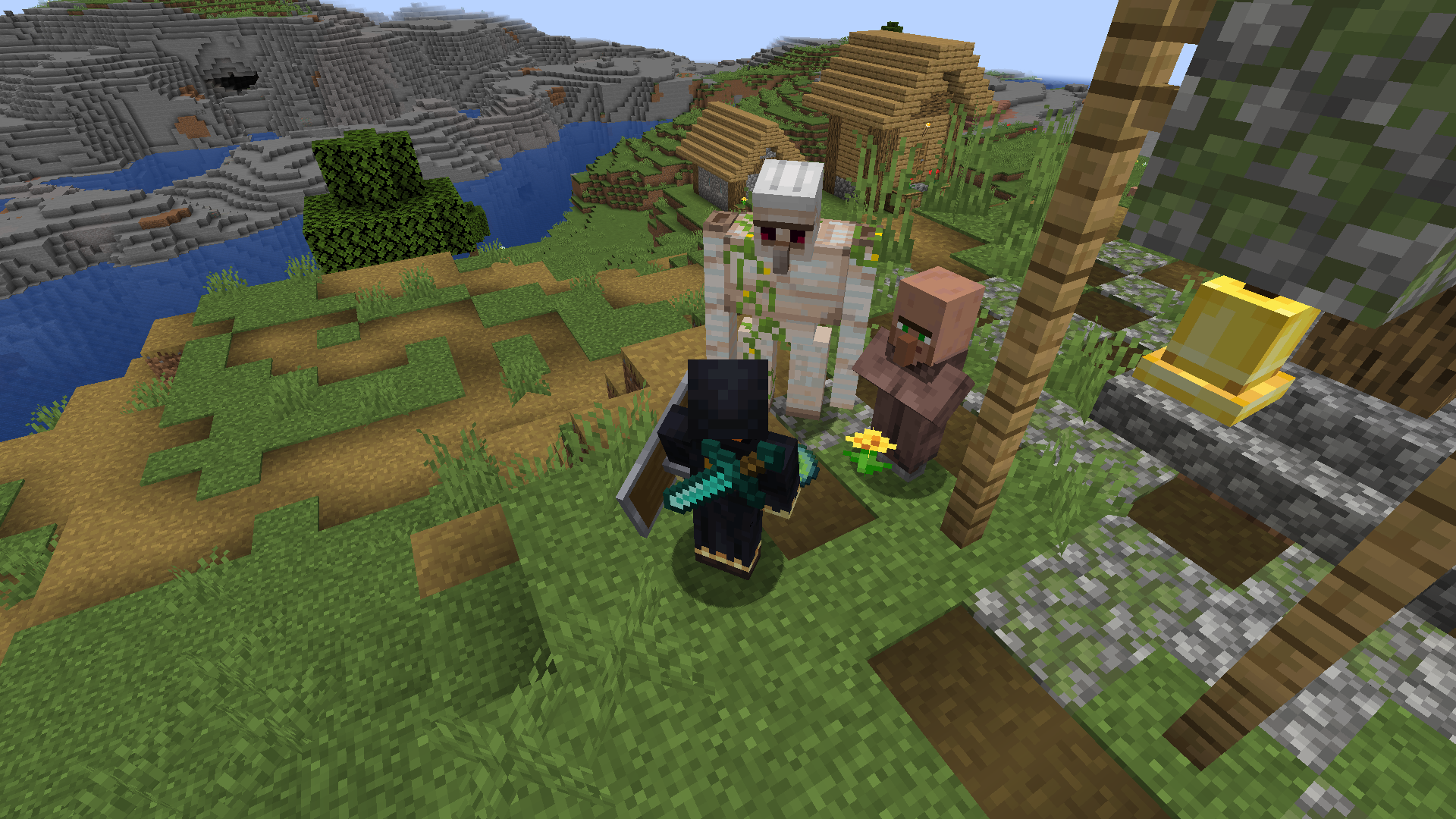
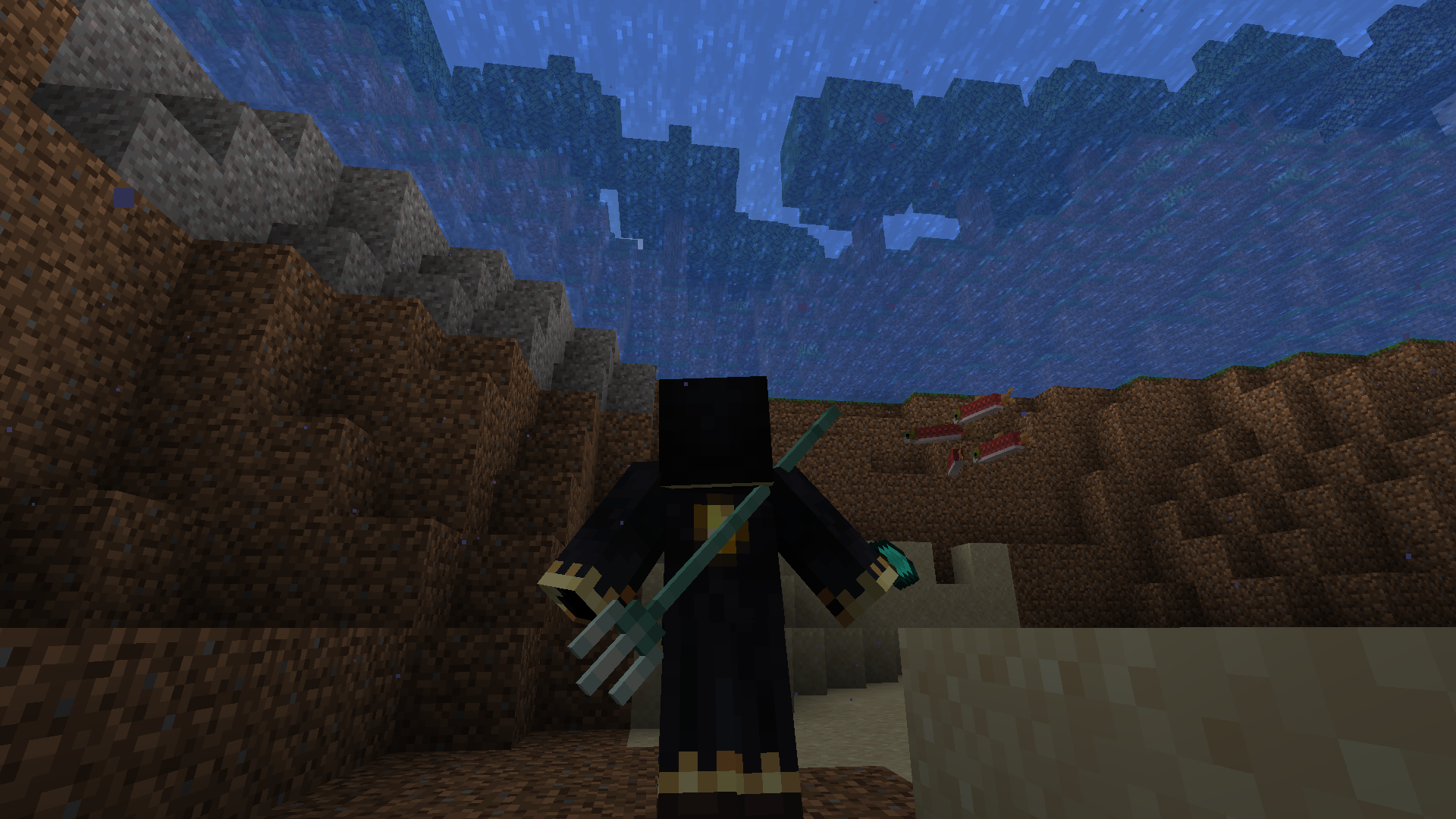
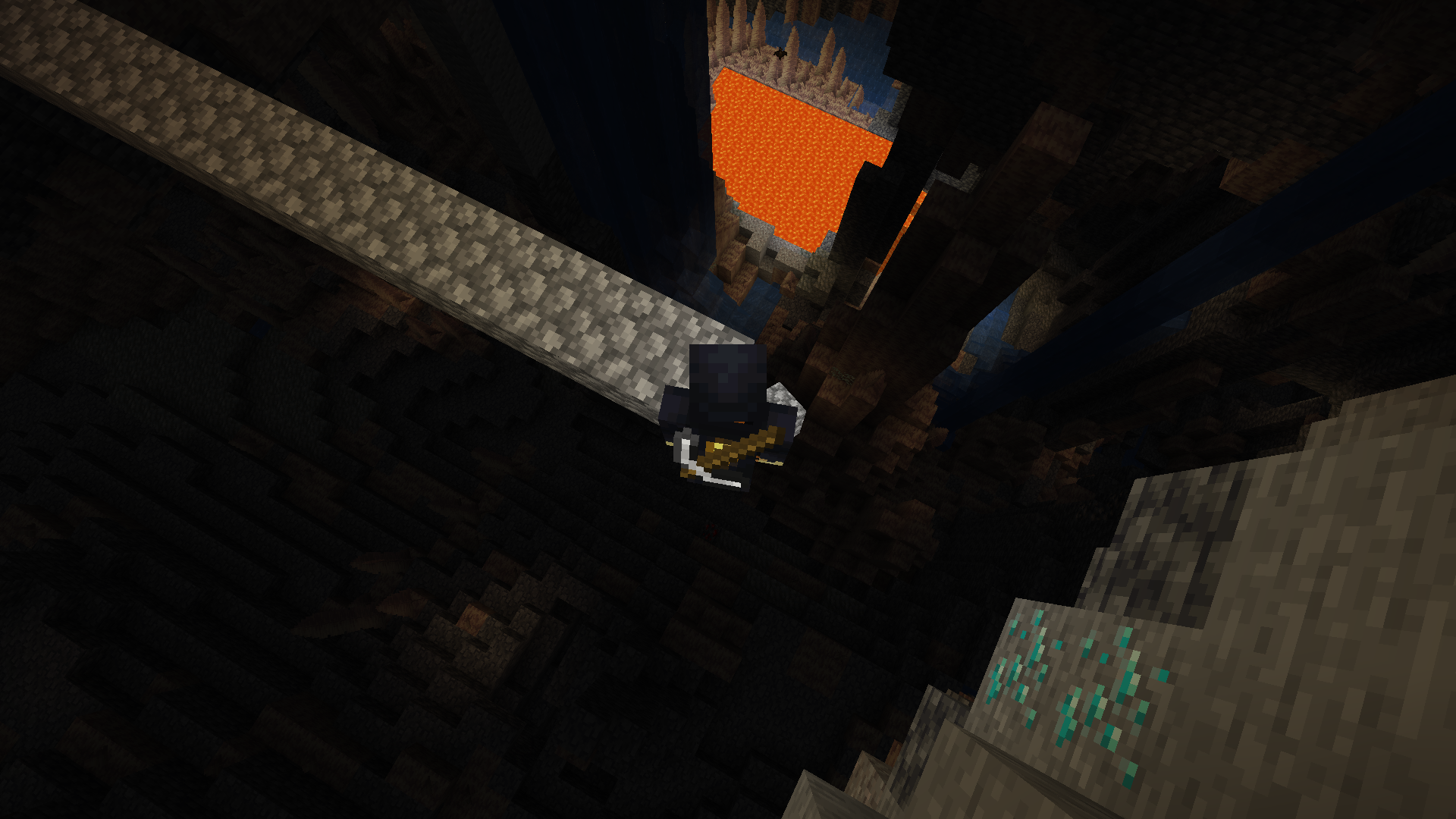
Highly customizable weapon back slots
Item render support custom transformations. Uses a Trinket back slot

Type “/backslot“ for config. It’s can be useful for items from other mods.
Example how to configure item render on the back
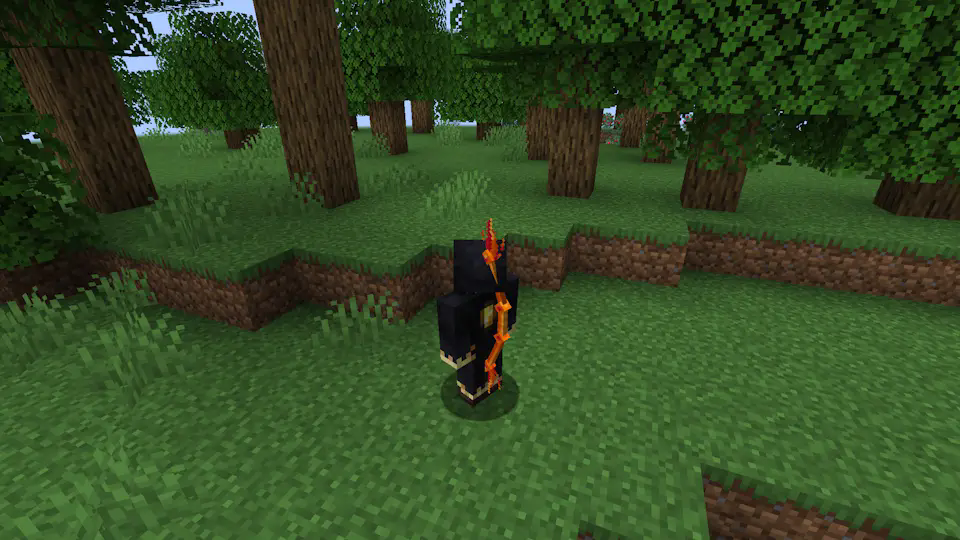
Pyre’s Embrace from Too many bows:
Default bow position:
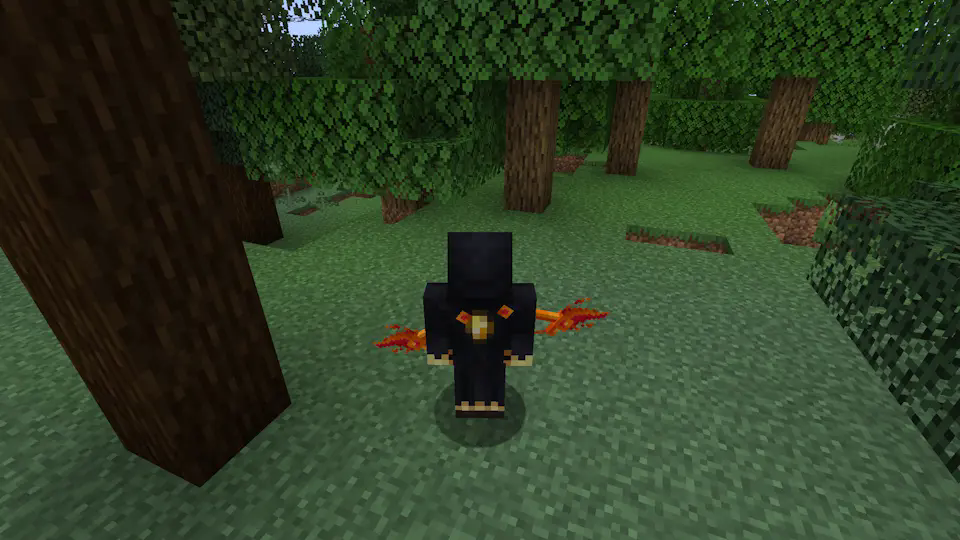
/backslot transform render RIGHT_HAND
/backslot transform rotation x 90
/backslot transform rotation x 250
/backslot transform rotation x 90
/backslot transform rotation y 240
/backslot transform position x 0.2

**Torchebearer** from **Too many bows**:
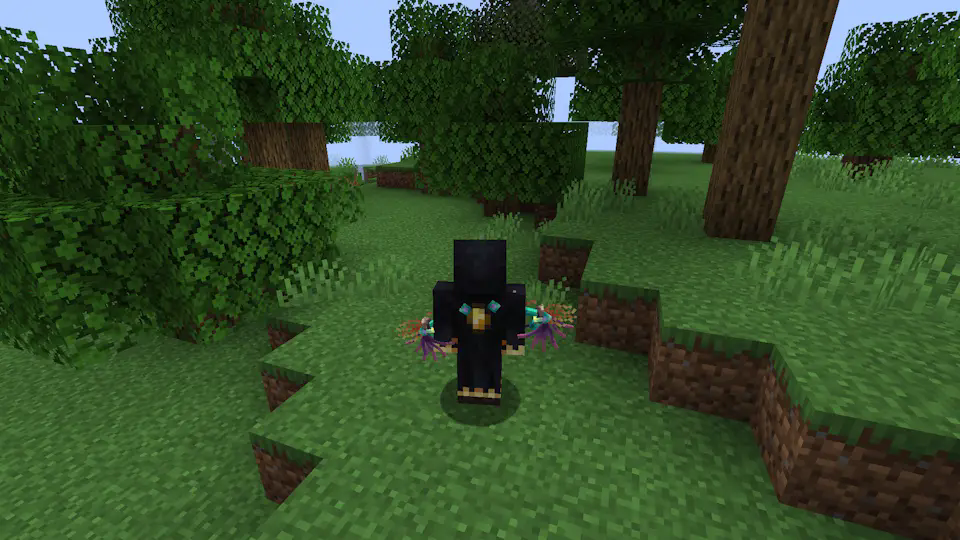
/backslot transform json {“item”:”too_many_bows:flame_bow”,”rotation”:{“x”:90.0,”y”:240.0,”z”:90.0},”translation”:{“x”:0.2,”y”:0.35,”z”:0.17},”scale”:{“x”:1.0,”y”:1.0,”z”:1.0},”mode”:”third_person_right_hand”,”enabled”:true}

Use ```/backslot save``` for save configuaration in config/flike/backslot.json
Use ```/backslot load``` for load configuaration from config/flike/backslot.json (It happens automatically on world loading)
</details>
<details>
<summary>Comparison with another BackSlot mod</summary>
My mod:

Another backslot mod (u can't fix it):
</details>
<details>
<summary>Compatibility</summary>
The only problem I'm aware of is double rendering of item from another mod.
It happens when another mod is using its own render for this item.
Use ```/backslot transform render FALSE``` to turn off my render for this item.
Example: backpack's from INMIS

/backslot transform render FALSE
/backslot save

Please report any other issues here: https://github.com/FlikeID/flikebackslot/issues
</details>
<details>
<summary>Changelog and plans:</summary>
**1.0: Initial version**
- Active trinecat slot
- Button bind to replace an item with an active slot
- Correct item render behind the back
- Commands for adjusting the position
**1.1: Translation update** <-- u are here
- Text translation (into Russian and English)
- Set Y position to 0.2, so items don't clip into armor
-
### Comming soon:
**2.0: GUI update**
- Change transformation via buttons (still wanna use chat, mod must be lightweight)
**3.0: NBT update**
- 4 config layers: Client<-World(Server)<-Player(NBT)<-Item(NBT), for additional customization.
**4.0: Belt update**
- I will add belt support with the ability to install a lantern.
</details>
<details>
<summary>FAQ (no one actually ask)</summary>
A: Item renders twice?
Q: It looks like some mod is using its own render for this item. Use ```/backslot transform render FALSE``` to turn off my render for this item.
-
A: Belt?
Q: I gonna make it later. With lantern support
-
A: Use in modpack?
Q: Yes, no problem or anything. Actually, I made this mod specifically for my modpack.
-
A: Fork?
Q: Use github for forking and no problem (as long as it is following LGPL-3.0)
-
A: Forge?
Q: Maybe...?
-
A: 1.21 and etc.?
Q: Maybe later..? I wanna make mod, that can be used in any version after 1.20.1
-
A: Donation?
Q: No thanks. U can say thx (if you find a way how)
</details>
常见问题
BackSlot by Flike 支持哪些 Minecraft 版本?
BackSlot by Flike 支持 Minecraft Java 版 1.20.1,可用的加载器:Fabric。下载时注意选择和你游戏版本一致的文件。
BackSlot by Flike 怎么安装?
先用 PCL2 或 HMCL 启动器安装对应版本的 Fabric,再把下载的 .jar 文件放进游戏目录的 mods 文件夹,重新启动游戏即可。开启了版本隔离的,mods 文件夹在 versions/版本名 下面。运行环境:客户端 / 服务端。
评论
登录后评论和评分