
filterlab
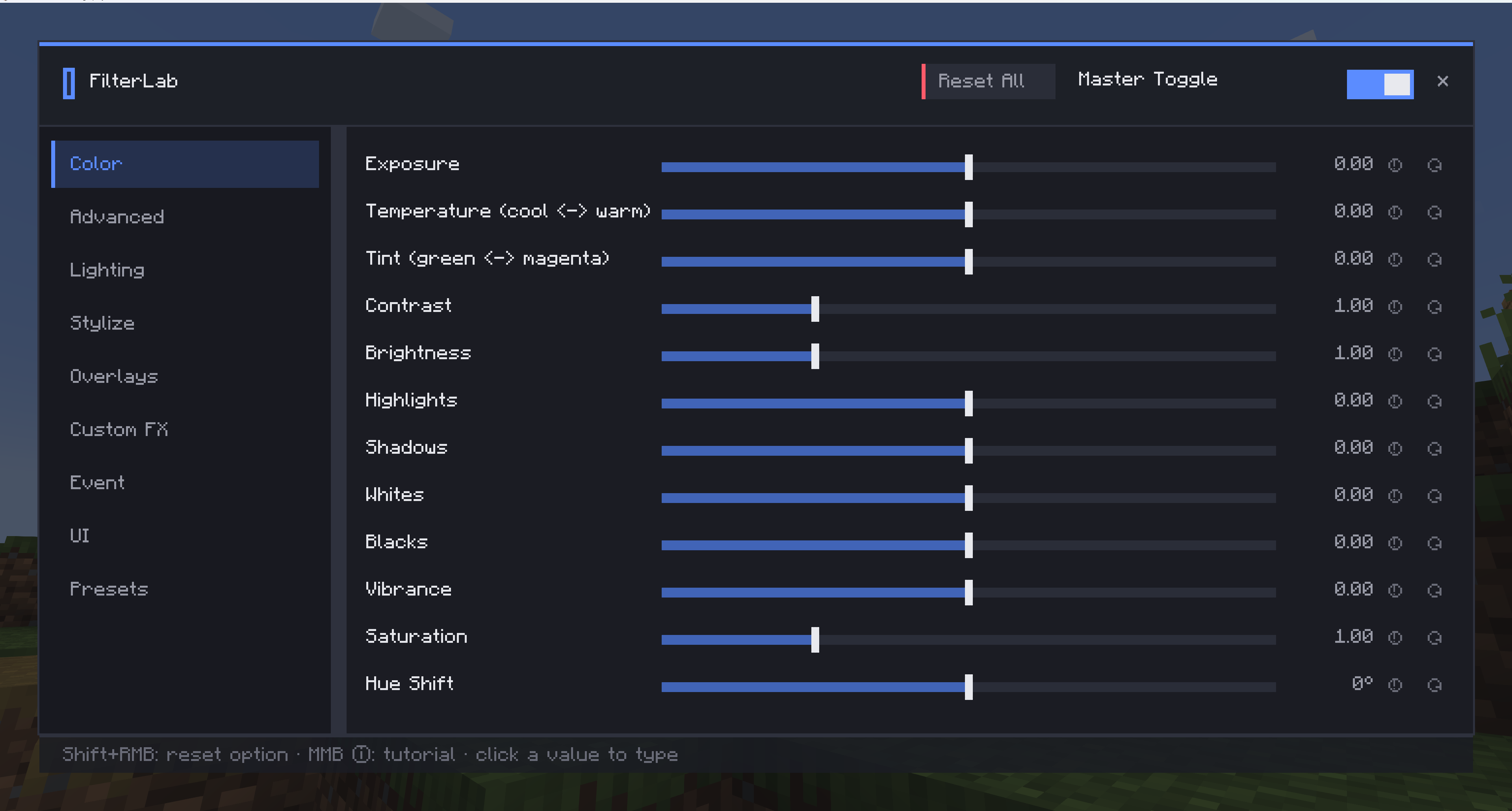
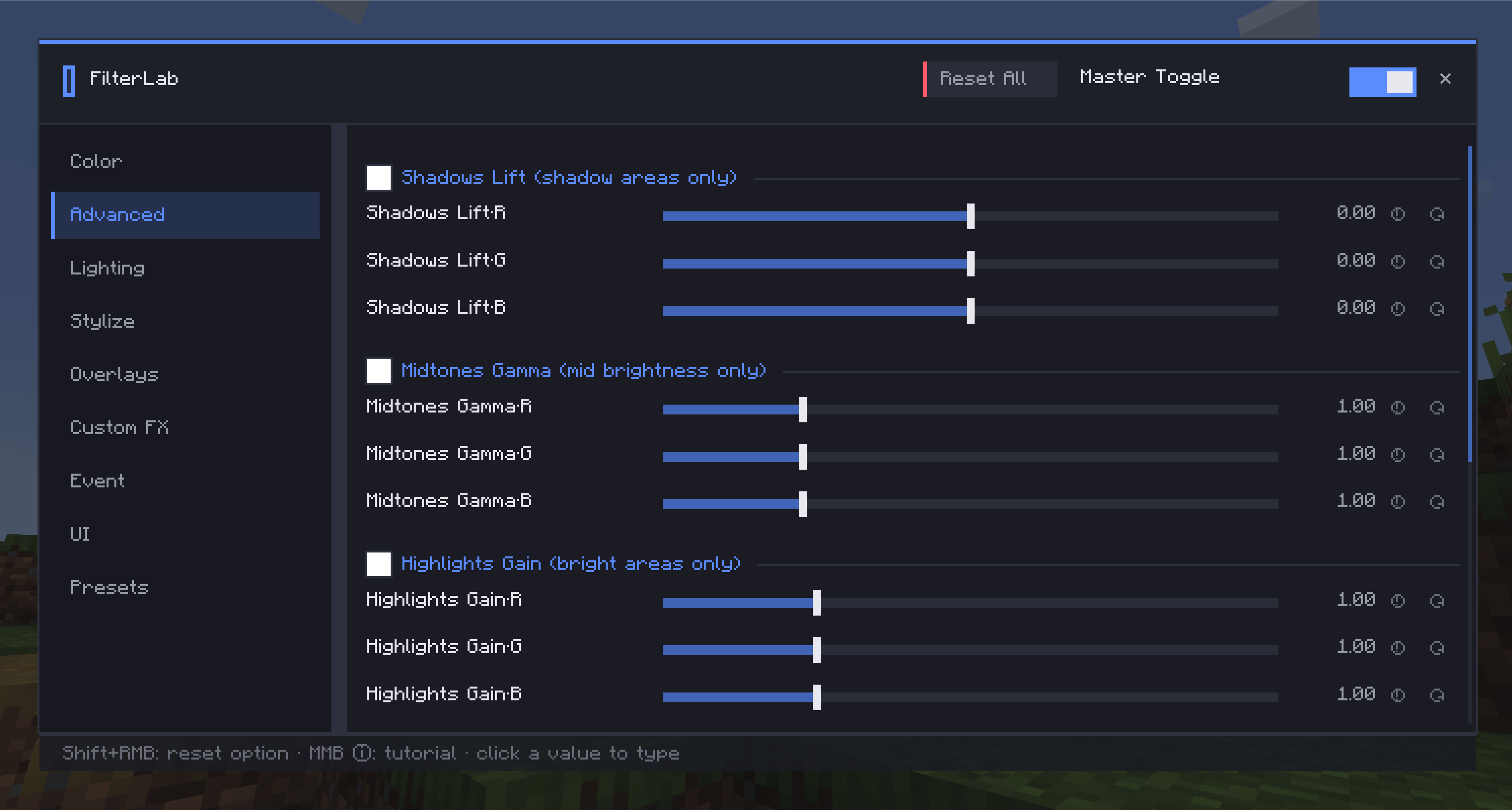
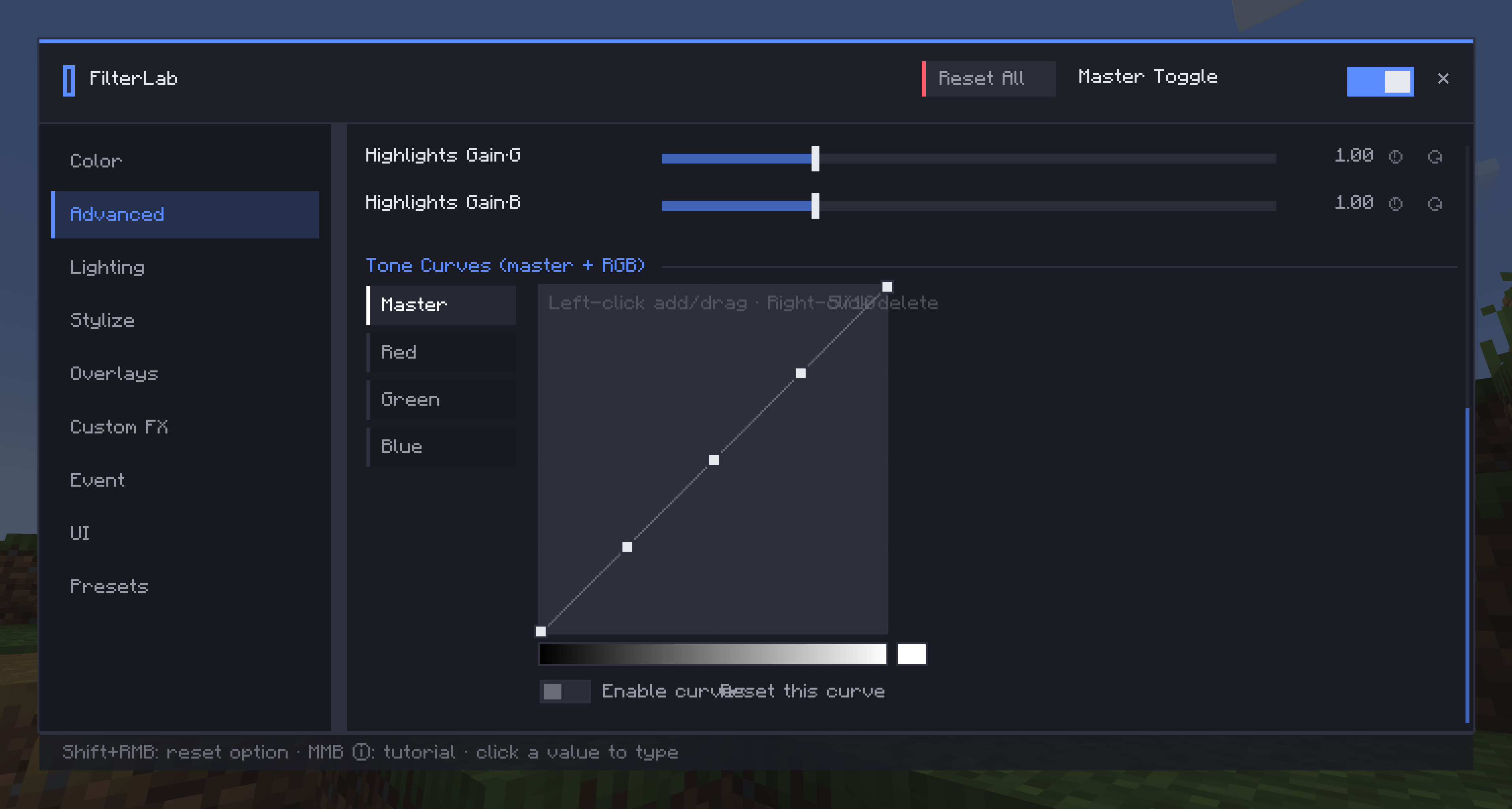
Apply real-time post-processing filters to your game: color grading, bloom, vignette, film looks, video overlays, presets and event triggers. Client-side, works alongside Iris shaders.
截图
介绍
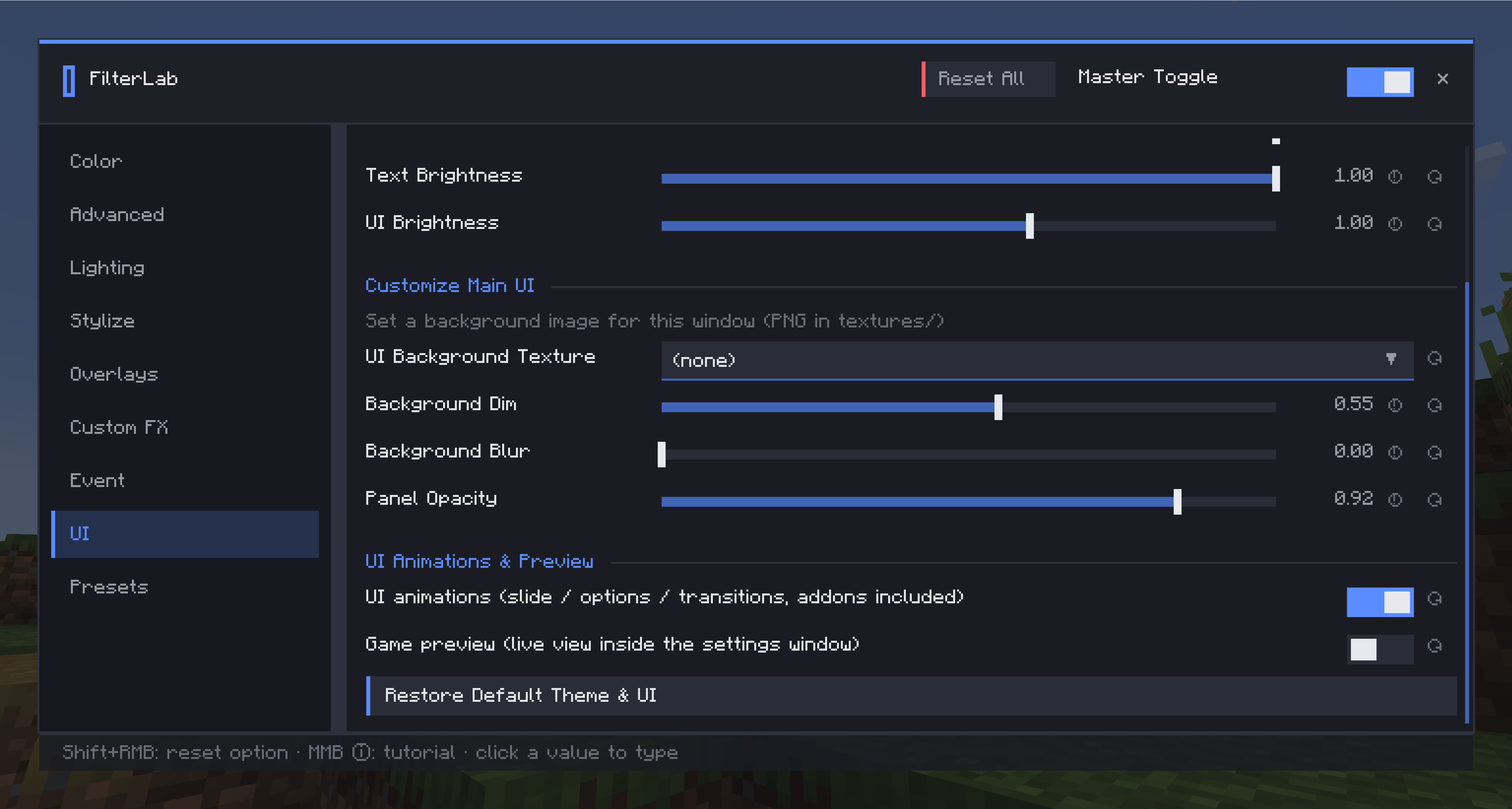
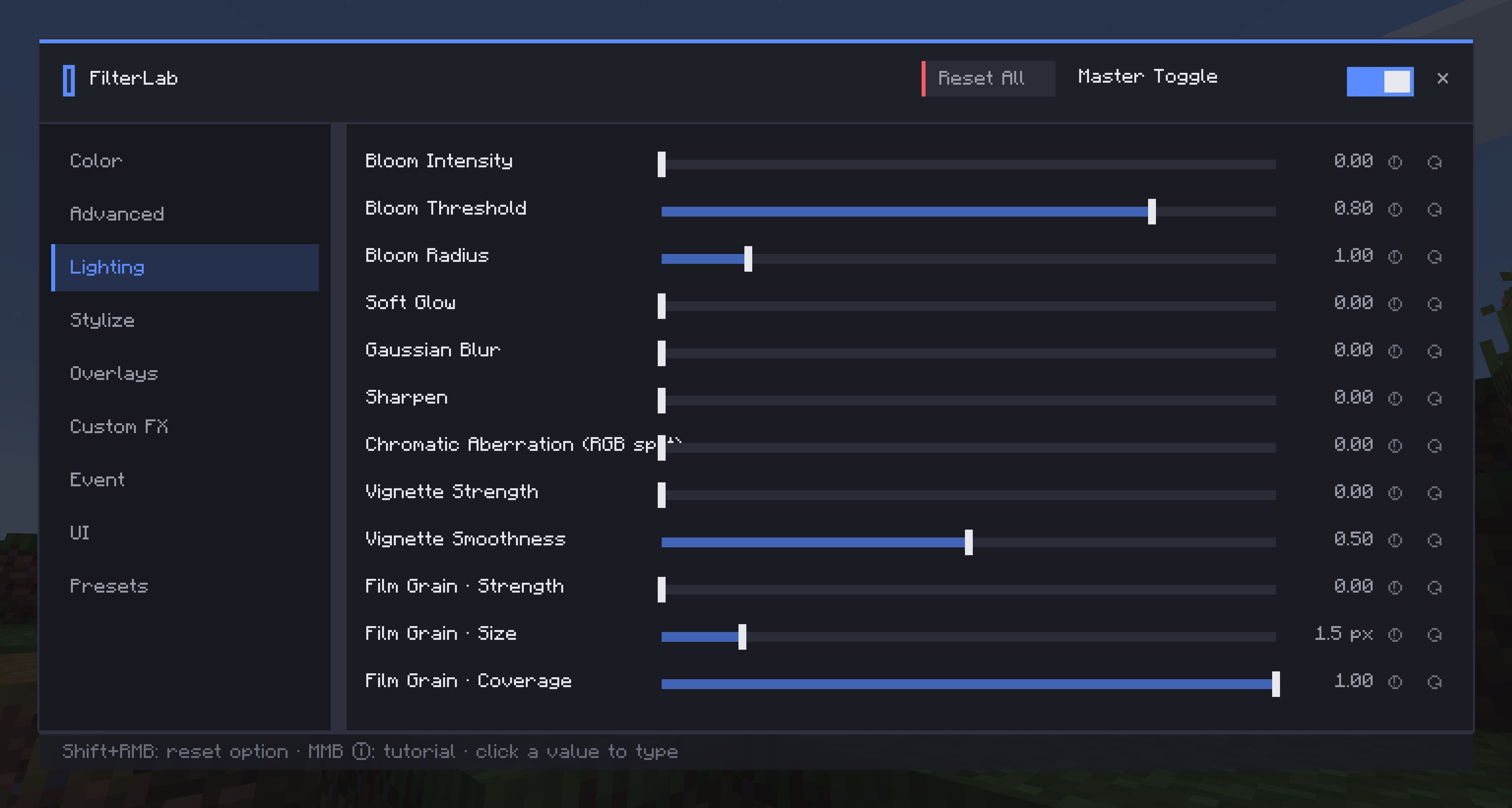
FilterLab is a client-side mod that applies real-time post-processing filters to your game — no resource packs or shader packs needed. ## Features – Live filter stack — color grading (lift–gamma–gain), multi-pass bloom, vignette, one-click looks like Dreamcore, all adjustable in real time from a modern GUI – Image & video overlays — play PNG textures or imported videos as animated overlays – Presets — save and share your looks; files are portable between players – Hotkeys & commands — K toggles all filters, /filterlab on|off|preset|trigger ( – Optional addons — Studio: build custom effects in a visual node editor; Triggers: fire filters on game events (low health, biomes, jumping, custom conditions). Creations run with only the main mod installed ## Compatibility Client-side only (servers don’t need it) and fully compatible with Iris shader packs. Available for 1.21.1 (Fabric / NeoForge) and 1.20.1 (Fabric / Forge)
常见问题
filterlab 支持哪些 Minecraft 版本?
filterlab 支持 Minecraft Java 版 1.20.1–1.21.1,共 2 个版本,可用的加载器:Fabric / Forge / NeoForge。下载时注意选择和你游戏版本一致的文件。
filterlab 怎么安装?
先用 PCL2 或 HMCL 启动器安装对应版本的 Fabric / Forge / NeoForge,再把下载的 .jar 文件放进游戏目录的 mods 文件夹,重新启动游戏即可。开启了版本隔离的,mods 文件夹在 versions/版本名 下面。运行环境:仅客户端。
评论
登录后评论和评分