
From the Fog Reimagined
A vanilla friendly Minecraft horror modpack inspired by Calvin, featuring the original From The Fog mod, custom tweaks, and a carefully curated selection of mods.
截图
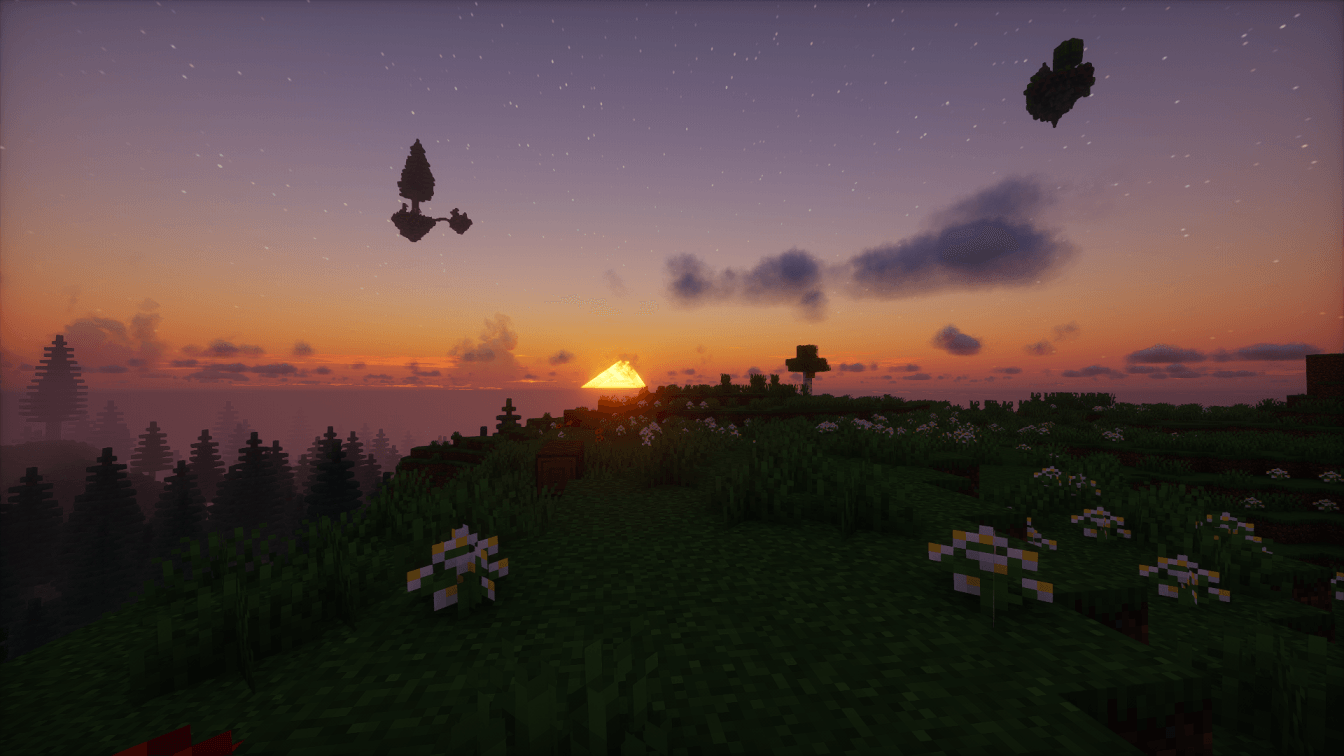
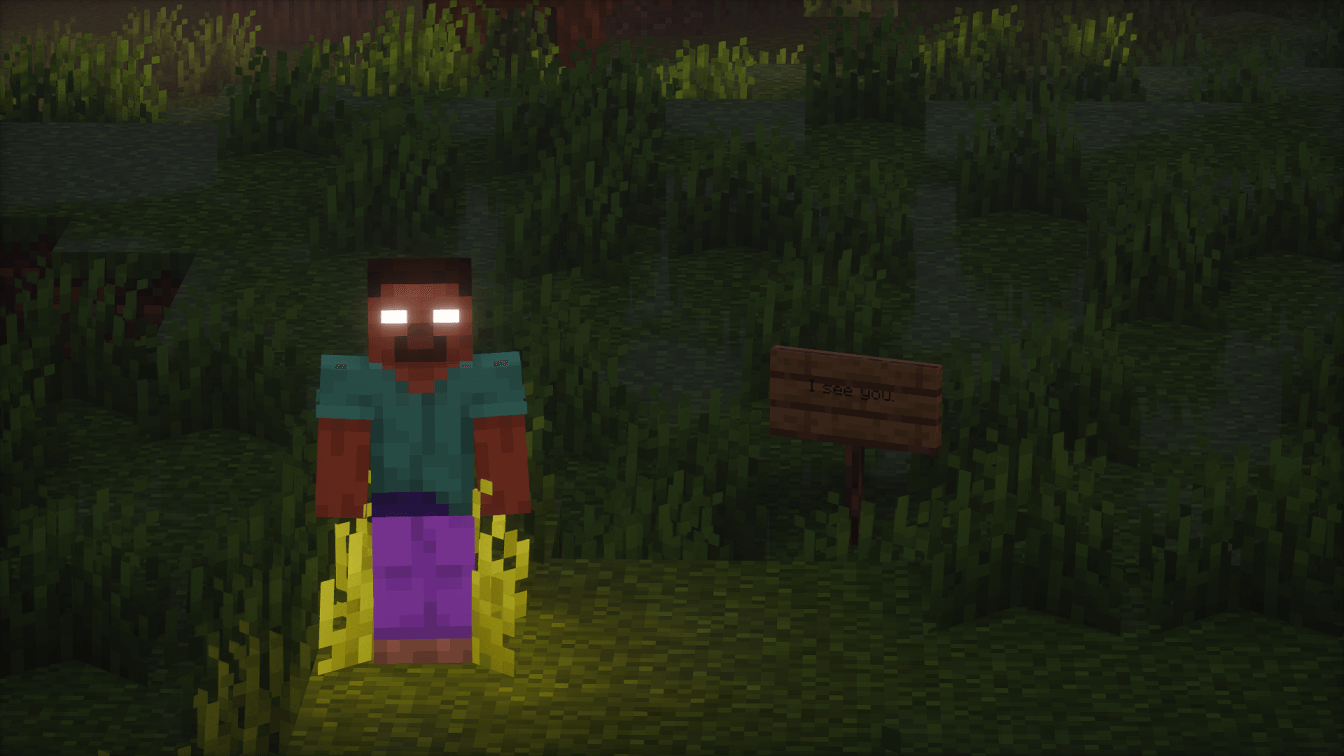
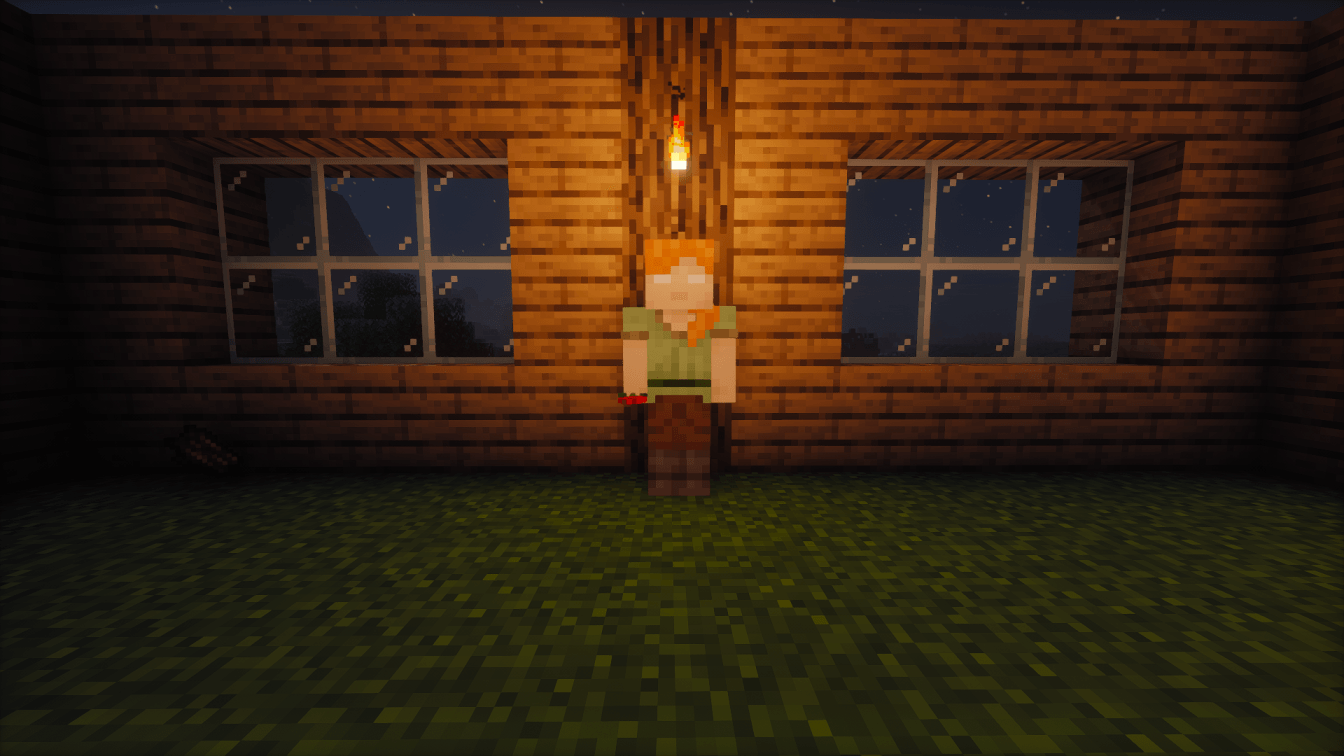
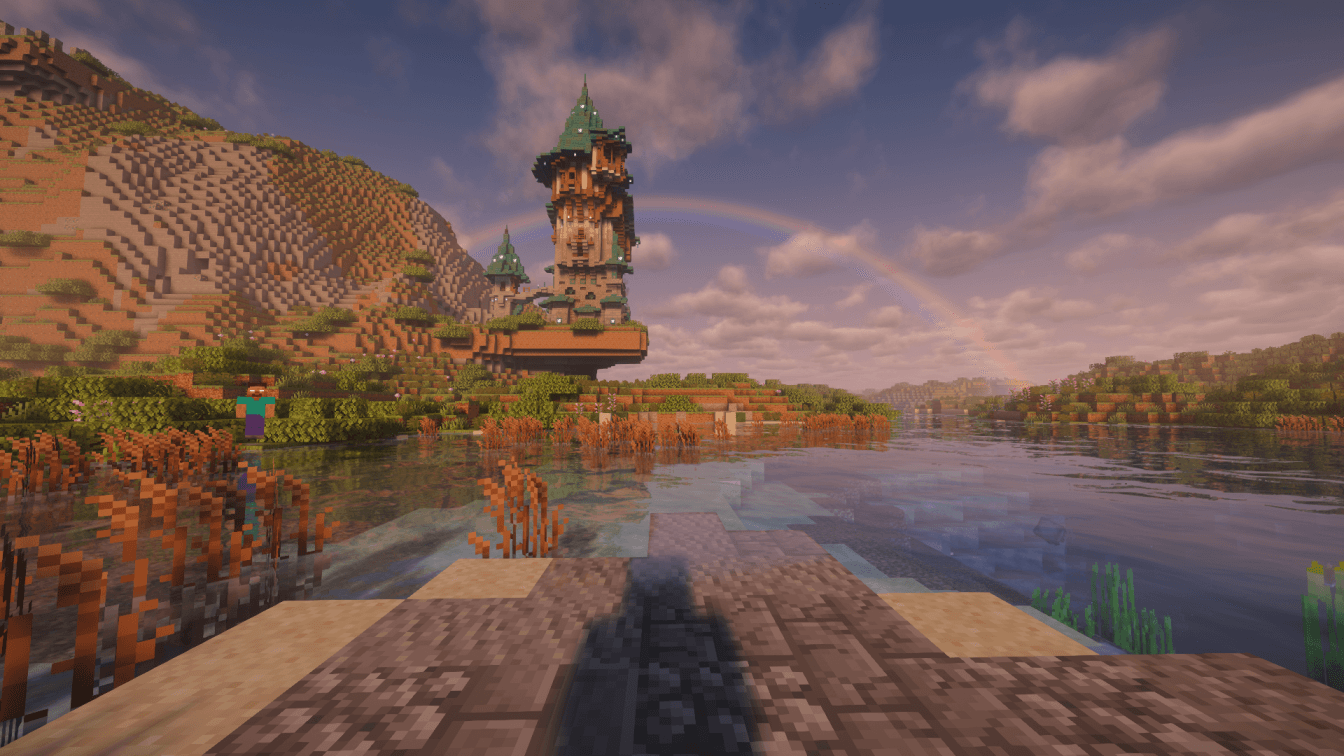


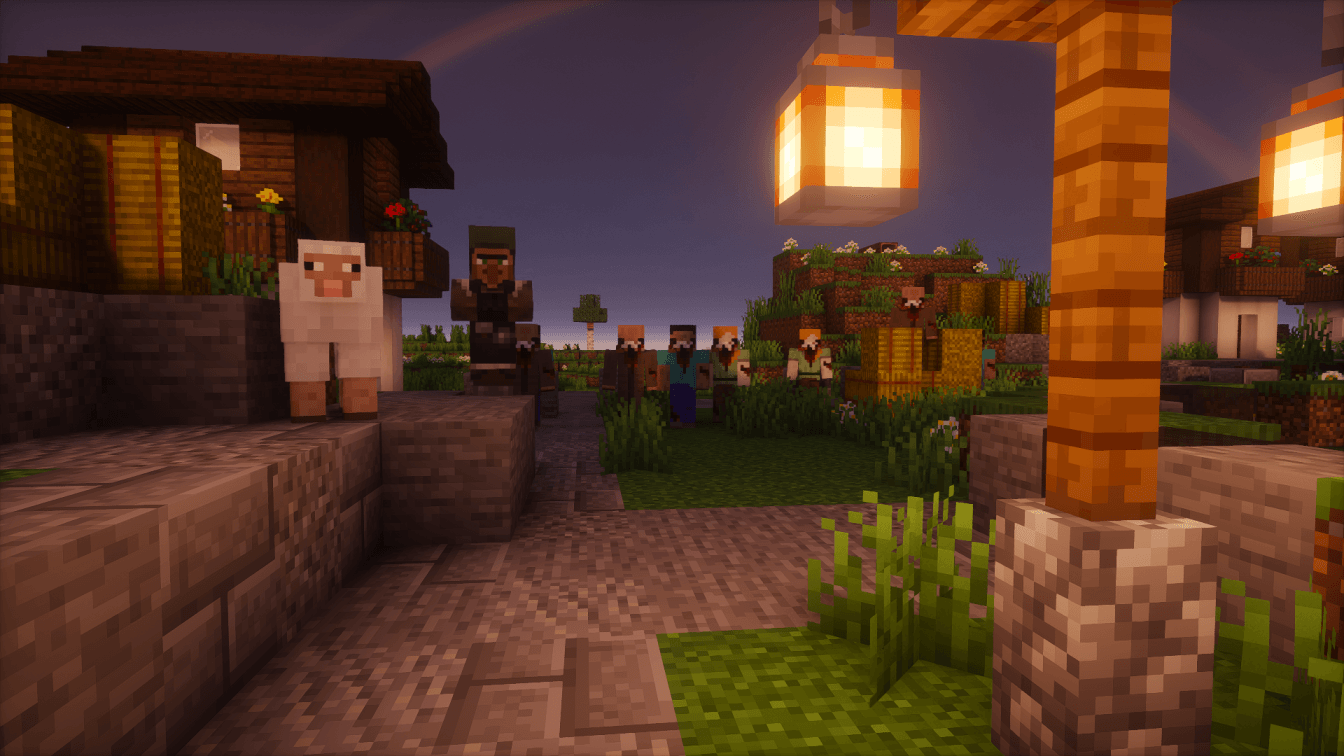
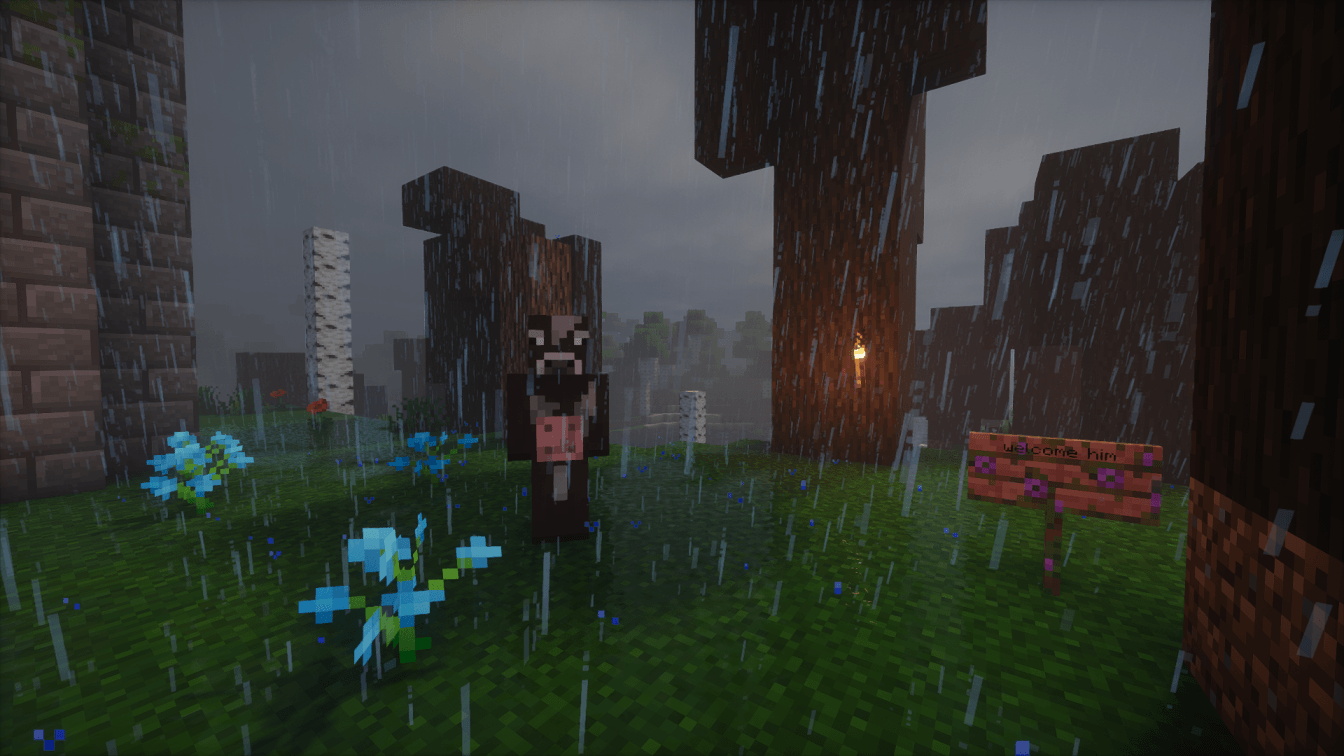


介绍
FROM THE FOG – Reimagined!
The horror experience, inspired by Calvin and other Minecraft horror creators.
Original From The Fog mod by LunarEclipseStudios. This modpack builds on that experience with a carefully curated selection of mods and custom tweaks.
Main Horror Mods and Credits:-
- HORROR – Psychological Horror Messages (no dweller) — kamussy
- The End of Herobrine — lgow
- GoatMan — Llamii_Llama
- The Knocker — M_Productions
- Cave Horror Sounds — PhantomForgeStudios
- Who’s There?: Ghost Players — Sombrius
- From The Caves — mininotprime
- Eyes in the Darkness — gigaherz
- The Other Alex — MoemenSuper
- True Darkness [Forge] – Updated Fork — dylanjkl
- From The Fog — LunarEclipseStudios
- The Man From The Fog — M_Productions
- Nyctophobia (Forge) — LithiumPlus
- In Your World — EBALIA
- Whispering Spirits — locallupo
- Better Cave Dweller — 8bitmika
- The Graveyard (Forge) — LithiumPlus
- Horror Elements mod — predator97427fr
- The Midnight Lurker — Voxla
- Server-Side Horror — Mars
- The Anomaly — clorobored
- The One Who Watches — Pixel_Coder
We wanted to keep the game as close to vanilla Minecraft as possible.
Something’s out there, and it’s watching.
Strange figures may appear in the distance, strange sounds can come from the woods, and you’ll catch something watching you when you least expect it. Not everything will chase you, and not every encounter will make sense. That’s part of the fun.
Goals
There’s no single goal in the modpack, and that’s intentional! I wanted to keep it vanilla-friendly, so you can play however you like. Want to survive 100 days in Hardcore? Go for it. Want to summon and defeat Herobrine, hunt down every horror mob, and then defeat the Ender Dragon? That’s another challenge entirely.
Want to play From The Fog Reimagined with friends? Get your server set up with our recommended hosting provider and jump straight into the horror!

Notes
- Do not use OptiFine.
- Please launch through CurseForge and sign in with Microsoft when starting CurseForge for the first time.
- At least 6 GB of RAM is required. Allocate 6144 MB in the profile settings.
- If you’re experiencing lag, make sure Minecraft is using your dedicated GPU instead of the integrated one. Follow this tutorial: YouTube.
- For servers: BisectHosting is recommended for easier setup and fewer issues.
- Allocate at least 6 GB of RAM to the server and adjust based on your player count.
- If a server reports an incompatible mod list or FML version, try joining anyway.
- Press R to reload shaders if you encounter a black screen.
- The game or server may occasionally crash due to the unstable behaviour of some mods. If this happens, try relaunching the game or restarting the server.
- The “nbt is null” issue may be fixed by relaunching the game or restarting the server.
- Contains loud and disturbing sounds, flashing jumpscares, and disturbing PNG jumpscares.
Guide
- Launch through CurseForge and sign in with Microsoft the first time you start CurseForge.
- If you have a black screen, press R to reload shaders, or exit/disconnect from the game or server and reconnect.
- To reapply shaders, open Video Settings, then Oculus, and choose your preferred shader. Please note that not all shaders are supported.
- If you experience network connection failures or random disconnections, try restarting your server.
- If your server crashes, restart it and check whether the issue persists. If it does, join our Discord server and share your logs. Instructions are in the guides channel.
How to update modpack:
How to rent a server at BisectHosting:
Installation Guide
CurseForge Installation
- Download and install the CurseForge launcher if you haven’t already.
- Open CurseForge and select Open with CurseForge then sign in with Microsoft on first launch.
- Search for FROM THE FOG in the CurseForge modpacks section.
- Click Install to download and set up the modpack.
Launching the Modpack
- Select FROM THE FOG from your modpack list.
- Adjust allocated RAM in the launcher settings.
- Click Play to begin.
Troubleshooting Guidelines
1. Crashes and Performance
- Allocate sufficient RAM through the launcher settings.
- Use the Java version required by the modpack.
- Disable shaders or reduce render distance if performance is an issue.
2. Feedback and Support
- Join our Discord community to report bugs and to get support.
- Provide feedback on the CurseForge modpack comment page.
- Alternatively, email your logs and questions to [email protected].

Featured Playlist: CaseOh
Ready to play From the Fog with friends, or looking for a way to support the development of the modpack? BisectHosting has you covered for your server needs. As a new customer, use RM25 to save 25% on your first month of any gaming server. With 24/7 support, you can enjoy a seamless hosting experience.
评论
登录后评论和评分