
截图

介绍
中文介绍正在准备中,下面暂时显示原文。
This mod was made during the MMD WinterJam 2019!
Functionality
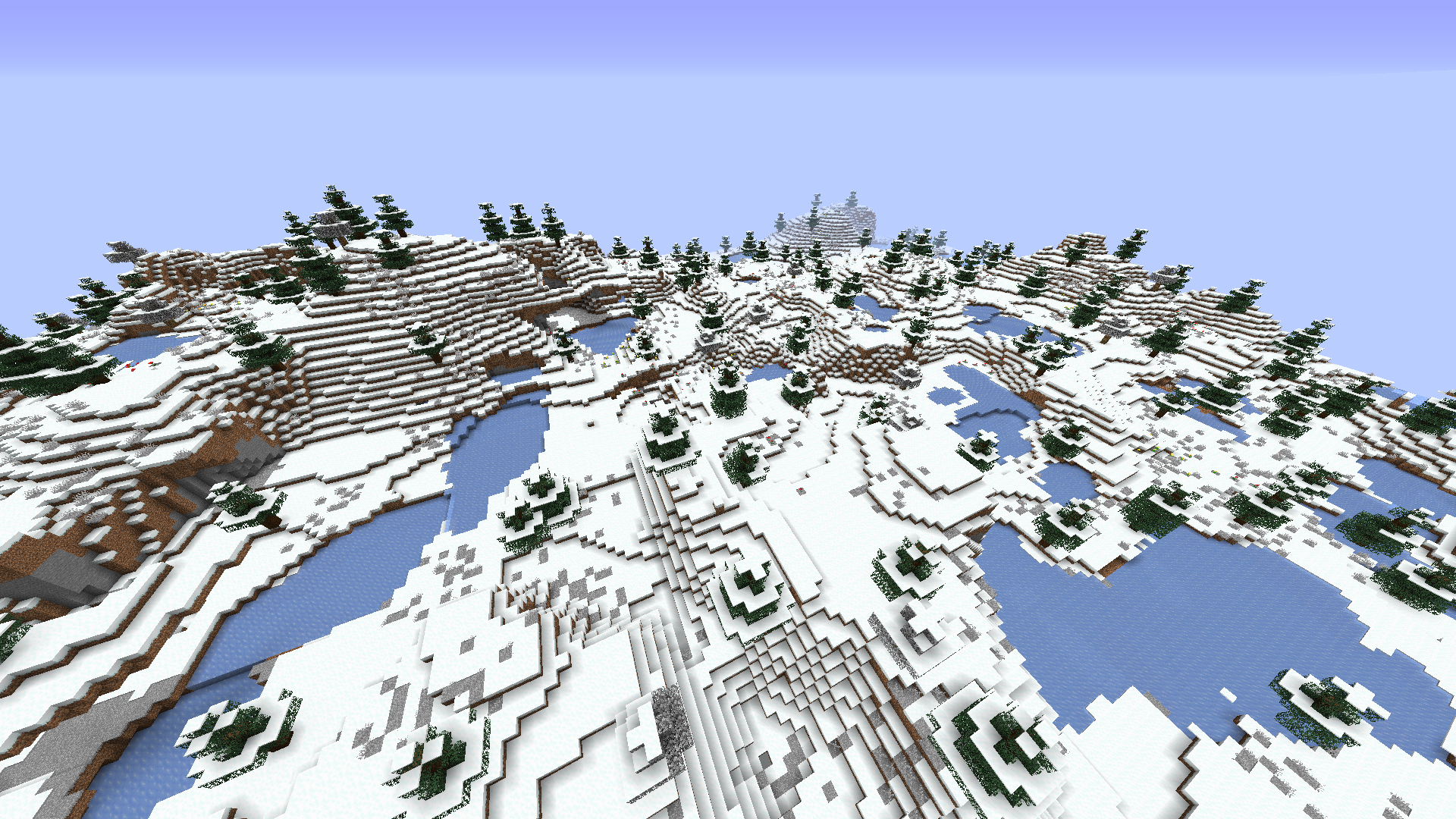
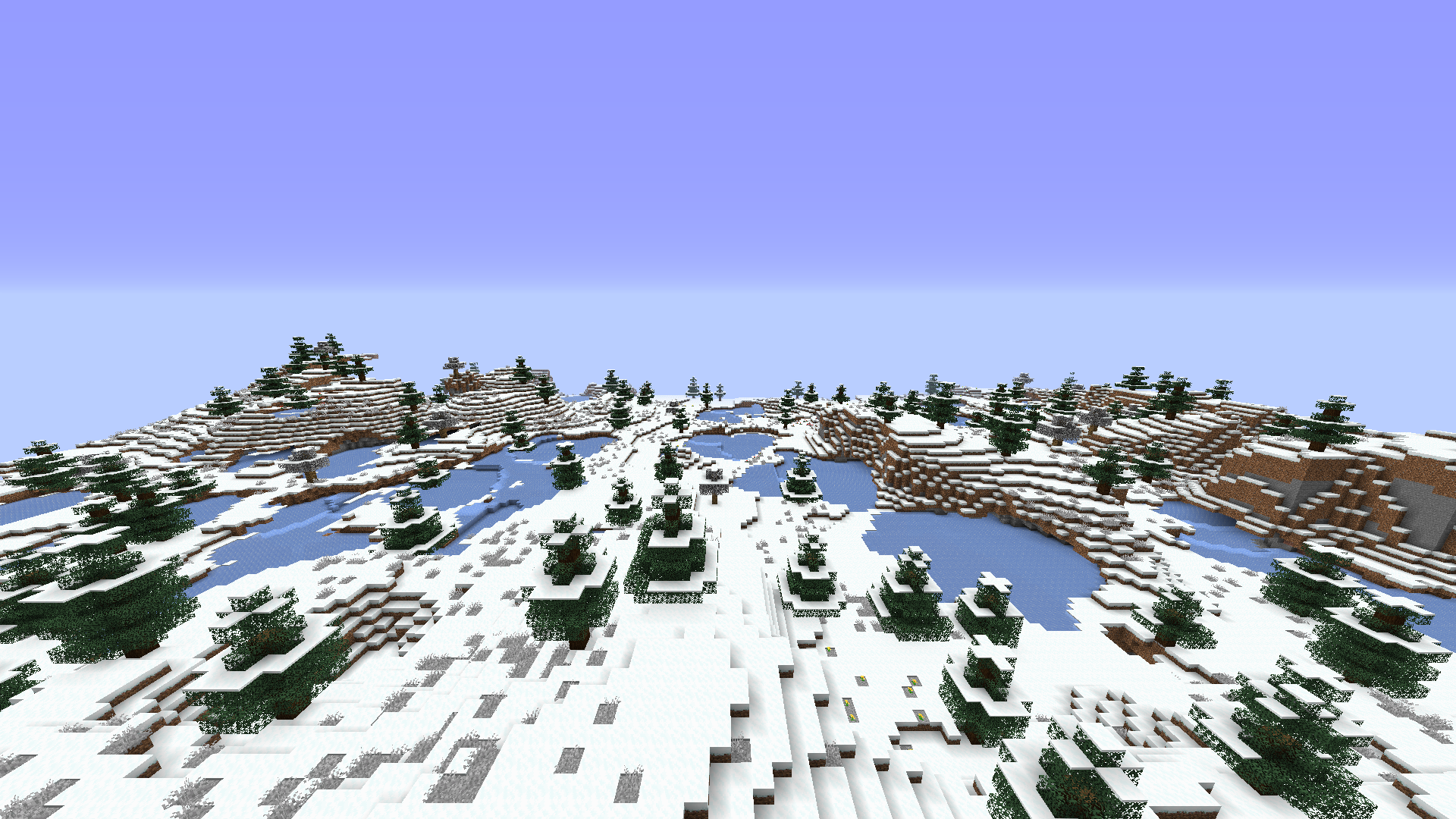
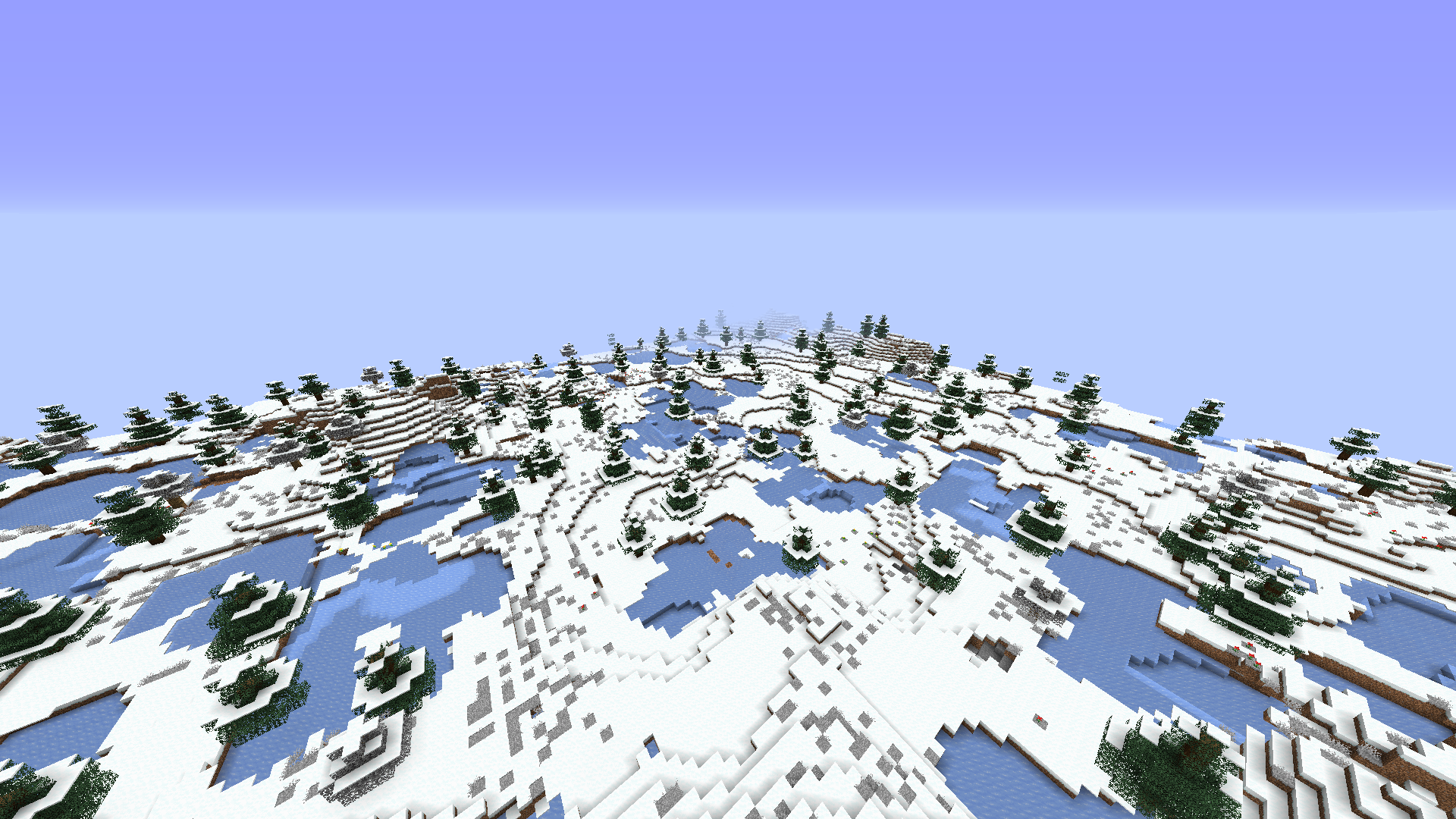
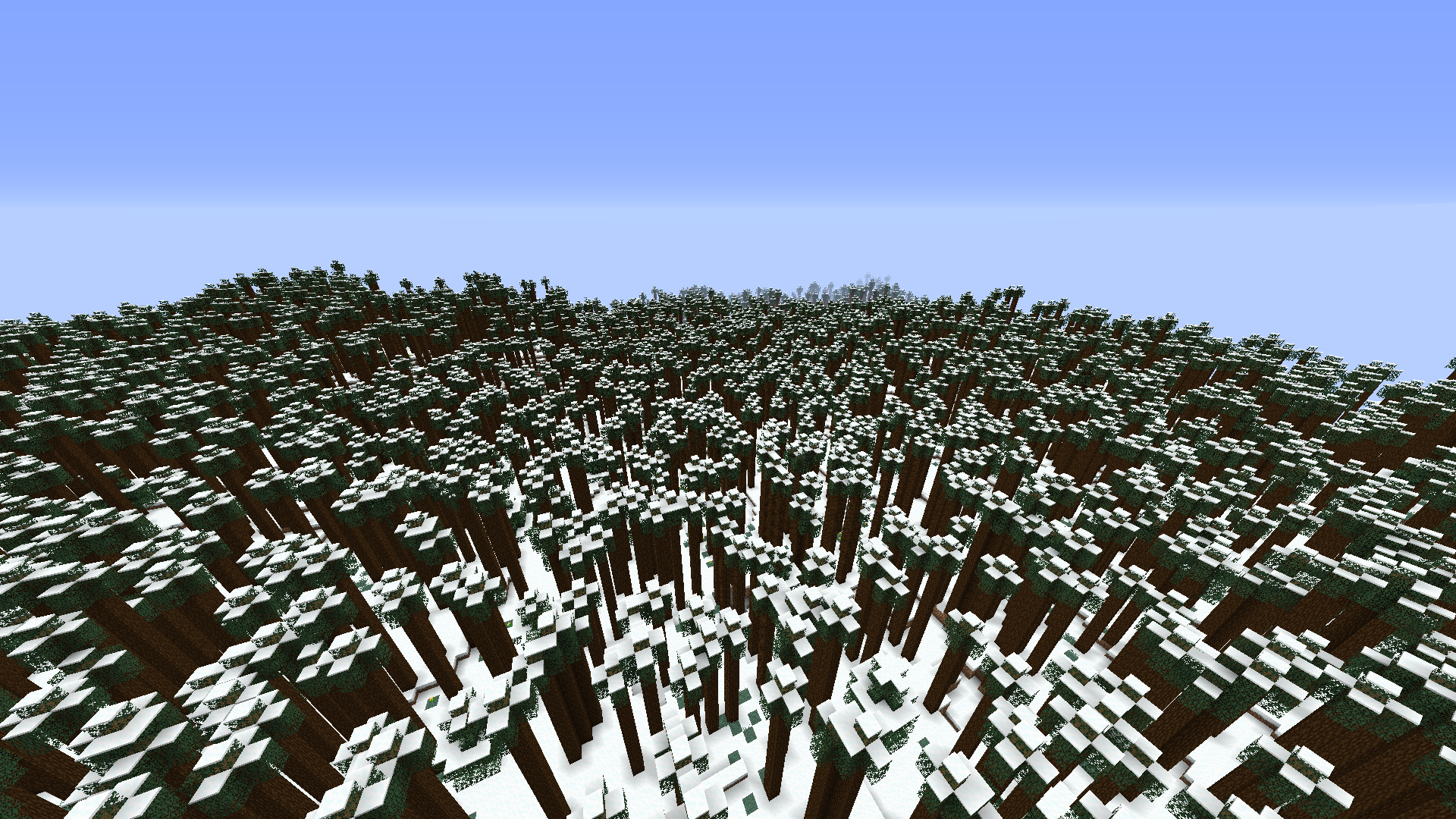
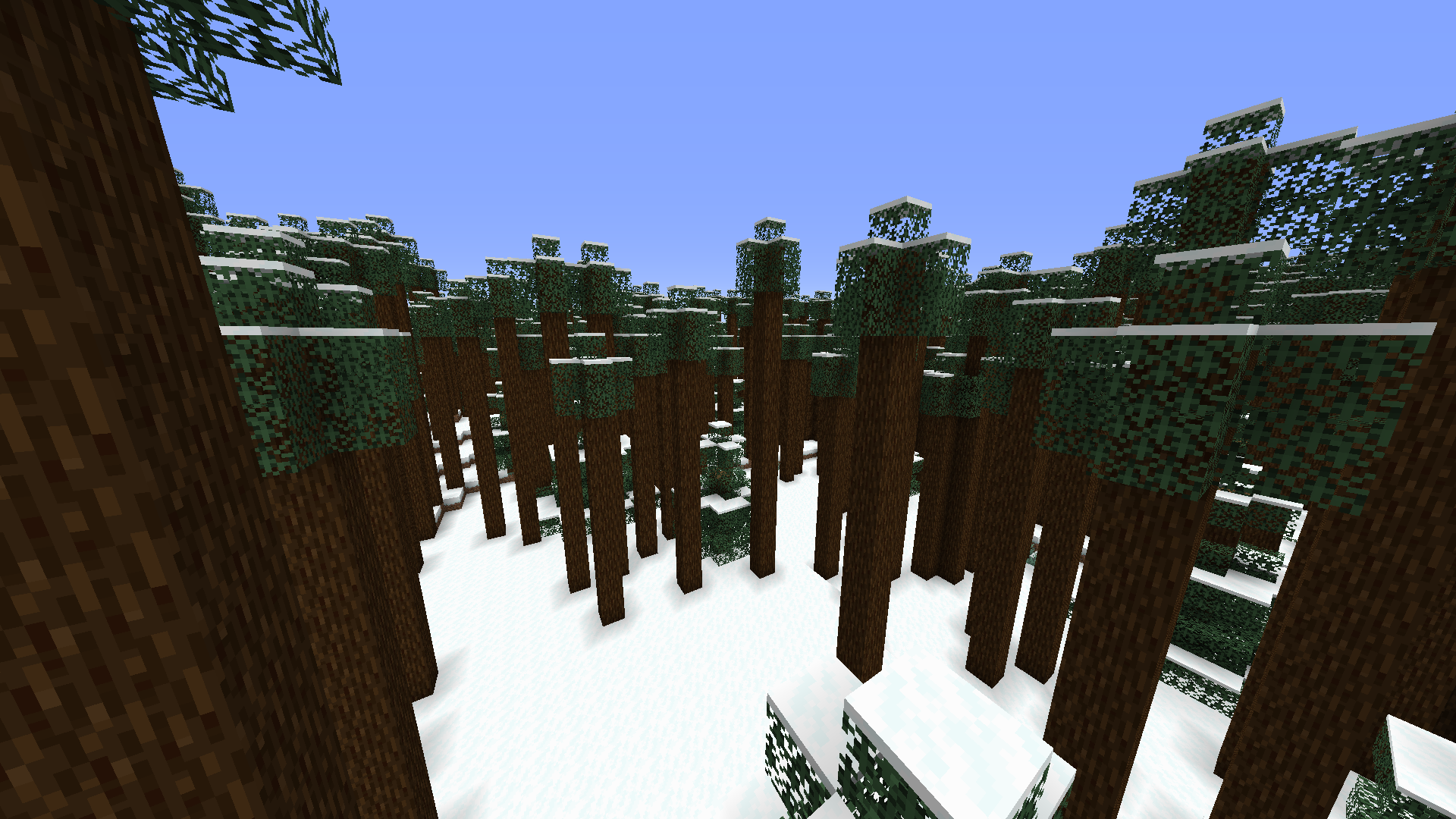
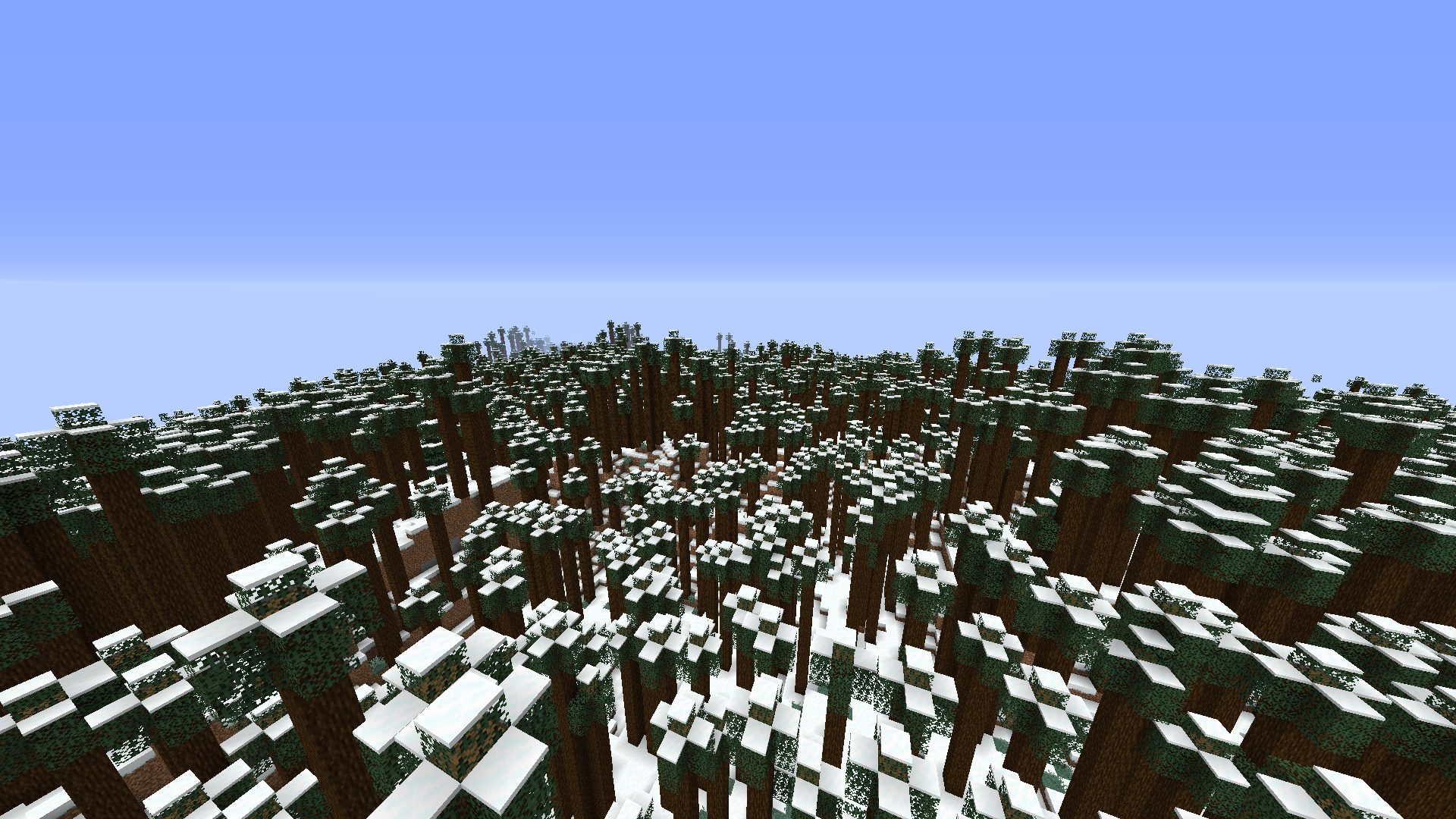
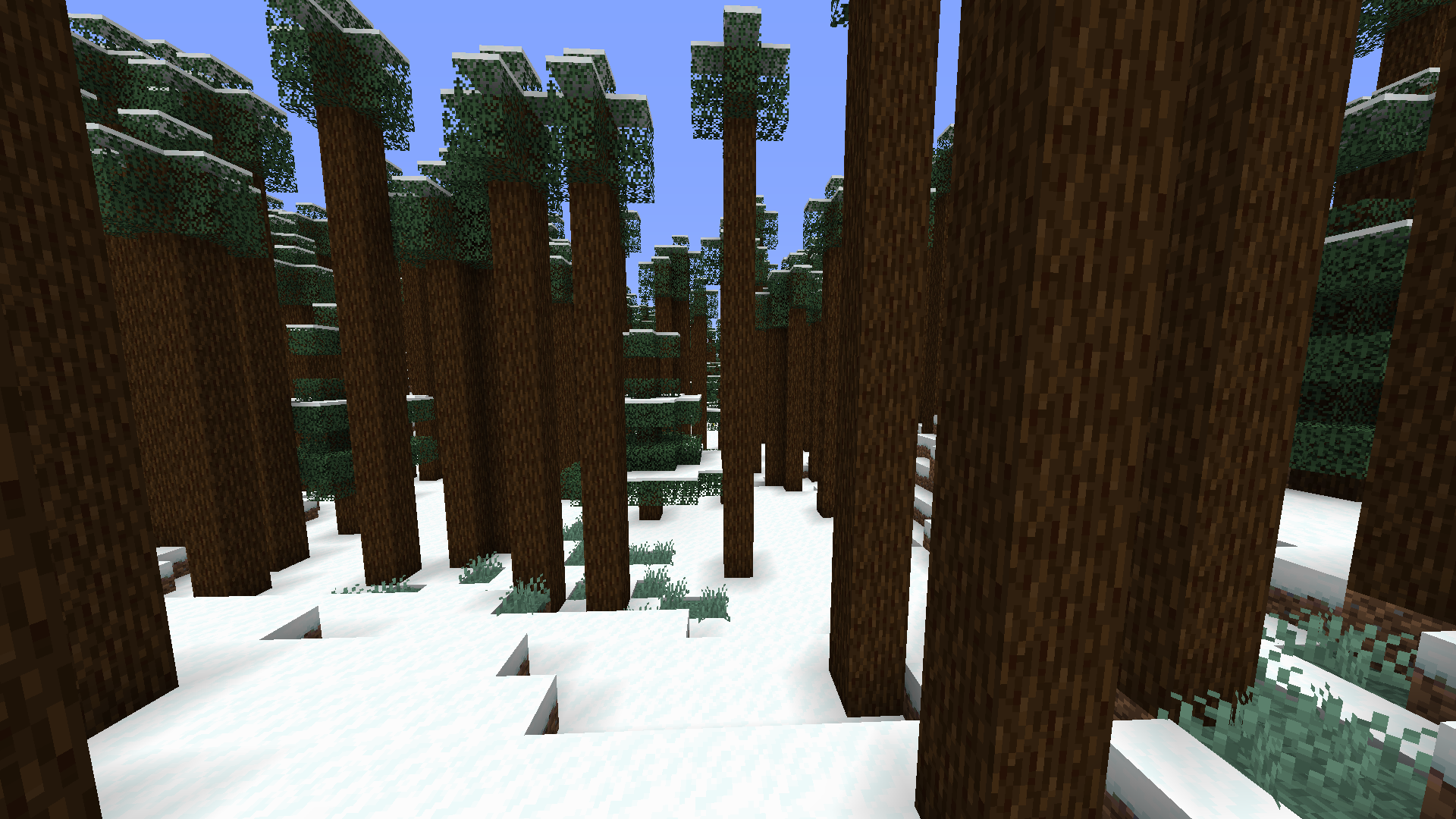
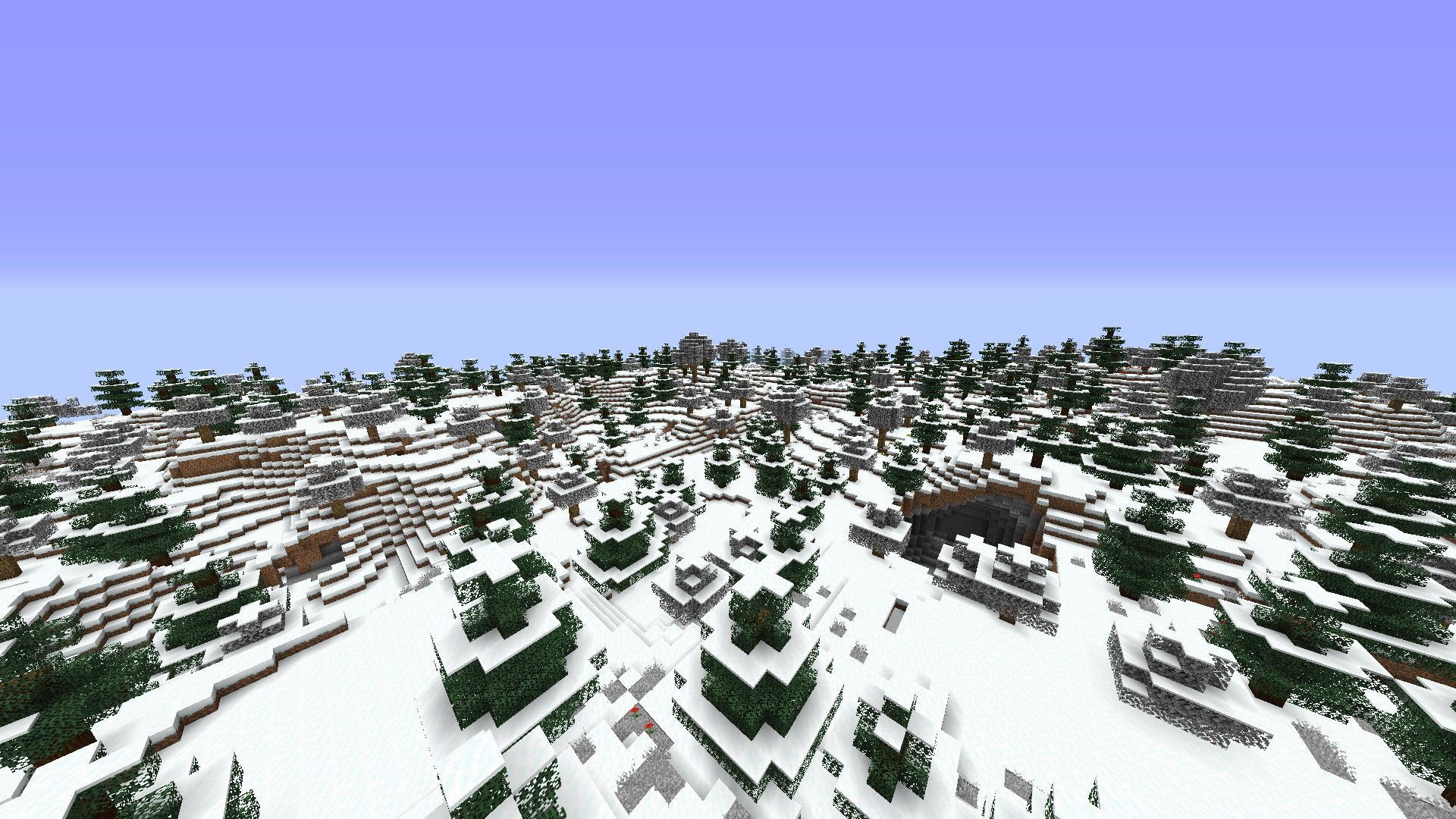
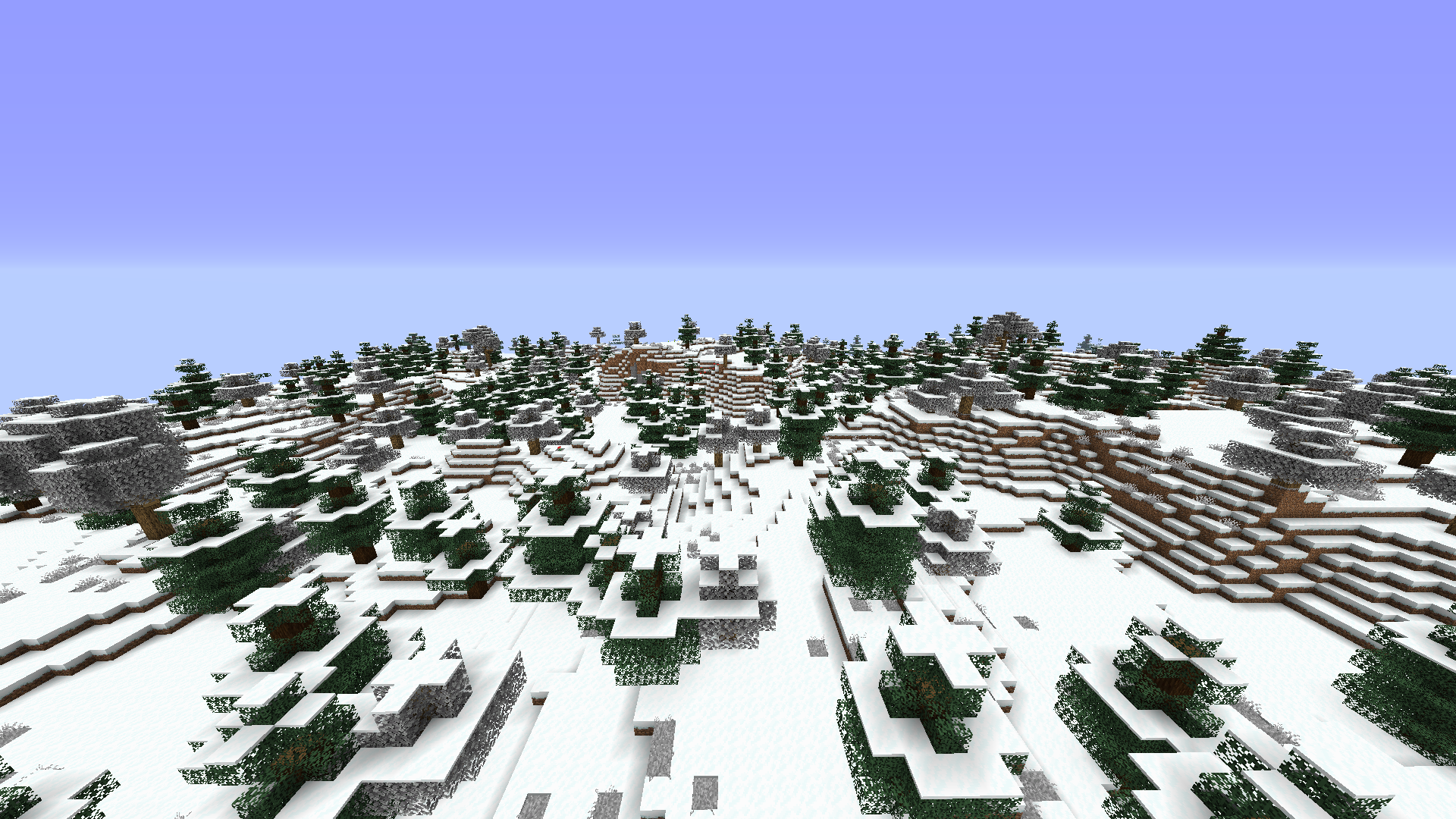
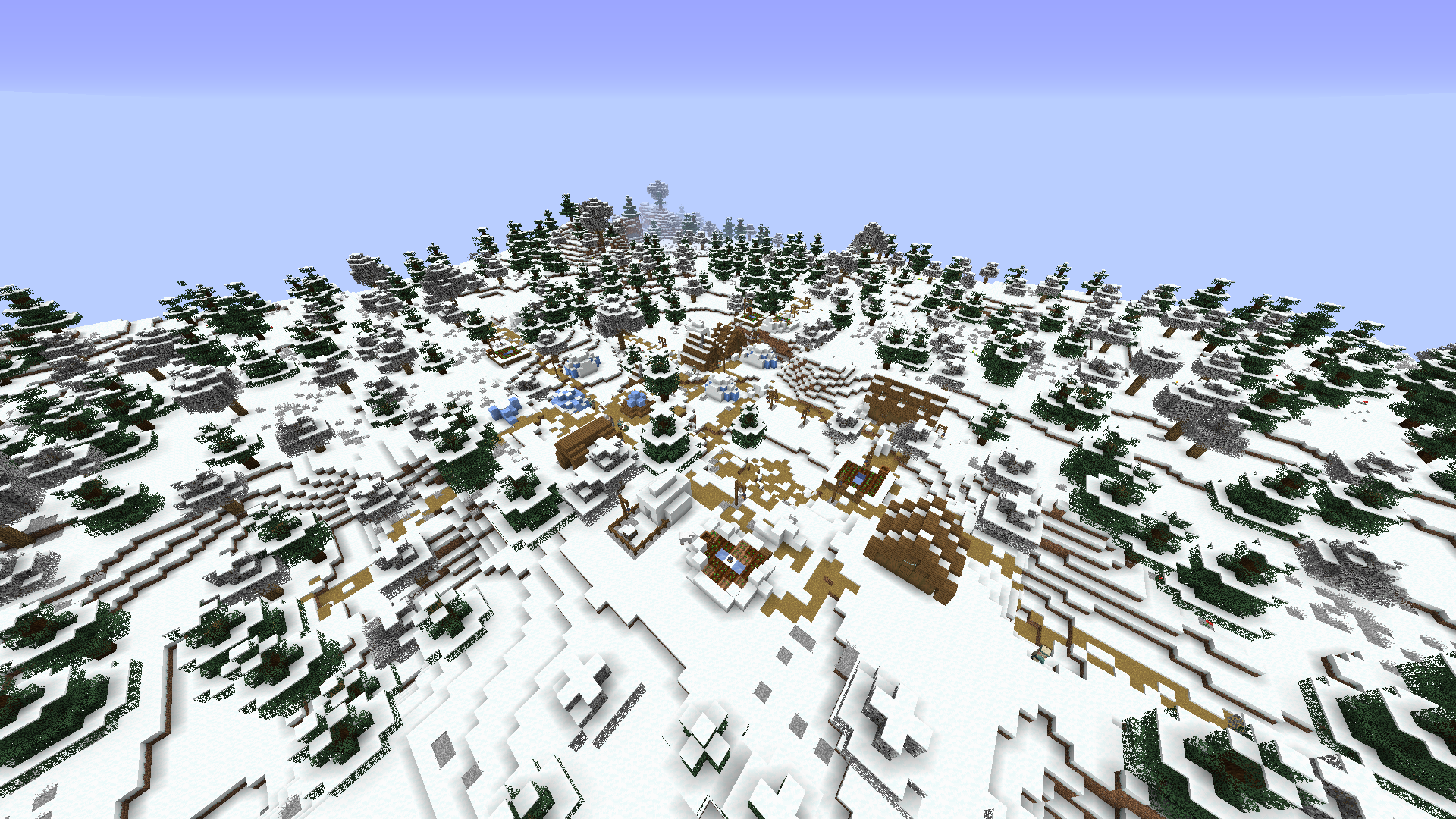
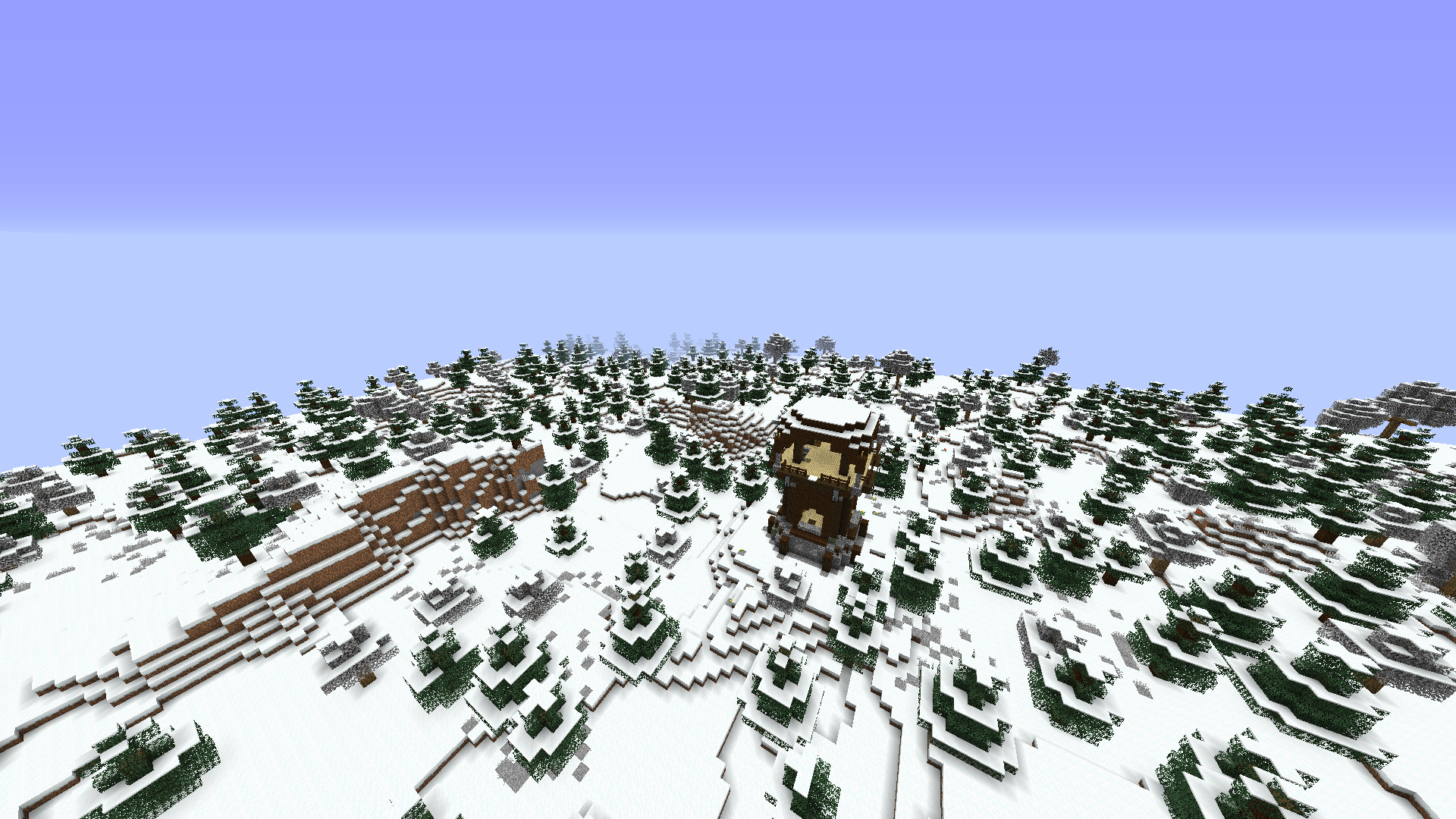
Polarizing Biomes adds 5 new winter-themed biomes to your Minecraft world. You can take a look at the Images tab to see how they look. These are:
- Big Frozen Lakes: A landscape with a lot of big frozen lakes. It’s so cold, that the lakes have been frozen to the core.
- Dense Taiga Forest: A forest with tall and densely packed spruce trees. A couple normal spruce trees can be found, but they’re only scattered about.
- Frozen Forest: A forest so cold, that oak leaves and grass have been frozen. Only spruce trees and some flowers seem to sprout here.
- Frozen Lakes: A landscape with a lot of smaller frozen lakes. The low temperature causes only ice being in these lakes.
- Wintry Mountains: A vast mountainscape with lots of spruce trees. Watch your step so you don’t fall down!
They spawn as often as most vanilla biomes do. The spawn weight cannot be adjusted.
You are allowed to use this mod in any modpack.
常见问题
Polarizing Biomes 支持哪些 Minecraft 版本?
Polarizing Biomes 支持 Minecraft Java 版 1.14.4–1.17.1,共 4 个版本,可用的加载器:Forge。下载时注意选择和你游戏版本一致的文件。
Polarizing Biomes 怎么安装?
先用 PCL2 或 HMCL 启动器安装对应版本的 Forge,再把下载的 .jar 文件放进游戏目录的 mods 文件夹,重新启动游戏即可。开启了版本隔离的,mods 文件夹在 versions/版本名 下面。运行环境:仅服务端。
bl4ckscor3 的其他作品
查看全部 →
AI Improvements: Performance Tuning
by Built Broken Modding
优化原版 AI 的性能,并可关闭某些 AI 行为
1.8亿
1 个月前
Modrinth · CurseForge

Security Craft
by Geforce132, bl4ckscor3 等
增加大量方块和物品,帮助你防御并加固基地。
1.1亿
23 天前
CurseForge · Modrinth

经验之书 XP Tome
by bl4ckscor3
添加一本可存储可配置经验值的书。
9111万
1 个月前
CurseForge · Modrinth
Get It Together, Drops!
by bl4ckscor3
添加标签和配置选项,用于定义掉落物品的合并方式。
639万
1 个月前
CurseForge · Modrinth
评论
登录后评论和评分