
Krasnoe & Beloe | Красное & Белое
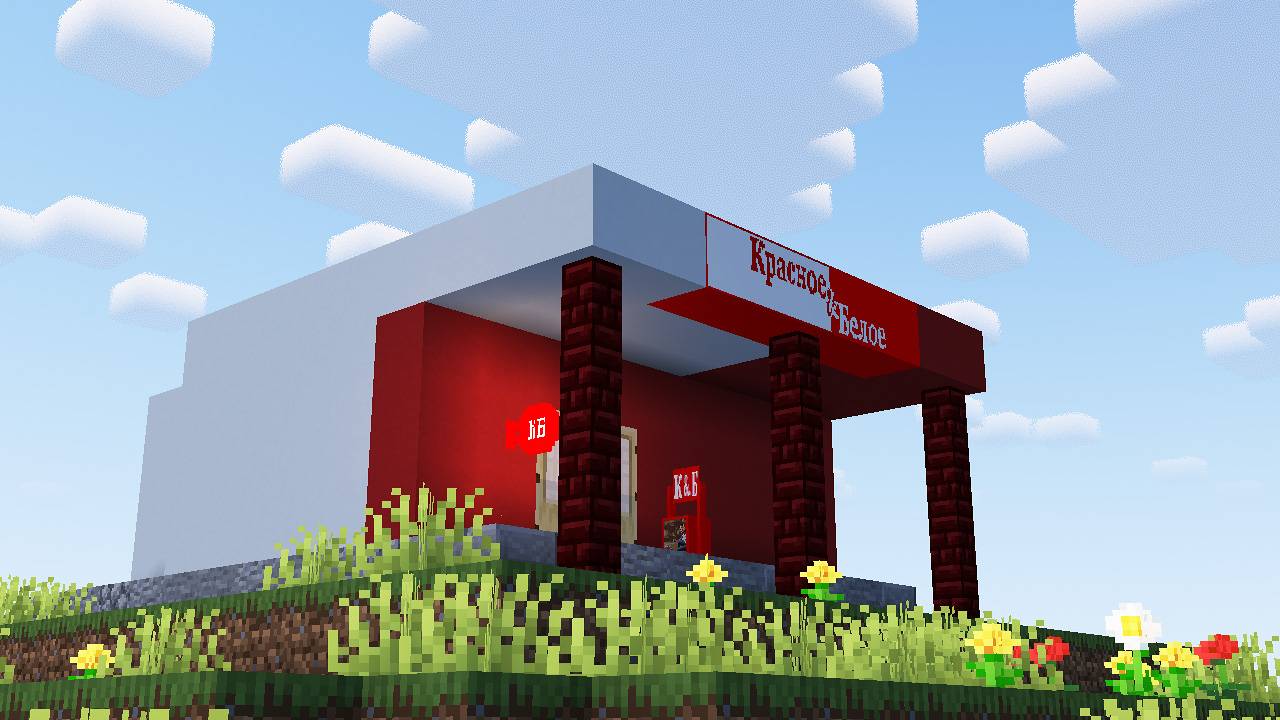
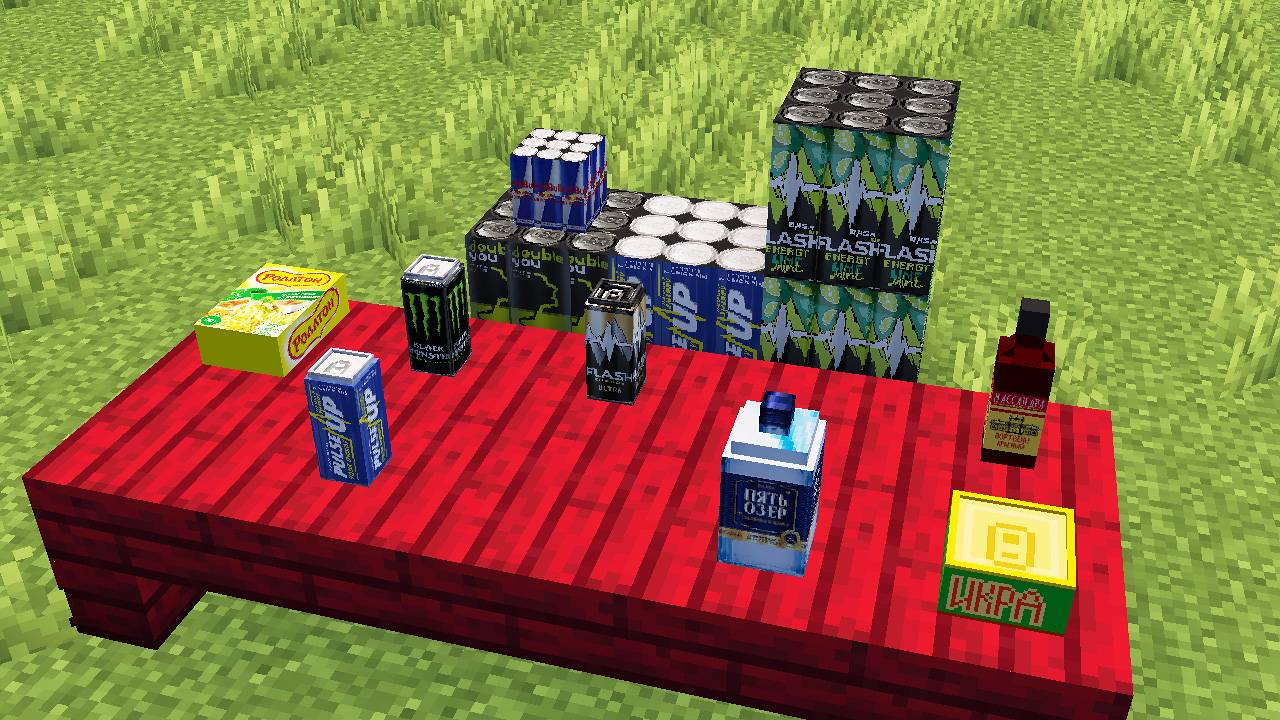
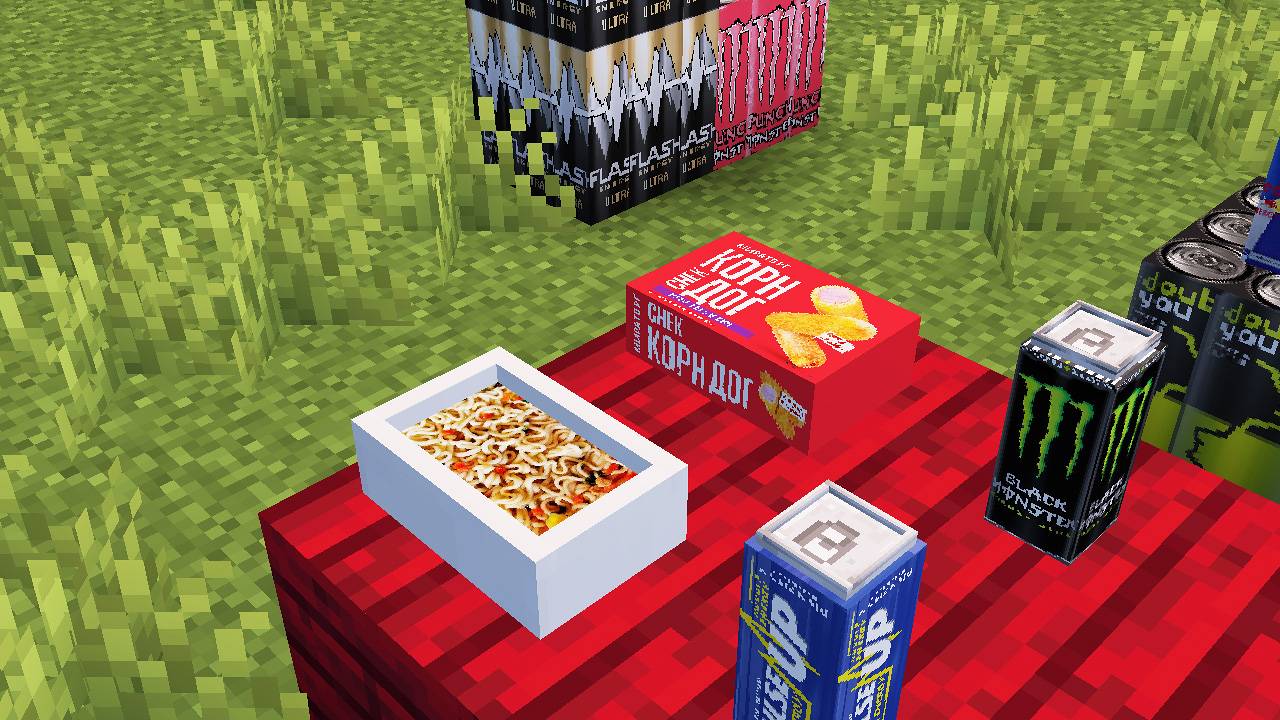
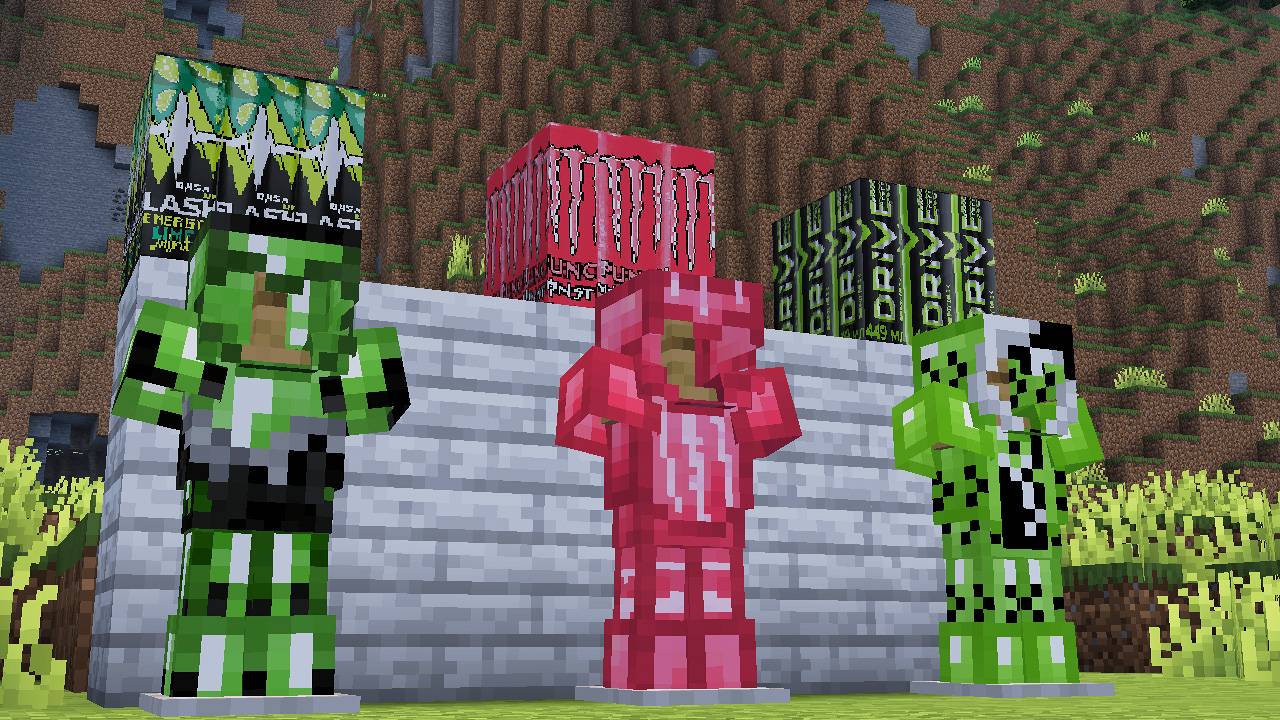
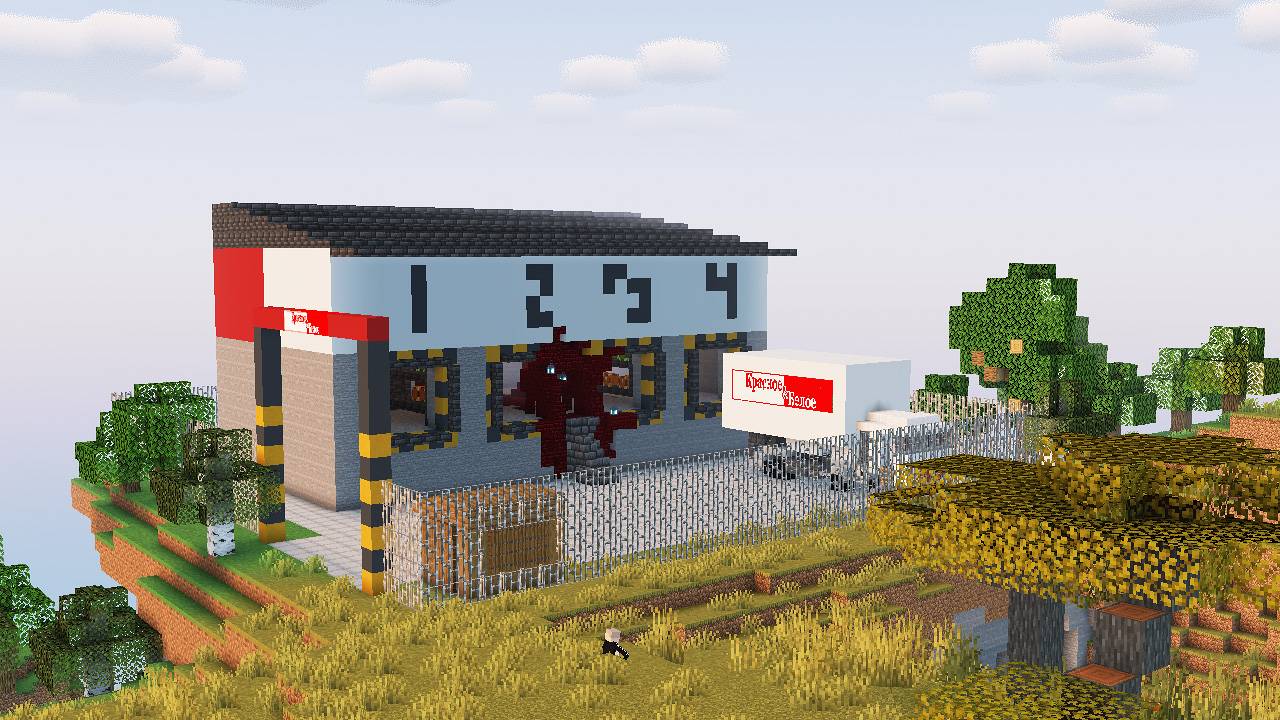
The Krasnoe & Beloe mod adds a Russian grocery store with a branded sign, new products — from energy drinks to alcoholic beverages, as well as unique armor and weapons inspired by popular brands to Minecraft
截图


介绍
The Krasnoe & Beloe mod adds a Russian grocery store with a branded sign, new products — from energy drinks to alcoholic beverages, as well as unique armor and weapons inspired by popular brands to Minecraft. In the Overworld, you can find the KB Warehouse — a special structure where a powerful boss lives. Explore new ores, collect powerful resources and go on a journey to a new dimension.
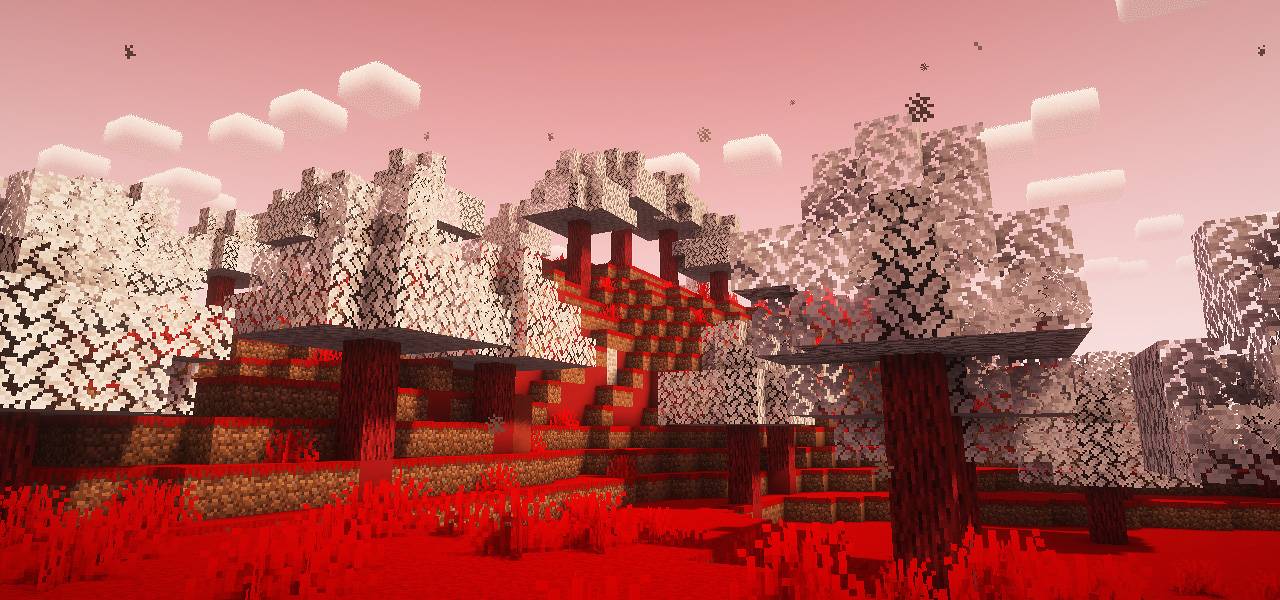
To get to the Infinite Warehouse Dimension, you first need to defeat the boss — the Warehouse Keeper. After his victory, shards of fragments for portal blocks will begin to drop from mobs, and can also be found in chests on the warehouse territory. Having created 10 portal blocks, create a portal and activate it.
To run the mod, you additionally need to install GeckoLib
optional: Just Enough Items
Описание на русском языке:
Мод “Красное & Белое” добавляет в Minecraft знакомый магазин с фирменной вывеской, новыми продуктами — от энергетиков до алкогольных напитков, а также уникальную броню и оружие, вдохновлённые популярными брендами. В Верхнем мире можно найти Склад КБ — особая структура, где обитает могущественный босс. Исследуй новые руды, собирай мощные ресурсы и отправляйся в путешествие в новое измерение.
Чтобы попасть в Измерение Бесконечного Склада, сначала нужно одолеть босса — Охранника Склада. После его победы, осколки фрагментов для блоков портала начнут выпадать с мобов, а также встречаться в сундуках на территории склада. Создав 10 блоков портала, создай портал и активируй его.
Для запуска мода дополнительно требуется установить GeckoLib
необязательно: Just Enough Items
常见问题
Krasnoe & Beloe | Красное & Белое 支持哪些 Minecraft 版本?
Krasnoe & Beloe | Красное & Белое 支持 Minecraft Java 版 1.20.1,可用的加载器:Forge。下载时注意选择和你游戏版本一致的文件。
Krasnoe & Beloe | Красное & Белое 怎么安装?
先用 PCL2 或 HMCL 启动器安装对应版本的 Forge,再把下载的 .jar 文件放进游戏目录的 mods 文件夹,重新启动游戏即可。开启了版本隔离的,mods 文件夹在 versions/版本名 下面。运行环境:客户端和服务端都要装。
评论
登录后评论和评分