
SkinBlink
A client-side Fabric mod that adds customizable blinking animations to Minecraft skins with an easy-to-use eye editor and skin-based blink colors.
截图
介绍
SkinBlink
Bring your Minecraft character to life with customizable blinking animations!
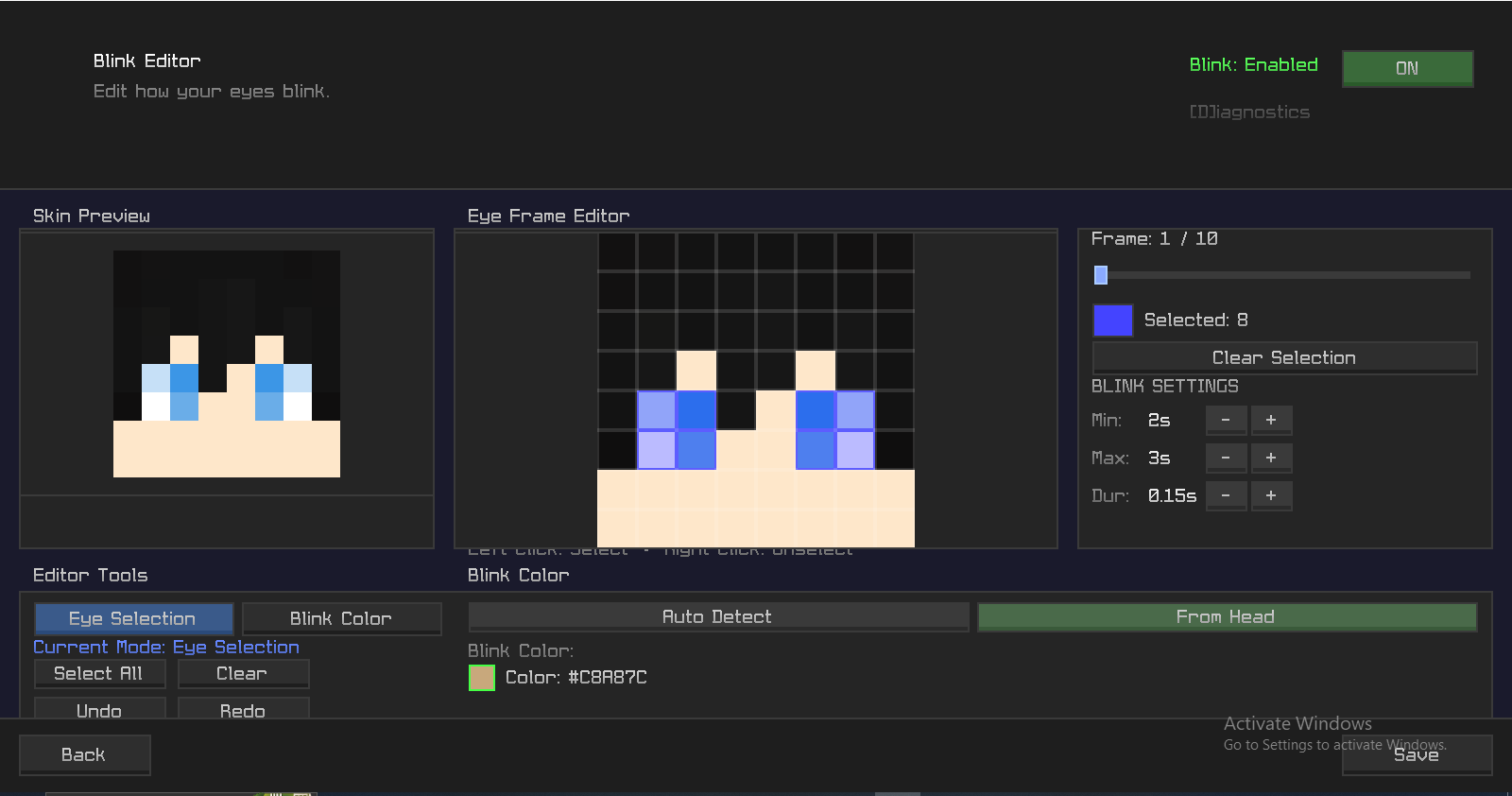
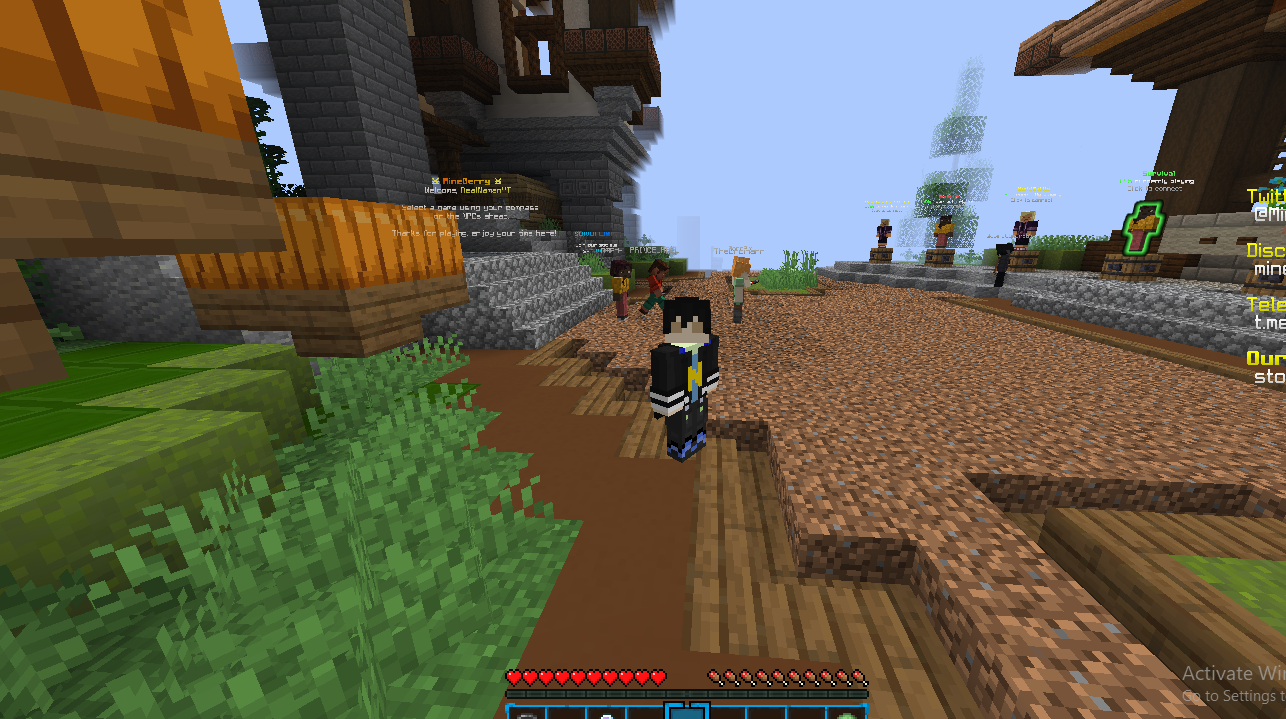
SkinBlink is a client-side Fabric mod that adds realistic blinking animations to Minecraft player skins. Select your eye pixels, customize how your character blinks, and make your skin feel more alive during gameplay, cinematics, screenshots, roleplay, and Replay Mod recordings.
⚠️ Important Notes
- Note: This mod is NOT WORKING in REPLAY MOD!
- Currently supports Minecraft 1.21.11 only.
- Client-side only. No server installation required.
- Works with Premium Minecraft accounts.
- Works with launcher-provided and custom skins.
- Currently does NOT support default offline Minecraft skins such as Steve and Alex.
- Currently does NOT support official Minecraft skins when using offline/cracked mode.
- Offline skin support may be added in a future update.
Features
- Custom blinking animations
- Eye pixel selection editor
- Blink color selection directly from your skin
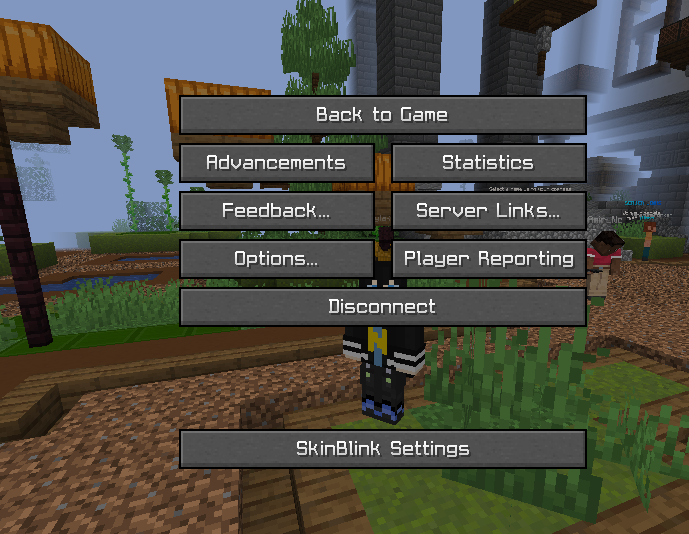
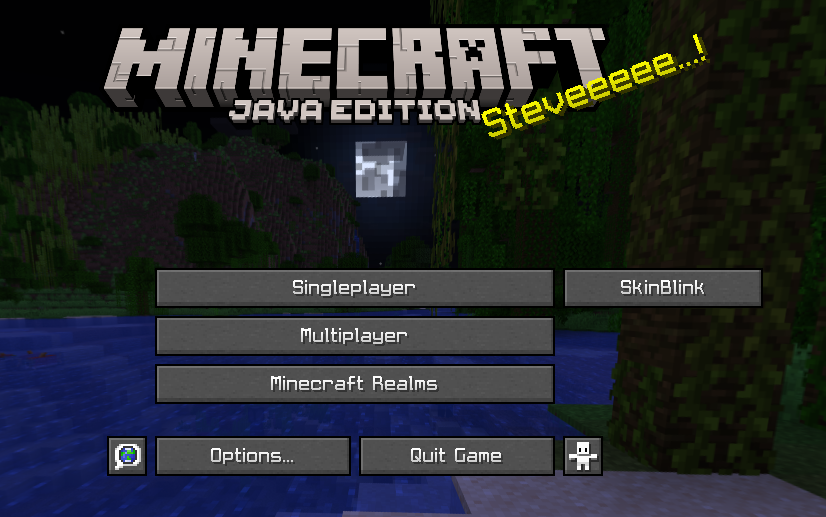
- In-game GUI editor
- Head preview and editing canvas
- Adjustable blink timing
- Save and load blink configurations
- Replay Mod friendly
- Works in singleplayer and multiplayer
- Easy-to-use editor accessible in-game
How To Use
- Open the SkinBlink editor.
- Select the pixels that represent your eyes.
- Choose a blink color from your skin.
- Save your configuration.
- Enable blinking.
- Enjoy a more alive-looking Minecraft character!
Compatibility
Supported
- Minecraft 1.21.11
- Fabric Loader
- Singleplayer
- Multiplayer (Client-Side Only)
- Premium Minecraft skins
- Custom launcher skins
Not Currently Supported
- Default offline Steve skins
- Default offline Alex skins
- Official Minecraft skins in offline/cracked mode
Links
YouTube
https://www.youtube.com/@RealNamanYT
Discord
https://discord.com/invite/caHT3dU74u
https://instagram.com/realnamanyt
Known Issues
- Default offline skins (Steve/Alex) do not currently support blinking.
- Official Minecraft skins may not work correctly in offline/cracked mode.
- Some custom skin providers may require additional testing.
Credits
Created by RealNamanOP.
Thanks to everyone who tested SkinBlink and provided feedback during development!
常见问题
SkinBlink 支持哪些 Minecraft 版本?
SkinBlink 支持 Minecraft Java 版 1.21.11,可用的加载器:Fabric。下载时注意选择和你游戏版本一致的文件。
SkinBlink 怎么安装?
先用 PCL2 或 HMCL 启动器安装对应版本的 Fabric,再把下载的 .jar 文件放进游戏目录的 mods 文件夹,重新启动游戏即可。开启了版本隔离的,mods 文件夹在 versions/版本名 下面。运行环境:仅客户端。
RealNamanOP 的其他作品
查看全部 →
AuraFault 16x
A fast, clean, and competitive 16x PvP pack designed for Bedwars players on Minecraft 1.8.9.

RealNaman 16x Pack
Lightweight 16x PvP texture pack with optimized visuals, small shield & totem, reduced particles, and smoother competitive gameplay.

TargetCrosshair
A lightweight Fabric mod that replaces the vanilla crosshair with a fully customizable one! Configure color, and more through an easy-to-use GUI.
TargetCrosshair
A lightweight Fabric mod that replaces the vanilla crosshair with a fully customizable one! Configure color, and more through an easy-to-use GUI.
评论
登录后评论和评分