
Hardcore Horizons
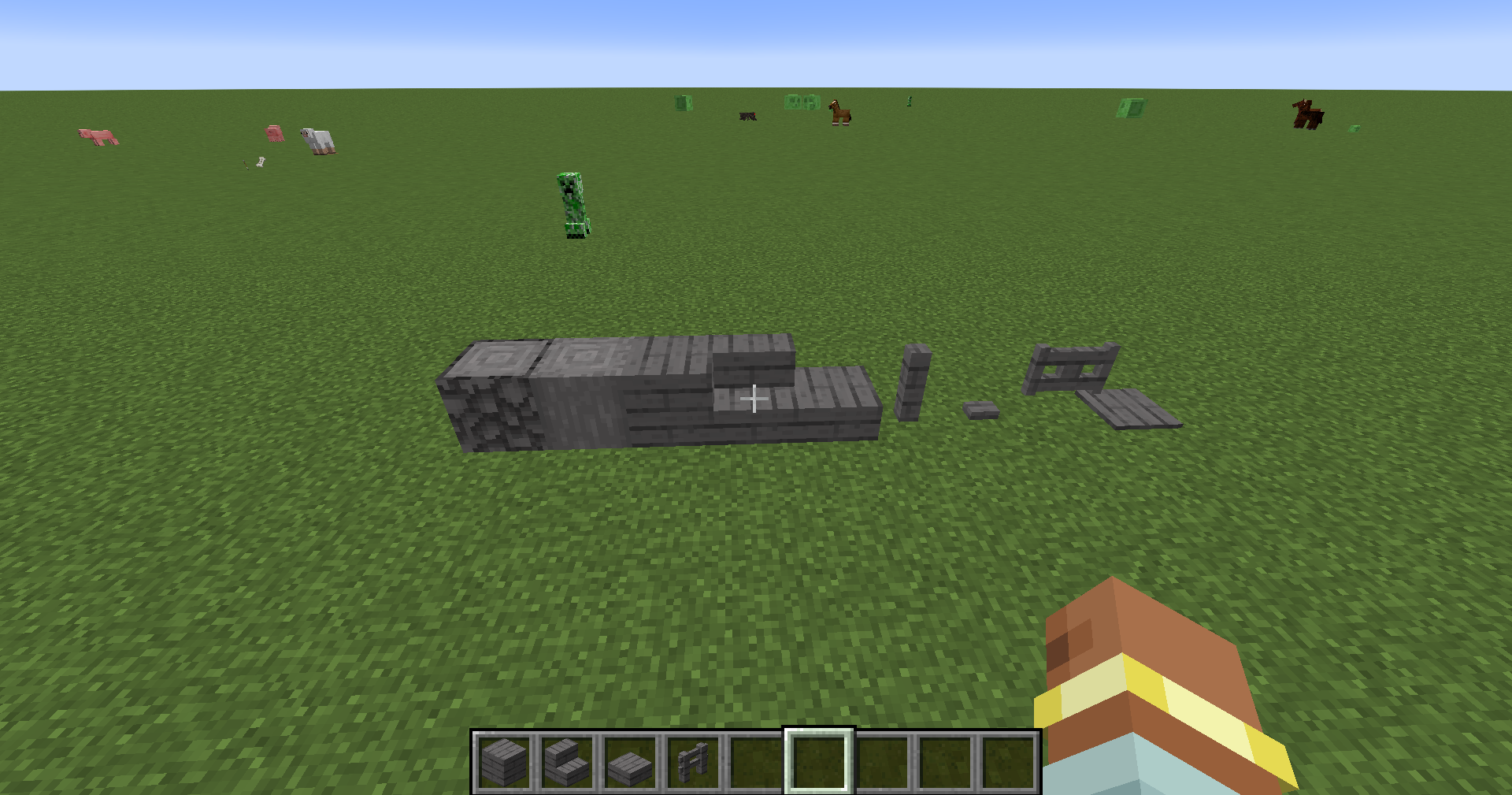
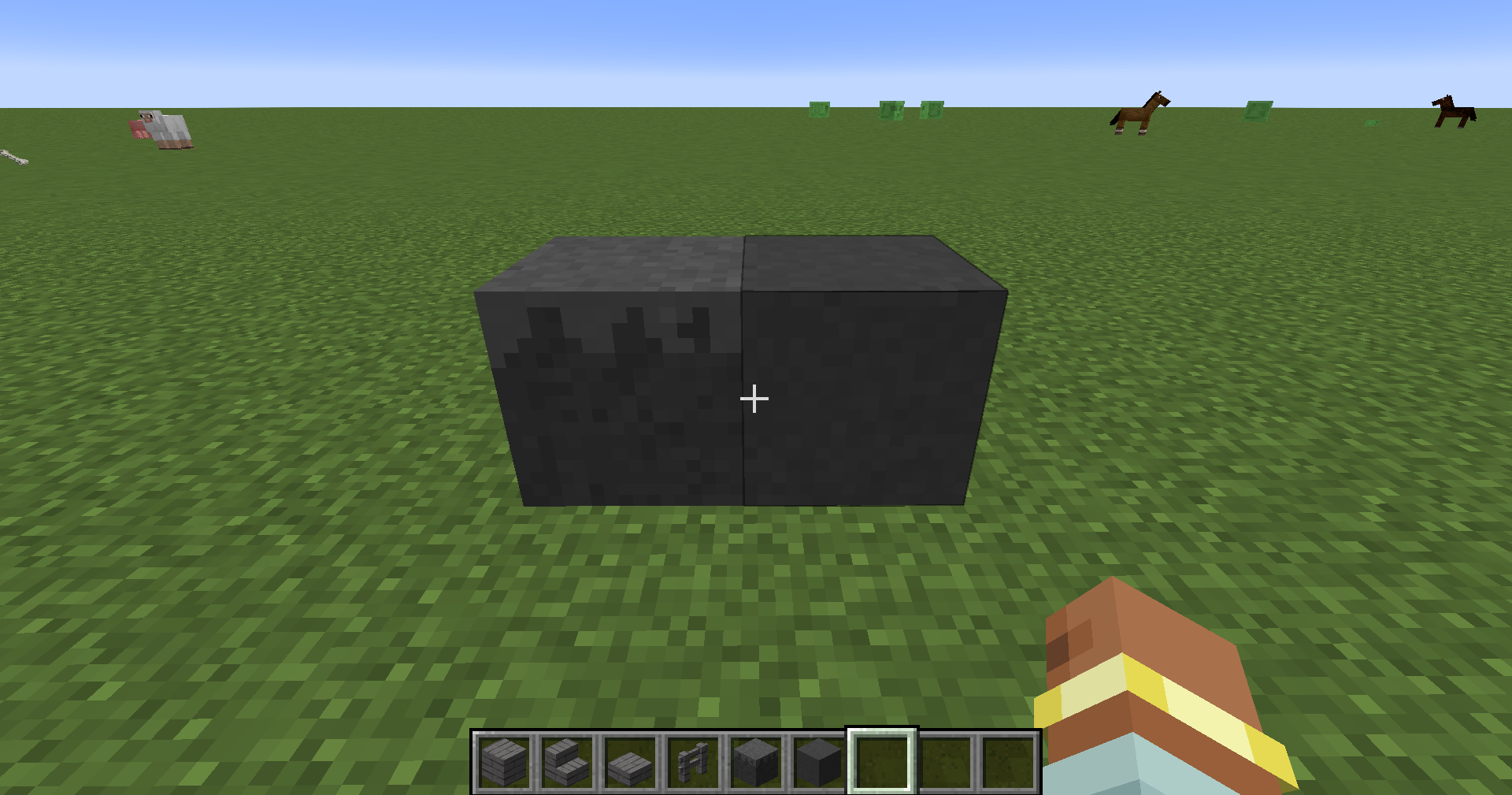
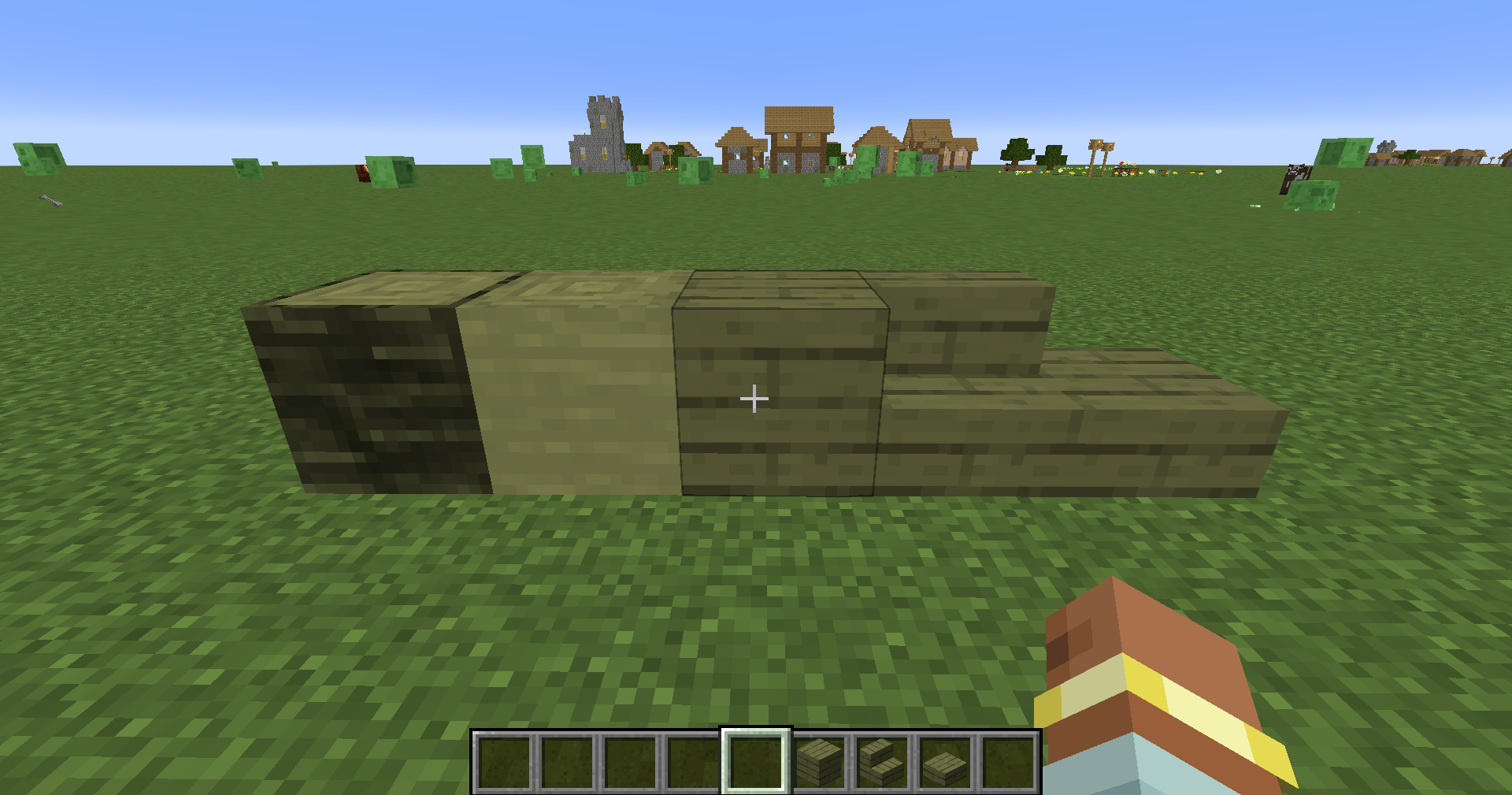
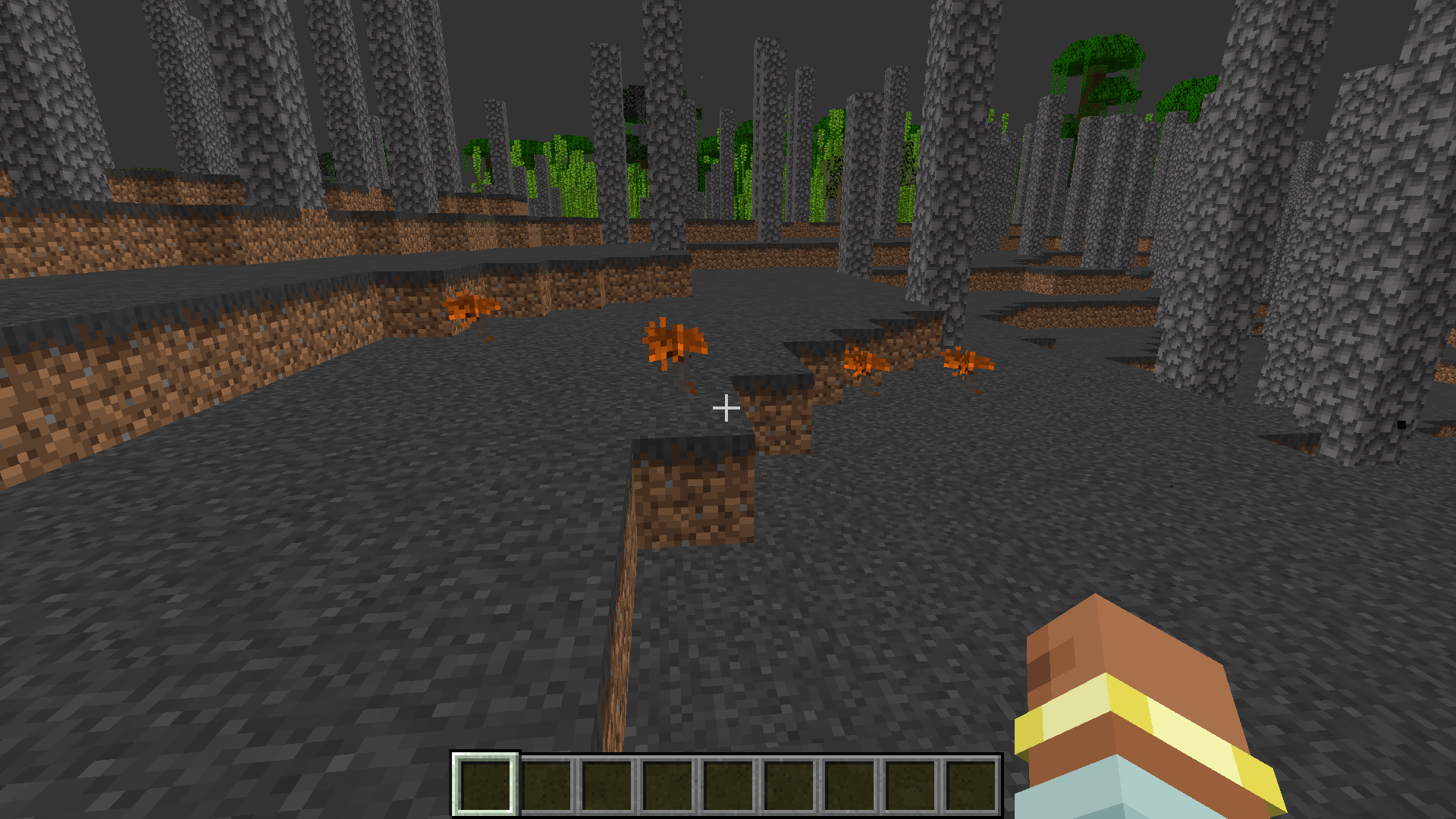
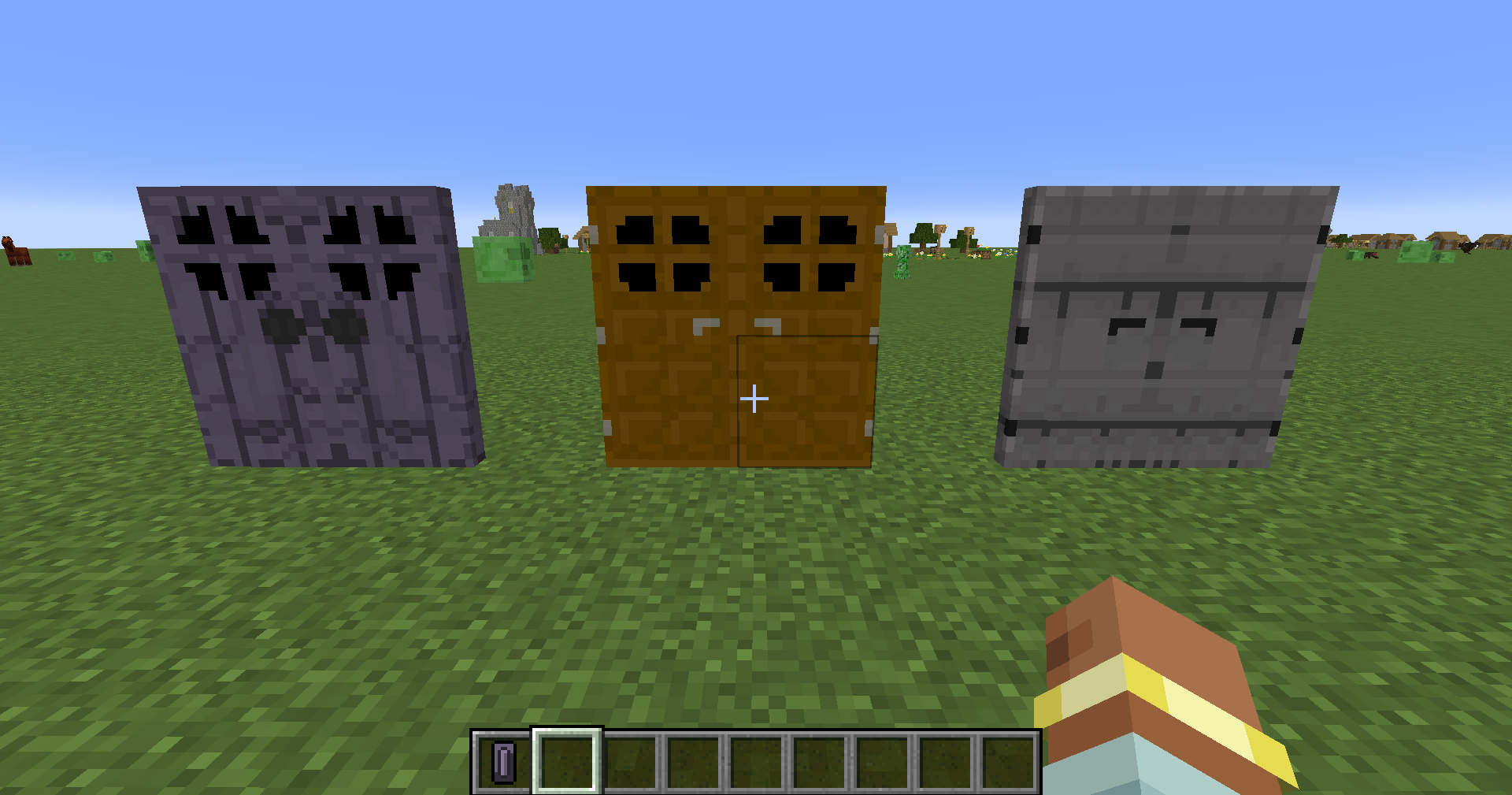
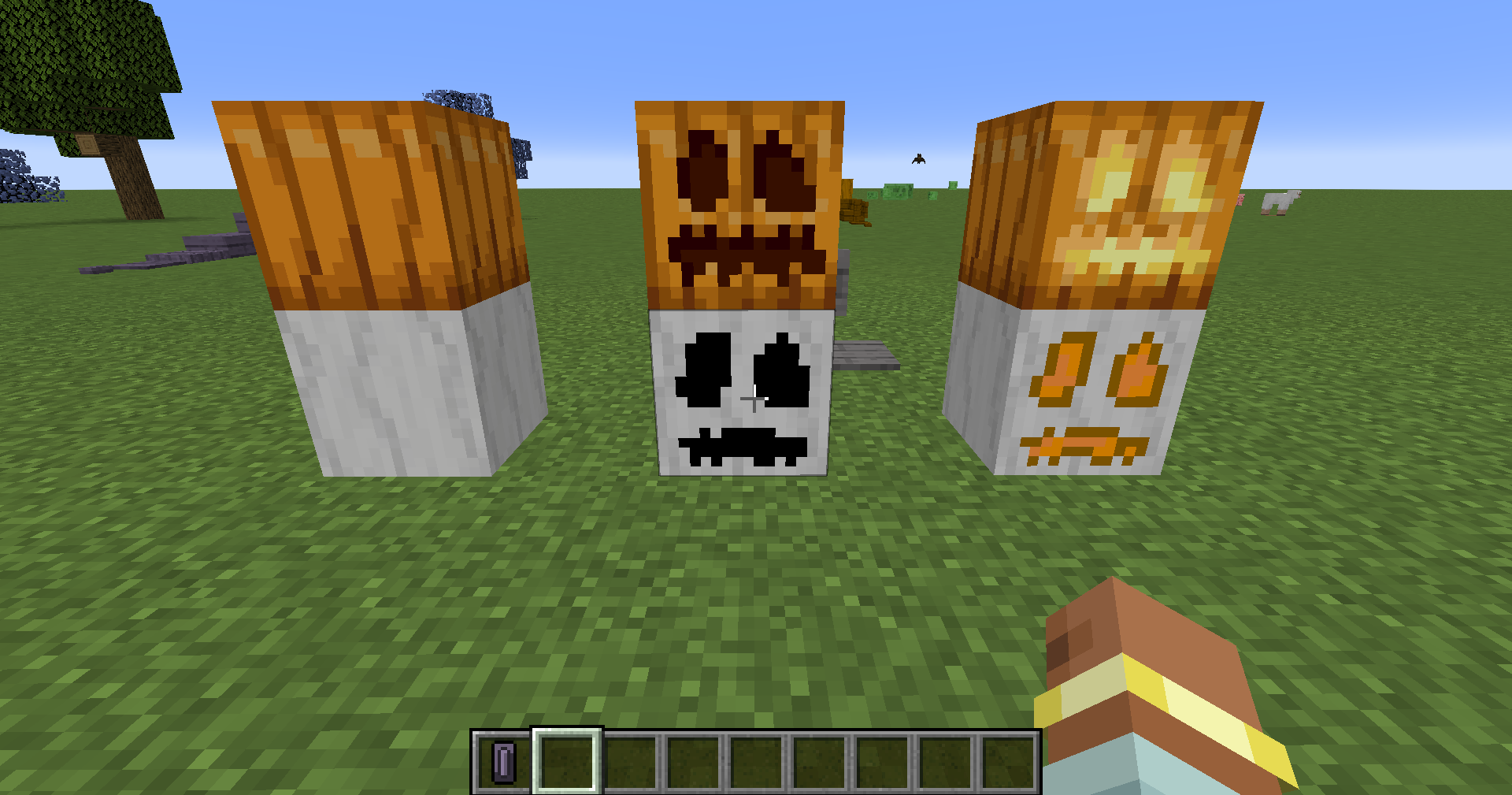
A all new survival experience that will add new Bosses Biomes Blocks Dimensions Updated versions of all the current dimensions Mobs Structures Tools music And Lots More
截图
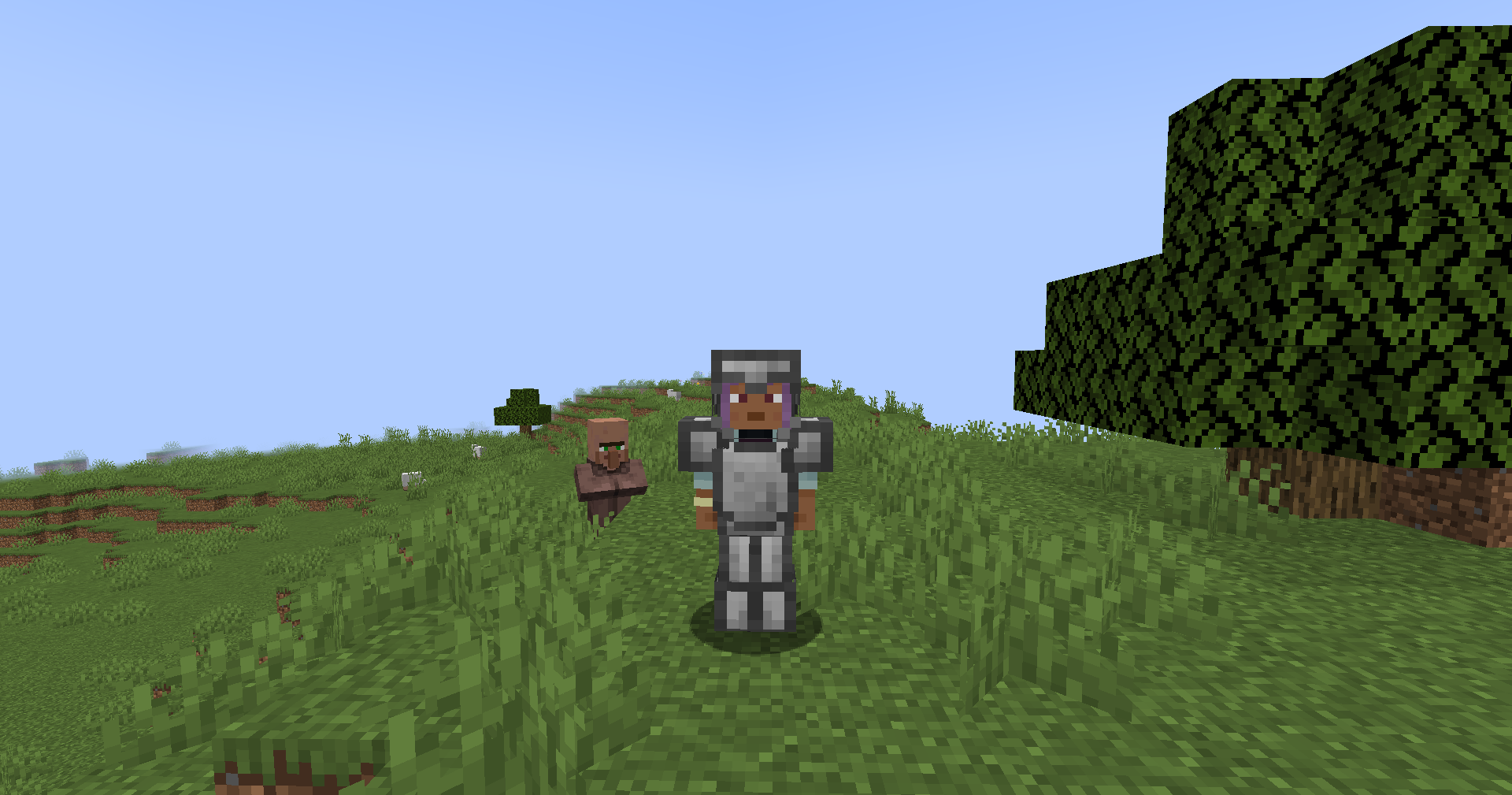
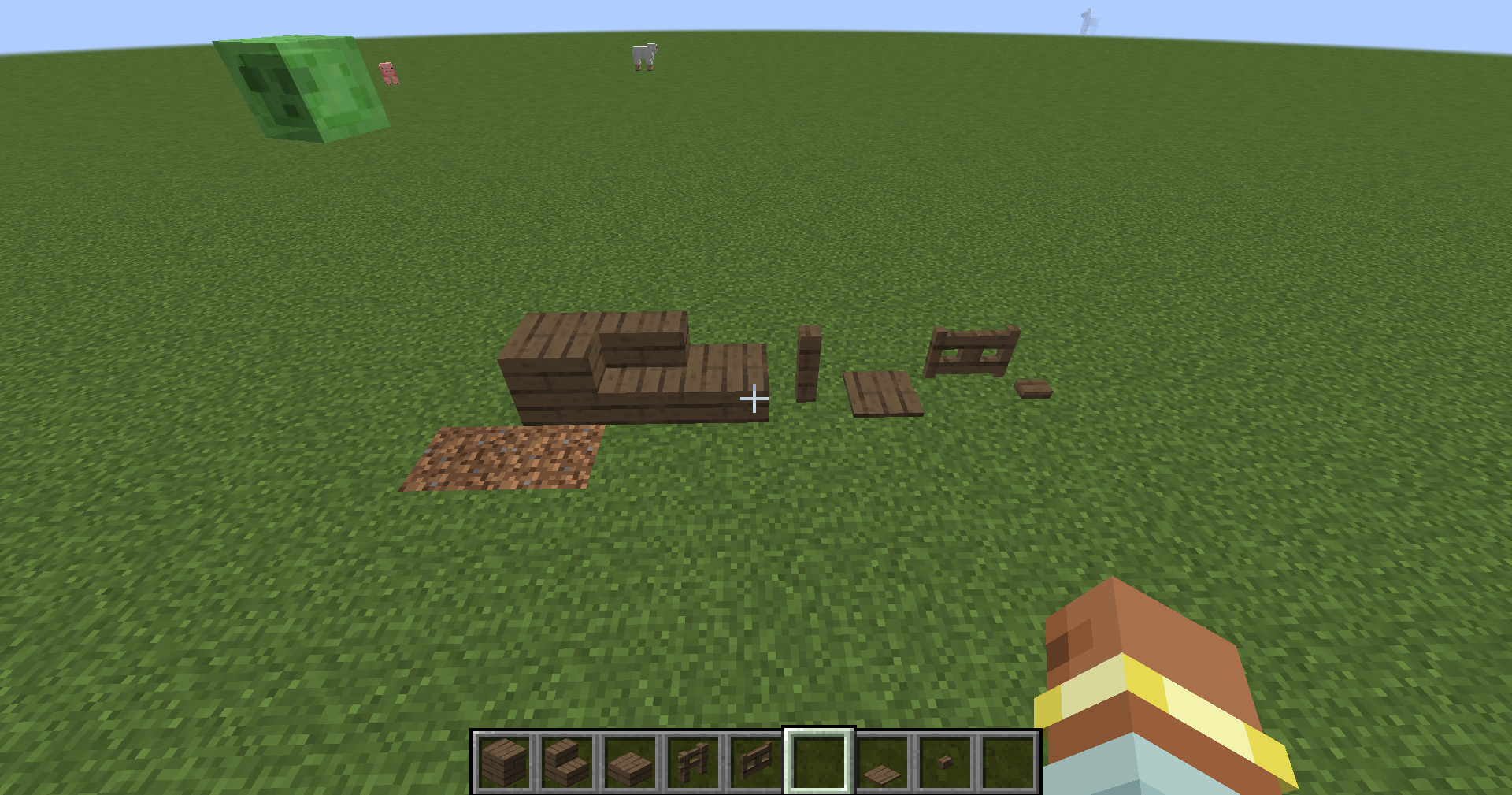
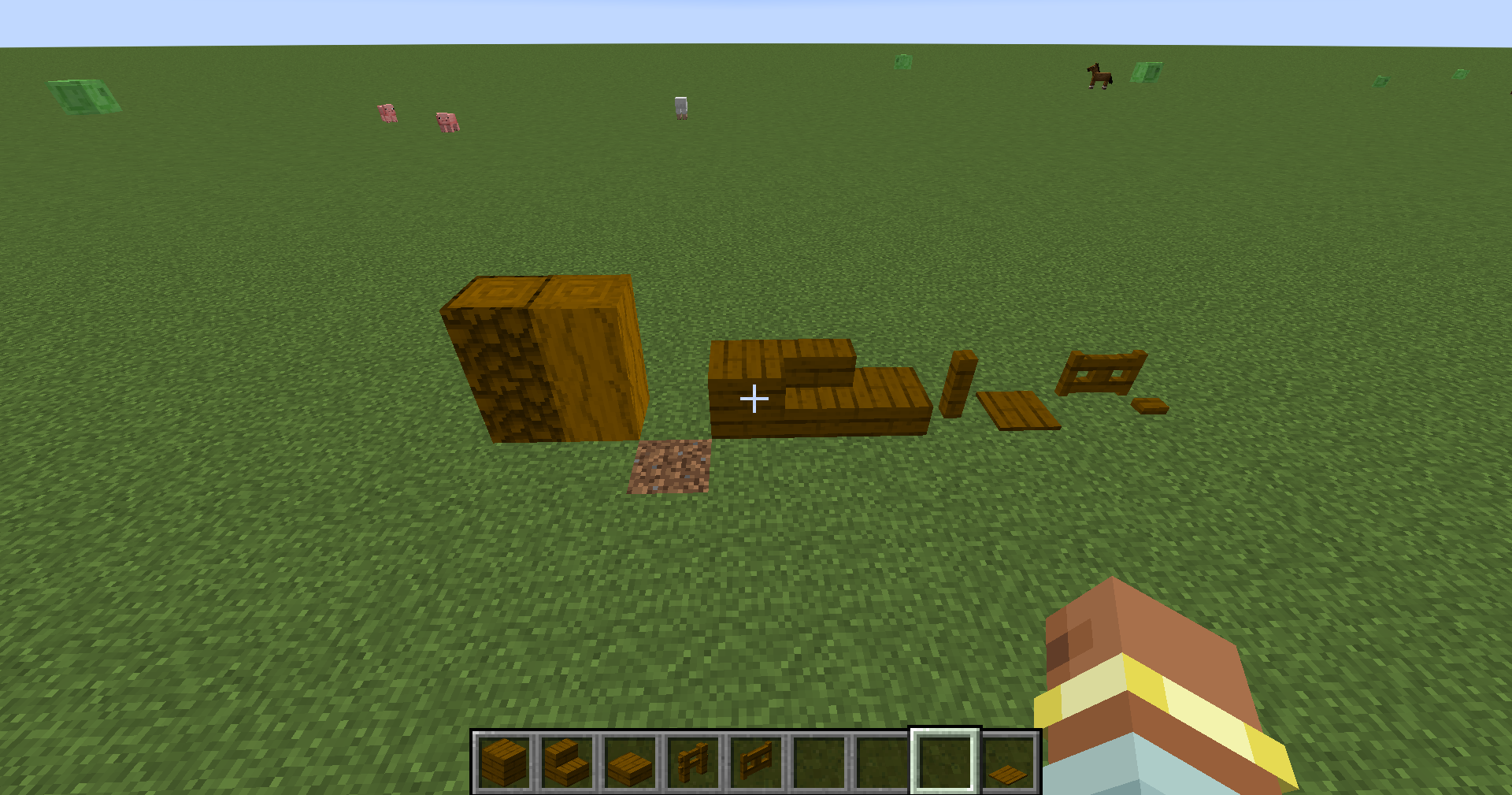
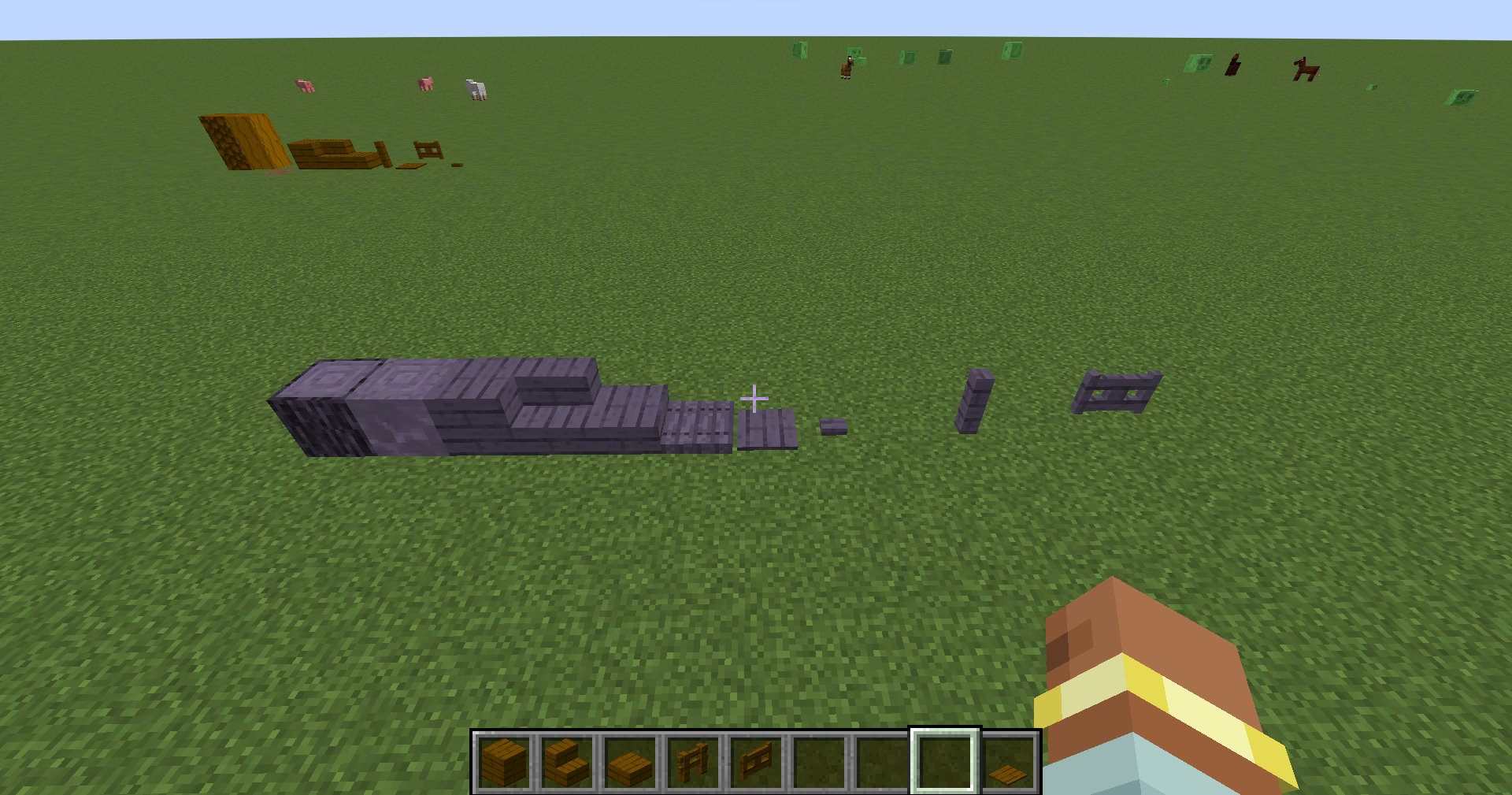
介绍

Embark on an exhilarating adventure with the Survival Odyssey Mod, designed to transform your gameplay into an expansive survival experience like never before! This mod introduces a wealth of new content that immerses you in a vibrant world filled with unique biomes, structures, and challenges.
Key Features:
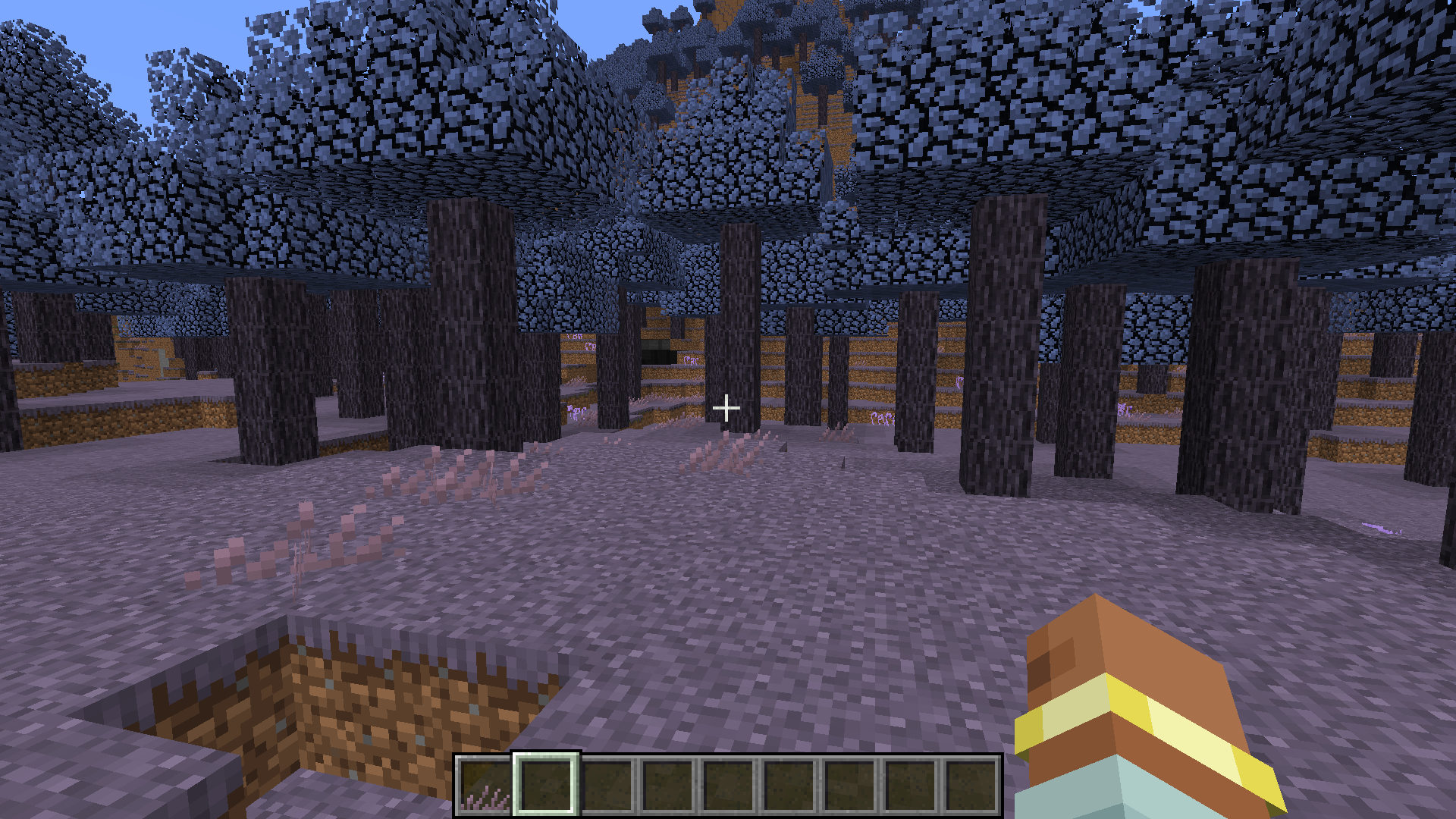
New Biomes: Explore breathtaking landscapes ranging from lush enchanted forests and towering crystal mountains to eerie wastelands and vibrant coral reefs. Each biome is teeming with its own flora and fauna, providing endless exploration opportunities.
Unique Structures: Discover ancient ruins, bustling villages, and mysterious dungeons scattered throughout the world. Each structure holds valuable resources, secrets, and challenges waiting to be uncovered.
Innovative Tools: Craft new tools and weapons with unique abilities tailored to specific biomes. Whether it’s a frost axe that freezes enemies or a vine whip for grappling, the possibilities are endless!
Dimensions: Travel to otherworldly realms through newly introduced portals. Each dimension presents unique challenges, environments, and bosses that will test your survival skills.
Epic Boss Fights: Confront formidable bosses, each with their own mechanics and lore. Defeating these titans will reward you with powerful items and the chance to unlock new abilities.
Dynamic Mobs: Encounter a diverse array of new creatures, from friendly NPCs to hostile monsters, each with unique behaviors and ecosystems. Adapt your strategies to survive in this ever-evolving world.
MIT License
常见问题
Hardcore Horizons 支持哪些 Minecraft 版本?
Hardcore Horizons 支持 Minecraft Java 版 1.20.1–26.1.2,共 2 个版本,可用的加载器:Forge / NeoForge。下载时注意选择和你游戏版本一致的文件。
Hardcore Horizons 怎么安装?
先用 PCL2 或 HMCL 启动器安装对应版本的 Forge / NeoForge,再把下载的 .jar 文件放进游戏目录的 mods 文件夹,重新启动游戏即可。开启了版本隔离的,mods 文件夹在 versions/版本名 下面。运行环境:客户端和服务端都要装。
DualFusion Entertainment Studios 的其他作品
查看全部 →
DualFusion’s Lucky Blocks
DualFusion's take on the legacy lucky block mods that where more popular for 1.12. (Part of DualFusion's "Mini-Mod" project)

The Shadows at Freddy’s
This mod is a Minecraft adaptation of the popular game "Five Nights at Freddy's." It introduces new and classic animatronics, along with various blocks. Players can challenge themselves to survive five nights with the original FNAF 1 cast
The Shadows at Freddy’s
This mod is a Minecraft adaptation of the popular game "Five Nights at Freddy's." It introduces new and classic animatronics, along with various blocks. Players can challenge themselves to survive five nights with the original FNAF 1 cast

Extra Additions Revamped
Revamped version of Extra Additions, will add numerous recipes and lots of mod compatibility!
评论
登录后评论和评分