
AllPlayerHeads
A Minecraft datapack that lets you get any custom head off minecraft-heads.com, without using any plugins or mods.
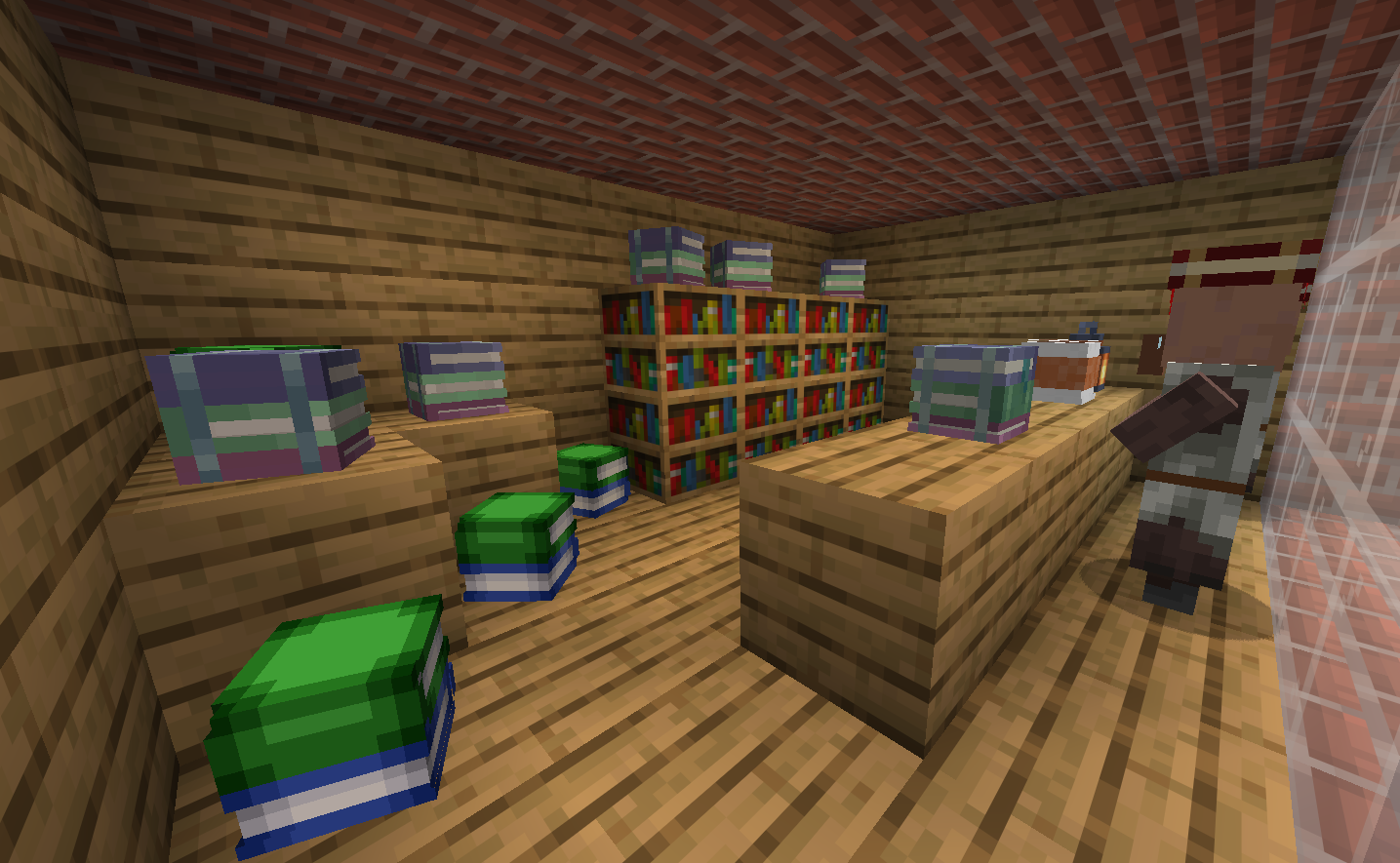
截图
介绍
AllPlayerHeads
A Minecraft datapack that lets you get any custom head off minecraft-heads.com, without using any plugins or mods.
How to use
All 91,820 custom heads available at Minecraft Heads are included here. In order to get one, you must:
1. Install the datapack
Do this by getting the zip off modrinth for your minecraft version, and putting it into either .minecraft/datapacks/ if you are are on singleplayer, or on servers put it in worlds/datapacks/.
2. Make sure normal players are able to run /trigger
This is true by default, but if you have a permissions plugin you should make sure that’s the case.
3. Find the head you want
Go on minecraft-heads.com and pick a head.
4. Copy the Minecraft URL
Scroll down towards “For Developers:” and copy the Minecraft URL
5. Go to the converter website
The datapack takes a number, not a string, so you will need to convert it at the the converter tool.
6. Fill in the appropriate fields
You must select the correct version of the datapack, which you can find out by running /trigger version. You also take the Minecraft URL you retrieved earlier.
Now, you will have a number, that could be from 1 to around 91 thousand. You must run this command:
/trigger get_head set 999Replace 999 with the number provided by the website.
Now, the player head will appear in your inventory!
If however, the converter fails in giving you a number, then the custom head is likely new, and is not present in the version you are on. The only solution is to wait until this datapack is updated and update it.
If the command given fails, then first make sure it is typed correctly and the version is correct, then make an issue on the GitHub.
常见问题
AllPlayerHeads 支持哪些 Minecraft 版本?
AllPlayerHeads 支持 Minecraft Java 版 1.21.11–26.1.2,共 4 个版本。下载时注意选择和你游戏版本一致的文件。
AllPlayerHeads 怎么安装?
新建世界时在「数据包」里把下载的 .zip 拖进去;已有的存档,把文件放进存档目录下的 datapacks 文件夹,进游戏输入 /reload 即可生效。服务器同样放在世界目录的 datapacks 里。
nouxinf 的其他作品
查看全部 →
Tung Hit Sound
This resource pack replaces the Minecraft hit sound with the "tung" from tung tung tung sahur
Tung Hit Sound
This resource pack replaces the Minecraft hit sound with the "tung" from tung tung tung sahur

CreeperAlert
Shows an alert when you are near a creeper, with customisable range

IncreaseSlimeRates
Makes slimes spawn 2.5x more often in swamps and mangrove swamps.
评论
登录后评论和评分