Aurora Dreams
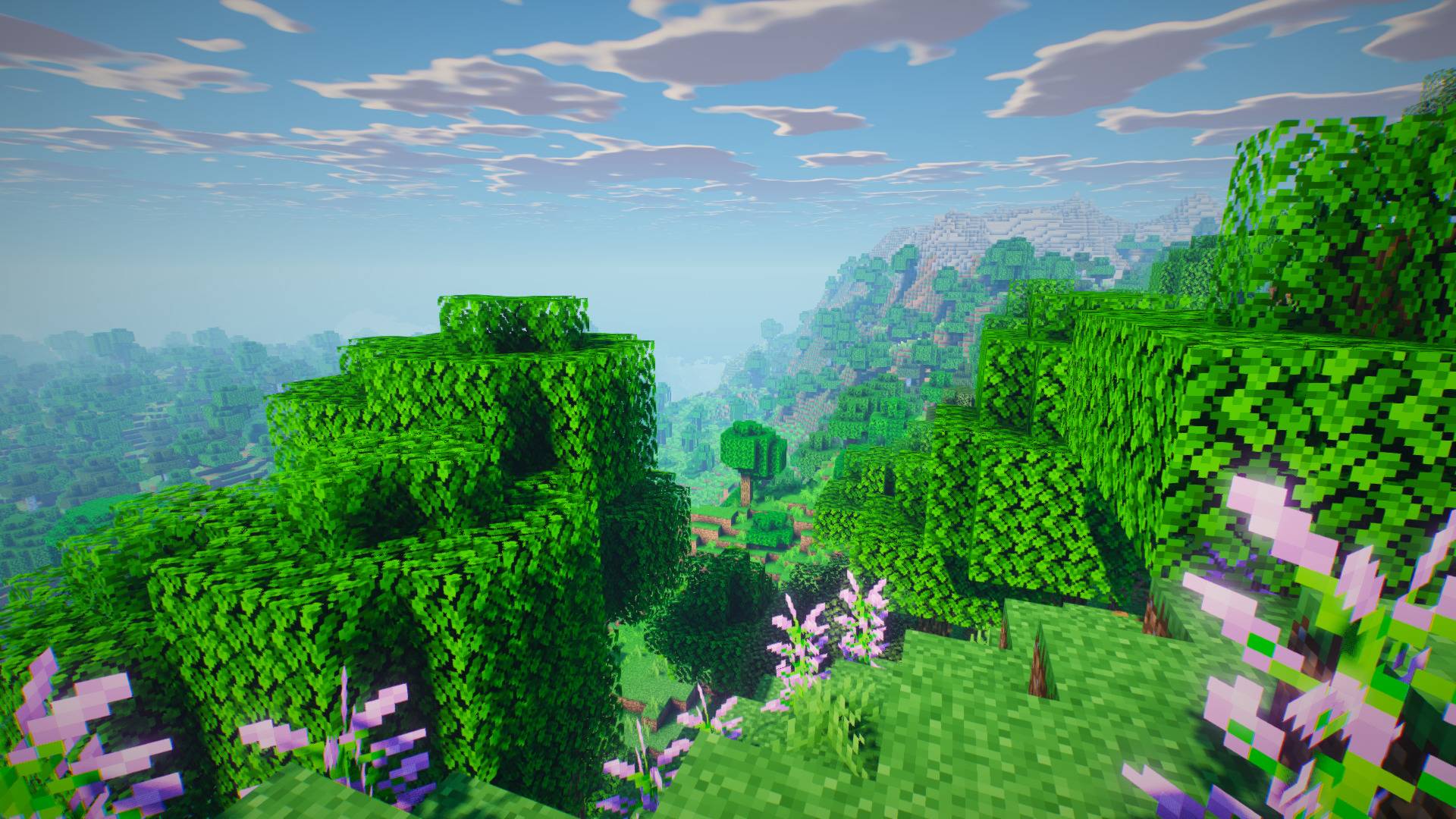
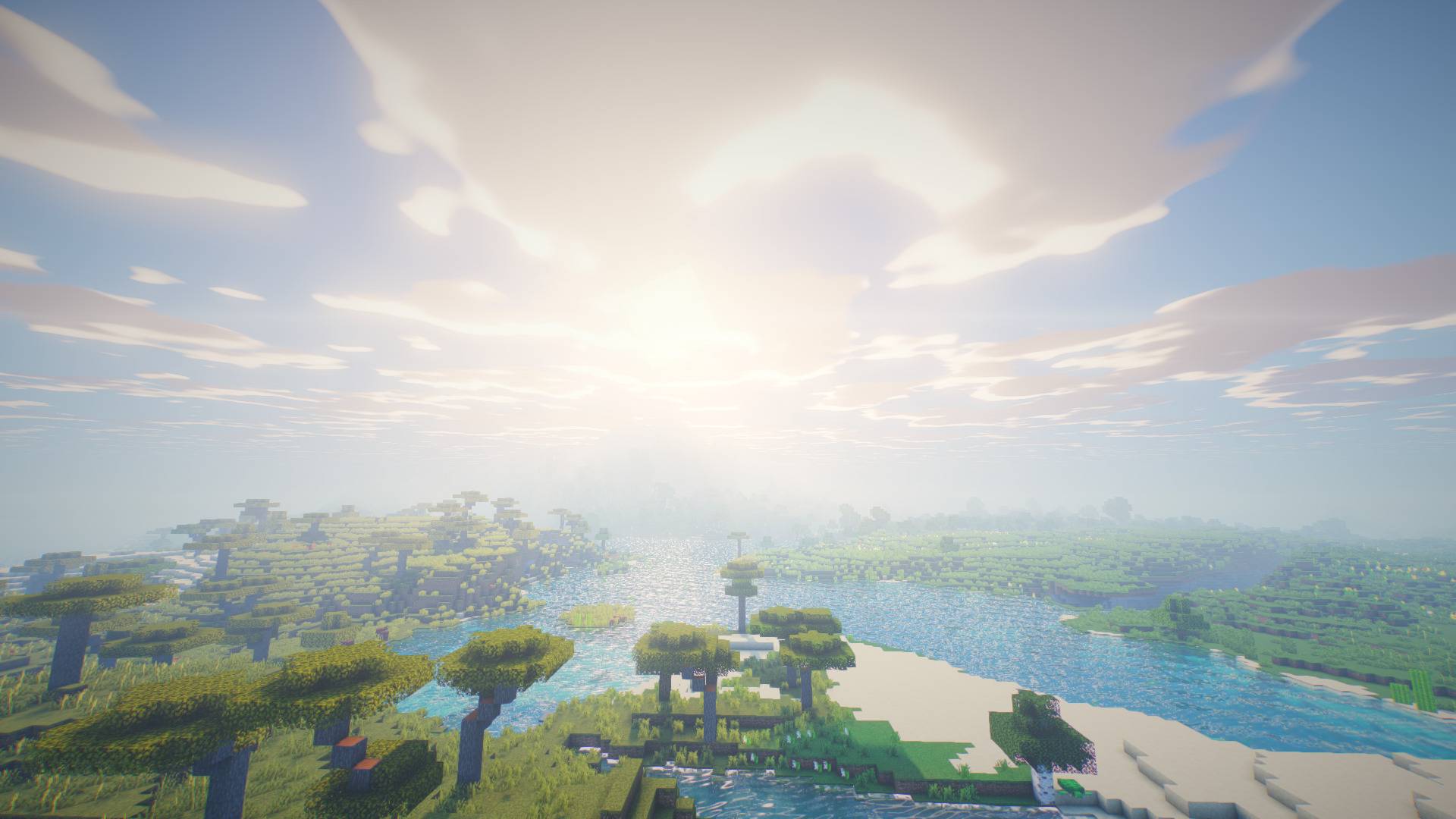
A cinematic shader: aurora night sky, volumetric clouds, soft shadows, SSR water, coloured light.
截图
介绍
# Aurora Dreams
A dreamy, cinematic shader pack for Minecraft (Java Edition) built for **Iris** and **OptiFine**.
## Features
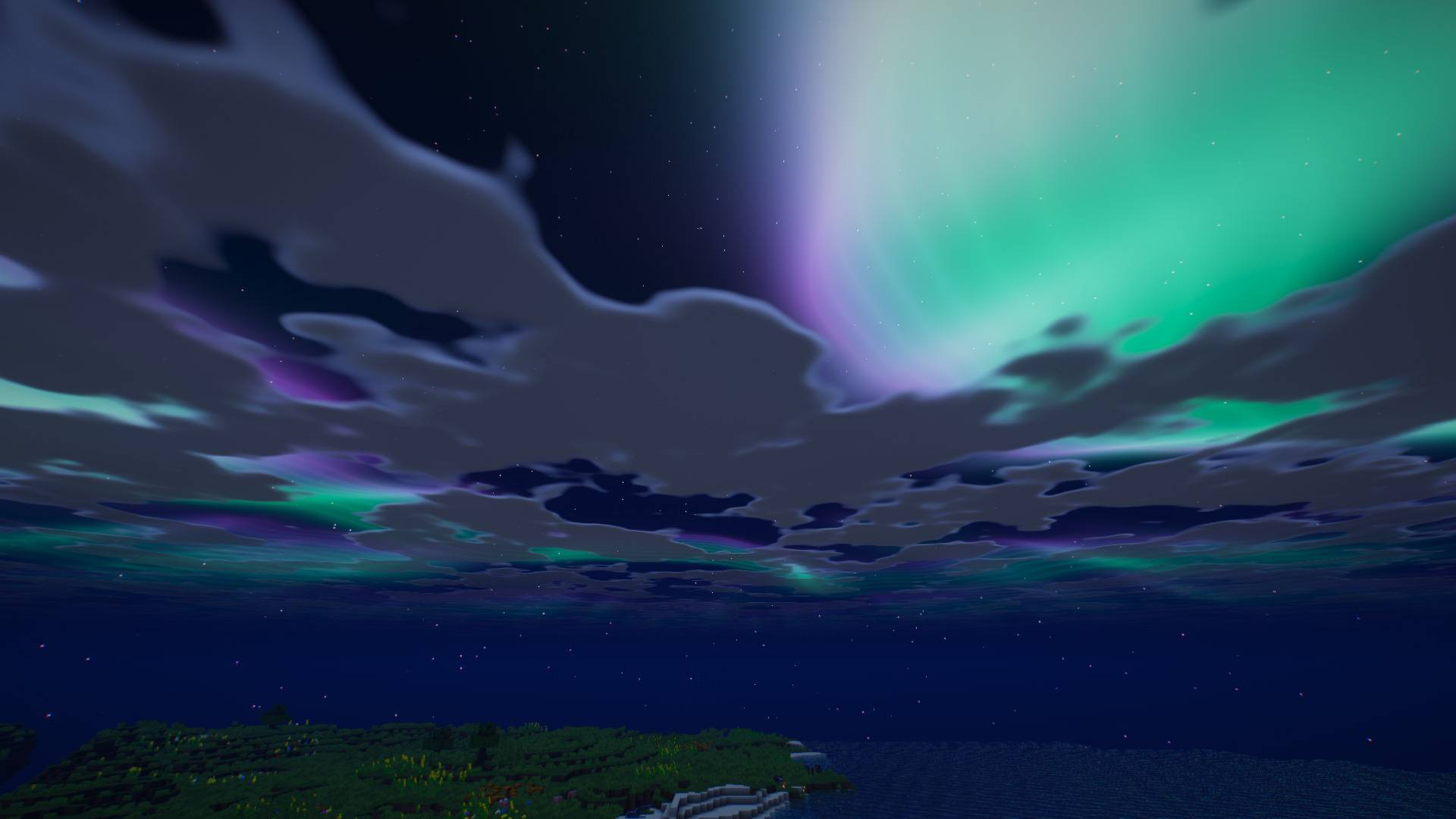
– **Night-sky aurora borealis** with procedural stars, moon glow and twinkling
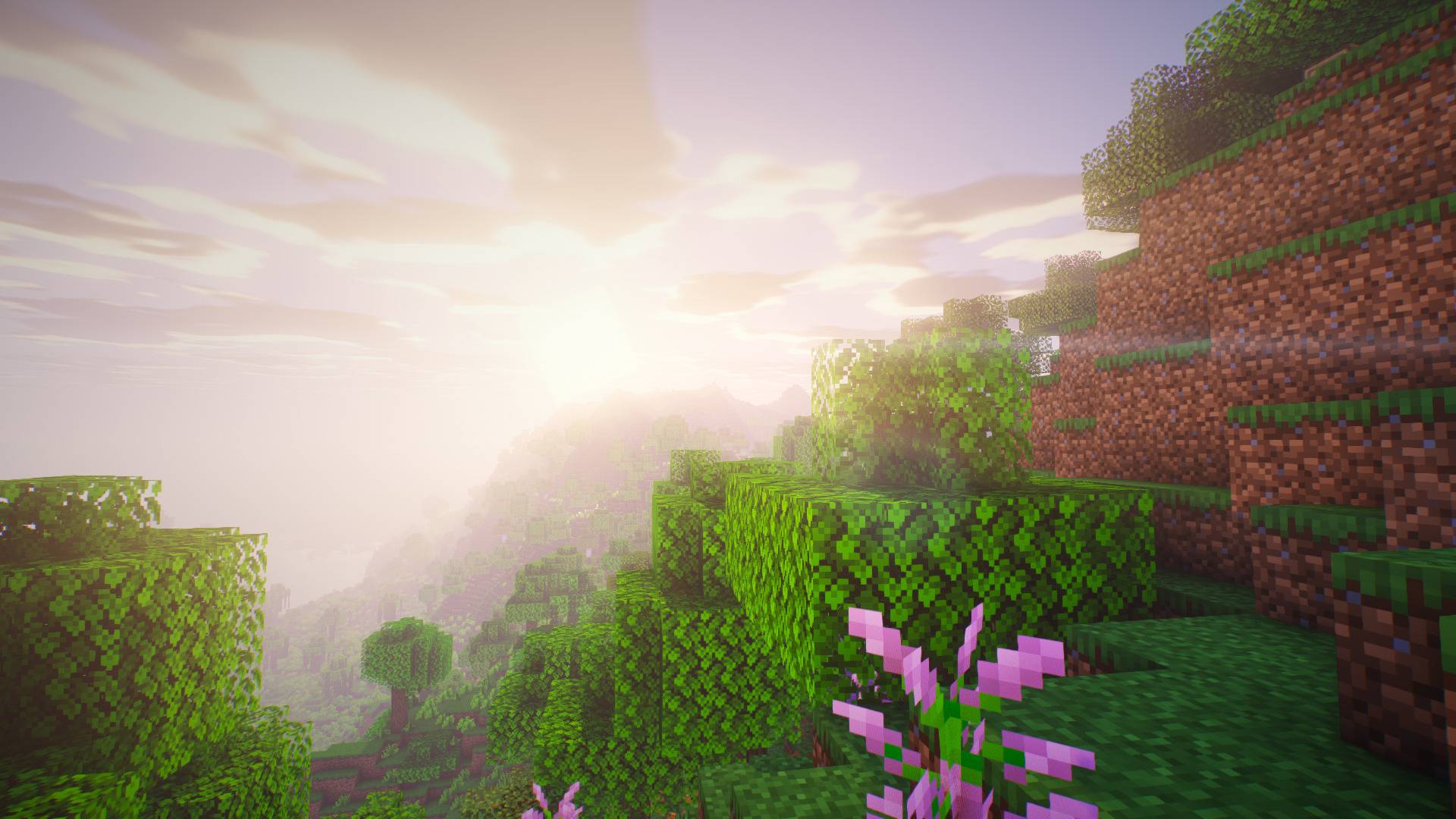
– Dynamic sky: deep-blue day gradient, rose/orange sunrise and sunset, rain overcast
– **Soft, distortion-mapped shadows** (sun and moonlight) with normal-offset bias
– **Screen-space ambient occlusion**
– **Water** with animated waves, Fresnel reflections, **screen-space reflections**, sky + aurora reflections and sun glints
– Waving grass, flowers, crops and leaves
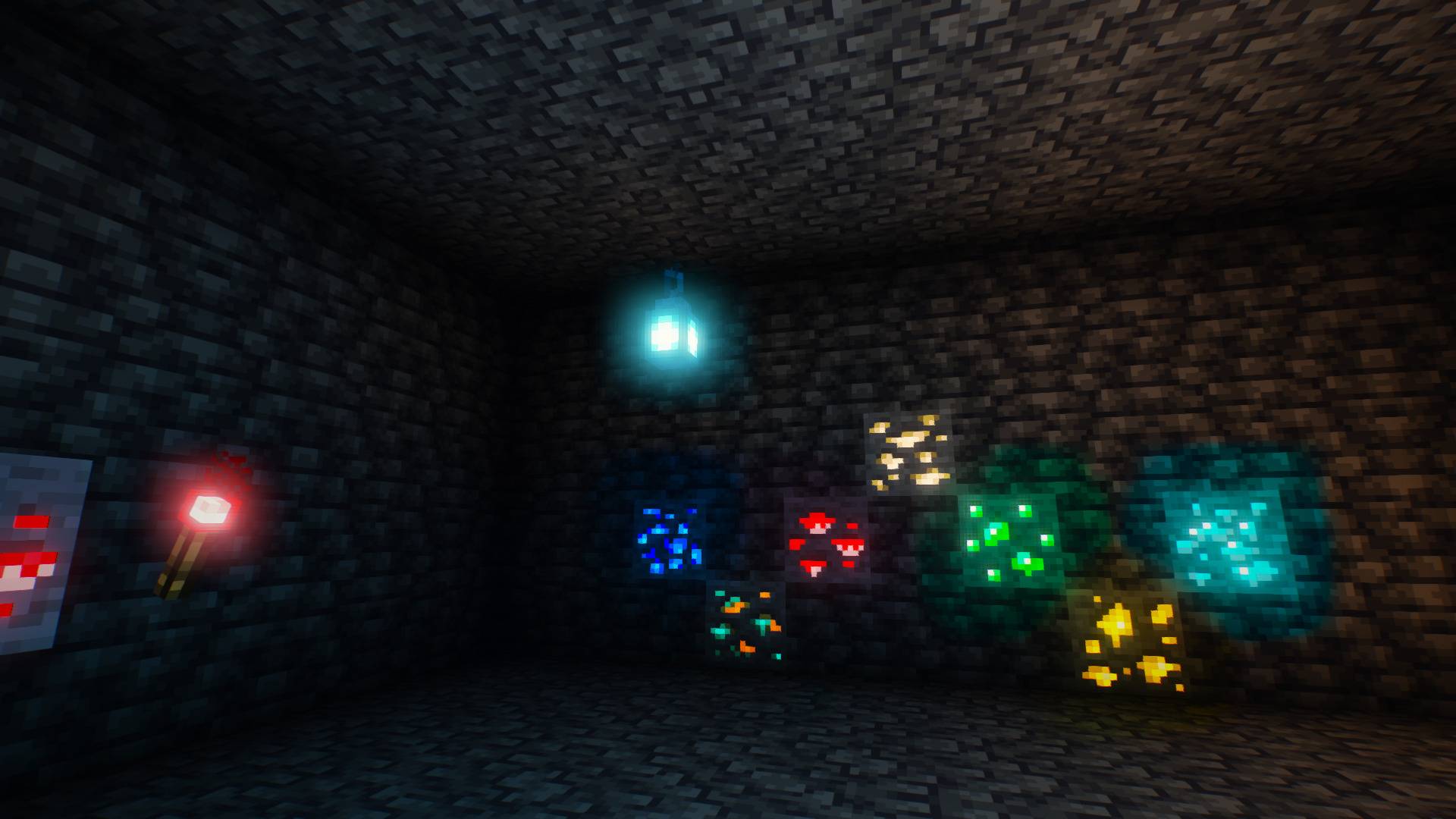
– Warm flickering torchlight
– Atmospheric haze and distance fog tinted by the sky; underwater fog
– **Bloom**, ACES tonemapping, cool-shadow / warm-highlight grading, vignette, subtle chromatic aberration and grain
– Simple Nether and End looks
– Coloured light spreading: redstone torches tint their surroundings red, soul fire blue, ores glow and light the cave in their own colour
– Stained-glass coloured shadows, lens flare, wet surfaces in rain
– Presets: Performance / Balanced / Ultra, plus sliders for everything in the options screen
## Install
1. Install [Iris](https://irisshaders.dev) (recommended) or OptiFine.
2. Drop `AuroraDreams-<version>.zip` into your `shaderpacks` folder (do **not** unzip it).
3. In game: Options > Video Settings > Shader Packs > Aurora Dreams.
Tip: nights are best seen with clear weather and a clear view of the sky.
## Compatibility
– Minecraft 1.17+ with Iris or OptiFine (GLSL 1.20, `#include` support required).
– Water is flagged by the block id `10002`, foliage by `10000`/`10001` in `block.properties`.
– Tested for GLSL compile-correctness with Khronos `glslang`; visual tuning is ongoing – issues and screenshots are welcome.
## Building the zip
“`
python build.py
“`
## License
MIT – see [LICENSE](LICENSE).
常见问题
Aurora Dreams 支持哪些 Minecraft 版本?
Aurora Dreams 支持 Minecraft Java 版 1.8.9–26.3,共 3 个版本,可用的加载器:Iris / OptiFine。下载时注意选择和你游戏版本一致的文件。
Aurora Dreams 怎么安装?
光影需要先装 Iris / OptiFine。把下载的 .zip 文件(不用解压)放进游戏目录的 shaderpacks 文件夹,进游戏后在「选项 → 视频设置 → 光影包」里选中它。光影对显卡要求较高,卡顿可以调低光影设置或渲染距离。
评论
登录后评论和评分