
CanvasGLSL
作者:tinywifi
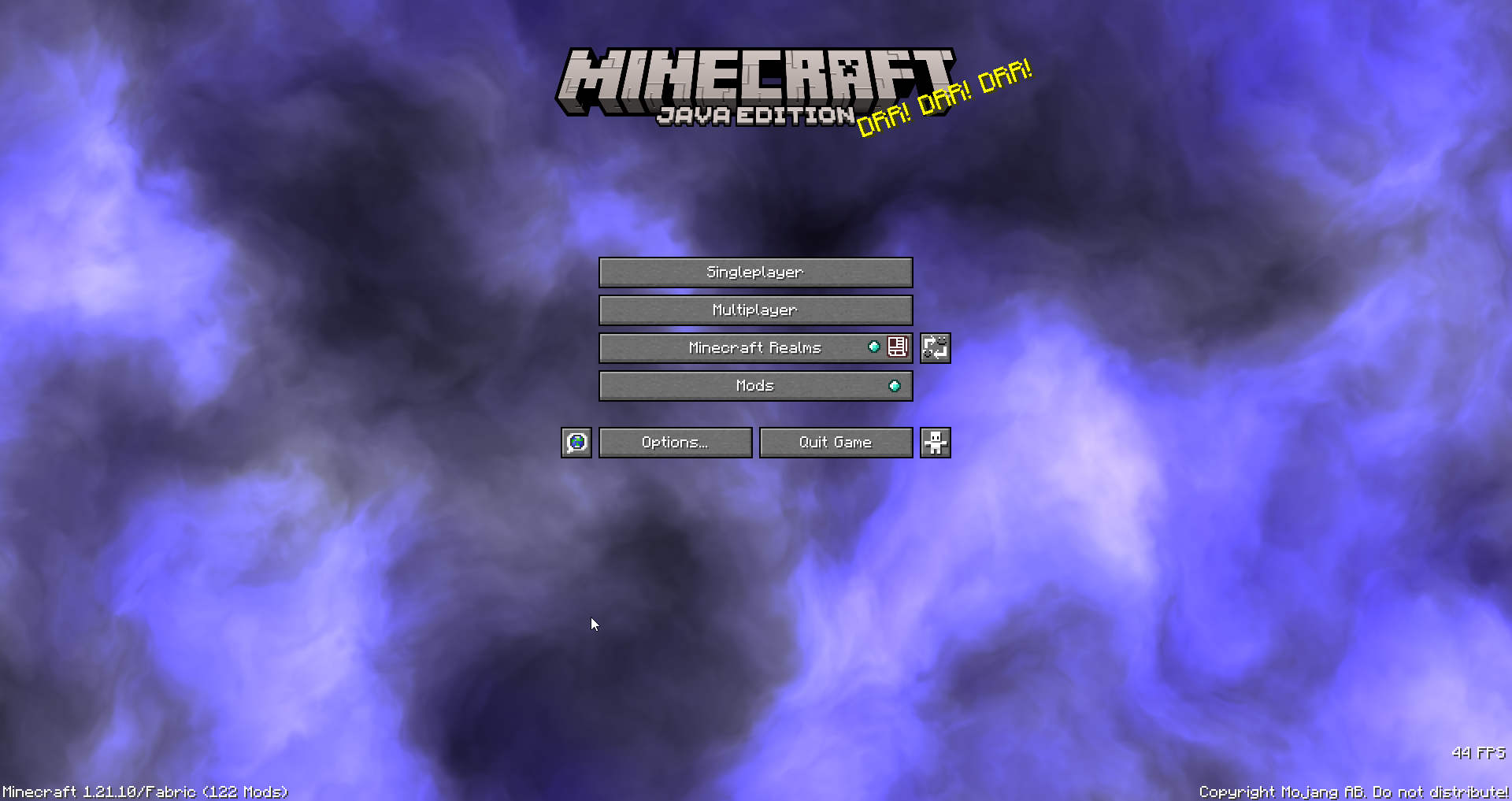
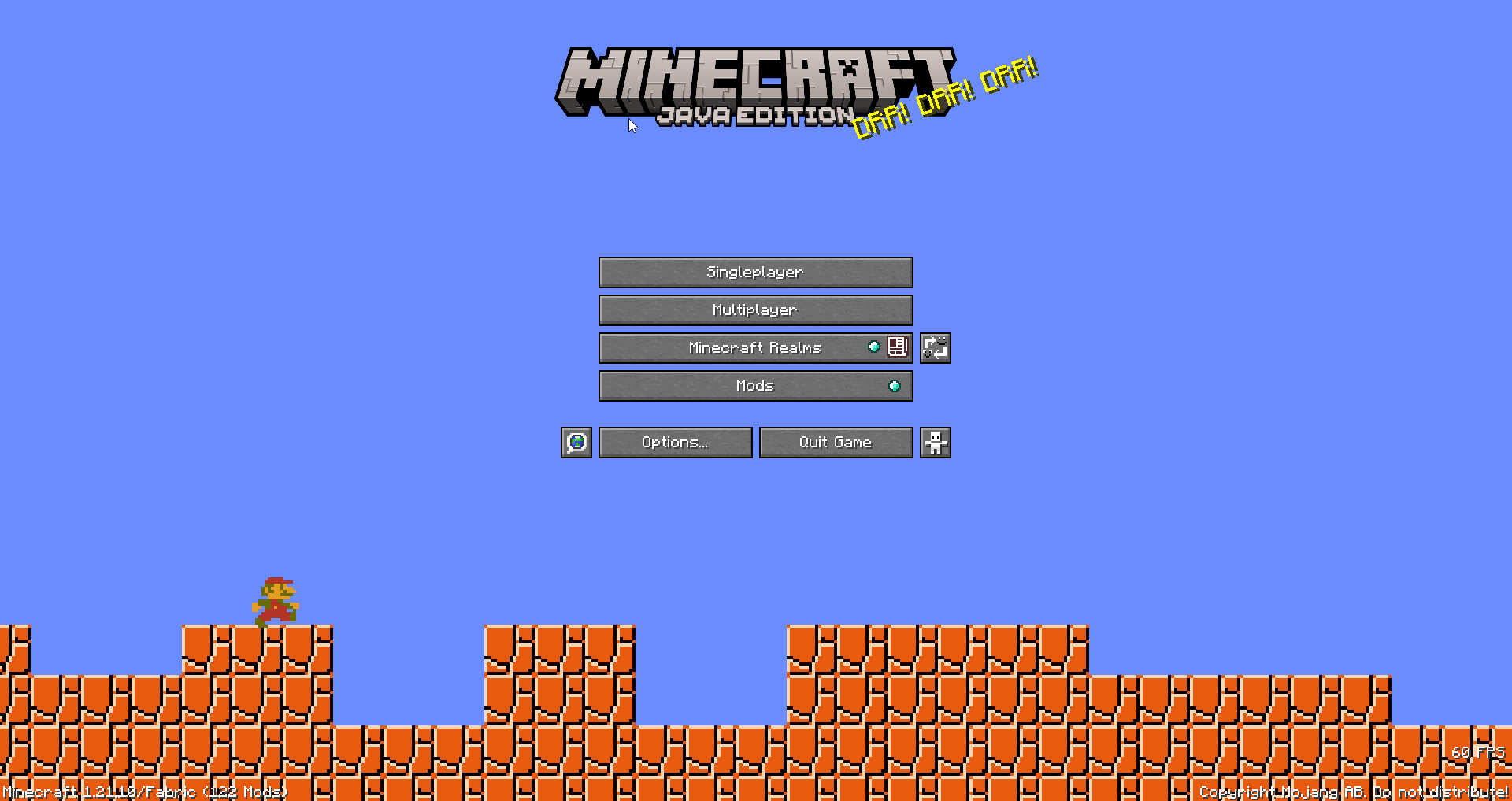
Replace every menu background with custom GLSL shaders. with a live, in-game shader editor with syntax highlighting, auto-compile, Shadertoy support, and shader file management.
截图
介绍
中文介绍正在准备中,下面暂时显示原文。
CanvasGLSL
Replace Minecraft’s menu backgrounds with custom GLSL shaders. Includes a built-in shader editor with syntax highlighting.
Features
- Live shader editor (press
Insertto open) - Works on all menu screens (title, singleplayer, multiplayer, options, etc.)
- Shadertoy compatible – paste shaders directly from Shadertoy
- Auto-compile or manual compile modes
- File manager for organizing shaders
- Syntax highlighting
Installation
- Install Fabric loader for Minecraft 1.21.10
- Download the latest release JAR
- Put it in your
.minecraft/modsfolder - Launch the game
Usage
Opening the Editor
Press Insert while in any menu to open the shader IDE. Press Insert or Esc to close it.
Writing Shaders
Shaders are saved in .minecraft/canvasglsl/. You can create folders to organize them.
Supported uniforms:
uniform float iTime;– Time in secondsuniform vec3 iResolution;– Screen resolution (width, height, aspect)uniform vec4 iMouse;– Mouse position (x, y, click x, click y)uniform int iFrame;– Frame counteruniform sampler2D iChannel0;– Procedural noise textures (iChannel0 through iChannel3)uniform float iTimeDelta;– Time since last frameuniform vec4 iDate;– Current date/time (year, month, day, seconds)uniform float iSampleRate;– Audio sample rate (44100)
Example shader:
void mainImage(out vec4 fragColor, in vec2 fragCoord) {
    vec2 uv = fragCoord / iResolution.xy;
    vec3 col = 0.5 + 0.5 * cos(iTime + uv.xyx + vec3(0, 2, 4));
    fragColor = vec4(col, 1.0);
}
Using Shadertoy Shaders
- Copy shader code from Shadertoy
- Paste into the editor
- Click “Compile” or enable auto-compile
- Done! The shader will render as your menu background
Controls
Insert– Toggle shader editorEsc– Close editorCtrl+S– Save current shader- Compile button – Compile shader manually
- Auto-compile toggle – Auto-compile on save
常见问题
CanvasGLSL 支持哪些 Minecraft 版本?
CanvasGLSL 支持 Minecraft Java 版 1.21–1.21.10,共 3 个版本,可用的加载器:Fabric。下载时注意选择和你游戏版本一致的文件。
CanvasGLSL 怎么安装?
先用 PCL2 或 HMCL 启动器安装对应版本的 Fabric,再把下载的 .jar 文件放进游戏目录的 mods 文件夹,重新启动游戏即可。开启了版本隔离的,mods 文件夹在 versions/版本名 下面。运行环境:仅客户端。

评论
登录后评论和评分