
截图
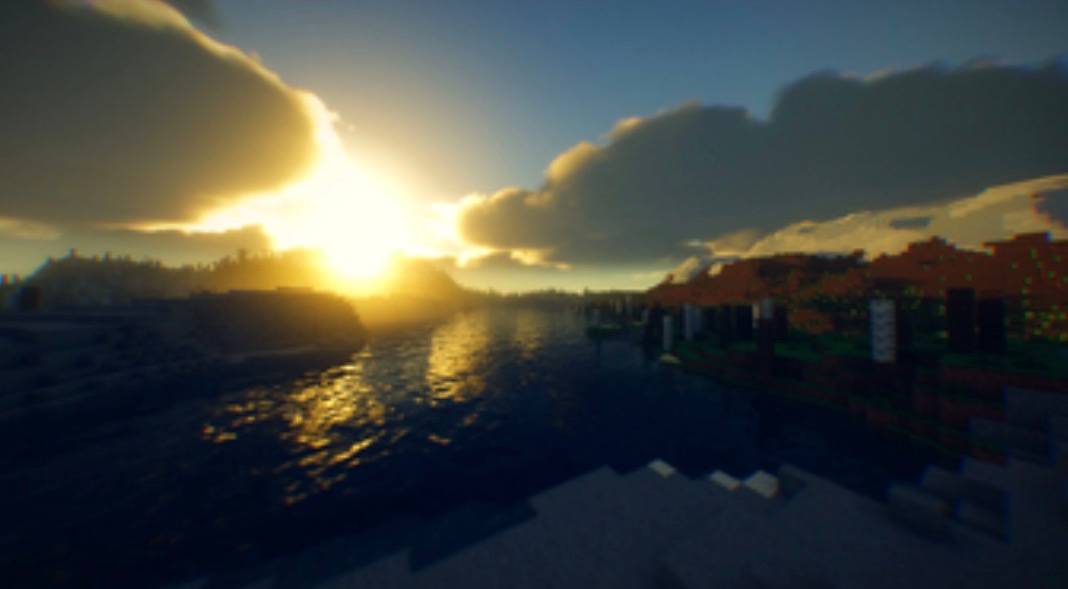
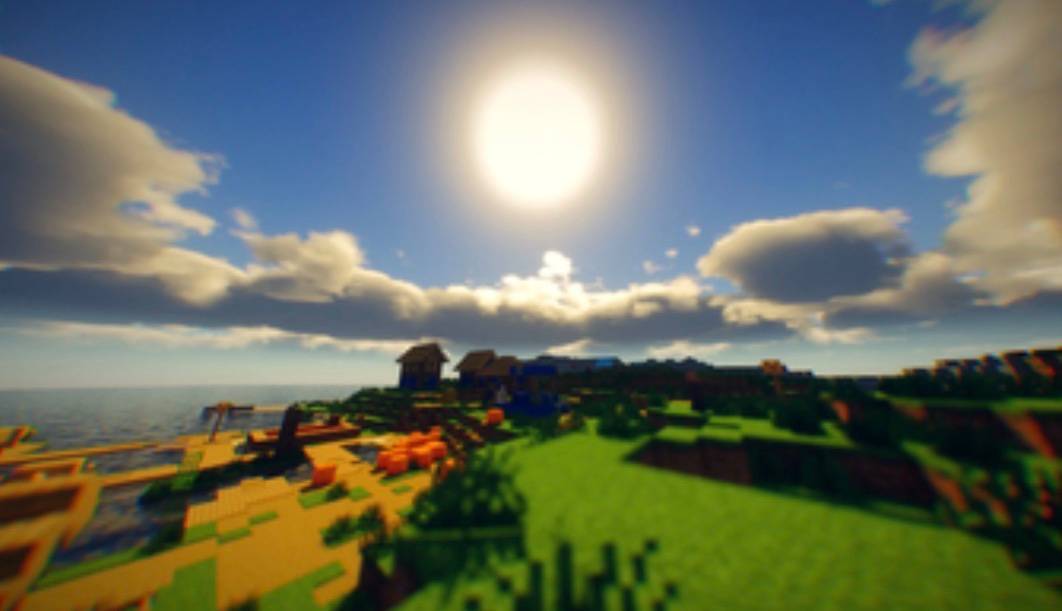
介绍
# Kinescope Shaders
Kinescope is a cinematic edit of **Chocapic13’s Shaders**, designed to create a richer, more filmic Minecraft experience while preserving the performance and lighting quality of the original shader.
Instead of completely redesigning the shader, Kinescope focuses on enhancing the final image through carefully tuned post-processing and visual effects
## Requirements:
– Iris/Optifine installed
– OpenGL 4.1
– a decent PC
Kinescope aims to deliver vibrant sunsets, realistic lighting, and a polished cinematic aesthetic without dramatically changing the gameplay experience.
## Compatibility
* Minecraft Java Edition
* Iris Shaders
* OptiFine (not confirmed)
## Credits
Kinescope is a **shader edit based on Chocapic13’s Shaders.**
All credit for the original shader belongs to **Chocapic13**. This project builds upon the original shader by introducing its own cinematic post-processing, visual tuning, settings, and presentation while keeping the original look/style.
Please respect the original license and support the original creator.
## Notice:
I am probably not going to actively develop this, but there may be updates every once and a while
常见问题
Kinescope Shaders 支持哪些 Minecraft 版本?
Kinescope Shaders 支持 Minecraft Java 版 1.21.9–26.2,共 7 个版本,可用的加载器:Iris。下载时注意选择和你游戏版本一致的文件。
Kinescope Shaders 怎么安装?
光影需要先装 Iris。把下载的 .zip 文件(不用解压)放进游戏目录的 shaderpacks 文件夹,进游戏后在「选项 → 视频设置 → 光影包」里选中它。光影对显卡要求较高,卡顿可以调低光影设置或渲染距离。


评论
登录后评论和评分