
Legendary Monuments No Chipped
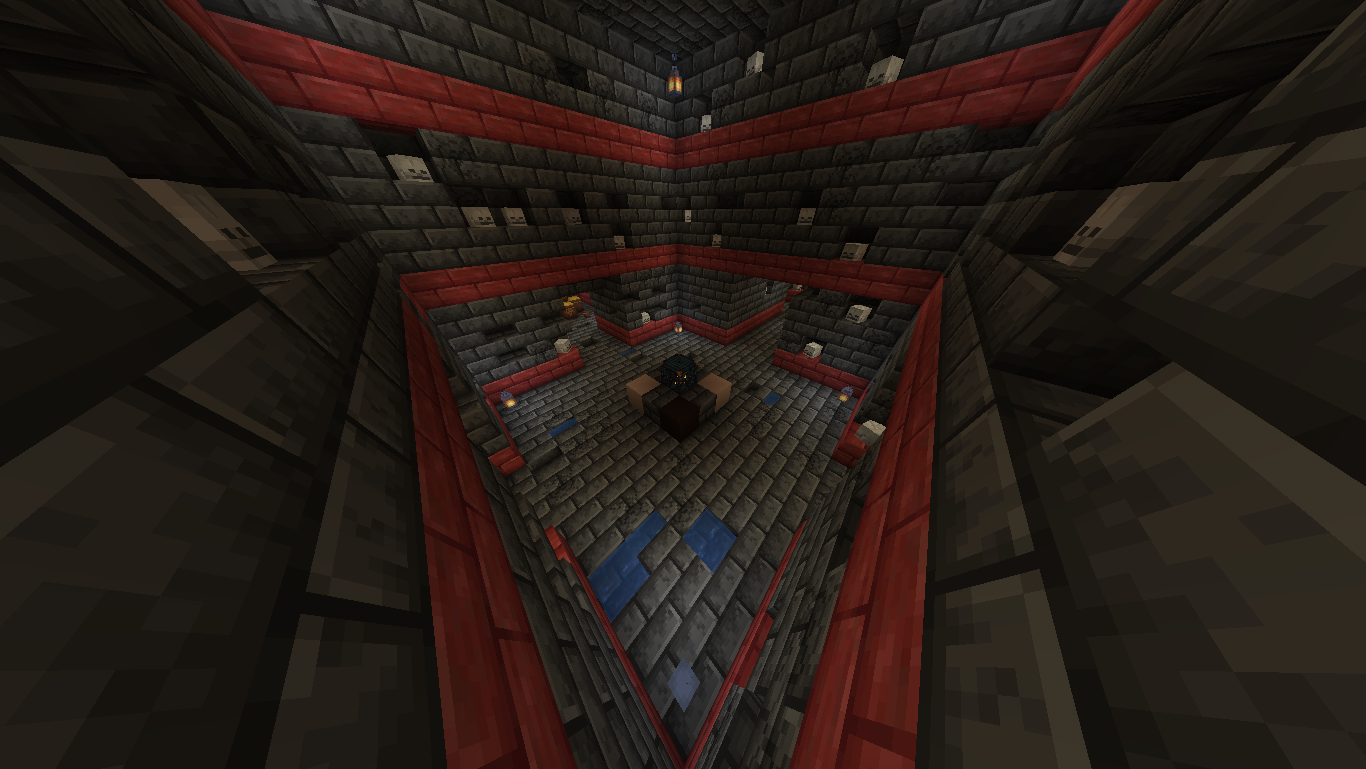
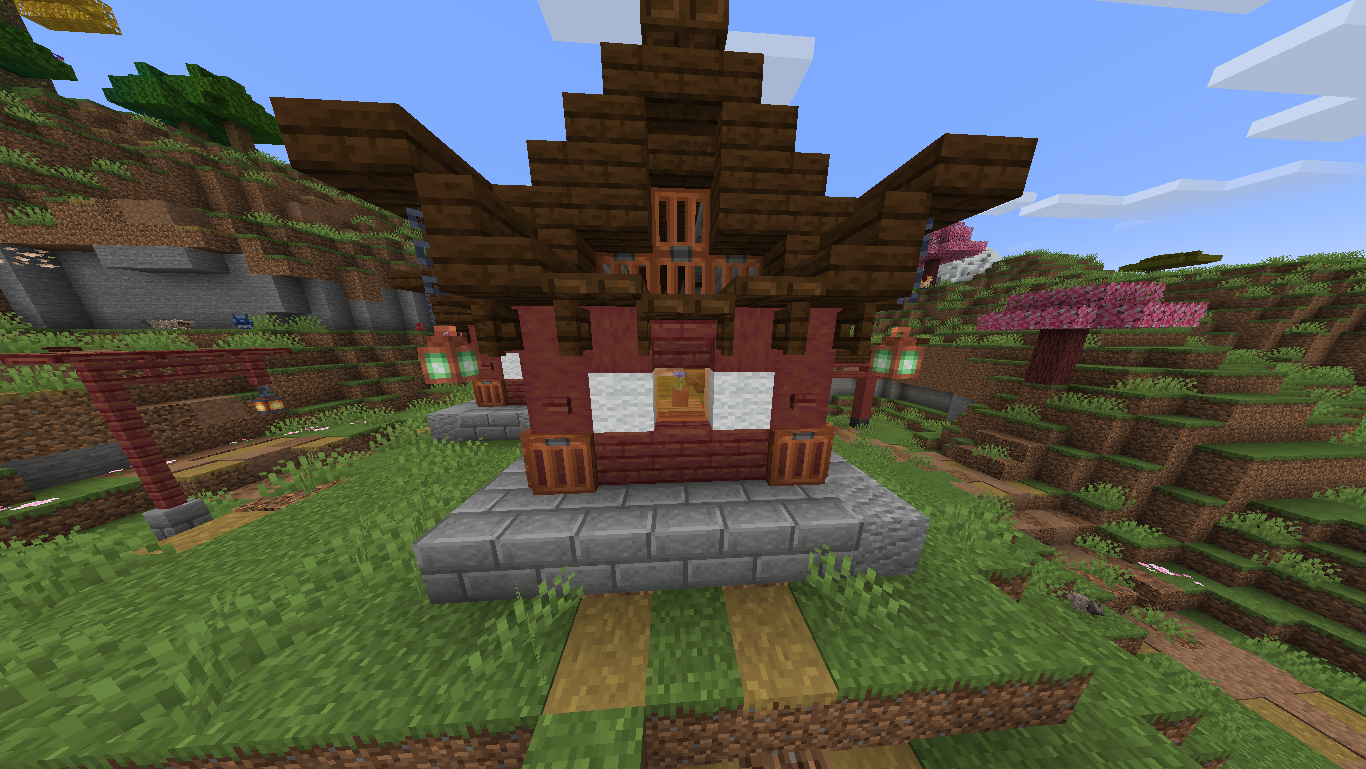
Replace Chipped blocks from newly generated Cobblemon: Legendary Monuments Structures with vanilla blocks
截图
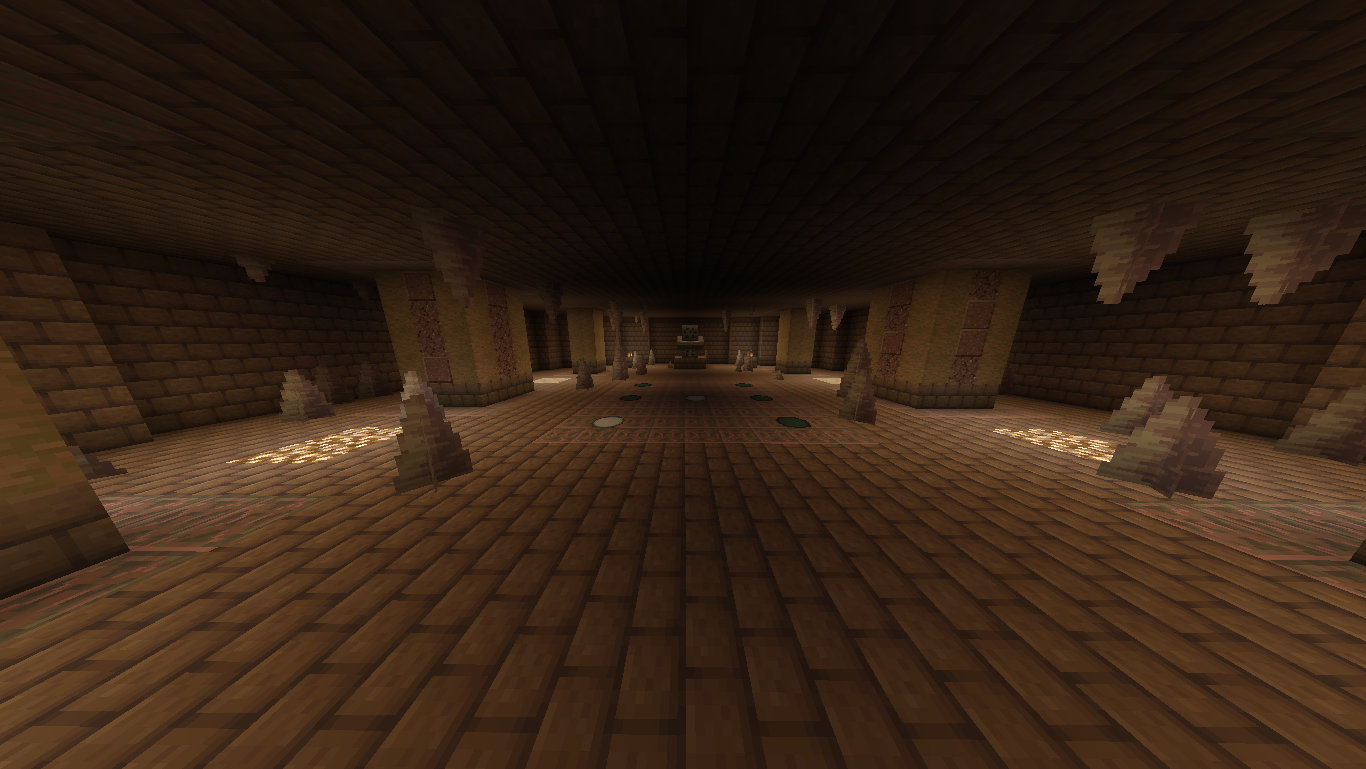
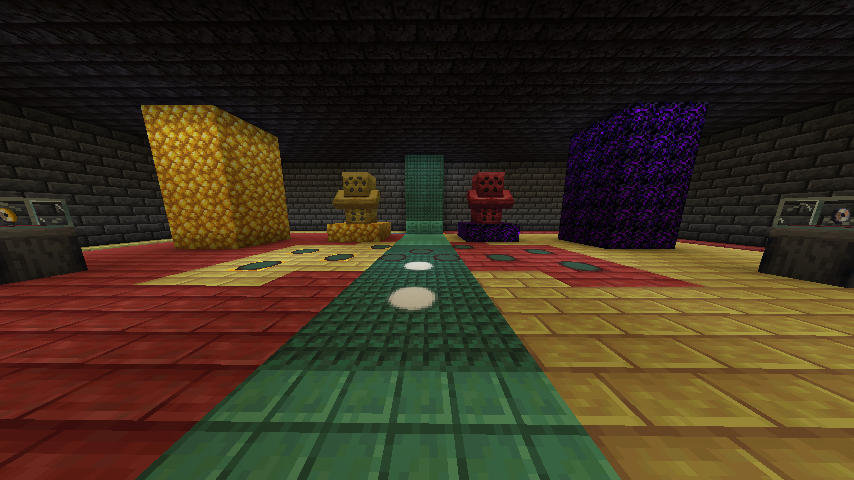
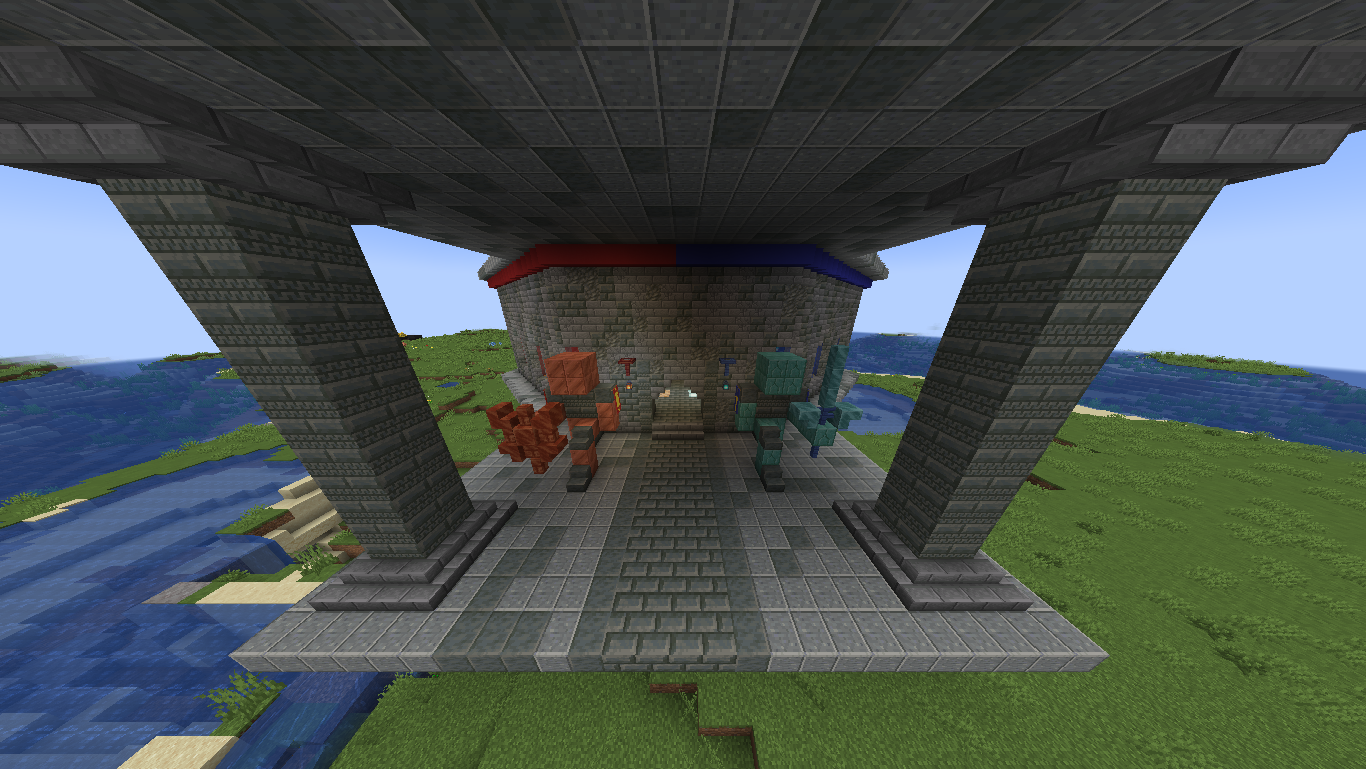
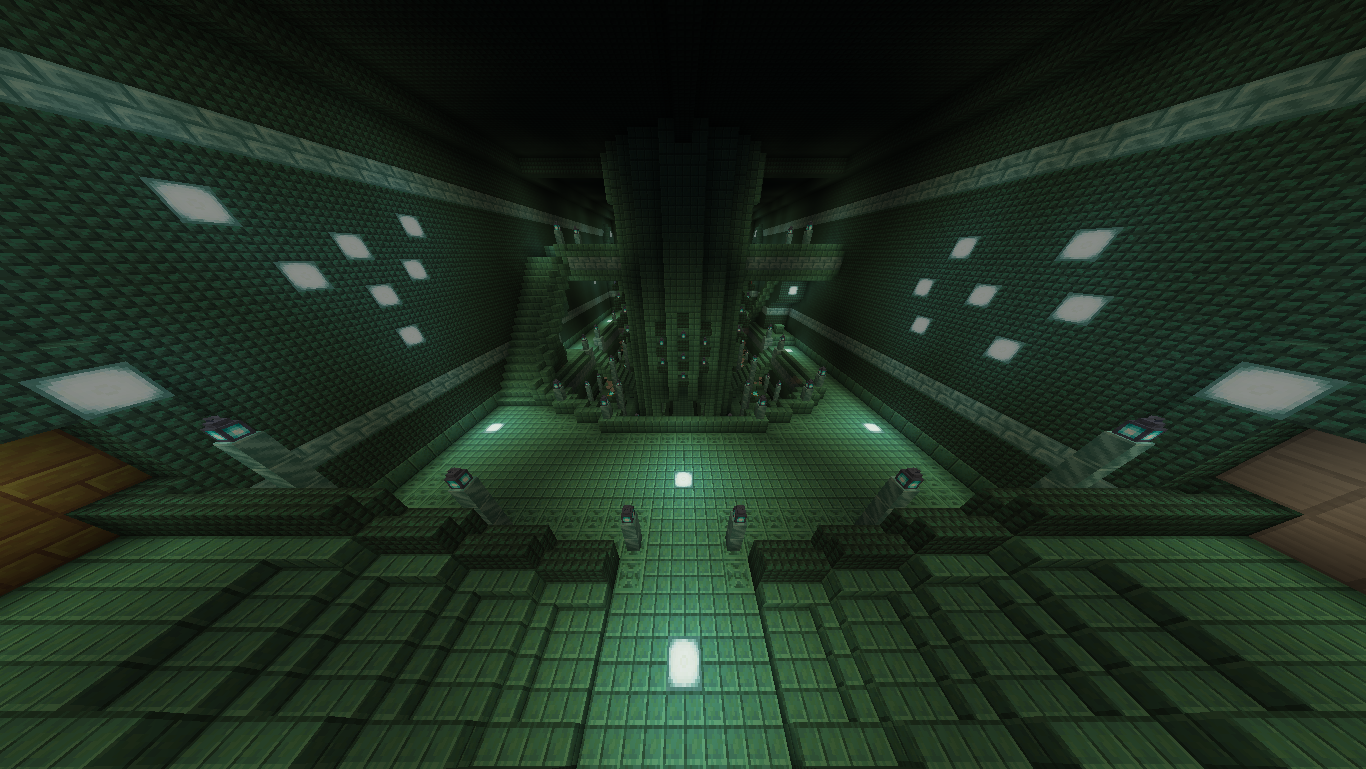
介绍
ONLY LEGENDARY MONUMENTS 8.1 SUPPORTED, NOT YET UPDATED TO 8.2
IMPORTANT!
You may want to remove the Chipped dependency inside the Legendary Monuments jar file:
To do this, open the LM jar file (inside the /mods/ folder) with a compressed file viewer like WinRAR
Go to /META-INF/neoforge.mods.toml/
Open it with a text editor, like notepad, and remove these lines:

[[dependencies.legendarymonuments]]
modId = "chipped"
type="required"
versionRange = "[0,)"
ordering = "NONE"
side = "BOTH"
If you want to use Legendary Monuments but don’t want to have Chipped installed in your datapack or simply don’t like Chipped blocks in these structures, this datapack replaces those blocks with what I consider to be the best vanilla* Minecraft alternative blocks for these.
This also means all structures generate correctly without having Chipped installed, just having the datapack with the original mod would be enough. One thing to note is that this datapack does not replace blocks from existing structures, only newly generated ones, if you want to replace existing blocks you’d need to reset the chunks that these structures are in with tools like MCA Selector.
All credits go to the Legendary Monuments mod developer and original structure builders, this is just a simple block swap datapack and I didn’t create the original builds. Any palette suggestions or blocks I missed can be discussed in the Discord Server.
*
Some blocks aren’t exactly vanilla 1.21.1, as they could be backported with Vanilla Backport and Copper Age Backport, for example Cinnabar Blocks and Copper Lanterns
DEPENDENCIES
- Legendary Monuments
- Vanilla Backport
- Copper Age Backport
常见问题
Legendary Monuments No Chipped 支持哪些 Minecraft 版本?
Legendary Monuments No Chipped 支持 Minecraft Java 版 1.21.1。下载时注意选择和你游戏版本一致的文件。
Legendary Monuments No Chipped 怎么安装?
新建世界时在「数据包」里把下载的 .zip 拖进去;已有的存档,把文件放进存档目录下的 datapacks 文件夹,进游戏输入 /reload 即可生效。服务器同样放在世界目录的 datapacks 里。
评论
登录后评论和评分