
SignPort
Create named anchors and use signs as portals for fast Minecraft travel.
截图
介绍
SignPort
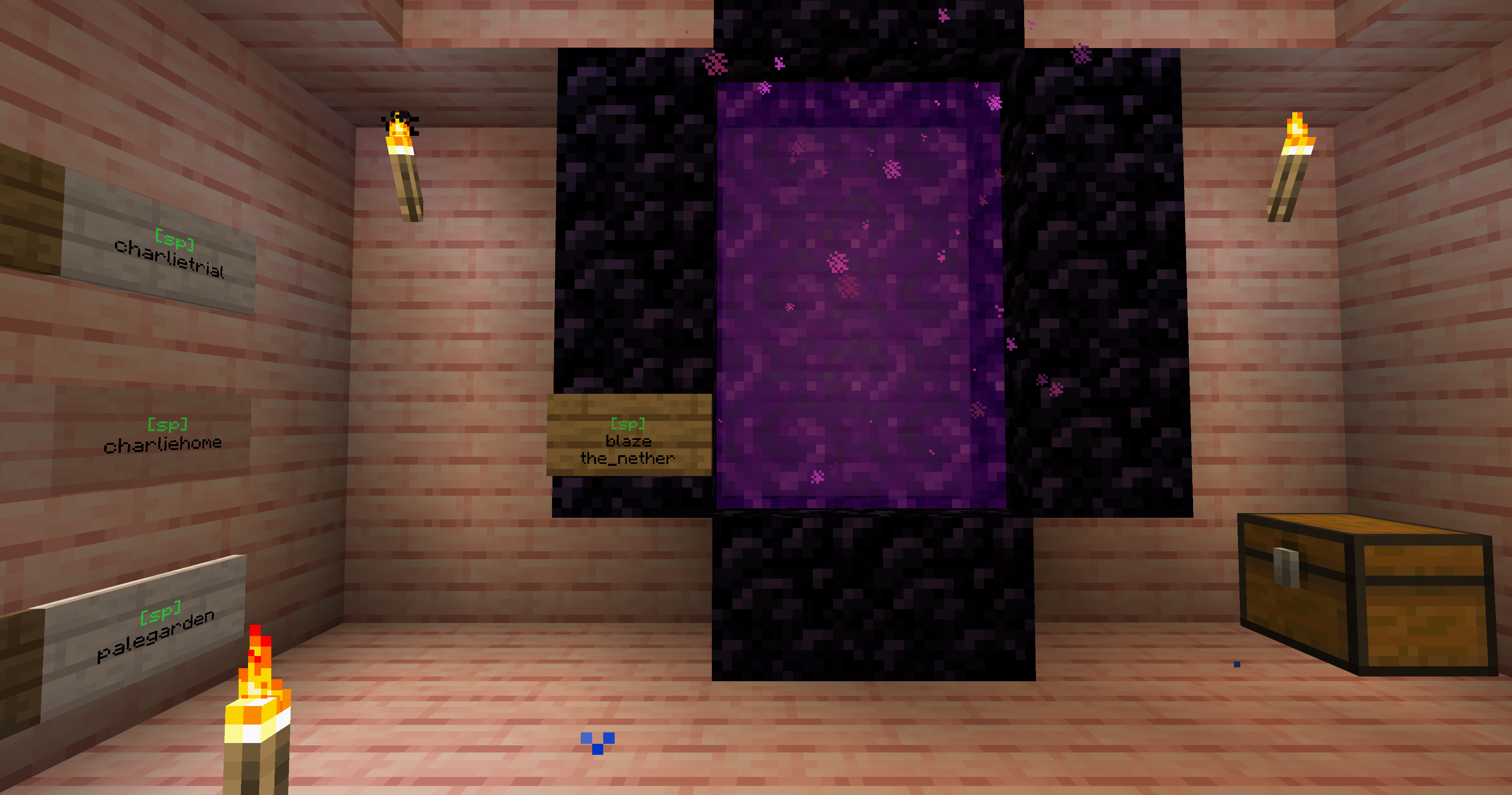
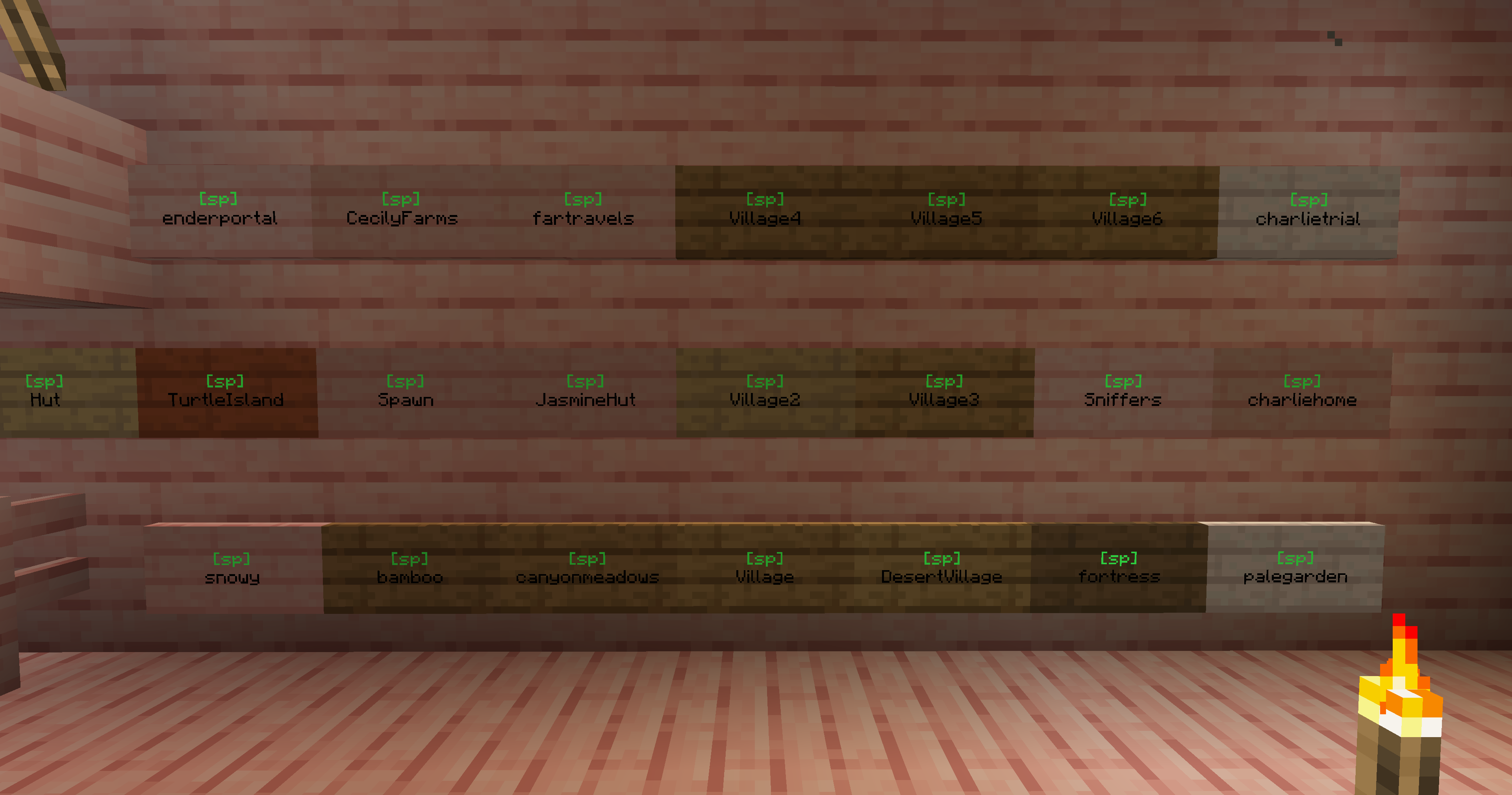
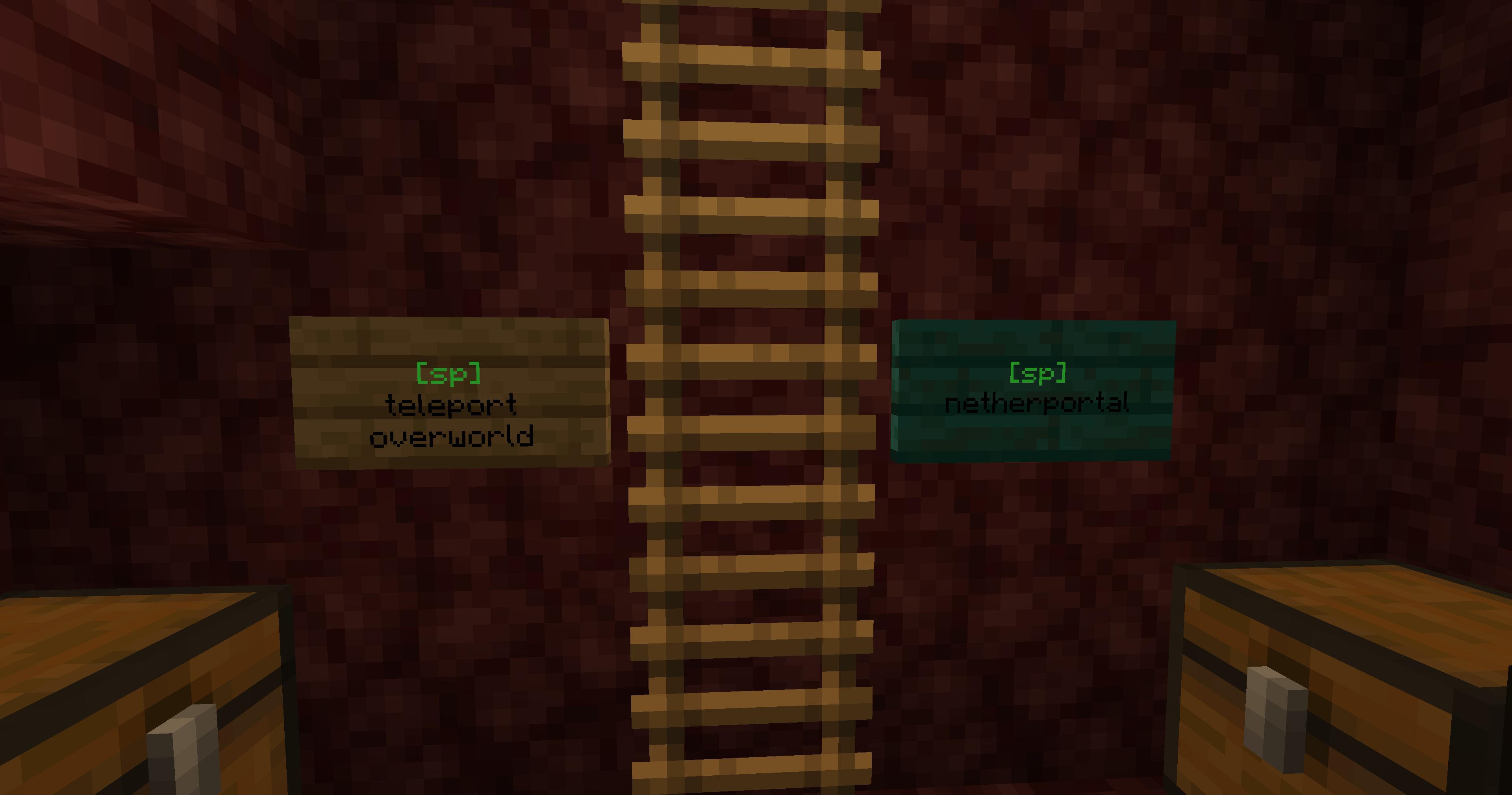
SignPort is a Fabric mod that turns ordinary signs into named travel portals. Create an anchor, write its name on a sign, and right-click the sign to teleport.
Original project by approved (GitHub) – approved (Modrinth). Posted this project with their express permission.
Features
- Create, group, list, filter, sort, delete, and teleport to named anchors.
- Turn signs into portals with
[sp]or[signport]. - Target anchors in the current dimension or another dimension.
- Browse nearby anchors with
/sp anchor near [radius]. - Use tab completion for anchor names and groups.
- Supports front/back sign text by checking the side the player is facing first.
- Colors the portal marker green for valid targets and red for missing targets.
- Optional client features add HUD lookup hints, an anchor browser, sign-editor autocomplete, and a SignPort Template form for filling valid portal signs.
- Optional BlueMap integration publishes anchor markers to your web map.
- Supports LuckPerms through
fabric-permissions-api, with vanilla operator fallbacks.
Optional Integrations
SignPort’s core portal and command features are server-side. Vanilla clients can join and use portal signs normally.
- SignPort client mod: optional on players’ clients. When both client and server have SignPort installed, the client receives synced anchor and permission data. This enables portal-sign HUD lookup hints, an anchor browser opened with the
Jkey, sign-editor autocomplete, and the permission-gated SignPort Template button. - BlueMap: optional server-side integration. When BlueMap is installed, SignPort publishes anchors as marker sets by dimension. Enabled by default.
- LuckPerms or another
fabric-permissions-apiprovider: optional server-side permission provider. Without one, SignPort uses vanilla operator fallback levels. - ModMenu: optional client-side settings entry. If ModMenu is installed, SignPort appears in ModMenu’s config list.
Sign Format
line 1: any text
line 2: [sp] or [signport]
line 3: anchor-name
line 4: optional dimension id
Examples:
Spawn
[sp]
spawn
Nether Hub
[signport]
hub
netherAccepted dimension values for line 4: overworld, nether, end, the_nether, the_end, or any full namespace ID like minecraft:overworld or mymod:custom_dimension.
Commands
/signport anchor create <name>
/signport anchor create <name> <group>
/signport anchor create <name> <x> <y> <z>
/signport anchor setgroup <name> <group>
/signport anchor list [filter] [page] [--sort=name|distance|recent]
/signport anchor near [radius] [page]
/signport anchor delete <name>
/signport anchor delete all
/signport tp <name>
The shorter /sp alias can be used in place of /signport.
Permissions
SignPort works with LuckPerms through fabric-permissions-api. If no permission provider is installed, it falls back to vanilla operator checks.
| Permission | Default |
| — | — |
| signport.anchor.create | operator level 2 |
| signport.anchor.delete | operator level 2 |
| signport.anchor.list | operator level 2 |
| signport.teleport.command | everyone |
| signport.sign.create | operator level 2 |
| signport.sign.edit | operator level 2 |
| signport.sign.break | operator level 2 |
| signport.sign.use | everyone |
Configuration
On first server start, SignPort creates config/signport.json with these server settings:
| Setting | Default | Description |
| — | — | — |
| teleportCommandDefault | true | Allows everyone to use /sp tp when no permission provider overrides it. |
| signUseDefault | true | Allows everyone to use portal signs when no permission provider overrides it. |
| protectedActionOpLevel | 2 | Vanilla op level fallback for protected anchor and portal-sign actions. |
| crossDimensionPortalSigns | true | Lets line 4 on signs target another dimension. |
| safeTeleportSearch | true | Searches for a safe nearby standing spot before teleporting. |
| anchorListPageSize | 10 | Number of anchors shown per /sp anchor list page. |
| defaultNearRadius | 128 | Default radius for /sp anchor near. |
| bluemapEnabled | true | Enables BlueMap anchor markers when BlueMap is installed. |
When installed client-side, SignPort creates config/signport-client.json with these client settings:
| Setting | Default | Description |
| — | — | — |
| hudHintEnabled | true | Shows portal-sign lookup hints in the hotbar. |
| browserKeybindEnabled | true | Enables the anchor browser keybind. Restart the game after changing this value. |
| signEditorAutocompleteEnabled | true | Enables anchor-name autocomplete while editing signs. |
| signTemplateButtonEnabled | true | Shows the SignPort Template button when the server reports that the player can create portal signs. |
Requirements
- Fabric Loader
- Fabric API
- Java 25
Install SignPort on the server. Players do not need to install it on their clients, but installing the same jar client-side enables the optional client helpers listed above.
Modpacks and Redistribution
You may include SignPort in modpacks.
For Modrinth modpacks, prefer adding SignPort as a project dependency so users download the official file from this page.
If you redistribute the jar directly outside Modrinth, keep the LGPL-3.0-only license notice, credit the original project/author attribution, and link back to this project or the GitHub source. Modified versions must follow the LGPL-3.0-only license terms.
常见问题
SignPort 支持哪些 Minecraft 版本?
SignPort 支持 Minecraft Java 版 1.21.10–26.3,共 4 个版本,可用的加载器:Fabric / NeoForge。下载时注意选择和你游戏版本一致的文件。
SignPort 怎么安装?
先用 PCL2 或 HMCL 启动器安装对应版本的 Fabric / NeoForge,再把下载的 .jar 文件放进游戏目录的 mods 文件夹,重新启动游戏即可。开启了版本隔离的,mods 文件夹在 versions/版本名 下面。运行环境:客户端 / 服务端。
TrinitrotolueneTnT 的其他作品
查看全部 →
MultiGolem
This project adds the ability to create new golems out of Lapis, Copper, Gold, Redstone, Emerald, Diamond, and Netherite blocks that have special abilities beyond the basic Iron Golem

CarryBabyAnimals
This project adds the ability to pick up and carry baby animals.
评论
登录后评论和评分