
Zomboid Shader: Top Down View
A shader that gives the Top-Down View mod a Project Zomboid-style look.
截图
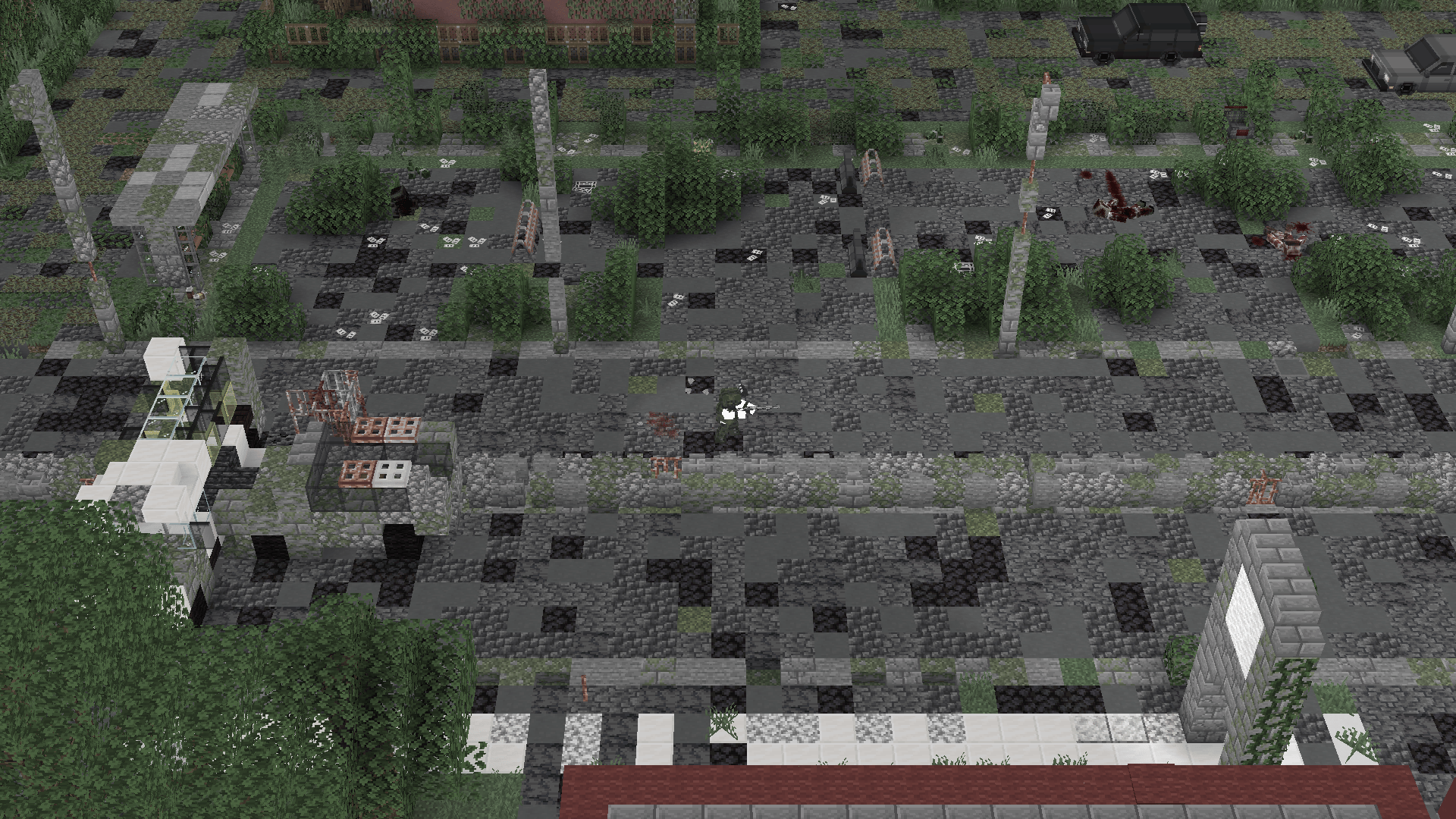
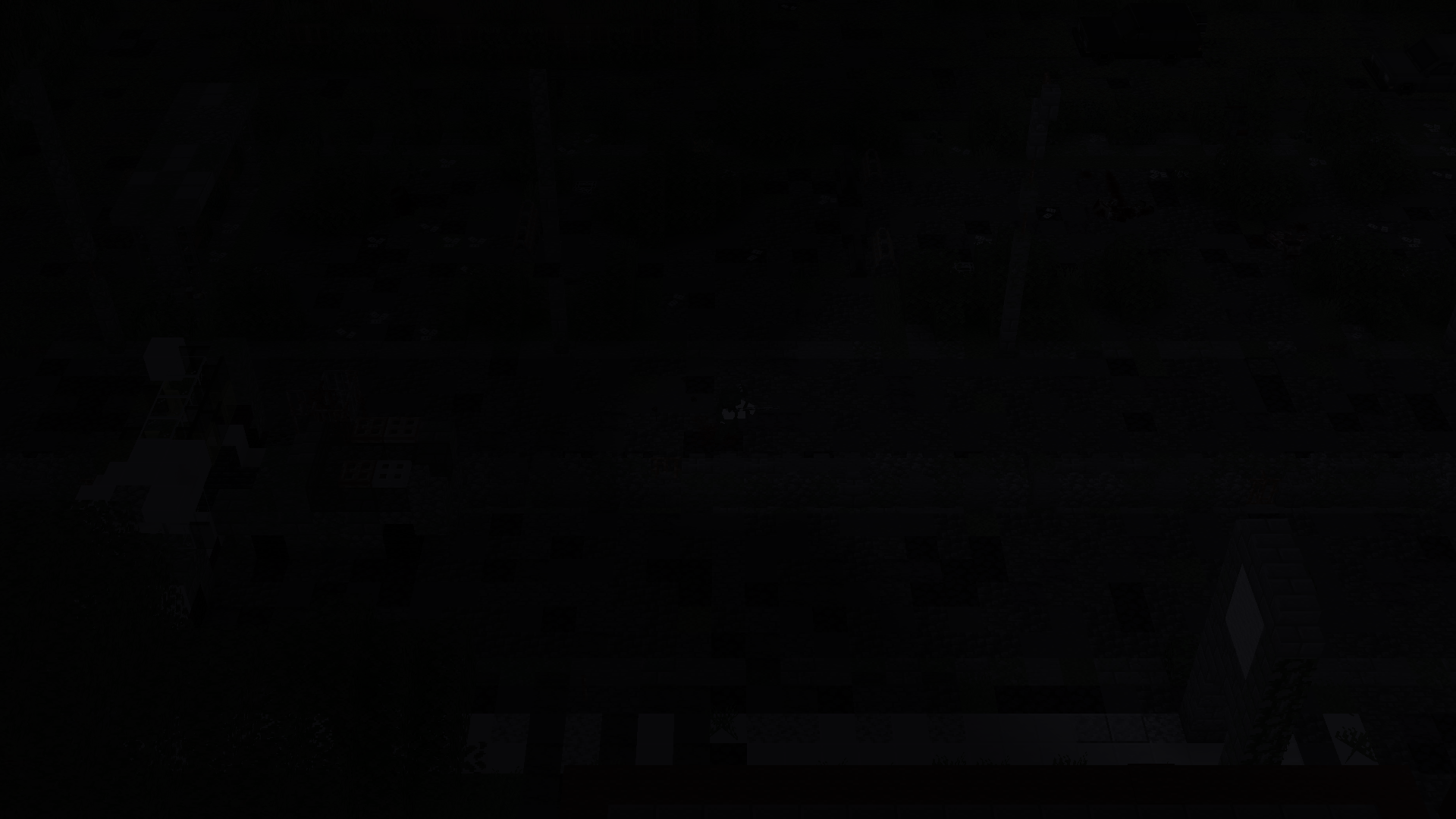
介绍
中文介绍正在准备中,下面暂时显示原文。
This shader pack is made for the Top-Down View MOD. I made this for my own use in zombie apocalypse modpacks, so I don’t think it’s suitable for regular survival play.
Key Features Just like Project Zomboid, it’s a simple shader that darkens the area outside your field of view, hides unseen mobs, and lowers the screen saturation.
- Fog of War: Darkens areas outside your line of sight.
- Hide Unseen Mobs: Hides mobs you can’t see.
- Desaturation: Lowers the screen saturation for a post-apocalyptic atmosphere.
常见问题
Zomboid Shader: Top Down View 支持哪些 Minecraft 版本?
Zomboid Shader: Top Down View 支持 Minecraft Java 版 1.20.1。下载时注意选择和你游戏版本一致的文件。
Zomboid Shader: Top Down View 怎么安装?
光影需要先装 Iris 或 OptiFine。把下载的 .zip 文件(不用解压)放进游戏目录的 shaderpacks 文件夹,进游戏后在「选项 → 视频设置 → 光影包」里选中它。光影对显卡要求较高,卡顿可以调低光影设置或渲染距离。
评论
登录后评论和评分