
截图
介绍
Schnabelborg’s SchnabelHeads Mod
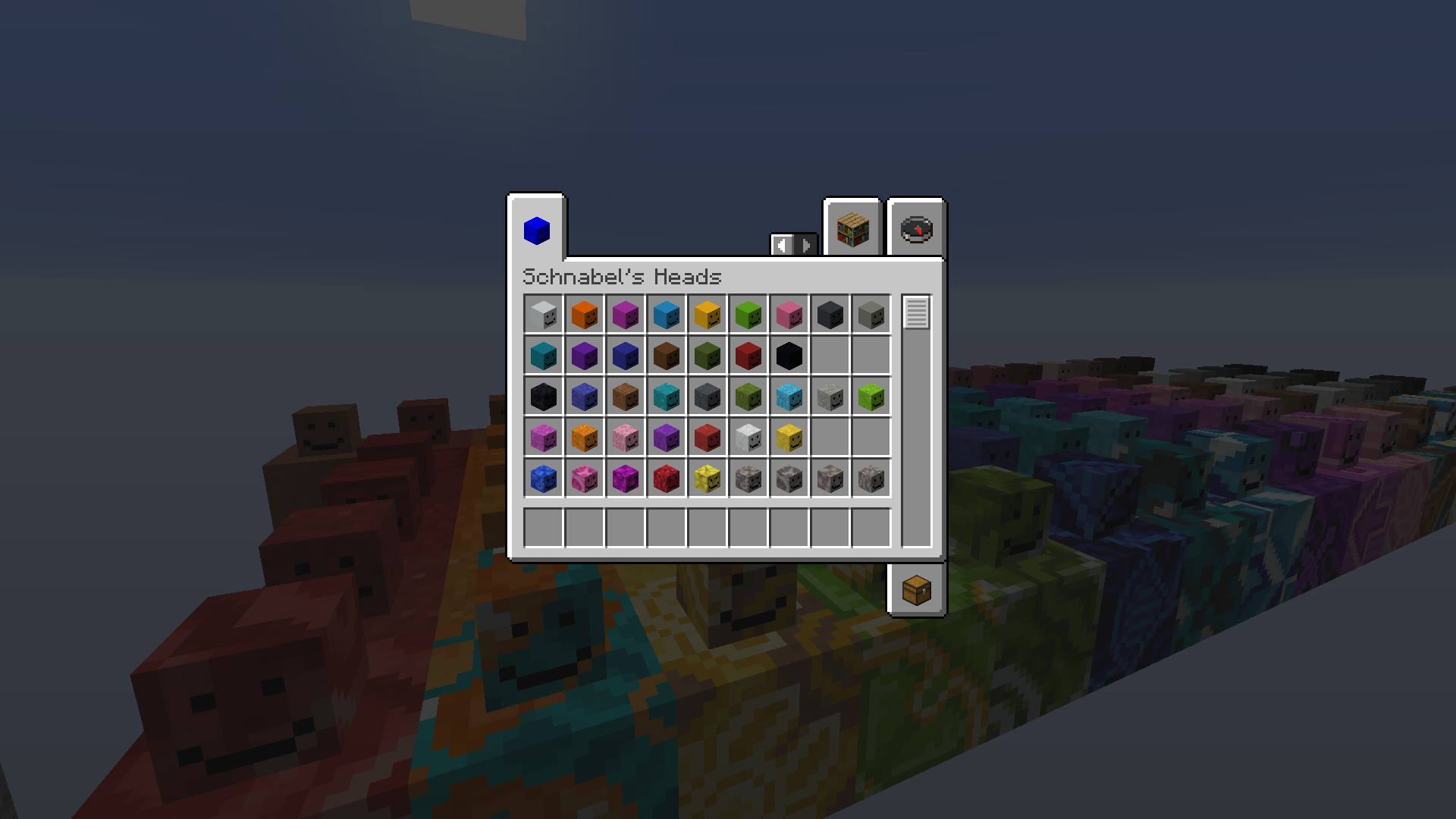
This lightweight mod adds a new creative tab filled with useful decorative Schnabelborg-themed miniblocks to your inventory. This mod doesn’t add any custom blocks, but makes player heads available to your creative inventory, which means that this mod is multiplayer compatible!
How to use:
This mod does not include any custom heads as-is. For heads to appear in your inventory, you need to download head packs, also referred to as “sets”. These set files have to be put into the following directory:
.minecraft/schnabelheads/sets.
A zip file containing some premade sets can be downloaded here: http://njay15.github.io/schnabelheads/sets/SchnabelHeads%20Head%20Pack%201.0.zip
Features:
Inventory Tab
Adds a creative inventory tab filled with your installed SchnabelHeads.
Pick Head
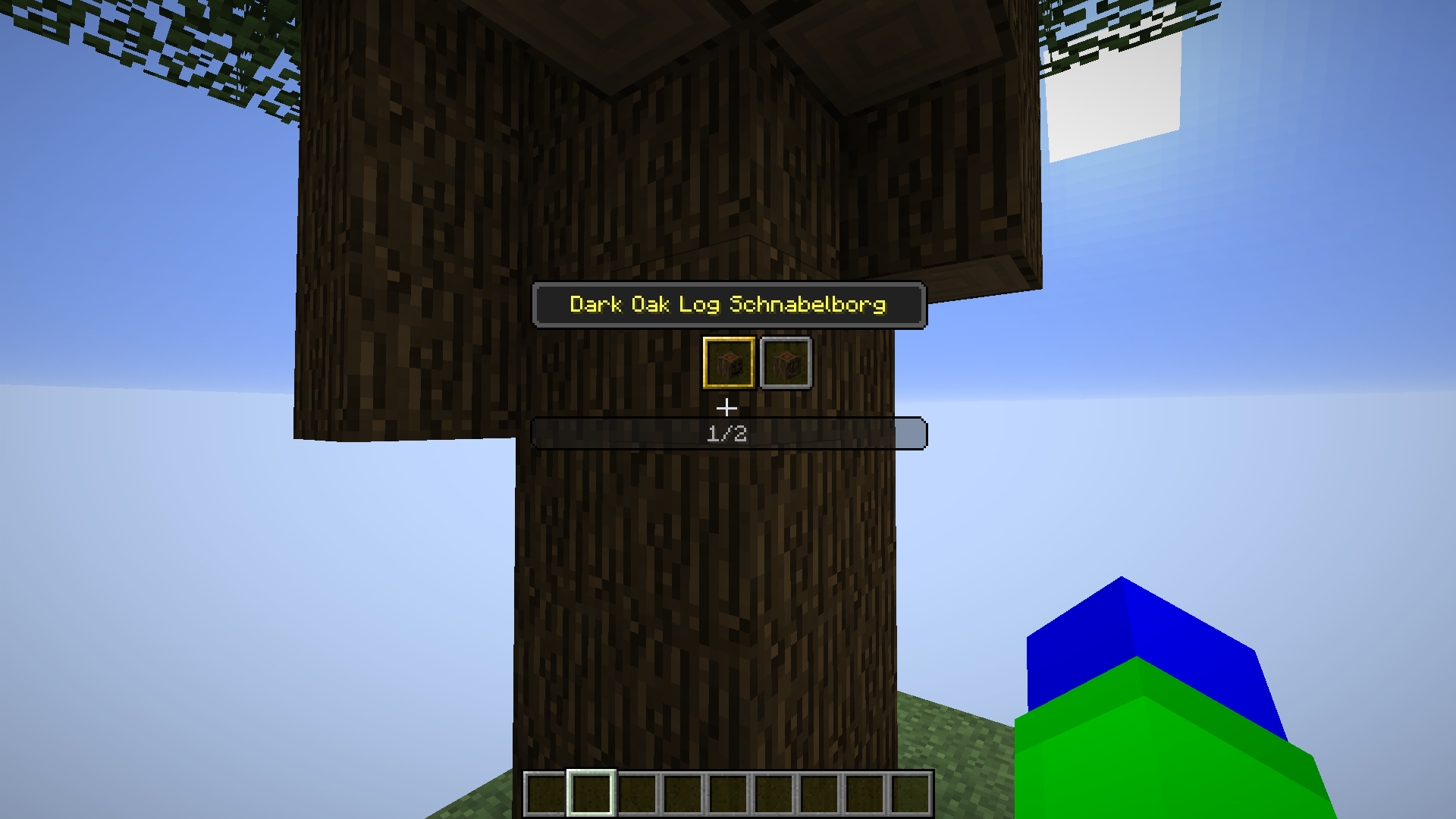
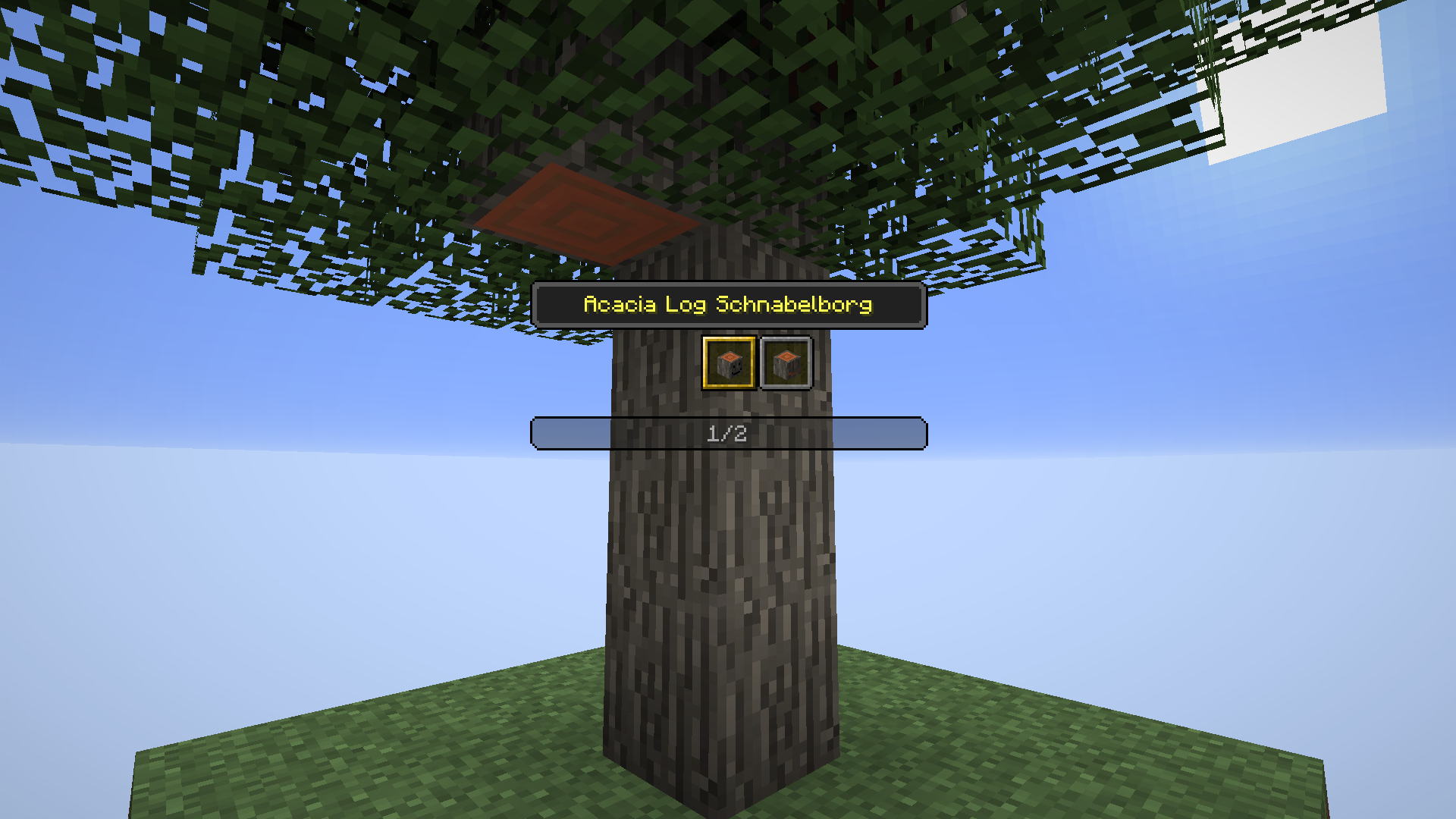
Pick Head is a keybind (default V) to pick SchnabelHeads from the block you are looking at.
Similar to the way that the vanilla Pick Block keybind works, Pick Head gives you the head that corresponds to the block you are looking at. This is very useful for miniblocks, so if you are looking e.g. for the Red Wool Schnabelhead, you only need to look at a block of red wool and press V and it gets added to your active inventory slot. If there are multiple heads installed that belong to the block you are looking at, Pick Head opens a small GUI where you can scroll through the alternatives.
Pick Head also allows you to copy a player head to your inventory when using Pick Head on it.
常见问题
Schnabelborg’s Schnabelheads 支持哪些 Minecraft 版本?
Schnabelborg’s Schnabelheads 支持 Minecraft Java 版 1.16–1.20.4,共 19 个版本,可用的加载器:Fabric。下载时注意选择和你游戏版本一致的文件。
Schnabelborg’s Schnabelheads 怎么安装?
先用 PCL2 或 HMCL 启动器安装对应版本的 Fabric,再把下载的 .jar 文件放进游戏目录的 mods 文件夹,重新启动游戏即可。开启了版本隔离的,mods 文件夹在 versions/版本名 下面。运行环境:仅客户端。
评论
登录后评论和评分