
BlueMap Biomes Textures Correction
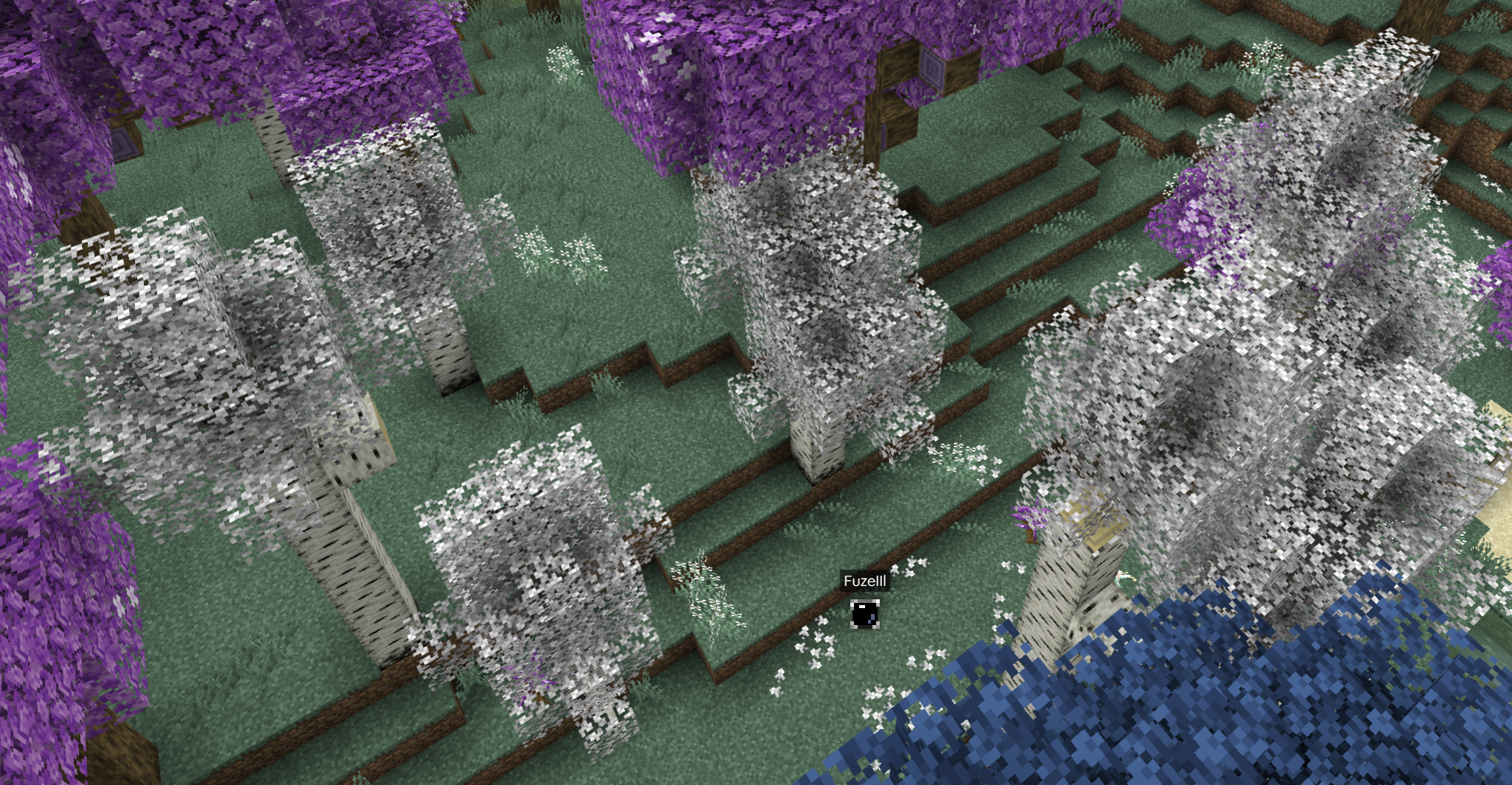
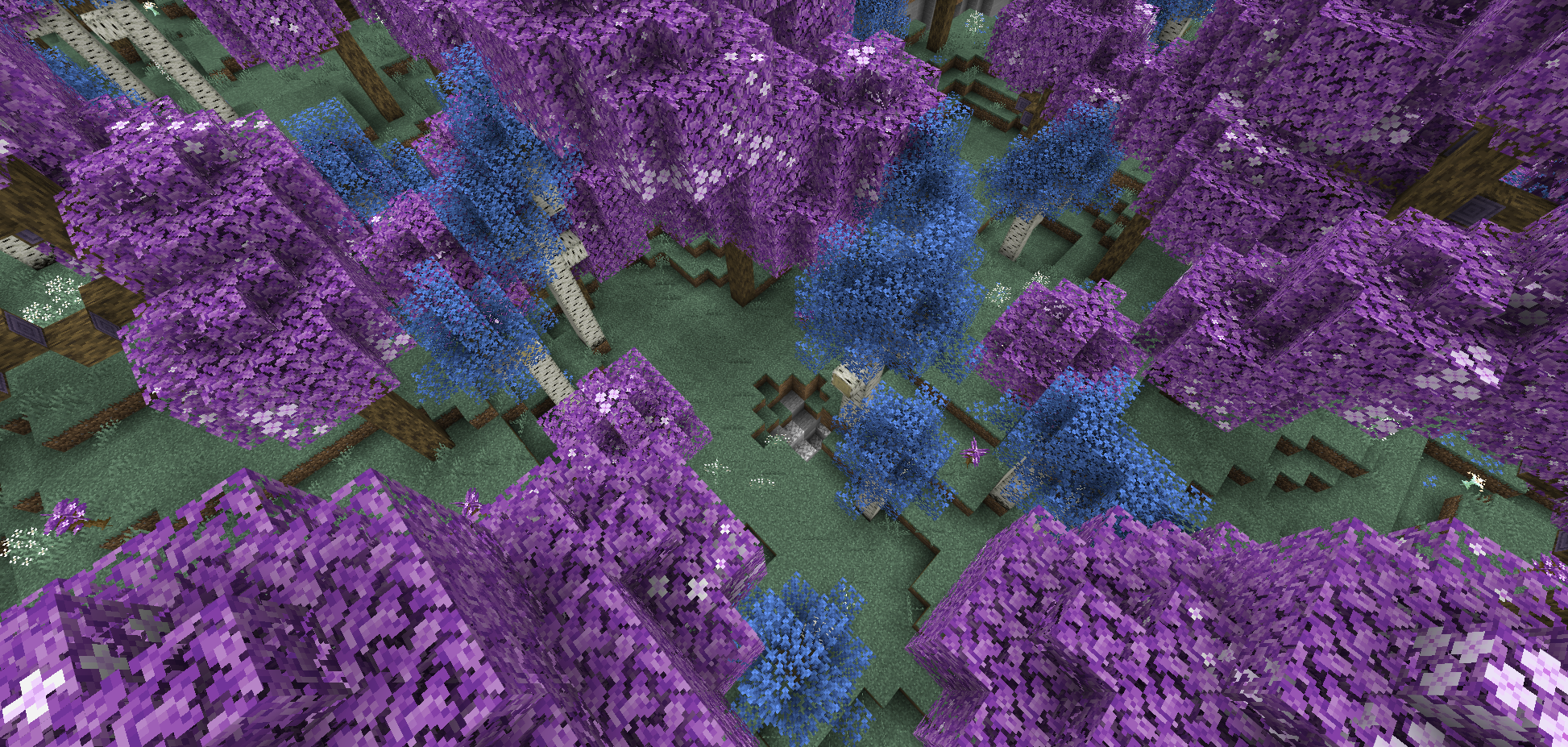
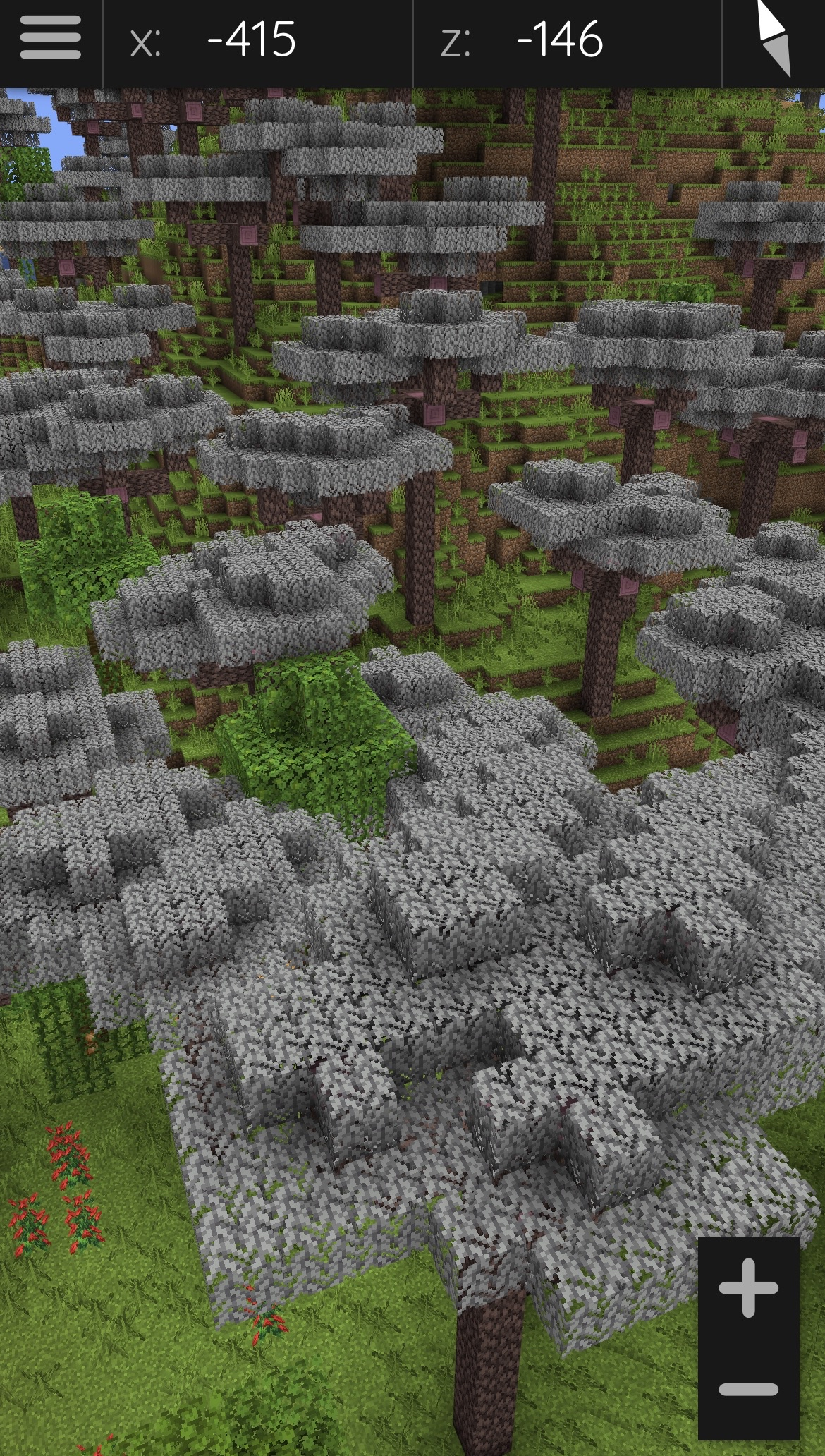
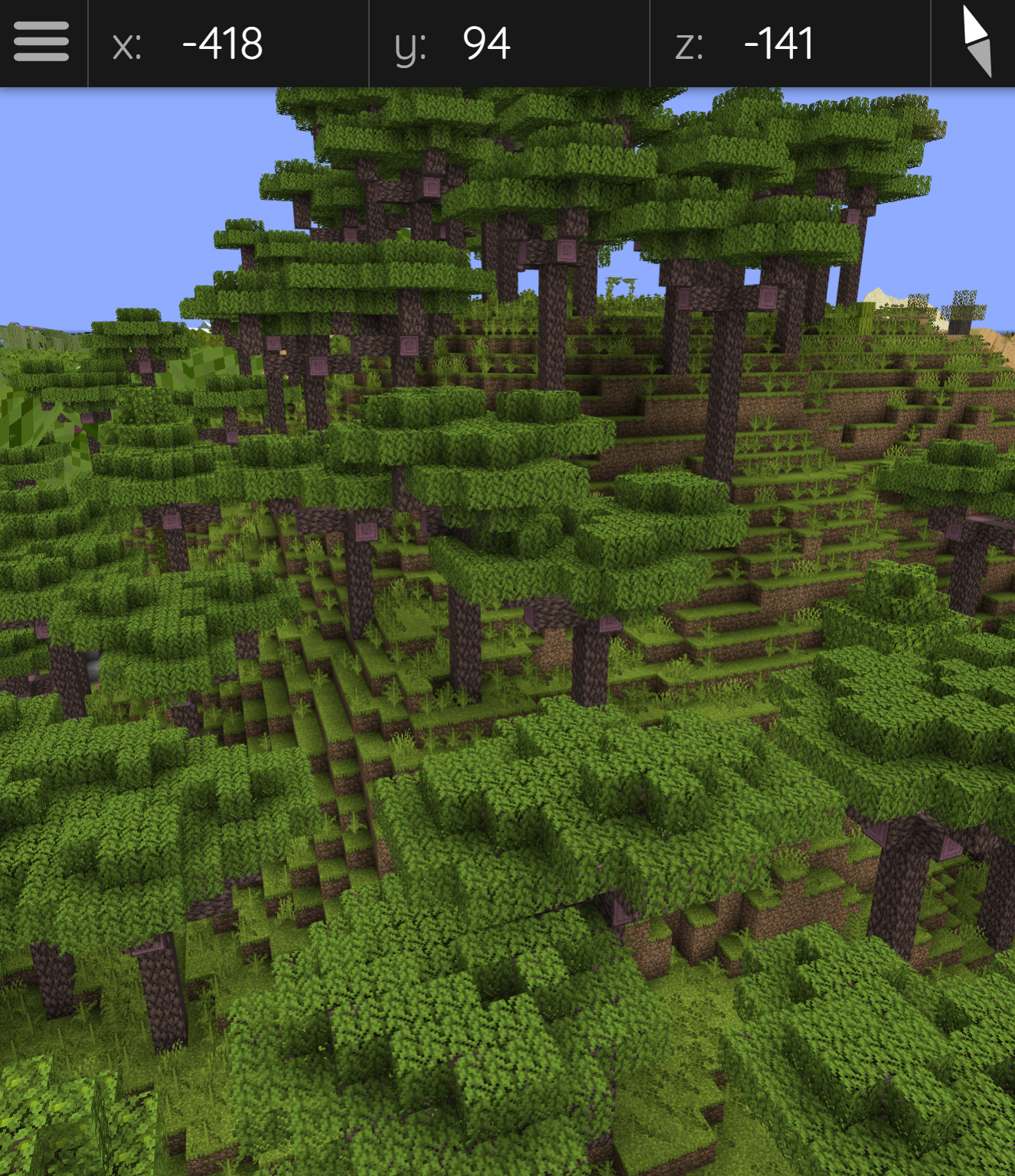
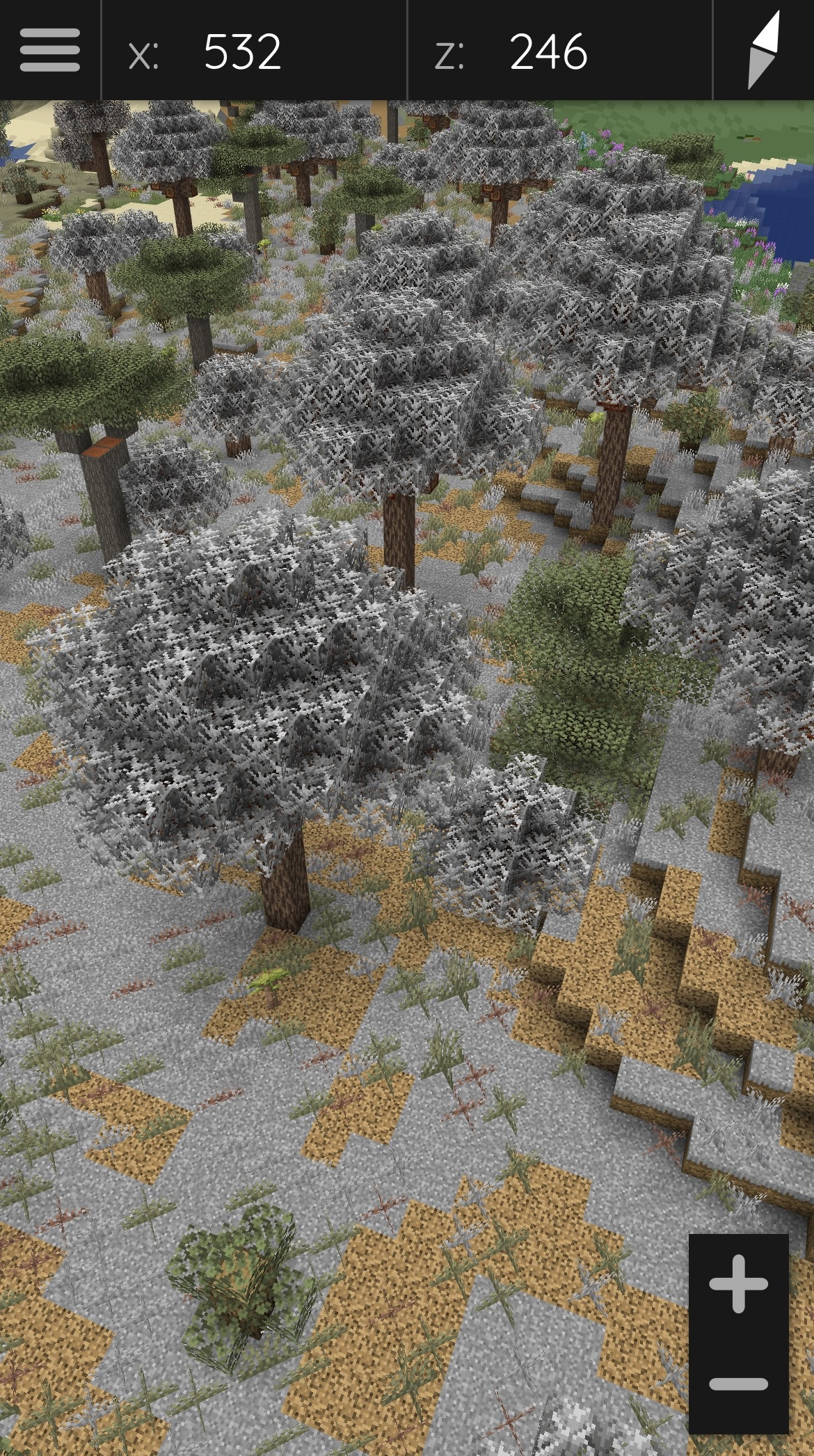
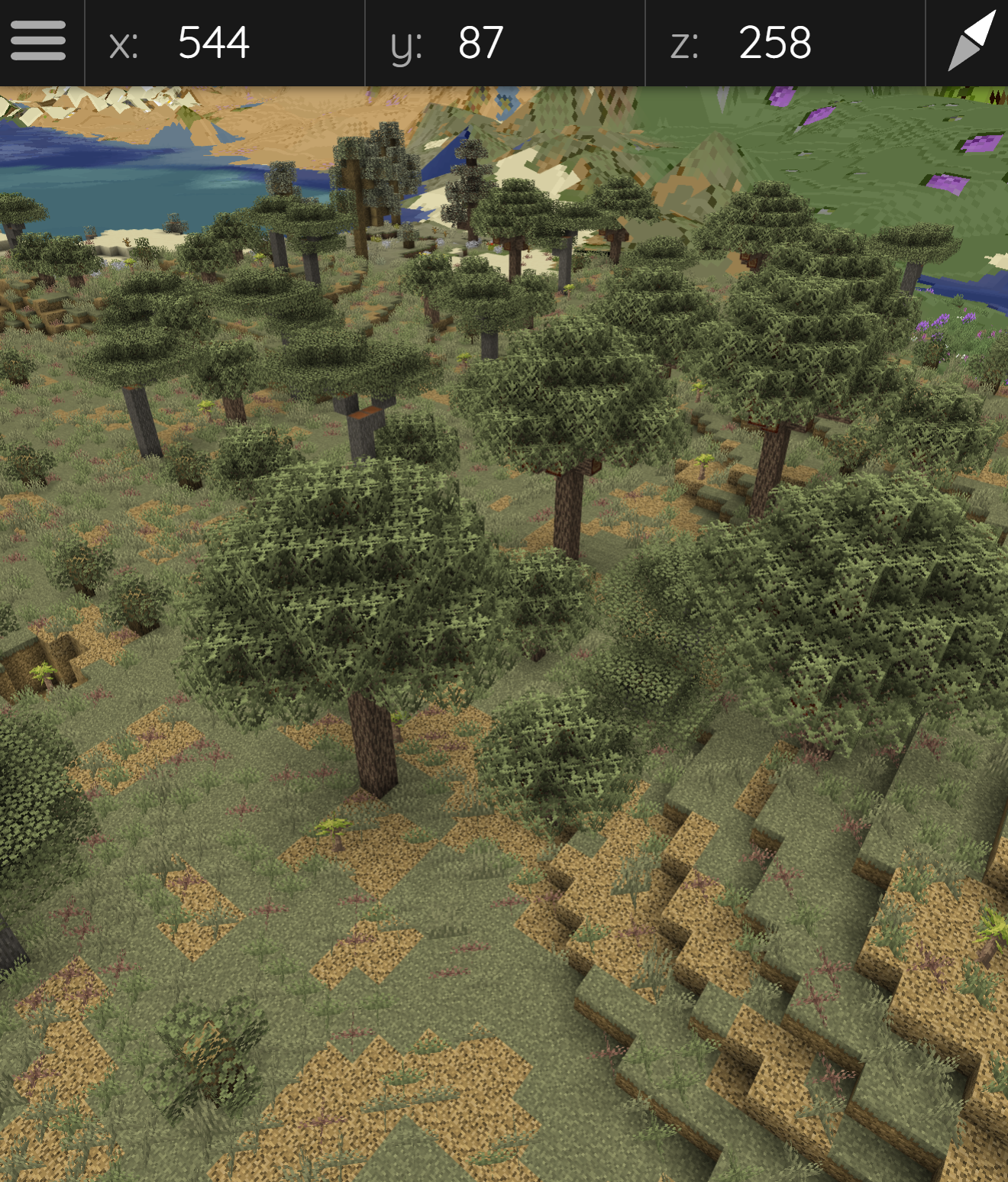
BMBTC is a pack for BlueMap which aims to fix the white-ish bug with some modded biomes
截图
介绍
Bluemap is a really cool plugin, but when using it on an hybrid launcher (e.g.: Youer) there might be some glitches, for example with modded biomes !
Why
So instead of having a beautiful 3d map full of colors, you get white-colored trees and plants as if the pale garden invaded the overworld, which is quite annoying. This is due to some blocks that depend on the biomes they are placed in.
For instance, the vanilla grass block: if it’s in the Savanna or the Jungle, its color will be drastically different, but it’s still the same block. (The vanilla grass block has no issues, it’s just an example to make it easy to understand)
This pack addresses these bluemap biomes texturing issues for the following mods :
- Twilight Forest (twilightforest-1.21.1-4.8.3287-universal.jar)
- Regions Unexplored (regions_unexplored-neoforge-1.21.1-0.5.8.jar)
- Biomes O' Plenty (BiomesOPlenty-neoforge-1.21.1-21.1.0.13.jar)
- Nature's Spirit (natures_spirit-2.2.5-1.21.1.jar)
How to use
To use the pack, simply put it in “\plugins\BlueMap\packs`, then execute the command `/bluemap reload`. Don't forget to purge the bluemap map in which the glitched blocks were with `/bluemap purge [map]“, because otherwise the blocks won’t patch by themselves in the old render !
It should also work for future versions of the mods. If there are new blocks you’ll just have to edit the pack by adding the glitched blocks in both the assets and data folders, obviously in the same format as the other blocks. I will only be updating this pack for my own needs when I find a glitched block.
Help
If you have any questions about this pack or any other Bluemap related things, feel free to go on Bluemap’s Official Discord, people will be happy to help you !
常见问题
BlueMap Biomes Textures Correction 支持哪些 Minecraft 版本?
BlueMap Biomes Textures Correction 支持 Minecraft Java 版 1.13–26.2,共 50 个版本。下载时注意选择和你游戏版本一致的文件。
BlueMap Biomes Textures Correction 怎么安装?
新建世界时在「数据包」里把下载的 .zip 拖进去;已有的存档,把文件放进存档目录下的 datapacks 文件夹,进游戏输入 /reload 即可生效。服务器同样放在世界目录的 datapacks 里。
评论
登录后评论和评分