
Noteblock Palette
Let you have an organized item tool for creating noteblock music in the most efficient way
截图





介绍
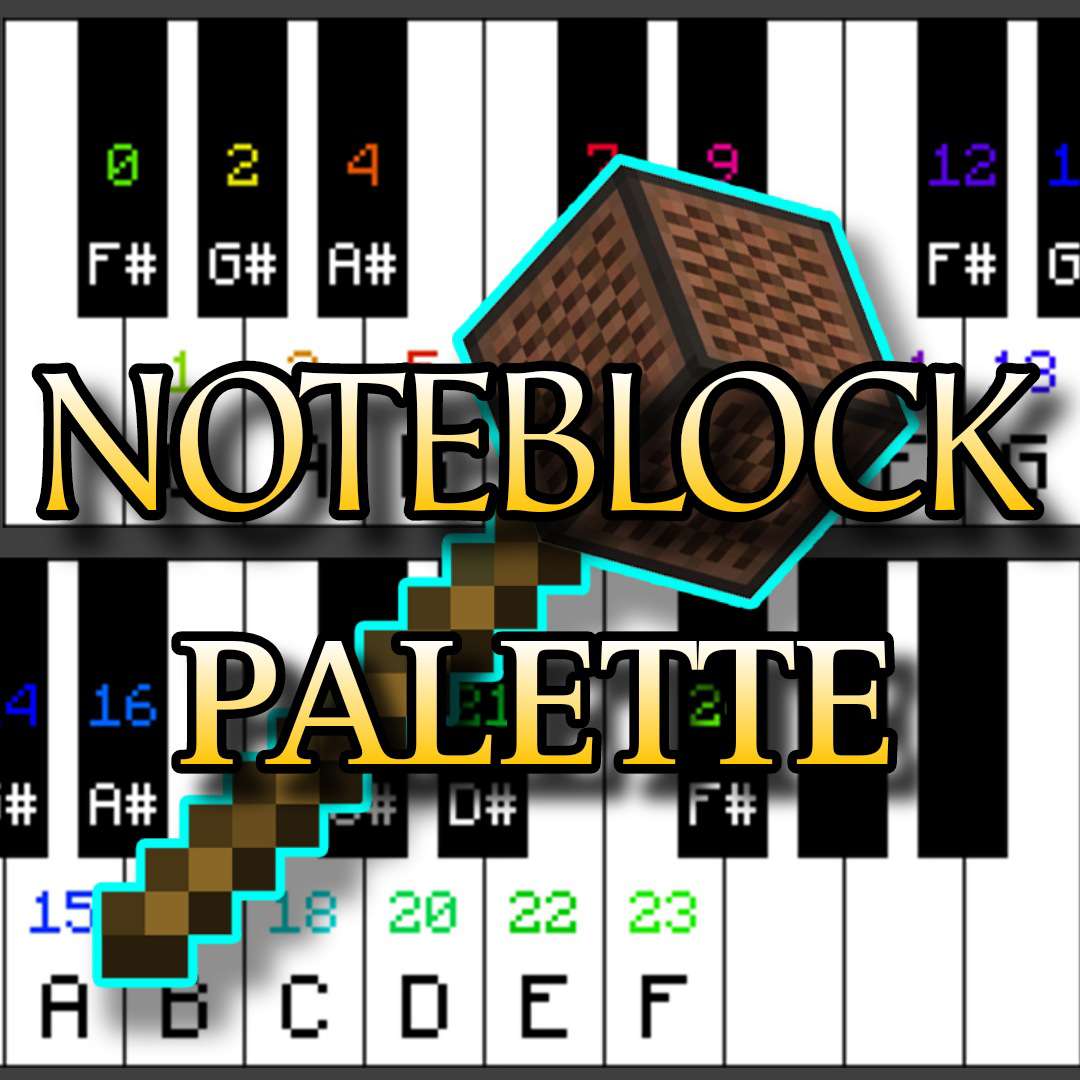
This datapack allows you to prepare a noteblock tools on your hotbar which allows you to have an access to all notes from 0 to 24 notes with a given controls that will allow you to change it whenever you desire.
This function also includes essential blocks for setting and changing a sound instrument. let you change the type of instrument blocks at your control.
redstone tools are included as well, making it handy and compact as a tool
CREATIVE MODE ONLY
.
Instructions:
once datapack is applied.
- go and get yourself some noteblock.
- name that noteblock to “overture” (note : Case Sensitive)
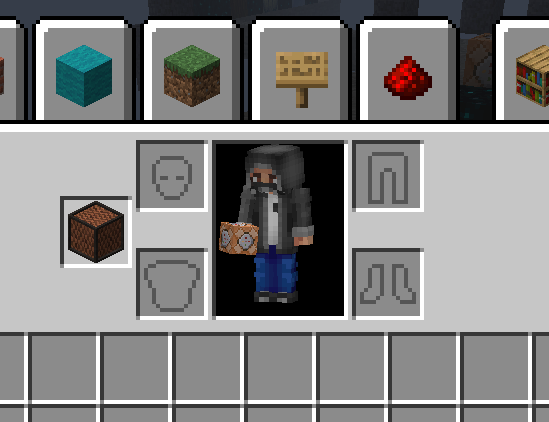
- place it on your offhand and the tools will appear.
- control instructions :
Pick any item given on your hotbar
- press “drop key” to proceed to next toolpage
- press “swap key: to proceed to the previous man
for more instructions. check out the gallery or my youtube link provided
with this tool, you’ll no longer manually struggle trying to change noteblock’s notes and as well saves your time from searching on your creative inventory back and forth.
常见问题
Noteblock Palette 支持哪些 Minecraft 版本?
Noteblock Palette 支持 Minecraft Java 版 1.19–1.20,共 2 个版本。下载时注意选择和你游戏版本一致的文件。
Noteblock Palette 怎么安装?
新建世界时在「数据包」里把下载的 .zip 拖进去;已有的存档,把文件放进存档目录下的 datapacks 文件夹,进游戏输入 /reload 即可生效。服务器同样放在世界目录的 datapacks 里。
1ended1 的其他作品
查看全部 →
Functional Knight
Let you summon an actual knight that attacks with the use of only resource pack by changing the wolf model and texture to a knight

Tsukuyomi Blade
Combo-Based Moveset Sword Skill Datapack with 12 possible moves Dominate your Foe
评论
登录后评论和评分