
截图


介绍
xokz’s Particle Effects
This datapack is purely a library, and contains no ticking function. It exists only to be called by other datapacks, and/or to be modified.
It provides several useful effects for datapackers and mapmakers.
Run /function xze:demo/laser or /function xze:demo/ball for a demo!
Effect Catalog
Lightning
Functions:
xze:fx/lightning/spawn_with {...} | Spawns a lightning-shaped bolt of particles
particle:String| Particle the lightning is drawn with- Must be run at the starting point, and as the entity to move towards
- To target a location instead, spawn a marker there and run as that
Examples:
execute positioned ~ ~1 ~ as @p run function xze:fx/lightning/spawn_with {particle:"minecraft:electric_spark"}
- Put this in a repeating command block and see what happens
TPS Impact: Low
Spiral
Functions:
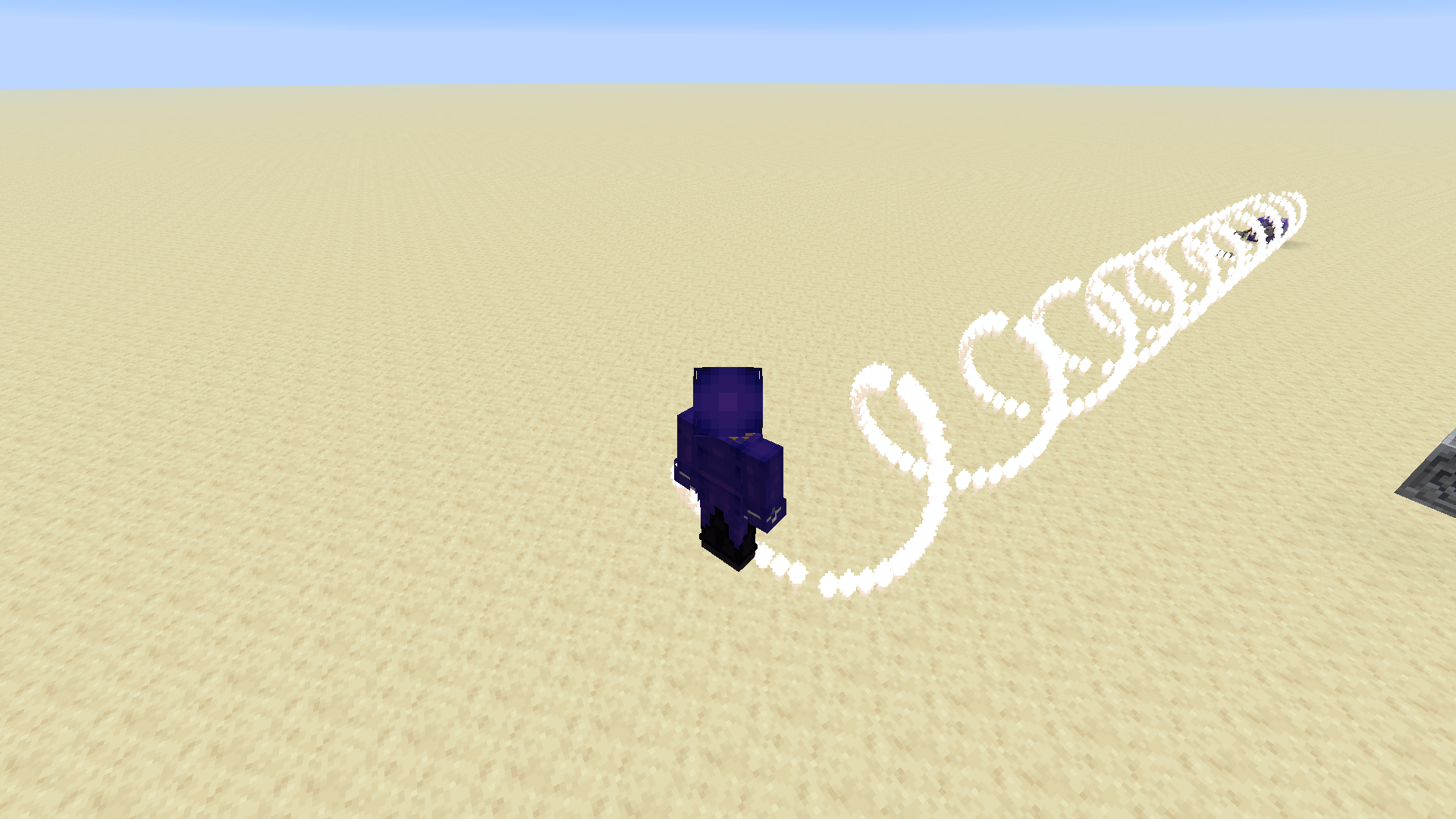
xze:fx/spiral/spawn_with {...} | Draws a columnal spiral between the origin point and target entity
particle:String| Particle the spiral is drawn withradius:Number| Radius of the spiral, in blocksperiod:Number| Distance required for the spiral to complete a full rotation, in blocksangle:Number| The starting rotation angle of the spiral, in radians. If unsure, use 0- Must be run at the origin point, and as the entity to move towards
- To target a location instead, spawn a marker there and run as that
Examples:
execute positioned ~ ~1 ~ as @p run function xze:fx/spiral/spawn_with {particle:"minecraft:electric_spark",radius:0.8,period:2,angle:0}
- Put this in a repeating command block
Notes:
- Increase the gamerule
max_command_sequence_lengthto a larger number like 1000000, otherwise the spiral may get cut off
TPS Impact: Medium
- Depends how long the spiral is and how frequently it is being spawned
Circle
Functions:
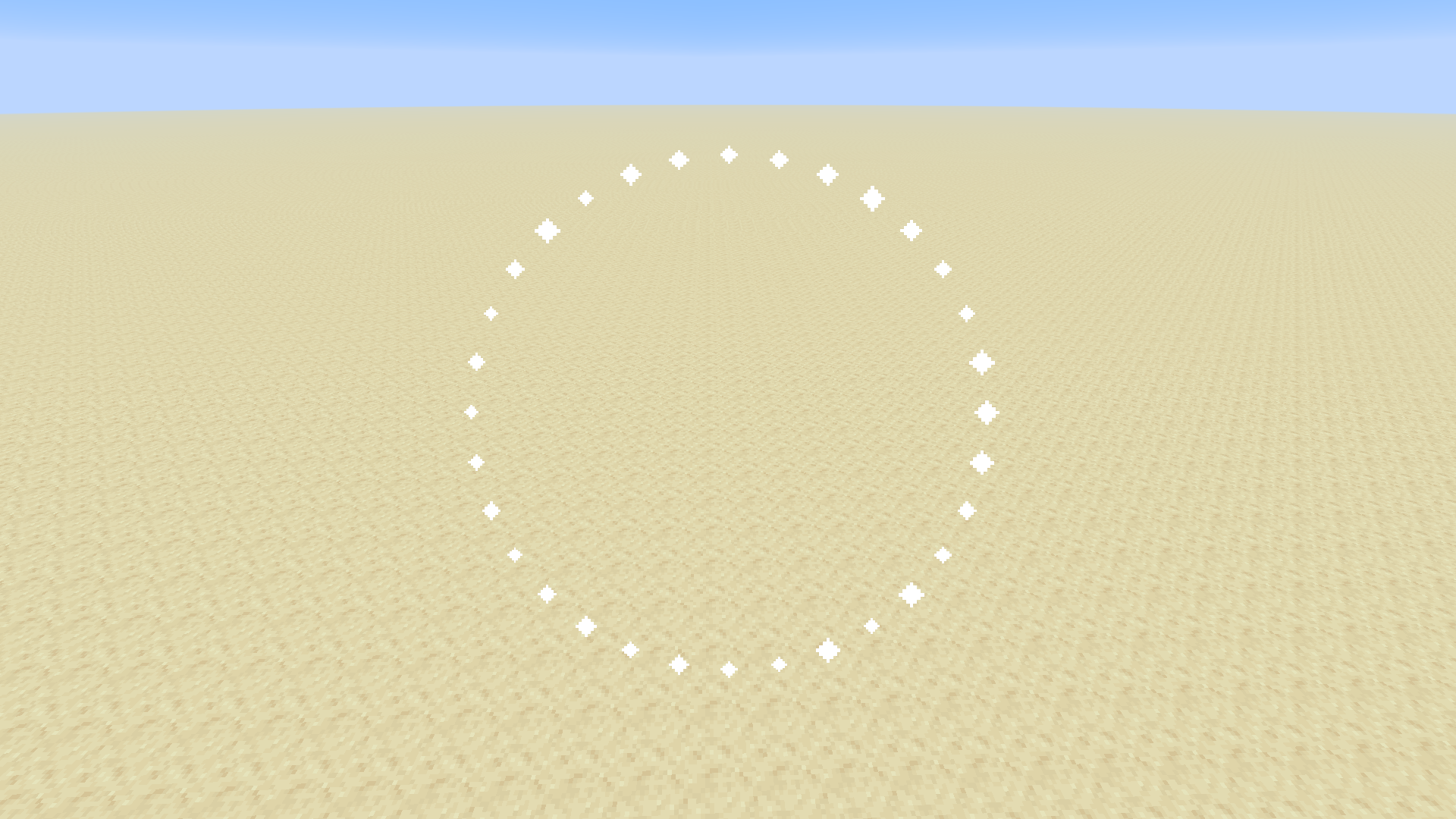
function xze:fx/circle/spawn_with {...} | Draws a circle perpendicular to the context direction
particle:String| Particle the circle is drawn withradius:Number| Radius of the circle, in blocks
Examples:
/execute anchored eyes positioned ^ ^ ^5 run function xze:fx/circle/spawn_with {particle:"minecraft:end_rod",radius:2.5}
TPS Impact: None
Sphere
Functions:
xze:fx/sphere/spawn_with {...} | Draws a sphere
particle:String| Particle the sphere is drawn withradius:Number| Radius of the sphere, in blocks
Examples:
/execute anchored eyes positioned ^ ^ ^8 run function xze:fx/sphere/spawn_with {particle:"minecraft:end_rod",radius:4}
TPS Impact: Very Low
- Very large spheres (radius >=16) may have a multi ms impact, as they run many particle commands
Line
Functions:
xze:fx/line/spawn_with {...} | Draws a line between the context position and the context entity
particle:String| Particle the line is drawn with- Must be run at the origin point, and as the entity to move towards
- To target a location instead, spawn a marker there and run as that
Examples:
execute positioned ~ ~1 ~ as @p run function xze:fx/line/spawn_with {particle:"minecraft:electric_spark"}
- Put this in a repeating command block
TPS Impact: Very Low
Moving Block Edge Outline
Functions:
function xze:fx/block_edges_moving/spawn_with {...} | Spawns particles that briefly move along the edge of a block
particle:String| Particles that are spawned
Examples:
/execute anchored eyes positioned ^ ^ ^4 run function xze:fx/block_edges_moving/spawn_with {particle:"minecraft:end_rod"}
Notes:
- Automatically snaps to the block grid, no need to manually align
TPS Impact: None
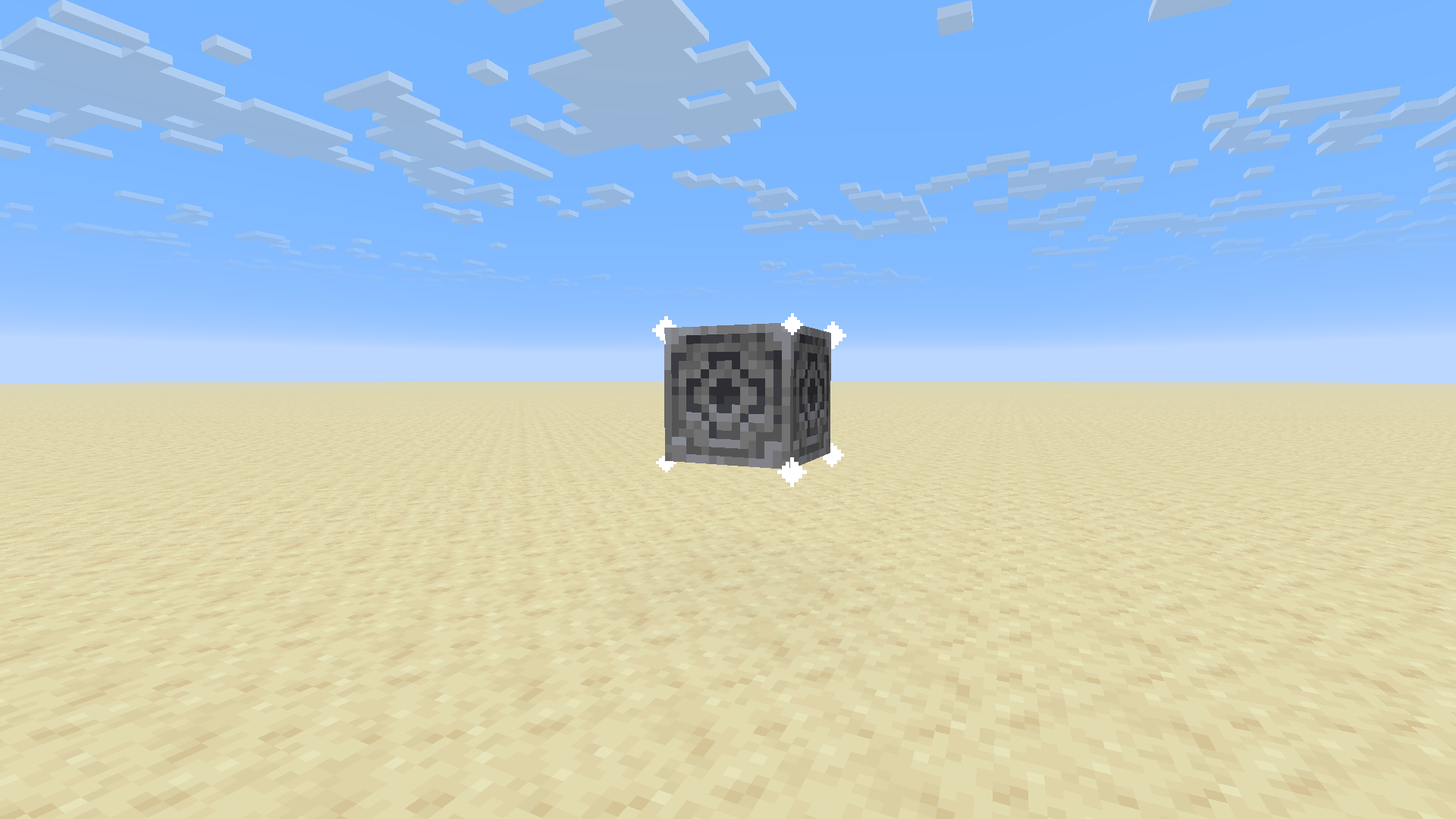
Block Corners
Functions:
function xze:fx/block_verticies/spawn_with {...} | Draws a particle on the 8 corners of a block
particle:String| Particles that are spawned
Examples:
/execute anchored eyes positioned ^ ^ ^4 run function xze:fx/block_verticies/spawn_with {particle:"minecraft:end_rod"}
Notes:
- Automatically snaps to the block grid
TPS Impact: None
The Marker
Several effects use both an origin point an an entity for performance and ease of implementation.
While this can be very convenient for drawing an effect bewteen a point and a target, it can be
difficult when the desired destination is not an entity, or specifically not the feet of an entity.
For this reason there is a set of helper functions that spawns and removes a marker.
This marker has a fixed UUID, making it extremely fast to select, and removes the need for an @e or @n.
The Marker’s UUID: 91b50803-54c7-44b9-8a3d-6384cfa2939d
For example, To draw a lightning bolt between positions 0 10 0 and 20 10 20, a function like this could be used:
execute positioned 20 10 20 run function xze:marker/spawn
execute positioned 0 10 0 as 91b50803-54c7-44b9-8a3d-6384cfa2939d run function xze:fx/lightning/spawn_with {particle:"minecraft:electric_spark"}
function xze:marker/delete
Critically, it is important that this marker does not get unloaded. Thus, it should be deleted as soon as it is no longer needed.
Functions
xze:marker/spawn | Spawns the marker at the context location. If the marker is already spawned, teleports it there instead
xze:marker/delete | Deletes the marker via /kill
xze:marker/tp | Teleports the marker to the context location
Tips and Tricks
Moving Effects
Every effect takes in a particle argument. This argument typically takes the form of a simple particle name, like "minecraft:flame".
However, the macro itself is just the arguments for the /particle command internally, which means that additional
arguments can be provided in the field in every effect (except for the moving block outline effect). For example, this can be used
to create an expanding sphere, like so:
/execute at @s anchored eyes positioned ^ ^ ^10 run function xze:fx/sphere/spawn_with {particle:"minecraft:end_rod ~ ~ ~ ^ ^ ^100000 0.000002 0 force",radius:4}
- The speed is controlled by the Speed argument, the
0.000002. Very small changes can make big differences. - The direction is controlled by the last value in the Delta argument, the
^100000. Making this value negative (^-100000) will
cause the sphere to contract instead.
1-Tick Particles
Sometimes it may be desired to use a certain particle in an effect, but the given particle persists for too long afterwards.
For example, spawning a minecraft:flame lightning bolt would result in the lightning shape lasting for several seconds.
To remedy this, the Delta, Speed, and Count arguments in the particle field can be adjusted to make the particle disappear after a tick.
For example:
/execute positioned ~ ~1 ~ as @p run function xze:fx/lightning/spawn_with {particle:"minecraft:flame ~ ~ ~ ^ ^ ^10000 10000 0"}
- Put this in a repeating command block
- This works by making the particle move so fast that they disappear the next tick.
Follows the Smithed Datapack Conventions
No generative AI was used in this project in any capacity.
常见问题
xokz’s Particle Effects 支持哪些 Minecraft 版本?
xokz’s Particle Effects 支持 Minecraft Java 版 1.20.3–26.3,共 21 个版本。下载时注意选择和你游戏版本一致的文件。
xokz’s Particle Effects 怎么安装?
新建世界时在「数据包」里把下载的 .zip 拖进去;已有的存档,把文件放进存档目录下的 datapacks 文件夹,进游戏输入 /reload 即可生效。服务器同样放在世界目录的 datapacks 里。
xokz 的其他作品
查看全部 →
Connected Textures (CTM) Overhaul
连接了大量原版材质!

Connected Textures (CTM) Overhaul: Extras
为CTM Overhaul添加更多方块!

xokz’s Glowing Toggle
Run "/trigger glowing" to toggle a glowing effect for multiplayer tracking!

Drehmal + QOL
Required + some QOL mods for Drehmal: Apotheosis 2.2.2
评论
登录后评论和评分