
截图



介绍
[Outdated description, this Datapack will most likely not get further support]
MoreMons is an expansion datapack/resourcepack to the mod Cobblemon.
(Make sure to install it both as datapack and resourcepack)
(The resourcepack may appear as if it is for a different version, don’t know why when the version is correct but it works)
MoreMons
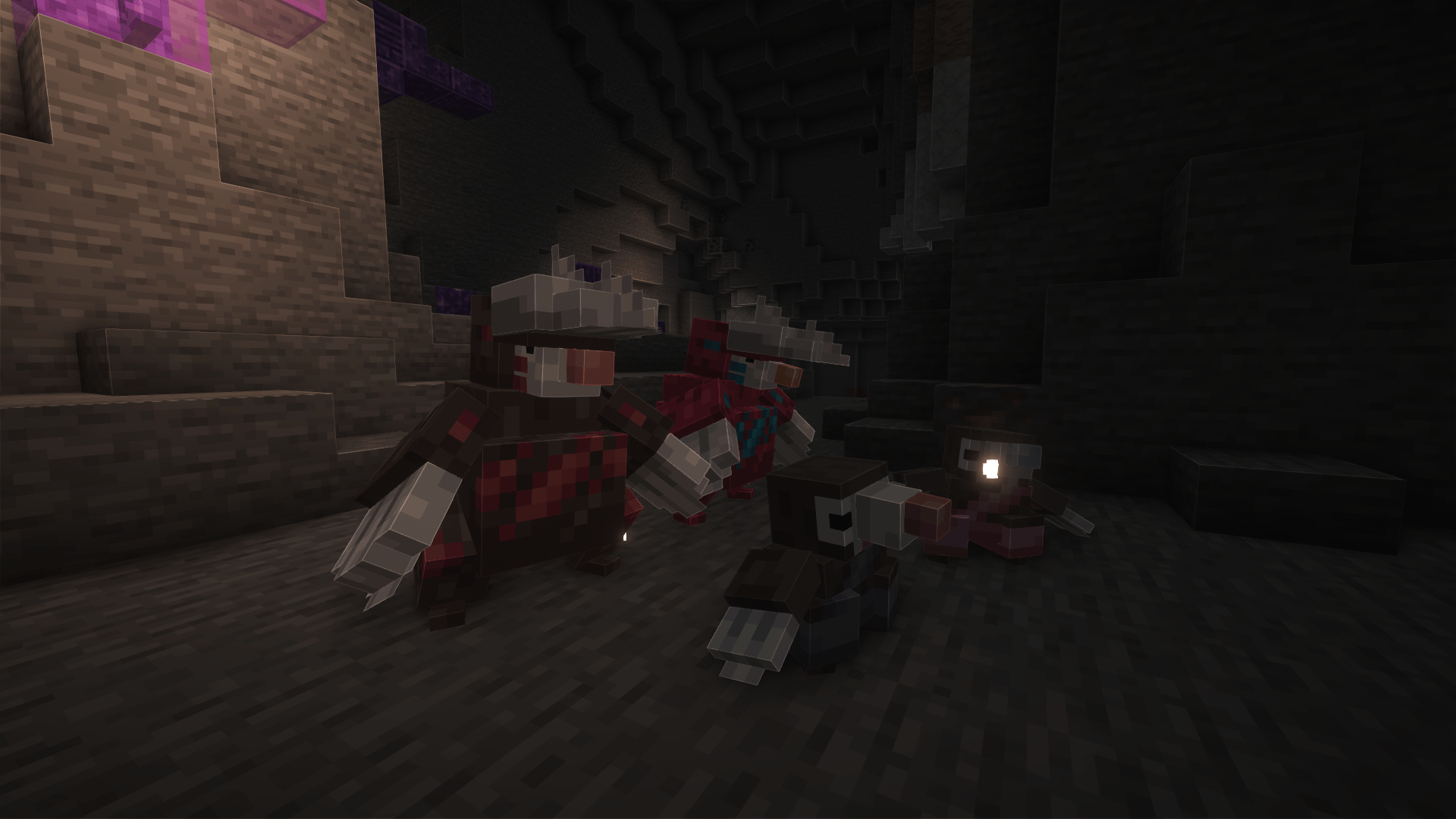
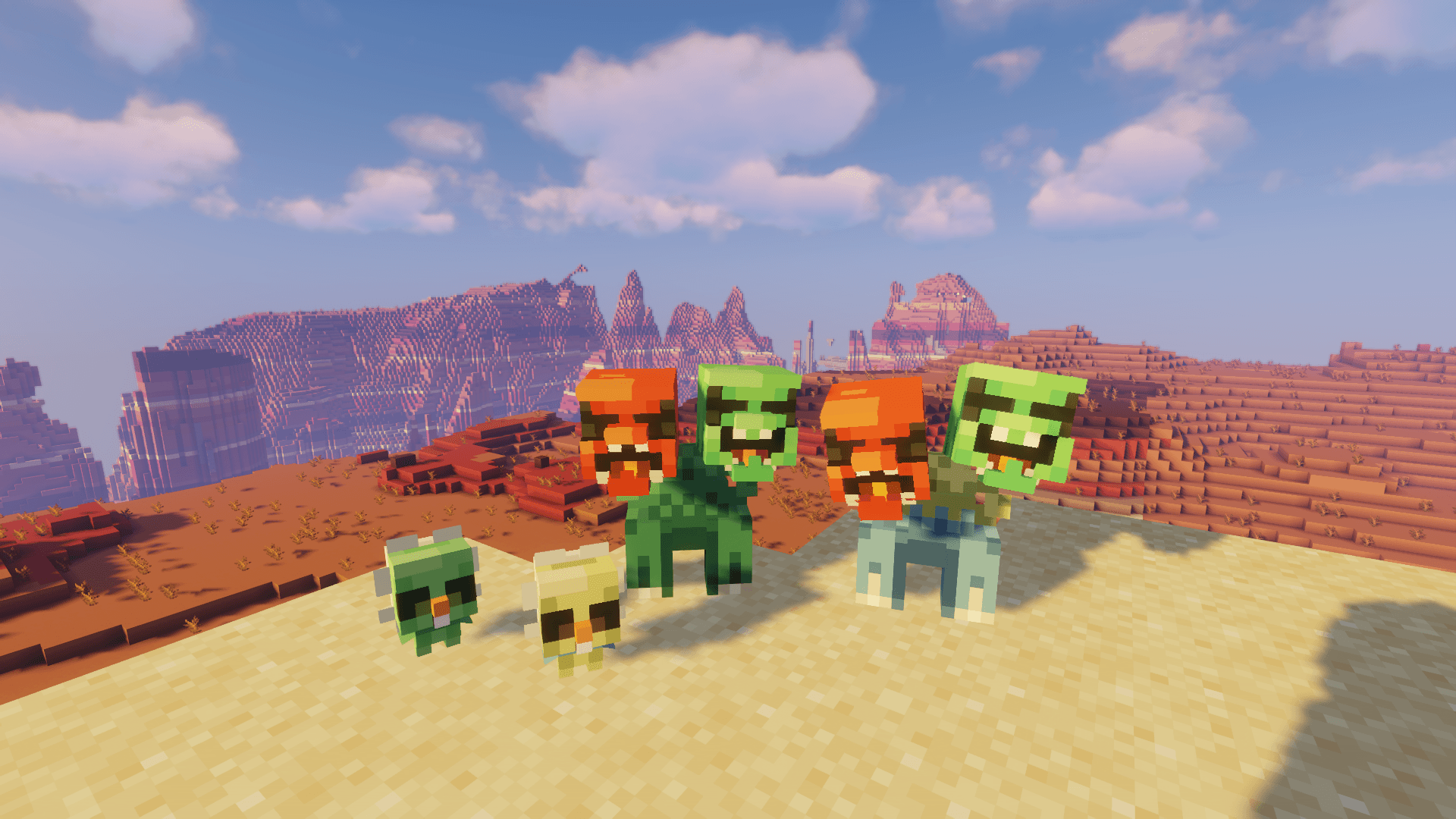
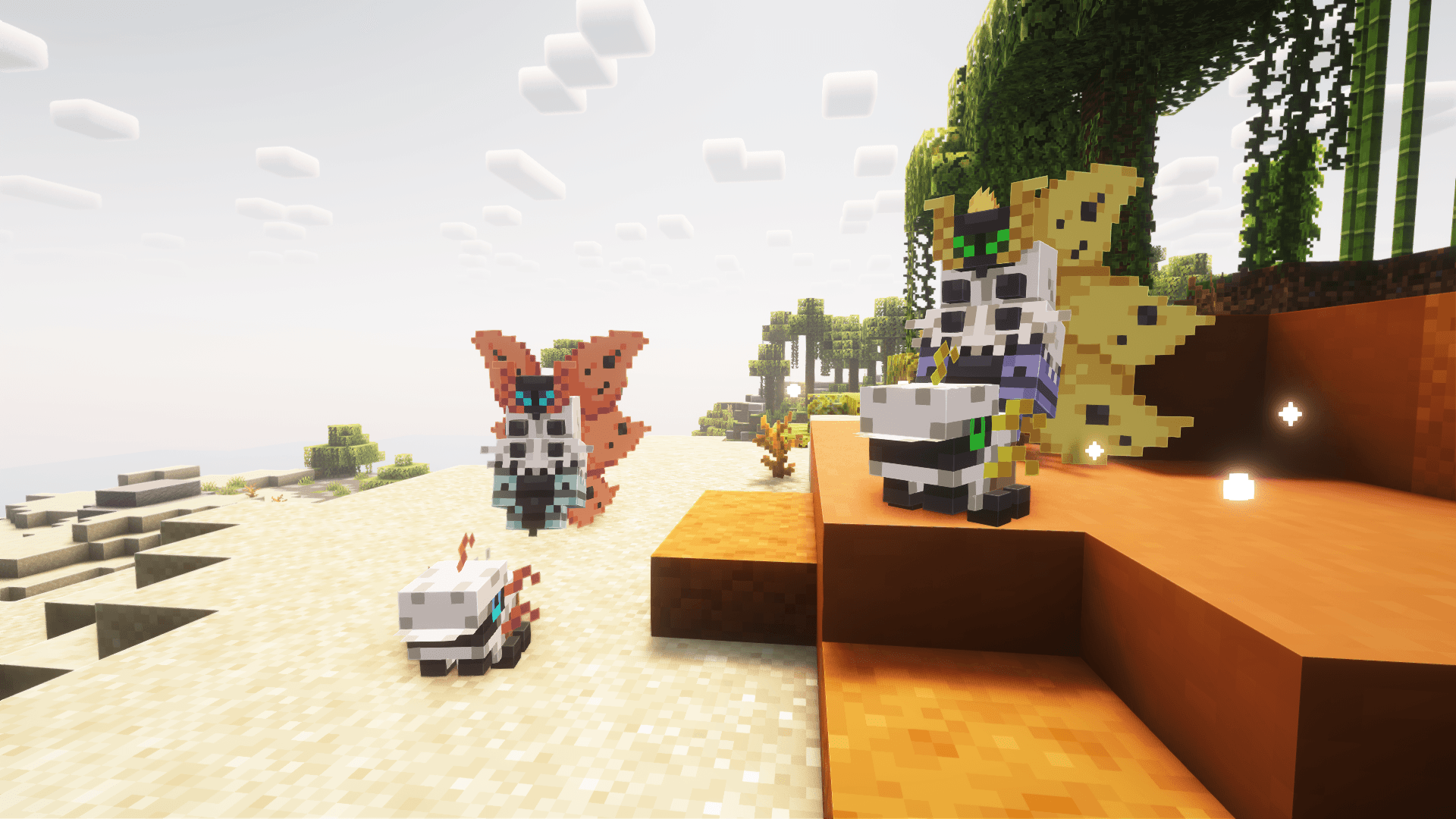
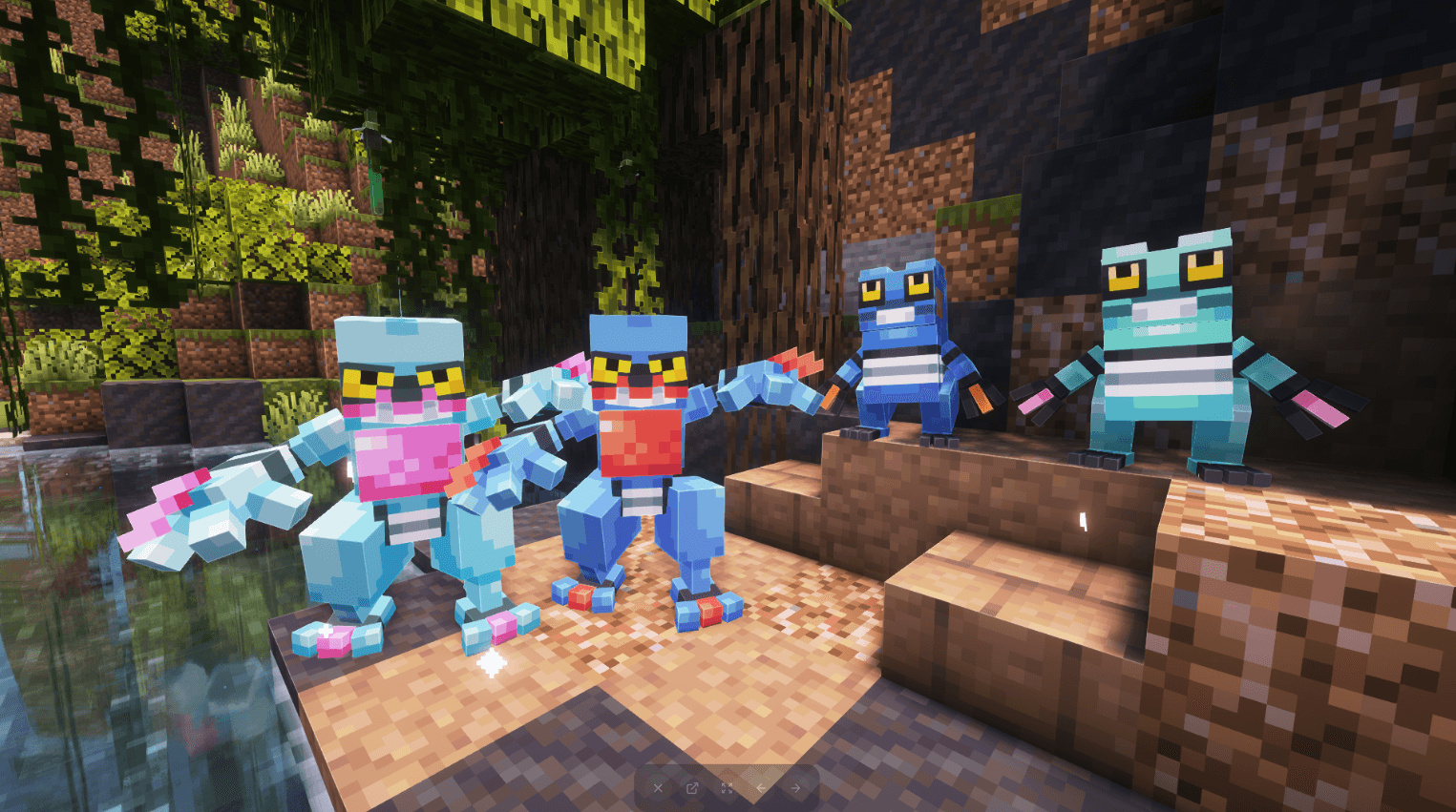
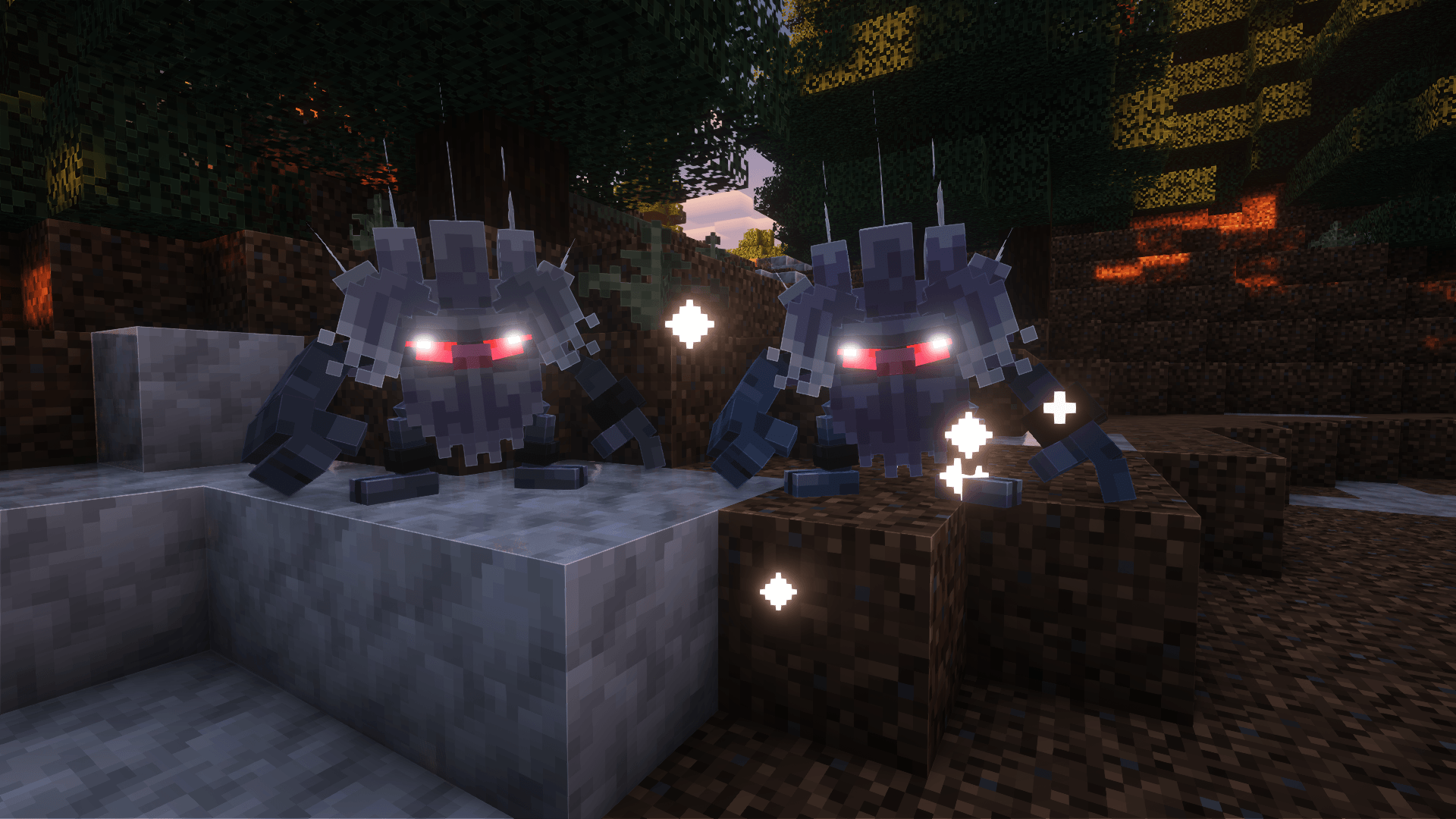
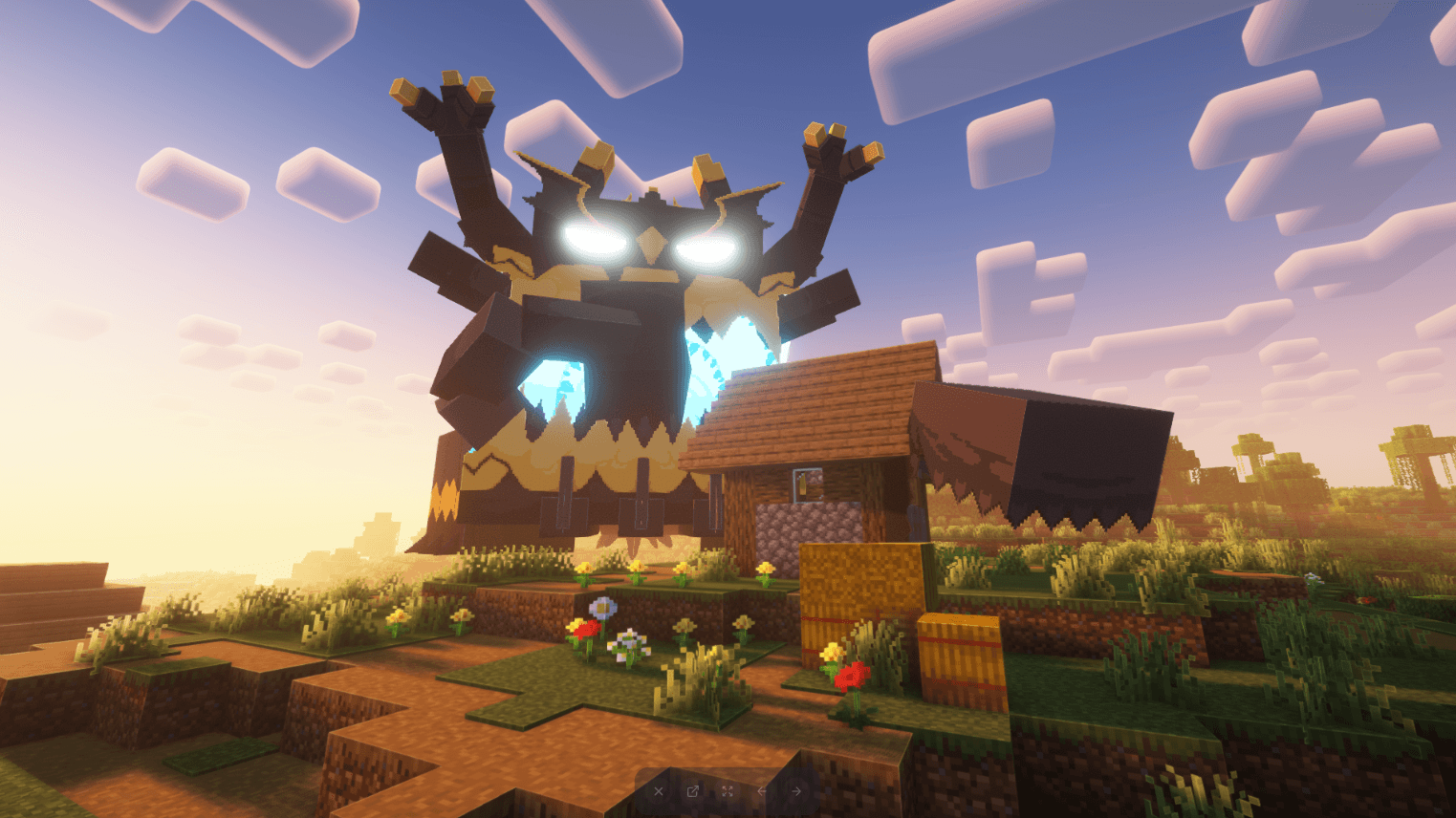
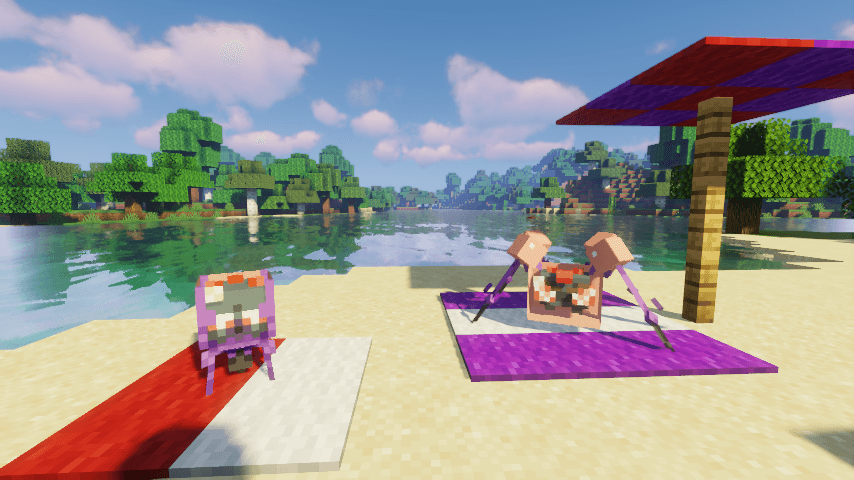
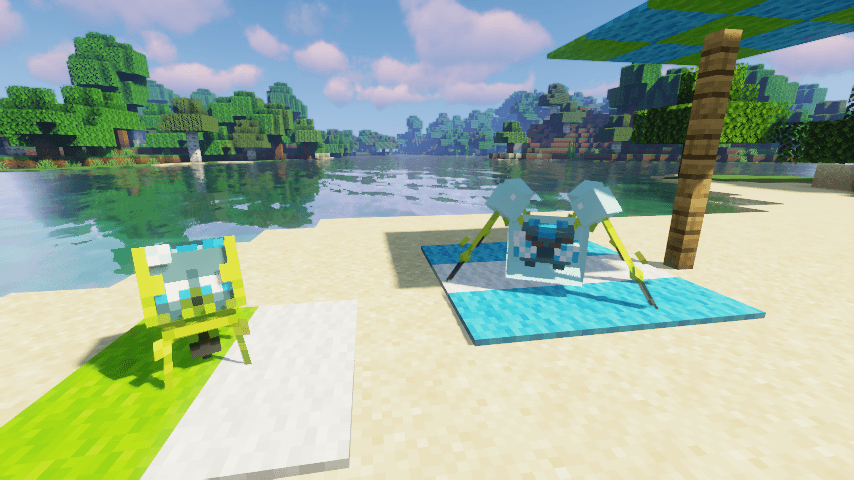
MoreMons is a resourcepack/datapack that adds: textures, models, animations and spawns to some of the currently non-implemented Pokémon in Cobblemon.
These assets are all custom made by me, Bruno22 :), following the handy tutorial from the Cobblemon Website, and with help from the nice chaps at the Cobblemon Discord Server.
(Well that’s a lotta links)
Current list of Pokémon added by this pack:
Dewpider, Araquanid, Heracross, Capsakid, Scovillain, Dreepy, Drakloak, Dragapult, Iron Valiant, Litwick, Lampent, Chandelure, Larvesta, Volcarona, Croagunk, Toxicroak, Drilbur, Excadrill, Annihilape, Absolutely humongous 14×14 blocks Guzzlord.
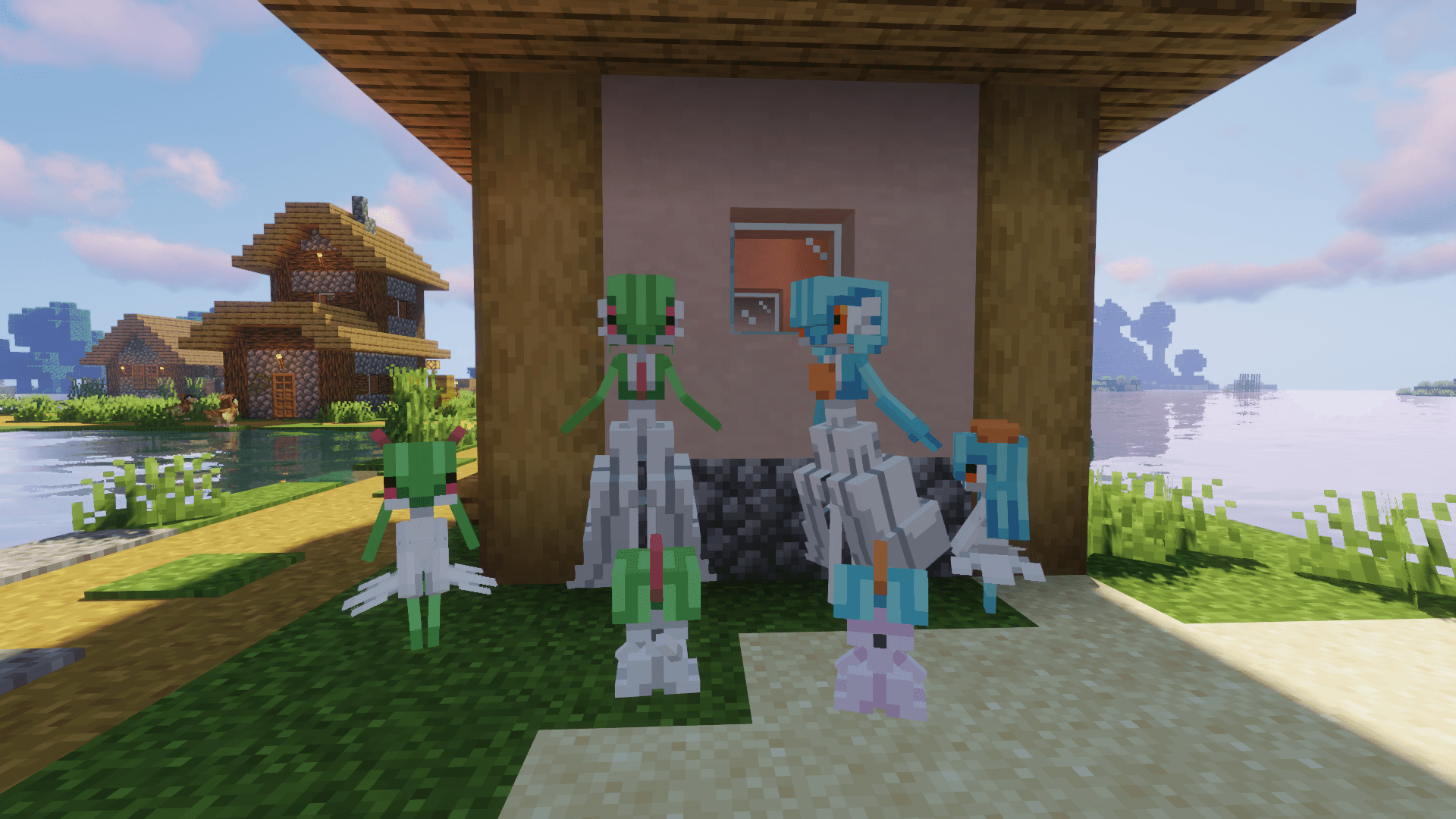
List of Pokémon only included in the Reskin Pack:
What is the Reskin Pack? Ever since MoreMons originally released some Pokémon have been added into base Cobblemon. In order to avoid bugs and unintended changes they have since been removed from the base pack. However, you can still find them on the Reskin pack.
Ralts, Kirlia, Gardevoir, Gallade, Beldum, Metang, Metagross.
(More to come, pictures in Gallery)
Question: What if one of these mons gets added to base Cobblemon? Easy, I’ll just remove it from this pack. In the future i might create another version of this pack retaining the original assets for it, idk.
Update: Reskin pack is long outdated and broken; won’t be uploading here on CurseForge for cleanliness’ sake. You can still get an old version over at Modrinth, if you’d like.
常见问题
MoreMons [Cobblemon] 支持哪些 Minecraft 版本?
MoreMons [Cobblemon] 支持 Minecraft Java 版 1.20.1。下载时注意选择和你游戏版本一致的文件。
MoreMons [Cobblemon] 怎么安装?
新建世界时在「数据包」里把下载的 .zip 拖进去;已有的存档,把文件放进存档目录下的 datapacks 文件夹,进游戏输入 /reload 即可生效。服务器同样放在世界目录的 datapacks 里。
评论
登录后评论和评分