
Item Model Applicator
A set of functions for applying item models and complementary models!
截图
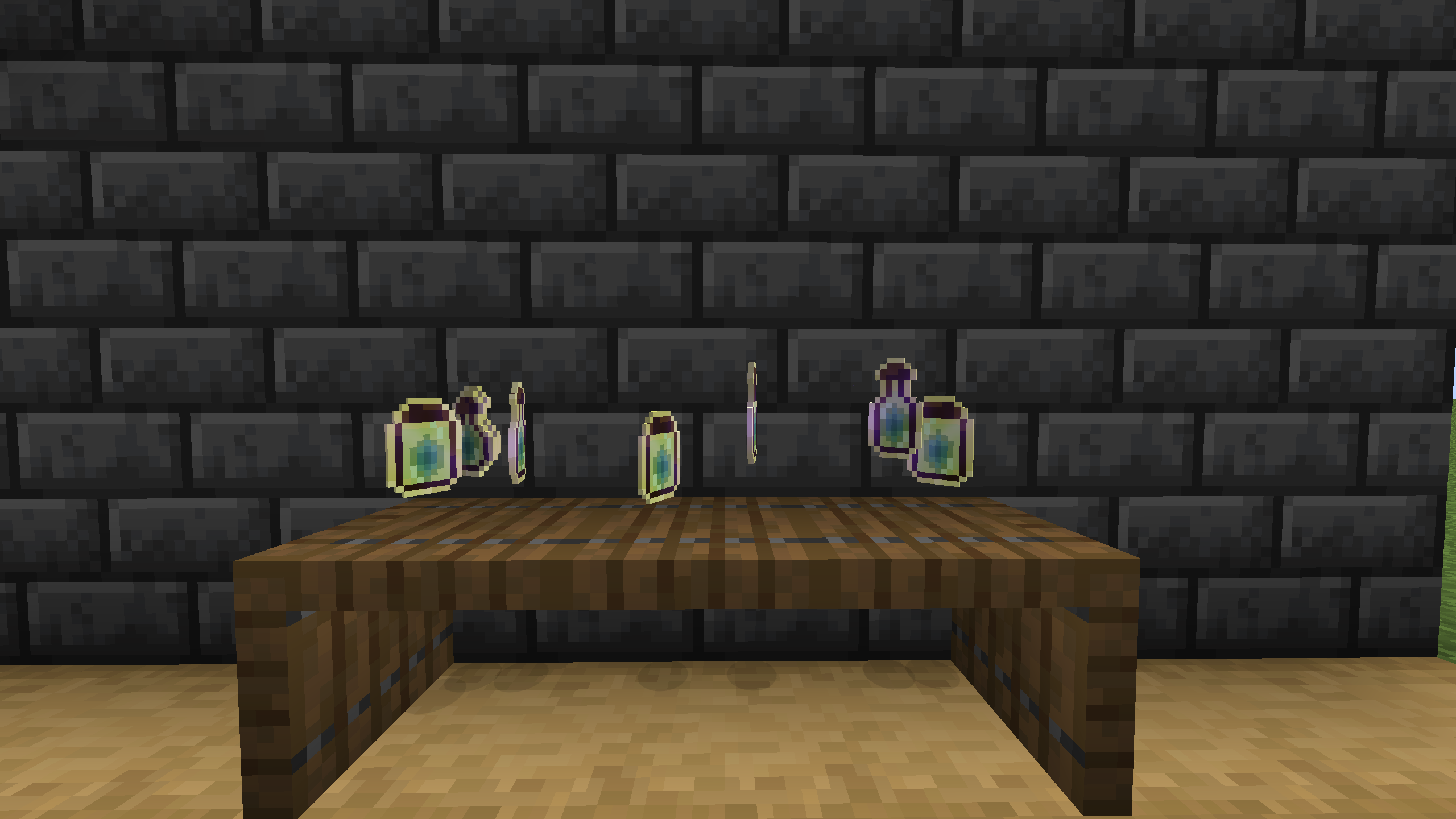
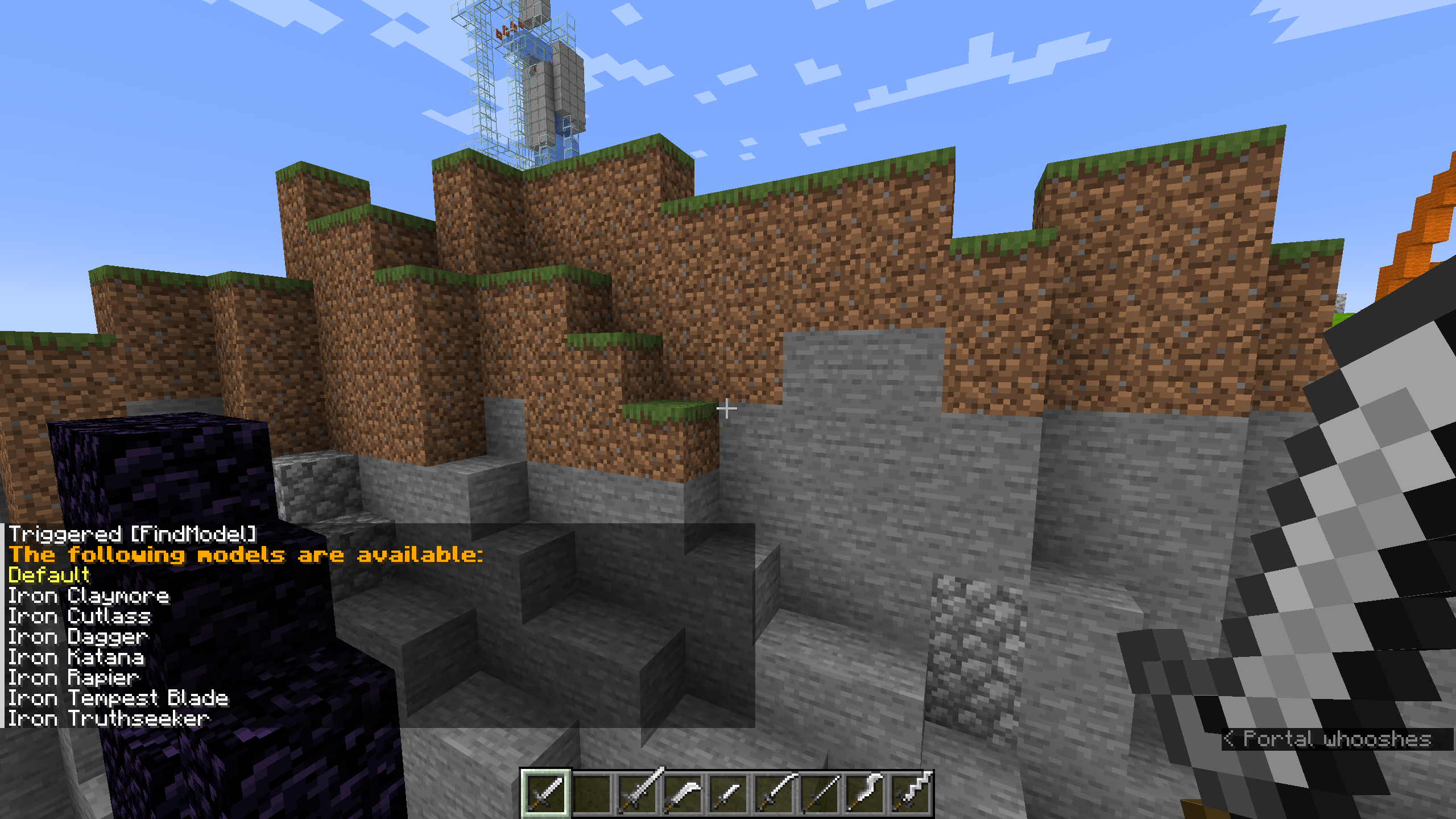
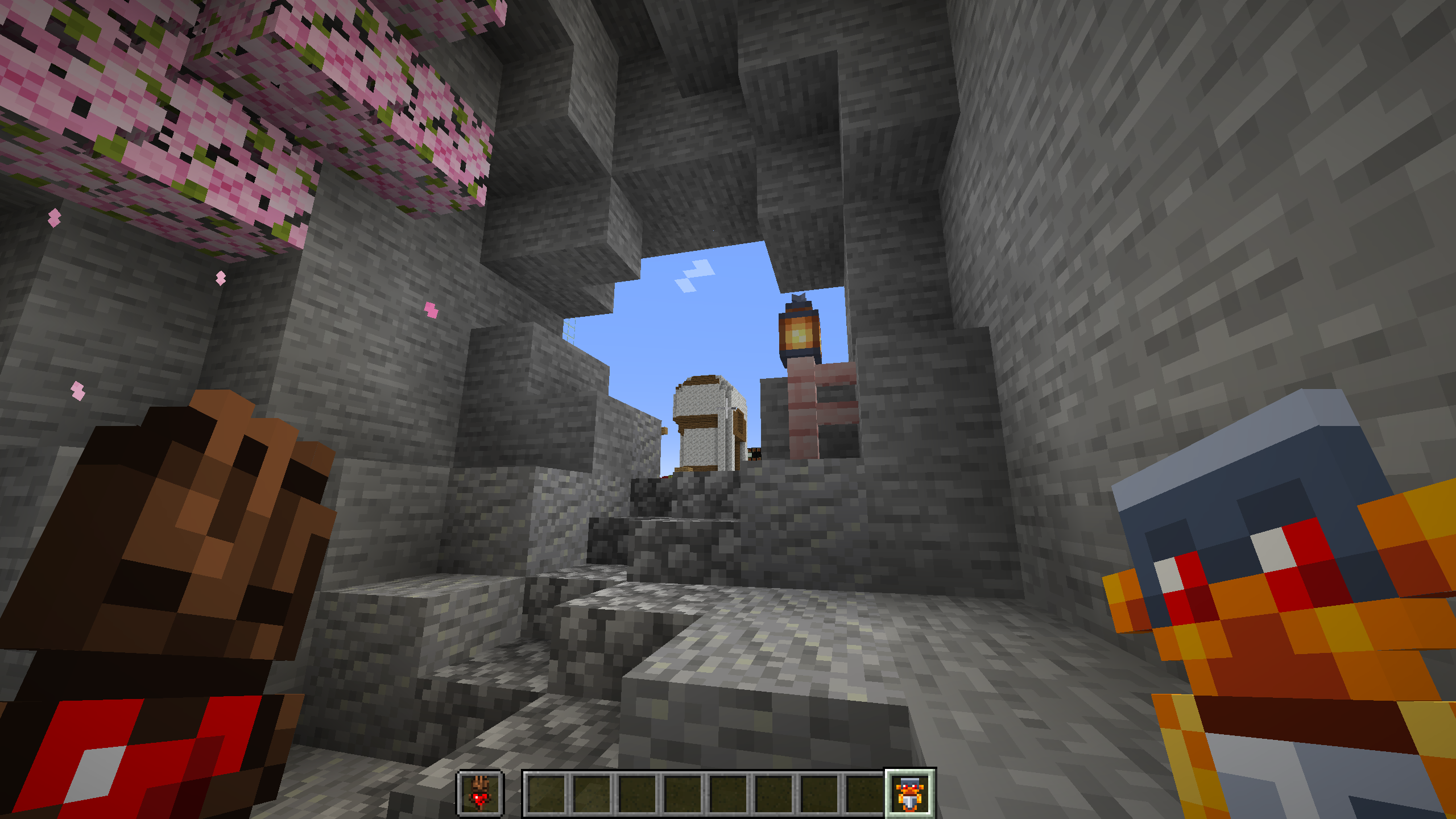
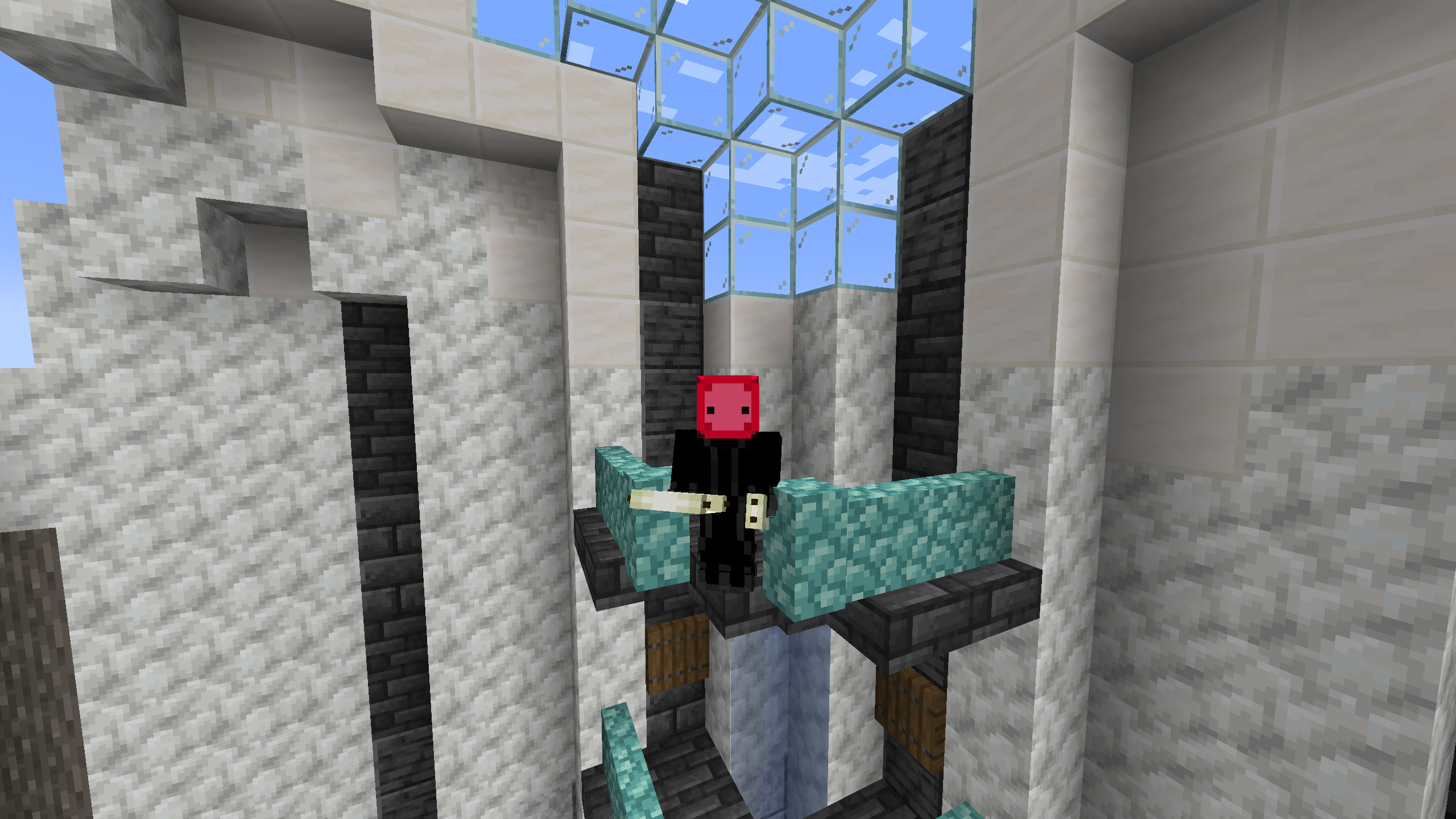
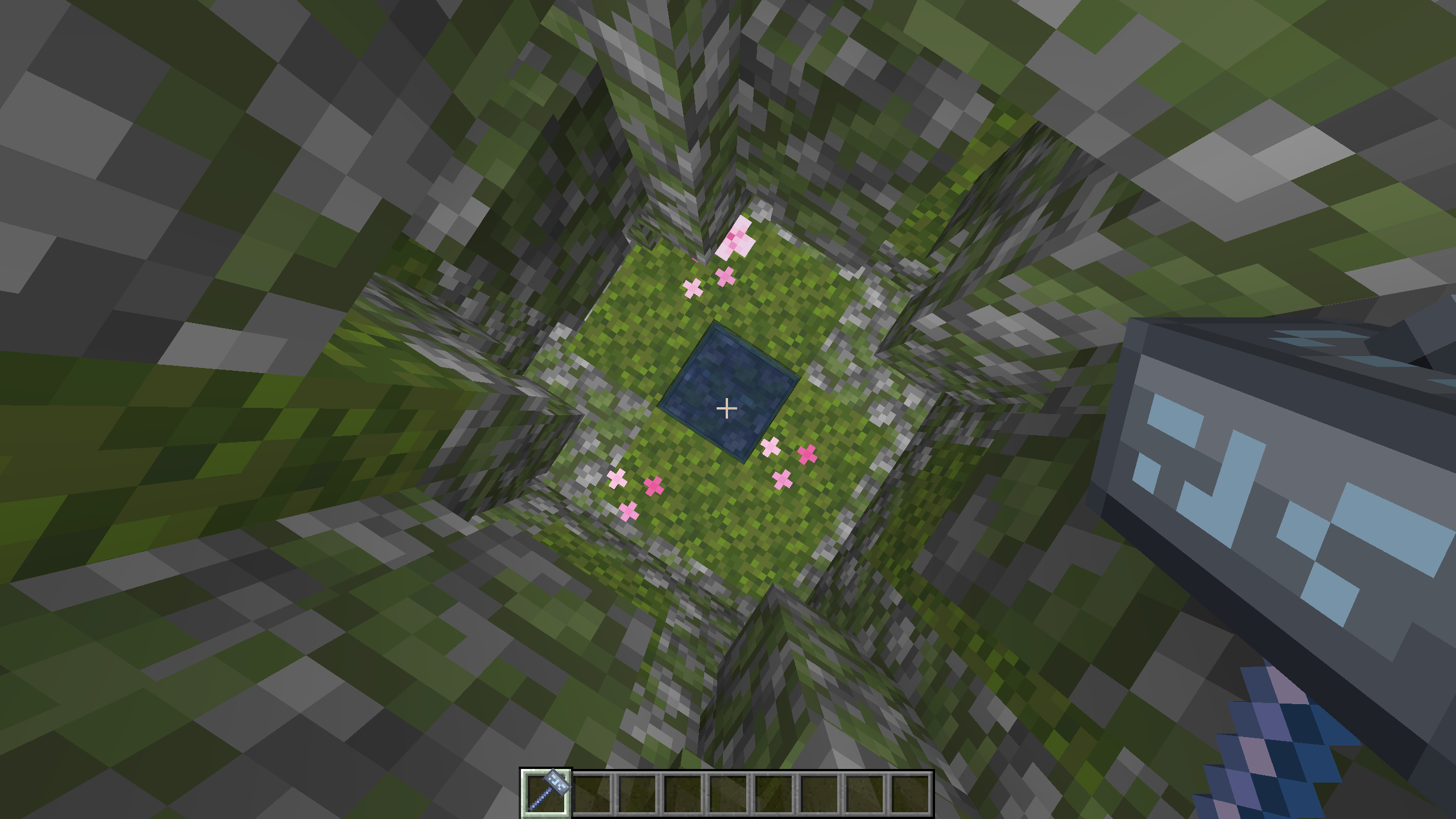
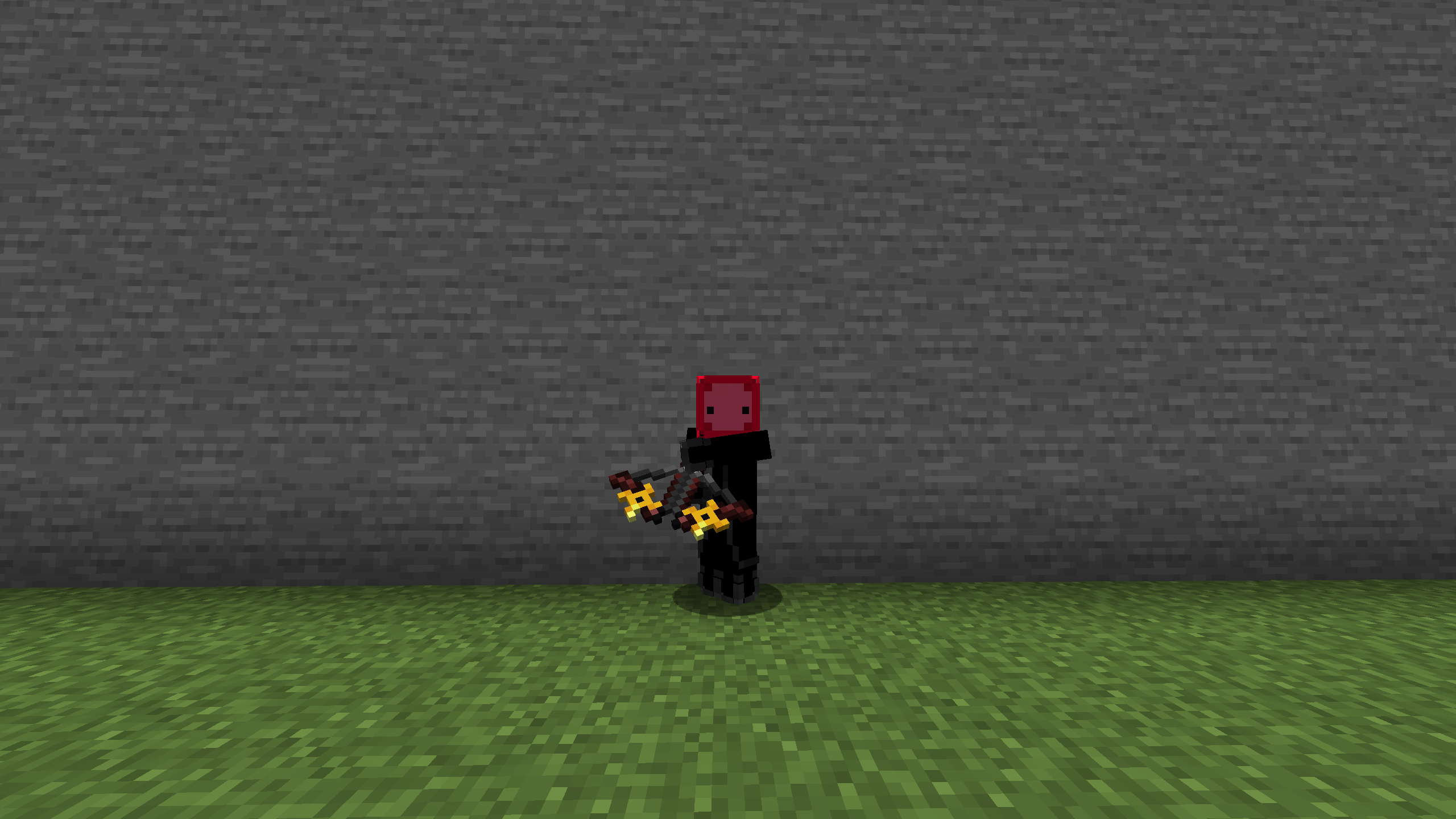
介绍
This data pack adds the ability to change the appearance of items!
#
For all players:
To find and apply a model, run the command:
/trigger FindModelin order to search the built-in database of models for ones that may be applied to your item! Then, click on the name of the model which you wish to apply!
Applying a model cost one level in survival and zero in creative.
Additionally, there is a special “Default” option. This will remove the model applied to the item.
Selecting the “Default” option does NOT cost any levels.
For operators:
To add a new model, perform the following actions:
Rename an item in an _anvil_. Items with custom name formatting will not work properly.
Ensure that the item has the desired item model applied.
Run the command:
/function para_item_model_applicator:add_modelwhile holding the item in your hand. The model will be added for that item.
To remove a model, perform the following actions:
First, find the model’s index (this can be done by applying a model and looking at the number reported),
Then run the command:
/function para_item_model_applicator:remove_model {index:[the index you found]}while replacing the text in brackets [] with the number reported by FindModel.
If you decide that you did not want to delete that model, run the command:
/function para_item_model_applicator:restore_modelBe warned, only the most recently deleted model can be restored! Assume that all models you delete will be gone for good!
To Update a Model:
Find the index of the model you wish to update (see remove model).
Hold an acceptable item (see add model).
Then run the command:
/function para_item_model_applicator:update_model {index:[the index you found]}This will OVERWRITE the old model. That means that the old model cannot be restored!
To remove all duplicate models:
Run the command:
/function para_item_model_applicator:remove_duplicatesThen wait until the process is done. It will take 1 second for every 20 models registered in the database. You will know that it has finished when the message “Models has removed duplicate entries” appears in chat. If this does not work, either: The model is not a true duplicate, or: You may need to increase these game rules:
/gamerule maxCommandChainLength
/gamerule maxCommandForkLength
NOTES:
This data pack will attempt to load a database of all models available in the provided resource pack. If you wish to disable these models, you can remove all models by running the command:
/data remove storage para_item_model_applicator:storageafter which all models will be removed and you will be able to start afresh.
Warning with crafting: using the netherite smithing template on an item will replace its model. This is purposeful – otherwise, a model for a diamond sword would still be diamond on the netherite sword. Simply apply a new model.
The way that this has to be done (because of minecraft’s crafting recipe system) is that it has to apply a different model first. Please use the resource pack’s “smithingreplace” information otherwise missing textures will appear. Holding an item in your mainhand will reset it to the default model after this, and then you will be good to go.
“But what if I don’t want players replacing the model on my custom item?”
Don’t worry! Any item with the custom data component “lock_model” will report that the model cannot be changed by this pack. For examples, see my Tomes datapack.
“Are there any plans for more models?”
Absolutely! First I need to make models for all of the bundle colors, because currently only the default bundle has any available. Then I’m hoping to move on to foodstuffs.
All models and textures were made by me. Many are directly inspired by minecraft dungeons, minecraft legends, and some by hermitcraft. I did not rip any models or textures from other packs, and tried to use vanilla coloring for each texture, so some may not match the dungeons/legends textures perfectly.
常见问题
Item Model Applicator 支持哪些 Minecraft 版本?
Item Model Applicator 支持 Minecraft Java 版 1.21.4。下载时注意选择和你游戏版本一致的文件。
Item Model Applicator 怎么安装?
新建世界时在「数据包」里把下载的 .zip 拖进去;已有的存档,把文件放进存档目录下的 datapacks 文件夹,进游戏输入 /reload 即可生效。服务器同样放在世界目录的 datapacks 里。
Paradoc 的其他作品
查看全部 →
Paradoc’s Analog Clock
Analog Clock Resource Pack

Paradoc’s Tomes
A Datapack providing some basic tomes for Minecraft.

Paradoc’s Caution Pack
Adds some caution tape to your game.

Paradoc’s Seat Cushions
Seat cushions for Minecraft!
评论
登录后评论和评分