截图
介绍
中文介绍正在准备中,下面暂时显示原文。
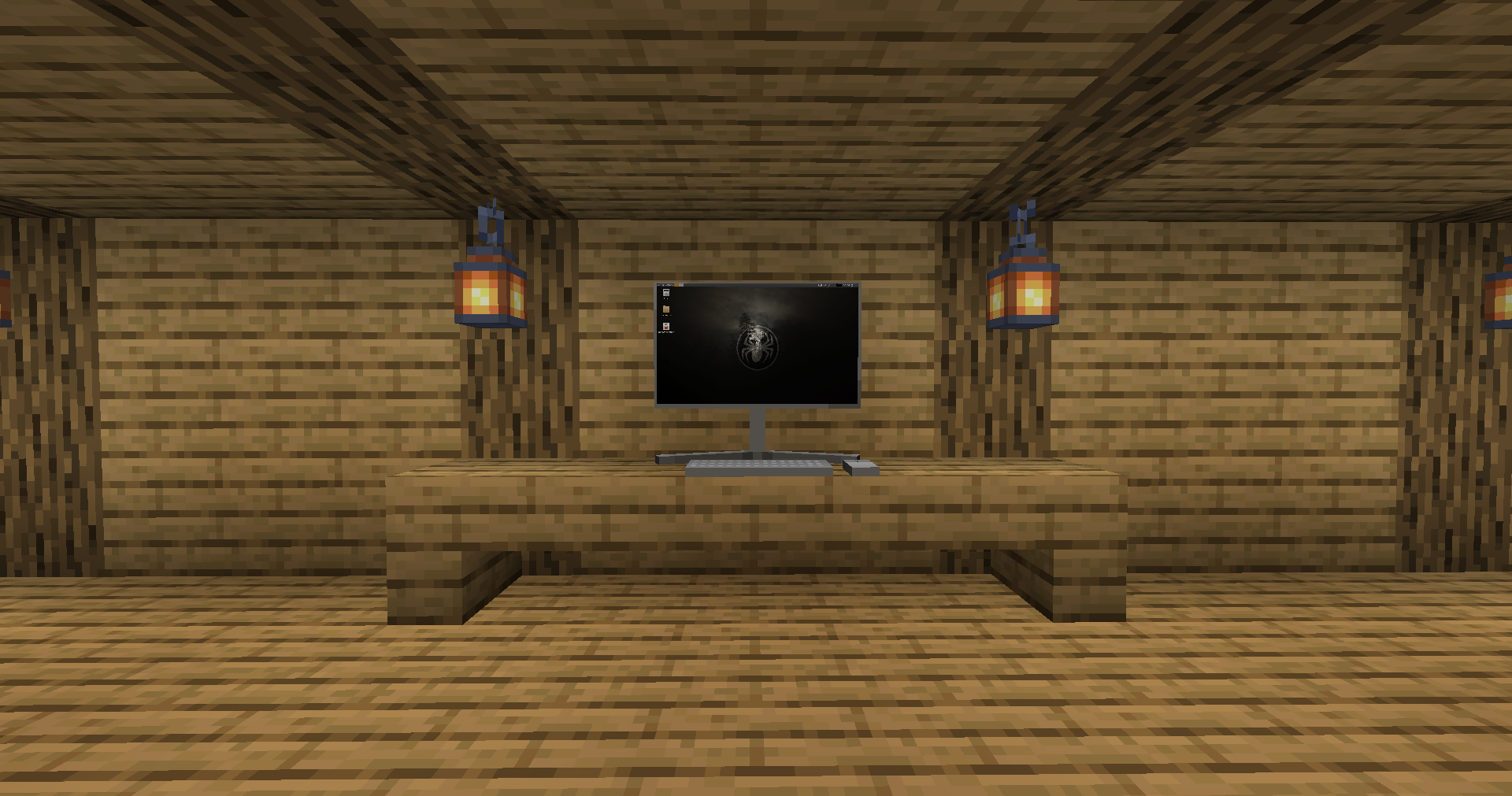
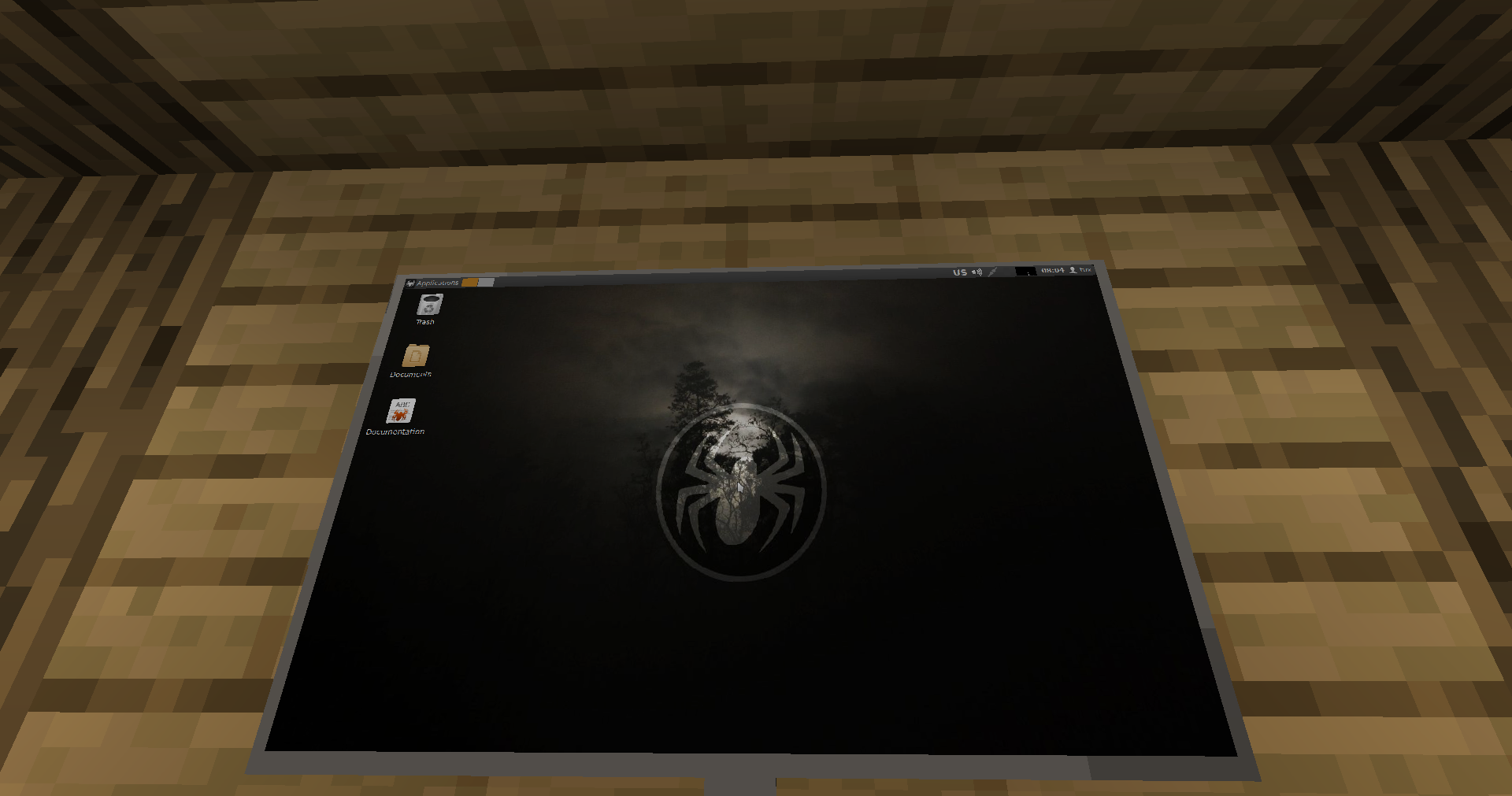
craftcompute
features:
- realistic computers using actual VMs
- an actual linux distro (meaning you can do almost anything)
- nativly accelerated VMs
- persistent instance storage
blocks and items:
- block – computer (the actual computer)
- block – monitor (linkable to computer, currently just display clone works)
- block – flatscreen (like monitor, but flat on wall)
- item – thumbdrive (to store data)
- item – linker (to link stuff to computer)
- item – screwdriver (to configure and move around monitors and flatscreens)
why would i want to download craftcompute?
- if you want realistic, VM based, fast, native computers inside of minecraft
warnings:
- it is recommended to be used on a debian bases system and has not yet been tested on any other
- there will be prompts asking for admin authentication, this is normal and just needed for installing and setting up the VM environment (qemu, libvirt)
- the contained operating system is not monitored, controlled or censored, you are able to visit sensitive content
常见问题
craftcompute 支持哪些 Minecraft 版本?
craftcompute 支持 Minecraft Java 版 1.21–26.1.2,共 15 个版本,可用的加载器:NeoForge。下载时注意选择和你游戏版本一致的文件。
craftcompute 怎么安装?
先用 PCL2 或 HMCL 启动器安装对应版本的 NeoForge,再把下载的 .jar 文件放进游戏目录的 mods 文件夹,重新启动游戏即可。开启了版本隔离的,mods 文件夹在 versions/版本名 下面。运行环境:客户端和服务端都要装。
HEXAGON 的其他作品
查看全部 →
The ARG Container
by Glitchy_404, HEXAGON 等
A Minecraft mod that adds content from various Minecraft ARGs and webseries
1.4万
6 个月前
Modrinth

ch: BOOM!
by HEXAGON
addon for cosmic horizons
1,567
1 年前
Modrinth

minecord
by nextlevel modding
adds discord chat engine to minecraft
385
1 年前
Modrinth

THE OTHERSIDE
by nextlevel modding
a bit of another horror mod
371
1 年前
Modrinth
评论
登录后评论和评分