
Toggle Resource Pack
作者:hanilr
A Minecraft mod that lets you toggle resource packs On/Off with keybinds. No more digging through the vanilla resource pack menu every time you want to switch packs.
截图
介绍
中文介绍正在准备中,下面暂时显示原文。

A Minecraft mod that lets you toggle resource packs on/off with keybinds. No more digging through the vanilla resource pack menu every time you want to switch packs!
Features
- 32 assignable slots — bind a resource pack to any slot and toggle it with a key press
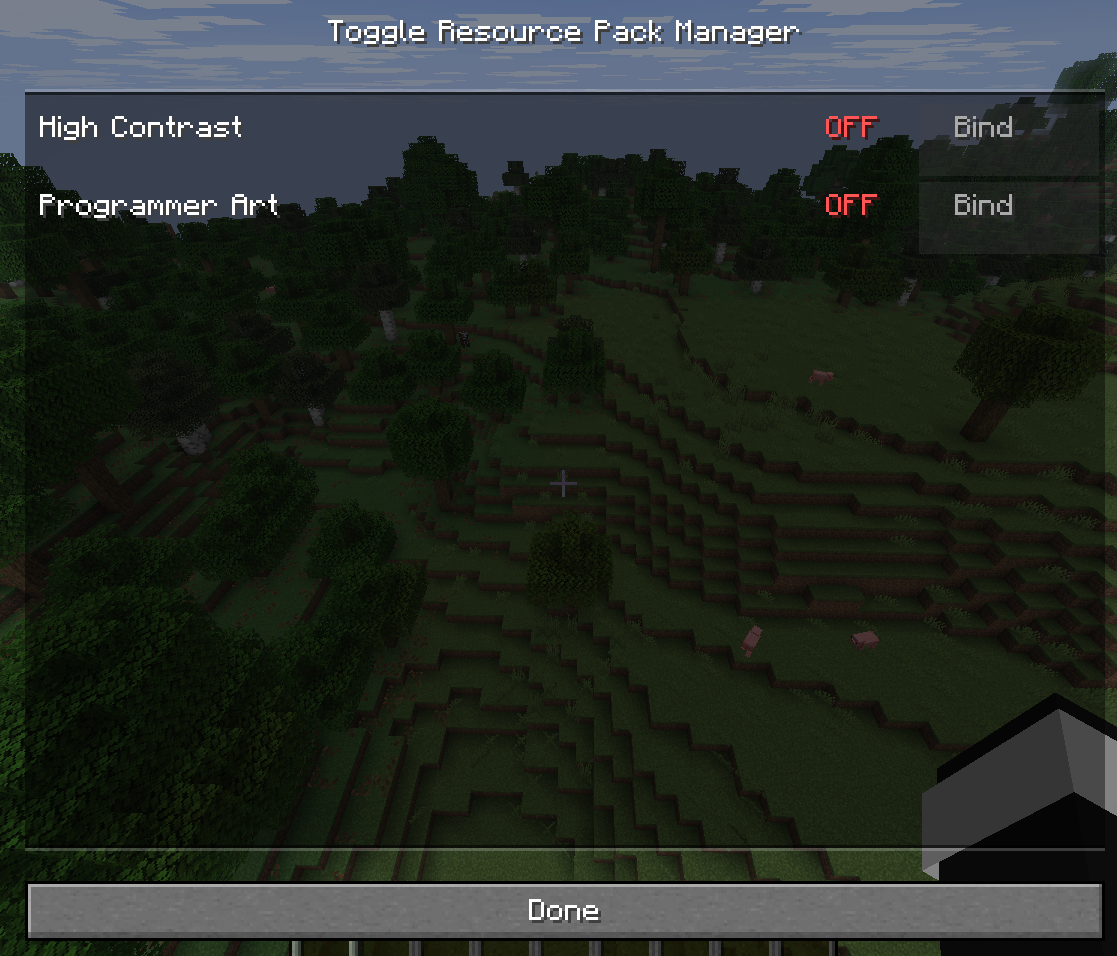
- In-game GUI — manage all bindings, see which packs are ON/OFF, which slot they occupy
- Keybind-driven — toggle any bound pack without opening the GUI
- Add New Binding — auto-assigns the first unbound pack to the first free slot
- Persistent configuration — bindings survive restarts (JSON)
- ModMenu integration — optional config screen button in the mod list
Installation:
- Install Fabric Loader 0.19.x+ for Minecraft 26.2
- Install Fabric API 0.153.x+ in your mods/ folder
- Place the built JAR in your mods/ folder
- Launch the game
Usage
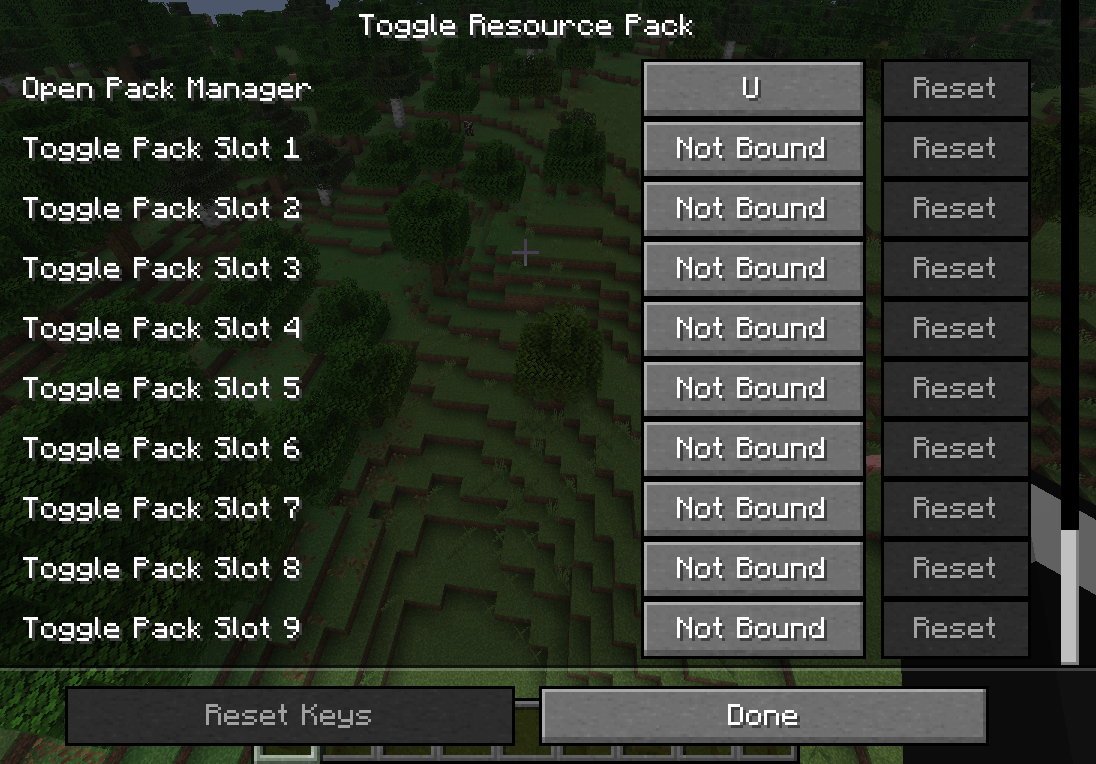
- Press U (default) to open the GUI — rebindable in Controls menu
In the GUI:
- Click Bind on an unbound pack to assign it to the first free slot
- Click ON/OFF to toggle the pack
- Click ✕ (red) to unbind the pack from its slot
- Click Add New Binding to auto-assign the first unbound pack to the first free slot
- Press the key assigned to a slot to toggle that pack without opening the GUI
- Alternatively, open the mod’s config screen from ModMenu (click the gear icon next to the mod in the mod list).
Keybinds
Slot keybinds appear in Controls as key.toggle-resource-pack.slot.X (X = 0–31).
None are bound by default — you must assign keys yourself.
The GUI key defaults to U (unbound).
常见问题
Toggle Resource Pack 支持哪些 Minecraft 版本?
Toggle Resource Pack 支持 Minecraft Java 版 26.2–26.3,共 2 个版本,可用的加载器:Fabric。下载时注意选择和你游戏版本一致的文件。
Toggle Resource Pack 怎么安装?
先用 PCL2 或 HMCL 启动器安装对应版本的 Fabric,再把下载的 .jar 文件放进游戏目录的 mods 文件夹,重新启动游戏即可。开启了版本隔离的,mods 文件夹在 versions/版本名 下面。运行环境:仅客户端。

评论
登录后评论和评分