
Mapbook
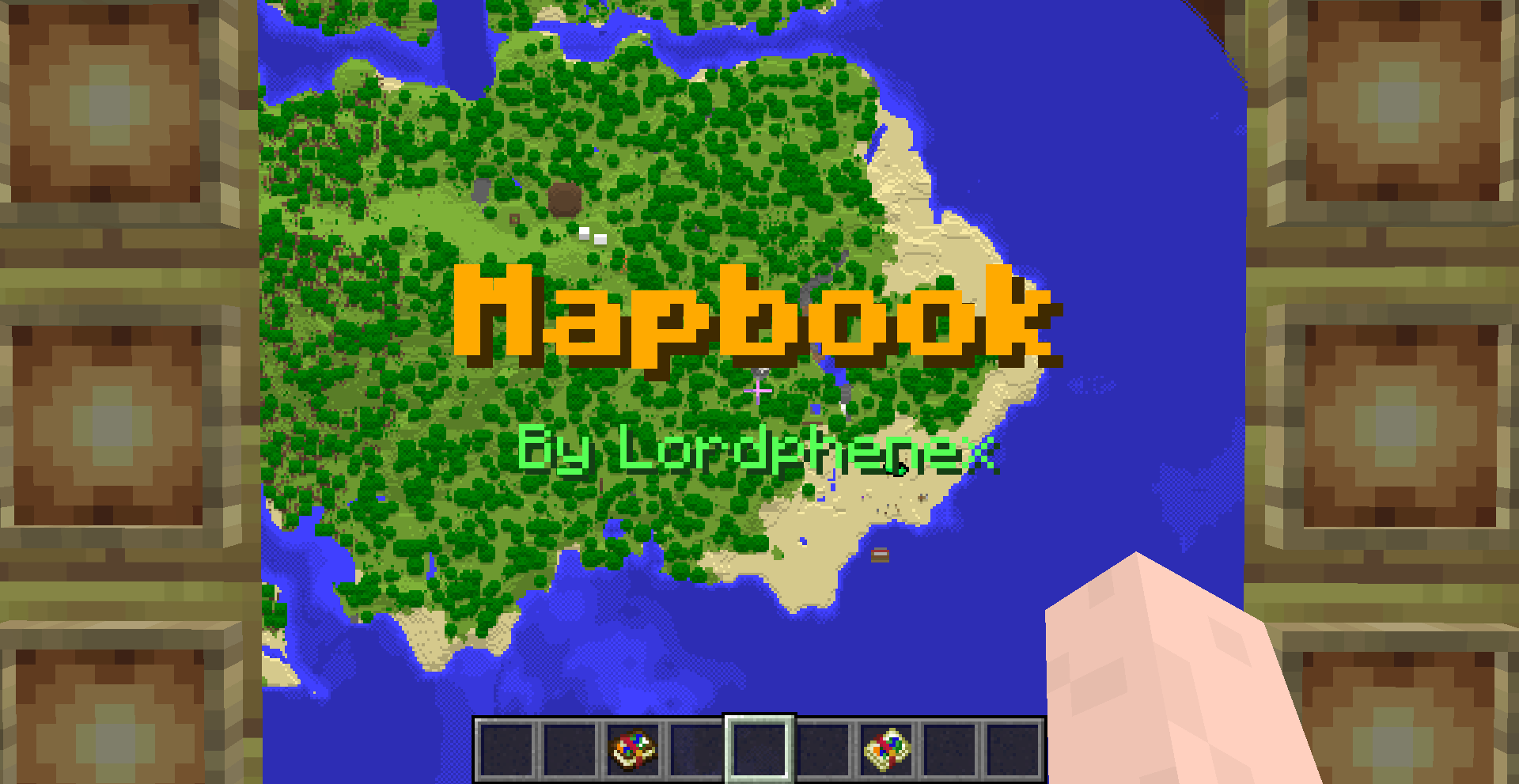
This datapack adds 2 vanilla like items related to maps : the map book which stores maps in bulk and the map atlas which keeps your maps organized, allowing you to travel your world with ease.
截图
介绍
This pack adds 2 new items related to maps :
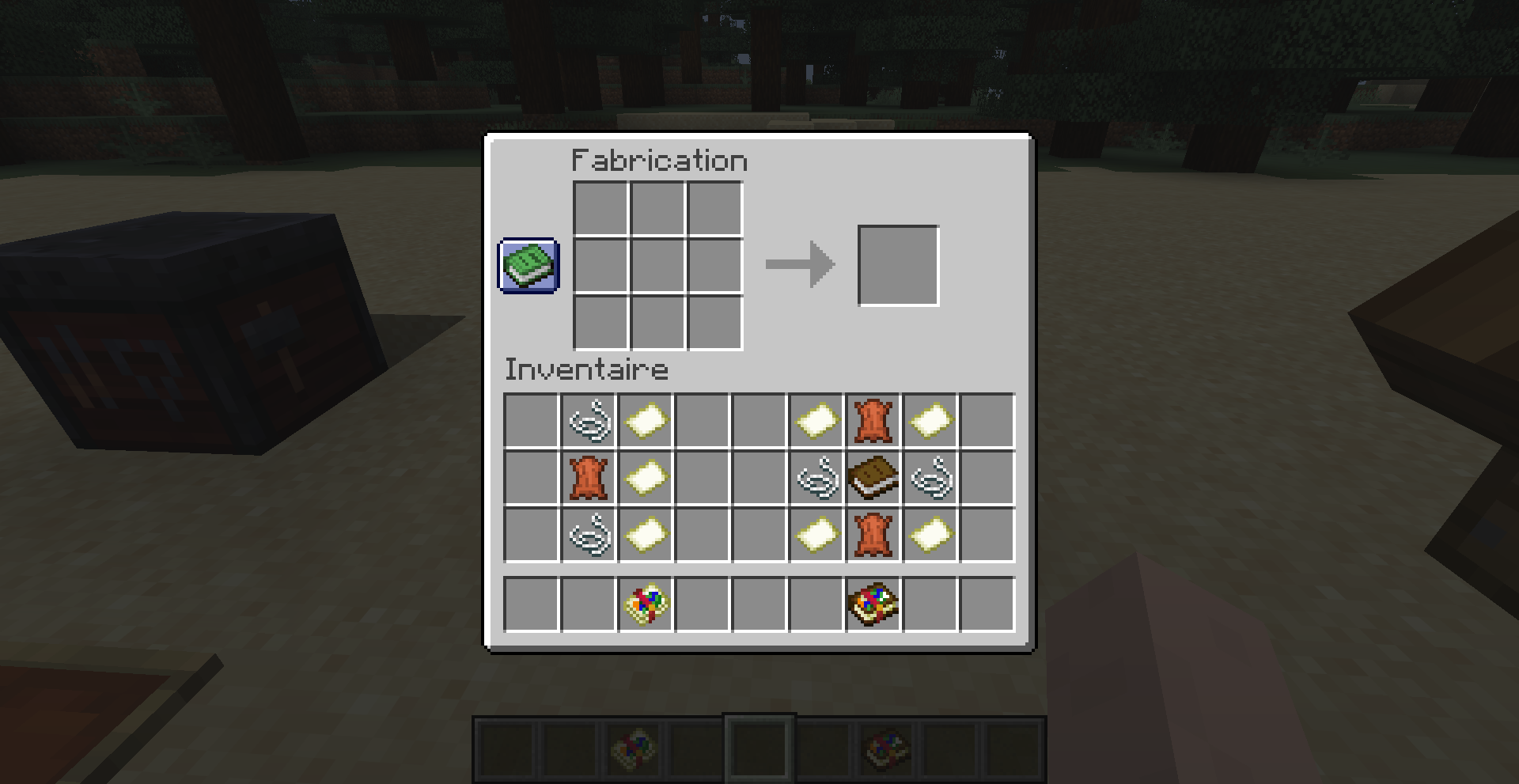
- The map book : it can store up to 32 maps in a single inventory slot. It is crafted with 2 strings, 1 leather piece and 3 empty maps.
Maps picked up while holding the map book in the mainhand are automatically put inside it.
Active map can be changed by using sneak+swap key while holding map book in mainhand.
Active map can be dropped by using the drop key.
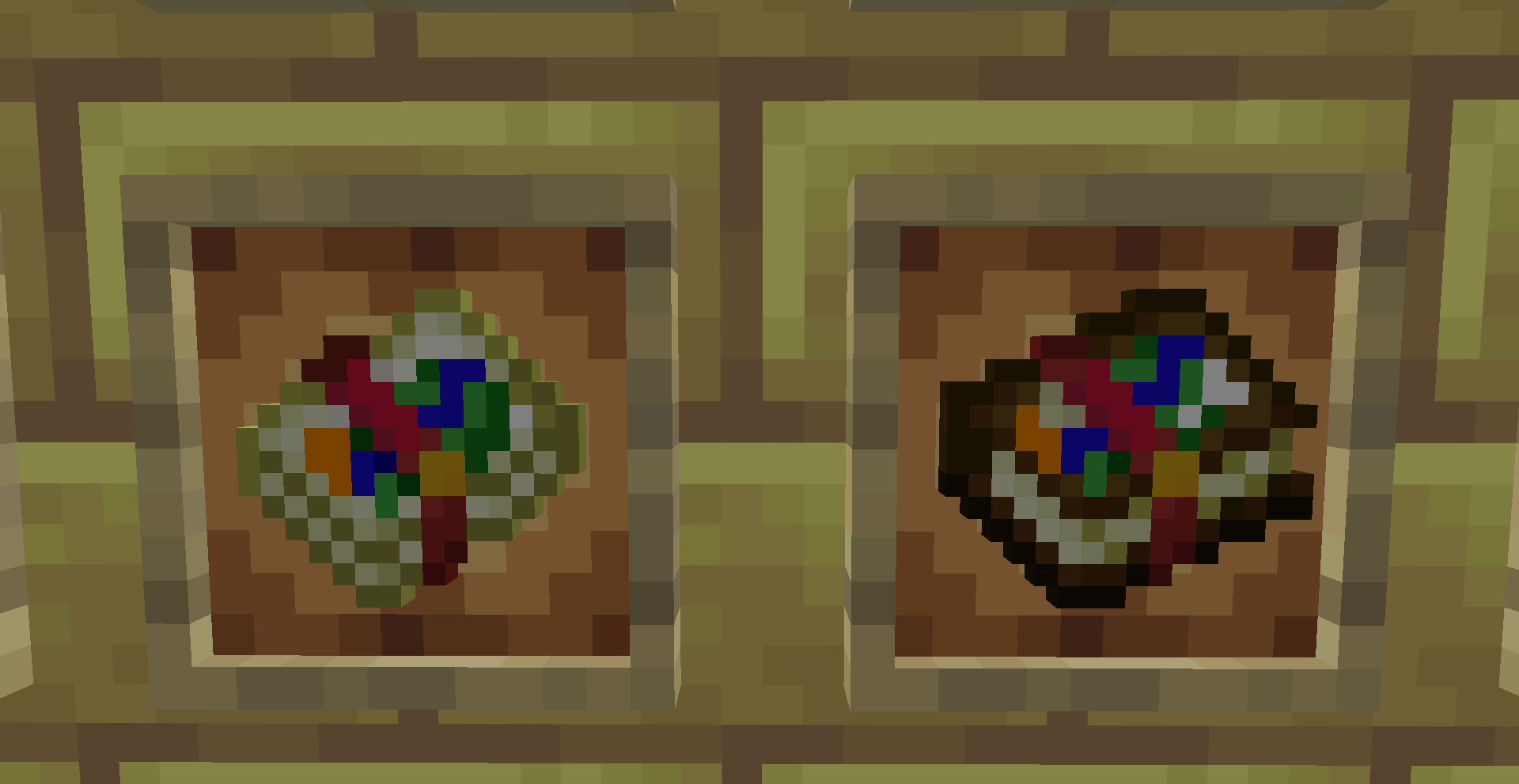
The active map can be put inside item frames directly.
_Map book are perfectly fit for carrying unrelated maps such as different explorer maps_
- The map atlas : it is crafted with 2 leather pieces, a book, 2 strings and 4 empty maps. They are only available from MC 1.21.2+.
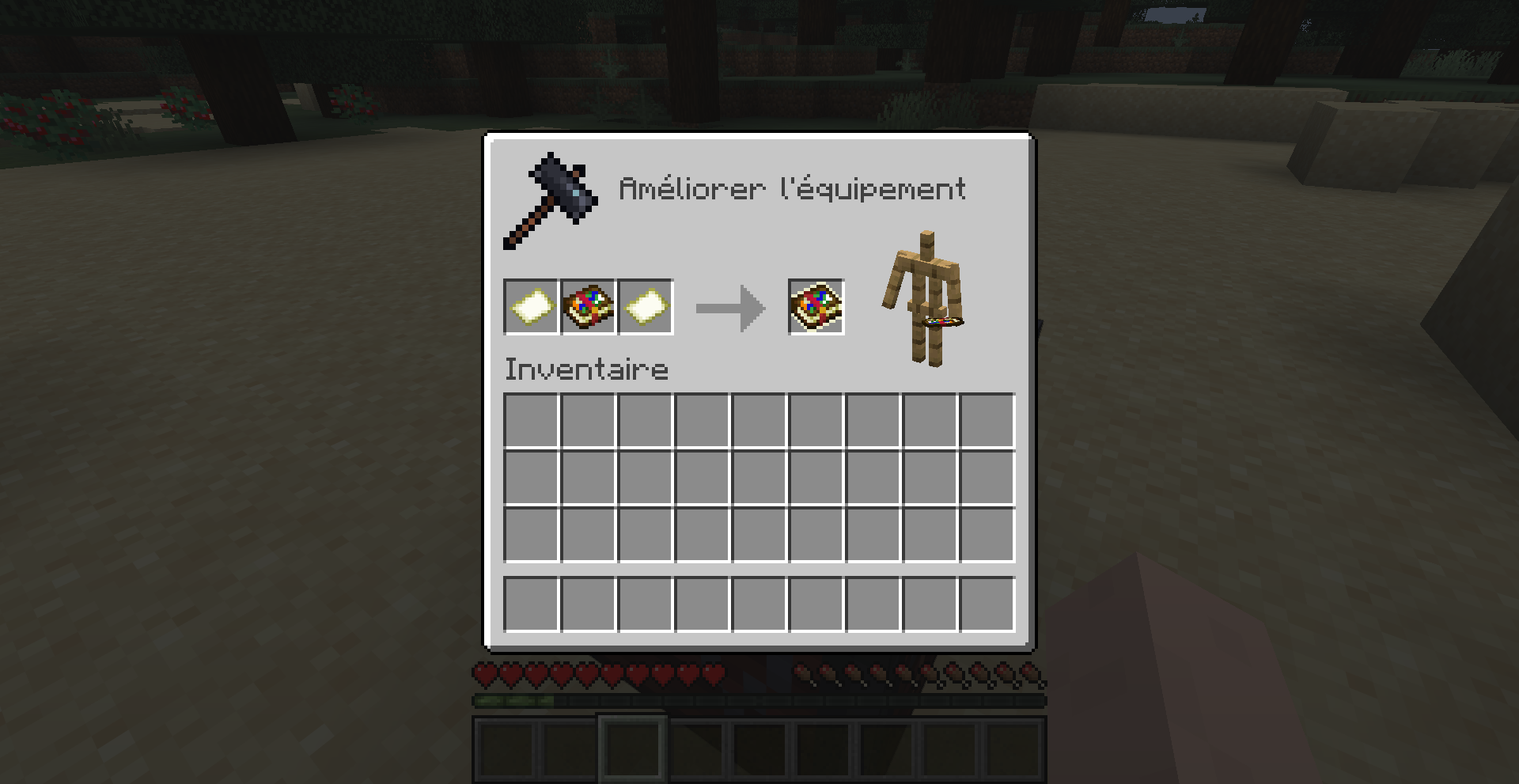
When crafted, it can only hold up to 2 by 2 maps but this can be increased by putting it into a smithing table and surrounding it with 2 empty maps, up to a 16 by 16 maps.
The atlas can be navigated by interacting with it and using movement keys (wasd by default). When standing still, front key will move the atlas one map north, left key one map west, and so on. While moving, atlas will move in the direction the user is facing.
Maps can be added or removed from the atlas by interacting with it and pressing the sneak key.
Atlas can be displayed in an item frame array by sneaking+putting the atlas in a empty frame. By doing so, the atlas will try to put all the maps it can inside the array. Displayed maps can be put inside atlas by sneak+interacting with a map-filled item frame. This allows for easy display of your world map.
_Map atlas are perfectly fit for exploring and mapping your world_
常见问题
Mapbook 支持哪些 Minecraft 版本?
Mapbook 支持 Minecraft Java 版 1.20.6–26.2,共 17 个版本,可用的加载器:Fabric / Forge / NeoForge / Quilt。下载时注意选择和你游戏版本一致的文件。
Mapbook 怎么安装?
新建世界时在「数据包」里把下载的 .zip 拖进去;已有的存档,把文件放进存档目录下的 datapacks 文件夹,进游戏输入 /reload 即可生效。服务器同样放在世界目录的 datapacks 里。
Lordphenex 的其他作品
查看全部 →
Mailbox
Add mailboxes to your world to easily communicate with your friends
Mailbox
Add mailboxes to your world to easily communicate with your friends

Lordphenex Bee Tooltip
A small datapack to display beehive and bee nest contents in their tooltip

Lordphenex Spawner Pickaxe
Get your hands on a powerful but fragile pickaxe which can be used to move spawners around
评论
登录后评论和评分