
MAKE YOUR BUILDING LIMIT UP
Think Minecraft doesn't have enough building space? Want to build taller buildings? Try our data pack and you can increase the building limit up to 4064 blocks!!
截图
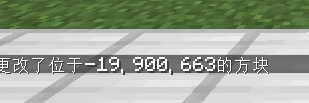
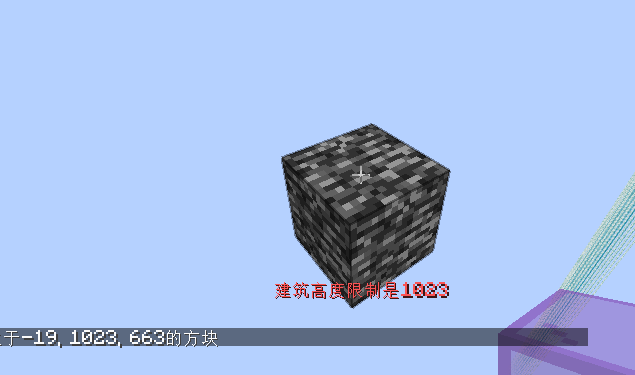
介绍
MAKE YOUR BUILDING LIMIT UP
_Think Minecraft doesn’t have enough building space? Want to build taller buildings? Try our data pack and you can increase the building limit up to 4064 blocks!!_
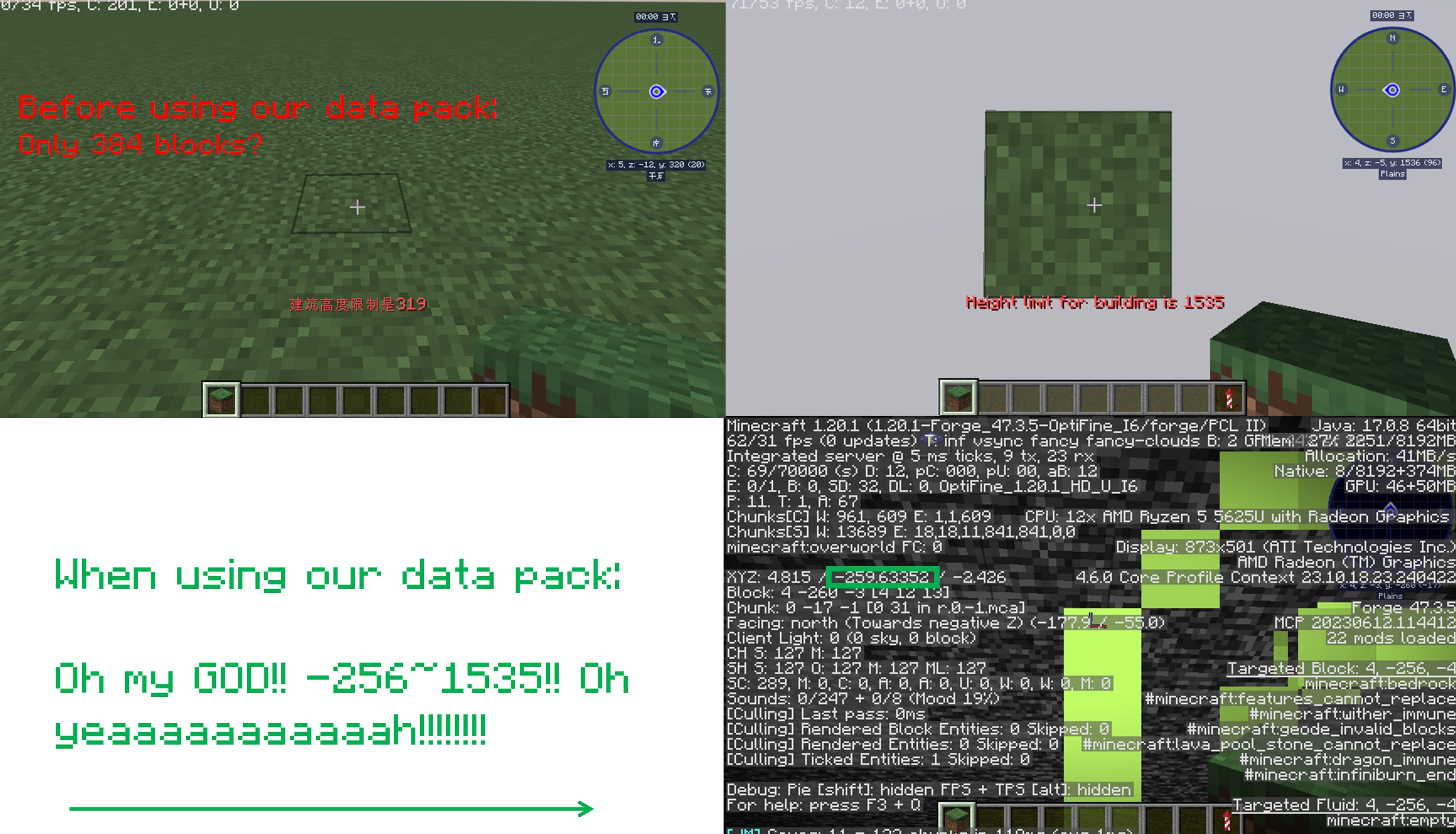
How to install it?
You may need to create your game world before install the data pack
1.Open your game folder(“.minecraft”)
If you use version isolation:
2.Open your “versions” folder
3.Choose your version
4.Open your “saves” folder
5.Choose your save
6.Open your “datapacks” folder
7.Put our data pack in the folder
If you Don’t use version isolation
2.Open your “saves” folder
3.Choose your save
4.Open your “datapacks” folder
5.Put our data pack in the folder
PLEASE PAY ATTENTION!! This datapack may affect the normal operation of other mods

_This is a DATAPACK! Please put it in the “datapacks” folder in your saves folder_
NOT THE “recoursepacks” FOLDER
常见问题
MAKE YOUR BUILDING LIMIT UP 支持哪些 Minecraft 版本?
MAKE YOUR BUILDING LIMIT UP 支持 Minecraft Java 版 1.17–1.21.9,共 27 个版本。下载时注意选择和你游戏版本一致的文件。
MAKE YOUR BUILDING LIMIT UP 怎么安装?
新建世界时在「数据包」里把下载的 .zip 拖进去;已有的存档,把文件放进存档目录下的 datapacks 文件夹,进游戏输入 /reload 即可生效。服务器同样放在世界目录的 datapacks 里。

评论
登录后评论和评分